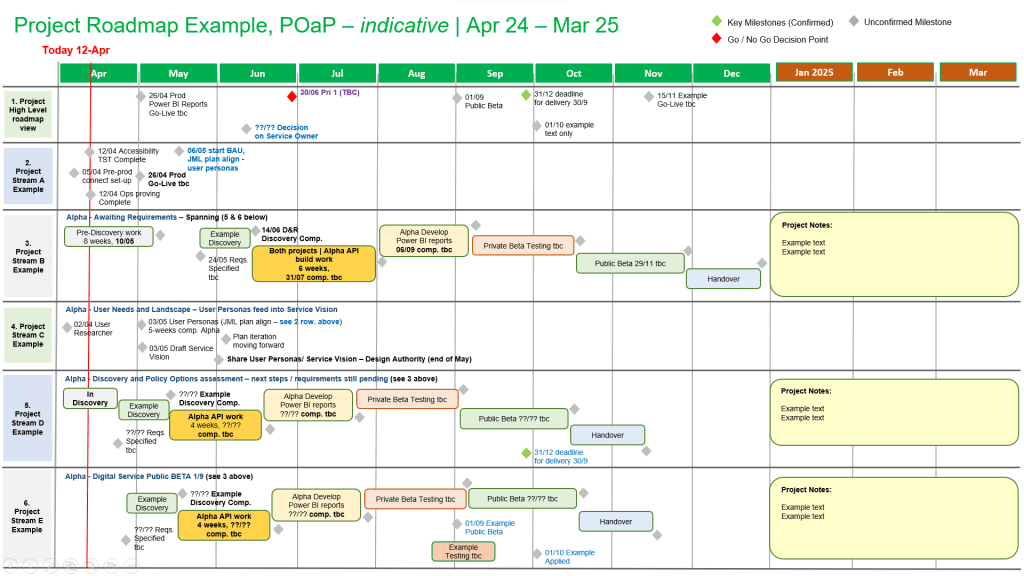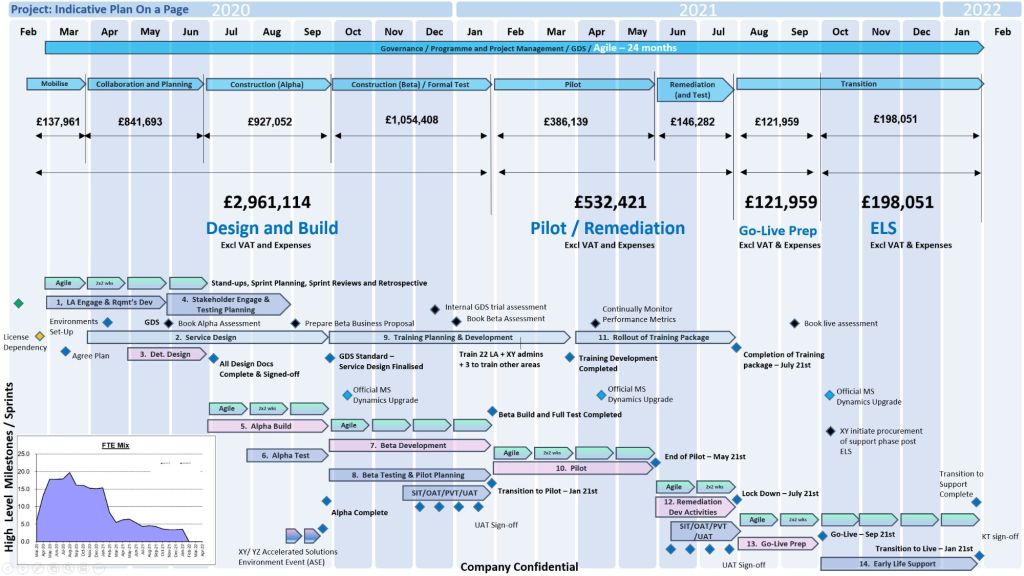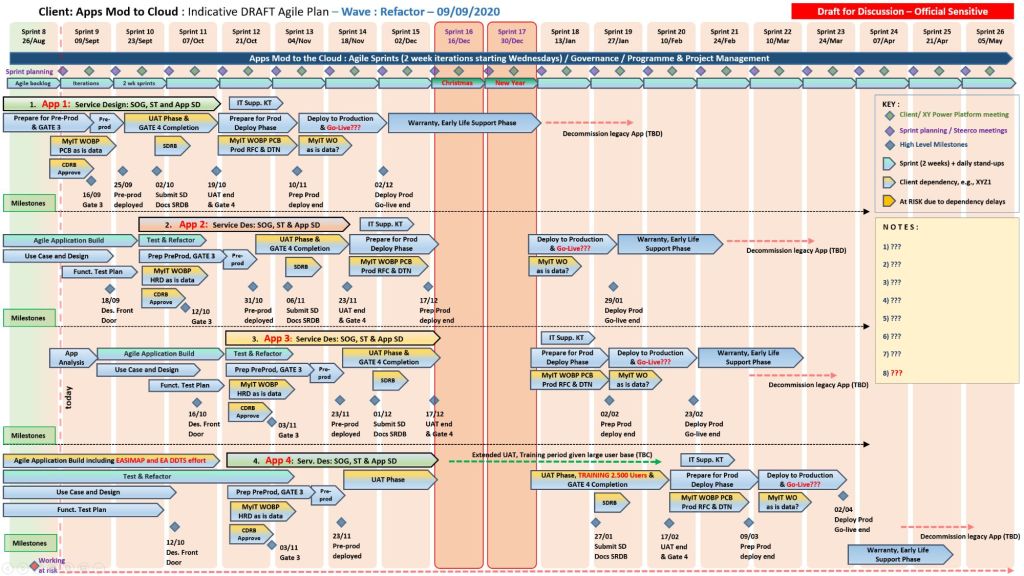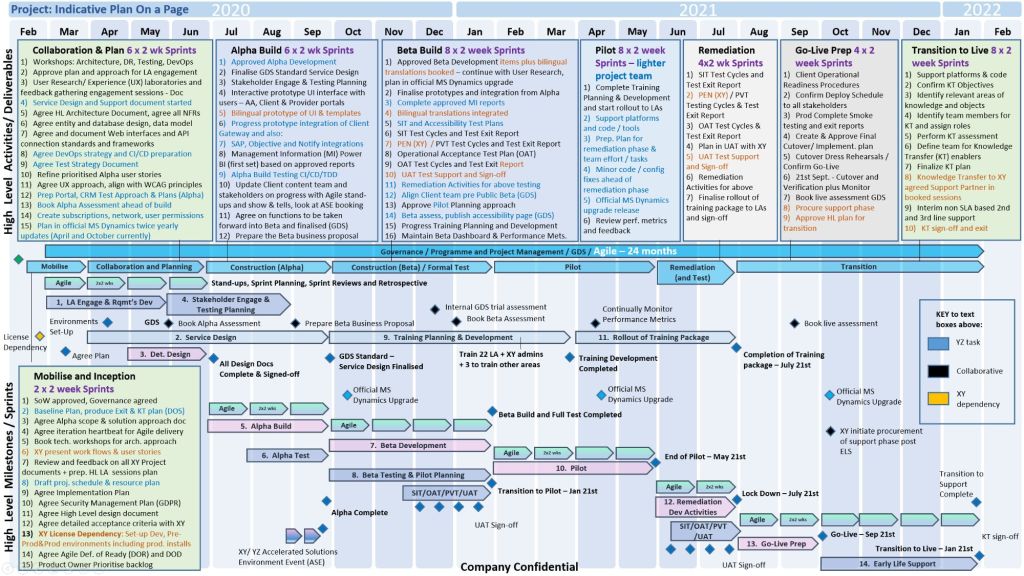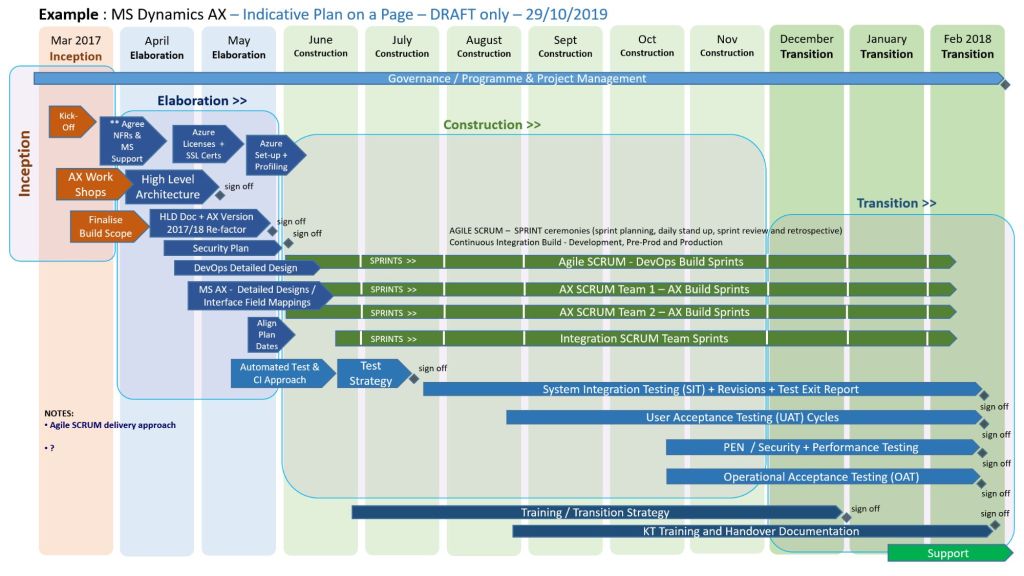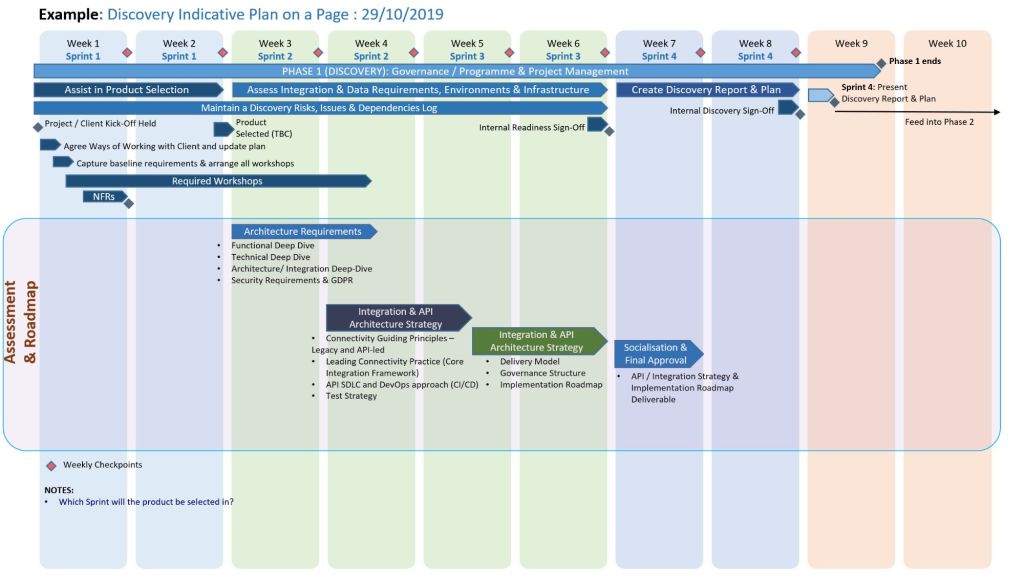
Project Plan on a Page (POAP) is a Concise, Visual Summary of a Project

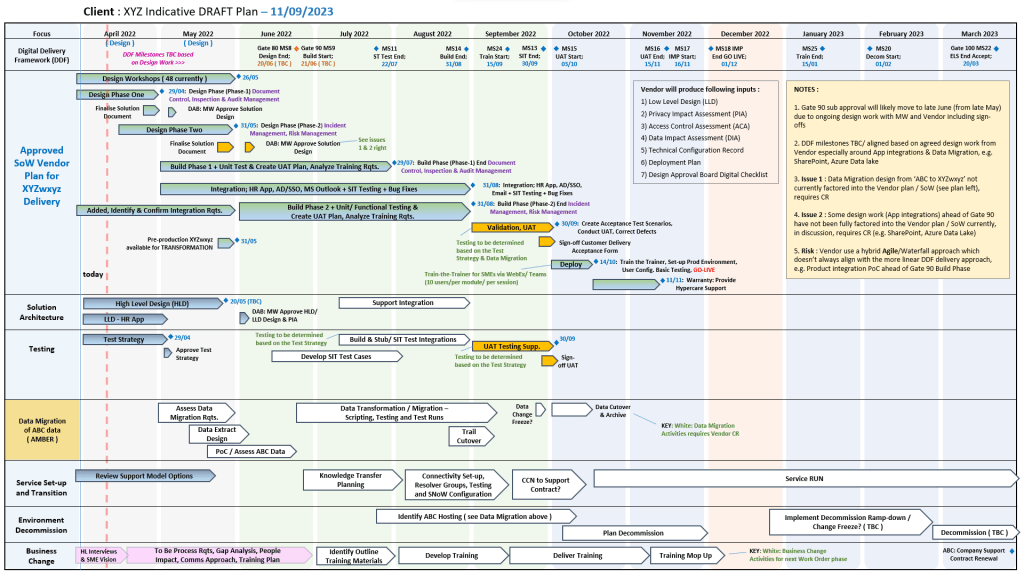
A Project Plan on a Page (POAP) is a concise, visual summary of a project’s objectives, timeline, milestones, and risks. Its primary purpose is to provide an instant, high-level overview for stakeholders and executives, ensuring alignment without overwhelming them with low-level details.

3. Project Plan on a Page (POAP) is a Concise, Visual Summary of a Project
4. Project Plan on a Page (POAP) is a Concise, Visual Summary of a Project
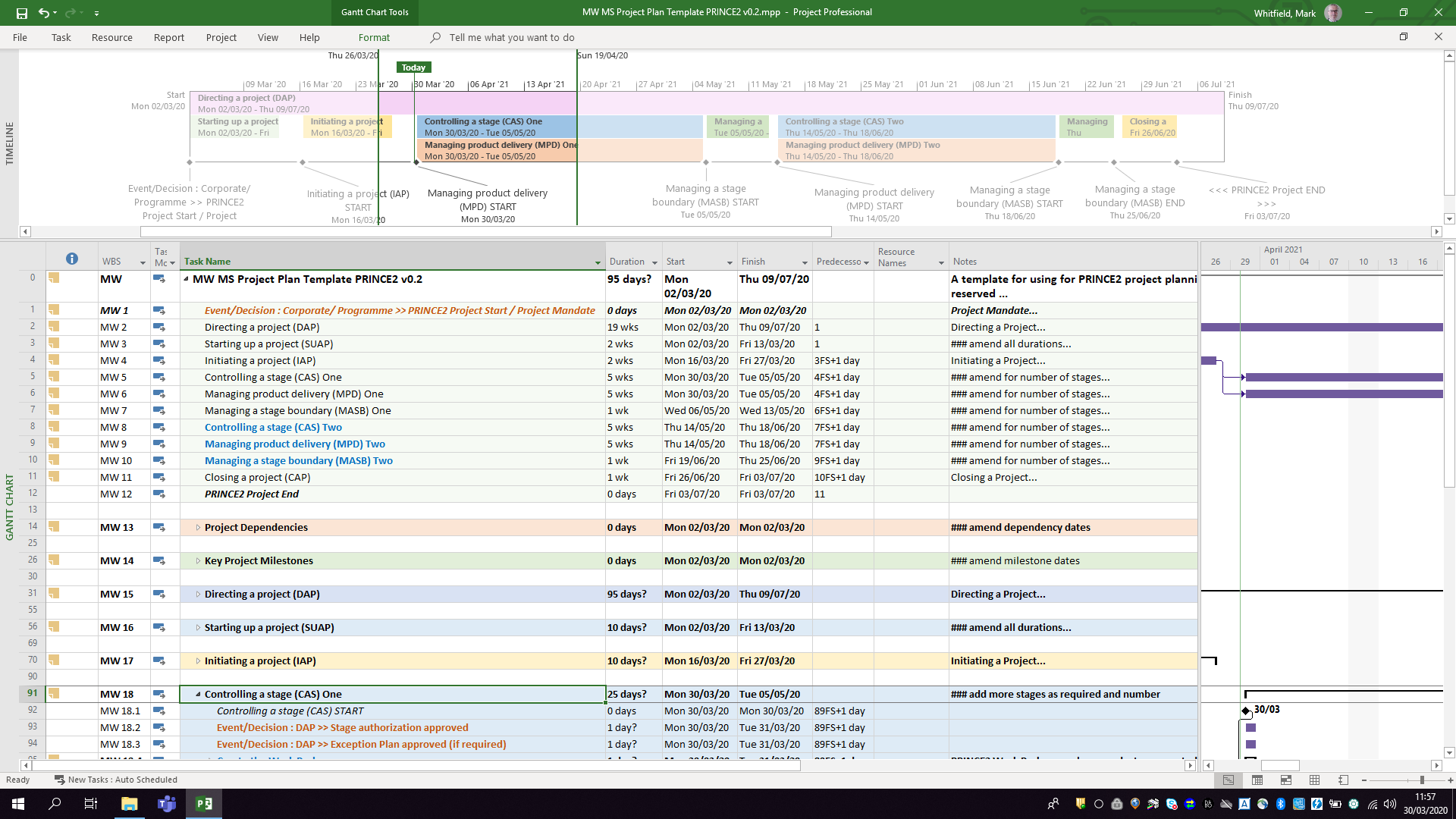
1. Project POAP by Mark Whitfield, Plan on a Page
Mark Whitfield POAP examples, 35+ in all

Best Structure for a POAP

An effective POAP eliminates excessive task lists in favor of a clean, scannable layout organized into these key sections:

  • Project Overview: Title, Project Manager, and the overarching “Why” or business objective.
  • Timeline & Milestones: A horizontal, time-phased bar chart mapping the project’s key phases (e.g., Initiation, Beta Launch, Go-Live).
  • Key Deliverables: 4 to 6 major outputs or goals required to consider the project a success.
  • Risks & Dependencies: Critical blockers or assumptions that require management attention.

Examples & Templates for Download

Because POAPs are highly visual, they are most effectively built in Excel (for data and dates) or PowerPoint (for visual presentation).

  • Excel/PowerPoint Templates: You can download ready-made POAP layouts via Titanium Consulting or Mark Whitfield Consulting to generate professional visual graphics.
  • Word/Spreadsheet Variations: For simpler initiatives, you can access the 1-page summary templates available through Smartsheet’s Project Plan Templates.
  • Automated Software: If you already track complex projects in MS Project, Excel, or Primavera, automation tools like SummaryPro can automatically ingest your detailed schedule and spit out an accurate POAP.

Mark Whitfield PM – Website & Blog focus areas

The blog posts by Mark Whitfield, a Senior IT Project and Engagement Manager, primarily focus on practical project management (PM) frameworks, methodology implementation, and digital delivery execution.

Mark Whitfield PM - Website and Blog focus areas

Hosted on his platform, PROject Templates, the blog acts as an extension of his 30+ year career transitioning from mainframe engineering to leading large-scale Agile and Waterfall digital transformations.

Blog Overview and Key Topics

The core purpose of the blog is to guide project professionals through real-world deployment challenges while showcasing an ecosystem of over 200 editable Microsoft Office templates.

The main content focus areas include:

  • Framework Implementation: In-depth overviews on aligning project lifecycles with PRINCE2 (7th Edition), Agile Scrum, and Kanban methodologies.
  • Detailed Project Planning: Actionable steps for setting up Software Development Life Cycles (SDLC), defining dependencies, establishing milestones, and handling project baselines.
  • Operational Checklists: Daily, highly practical guides tailored for specific team roles, such as his “Daily Checklist for Scrum Masters”.
  • Risk and Governance Control: Best practices on organizing and managing RAIDs logs (Risks, Actions, Issues, Dependencies), change requests, and corporate project governance.
  • High-Level Reporting: Frameworks for structural communication with stakeholders, utilizing Plan on a Page (POaP) examples, dashboard designs, and financial budget tracking templates.
  • Digital & Cloud Delivery Lessons: Real-world insights drawn from his corporate and public sector experiences, covering topics like middleware architecture deployments and hybrid cloud application refactoring.

PRINCE2 and Waterfall, an Overview and Comparison

PRINCE2 is a structured project management framework, whereas Waterfall is a linear-sequential software development lifecycle (SDLC) methodology. While people often compare them, they are not mutually exclusive. PRINCE2 tells you how to manage a project, while Waterfall defines how to build the product.

PRINCE2 & Waterfall Overview and Comparison
PRINCE2 & Waterfall –
Overview and Comparison

Here is a detailed overview and comparison of both.


Overview of PRINCE2

PRINCE2 (PRojects IN Controlled Environments) is a process-based method for effective project management. It provides a highly structured framework that focuses on business justification and clear roles.

  • Core Logic: Divided into 7 Principles, 7 Themes, and 7 Processes.
  • Structure: Focuses on high-level management, governance, and organization.
  • Flexibility: Product-based planning allows it to wrap around any delivery method.
  • Roles: Explicitly defines responsibilities (Project Board, Project Manager, Team Manager).

Overview of Waterfall

Waterfall is a traditional development methodology where a project moves sequentially through distinct phases. Each phase must be completed before the next one begins.

  • Core Logic: Requirements → Design → Implementation → Verification → Maintenance.
  • Structure: Linear, rigid, and heavily reliant on early stage documentation.
  • Flexibility: Extremely low; changes to requirements are costly once development begins.
  • Roles: Focuses on execution roles (Business Analysts, Developers, QA Testers).

Key Structural Differences

PRINCE2 and Waterfall, an Overview and Comparison

How They Work Together

PRINCE2 is frequently used to govern Waterfall projects.

  • The Management Layer: The Project Board uses PRINCE2 to manage budgets, risks, and business justification.
  • The Specialist Layer: The technical team uses Waterfall to execute work packages (e.g., designing, coding, testing).

Which One Should You Choose?

  • Choose PRINCE2 if: You need robust corporate governance, clear stakeholder accountability, and a way to manage high-budget, high-risk projects.
  • Choose Waterfall if: Your product requirements are completely fixed, the technology is well-understood, and the physical architecture cannot be easily changed (e.g., construction).

Free Upgrade MS Project Management Templates for Download

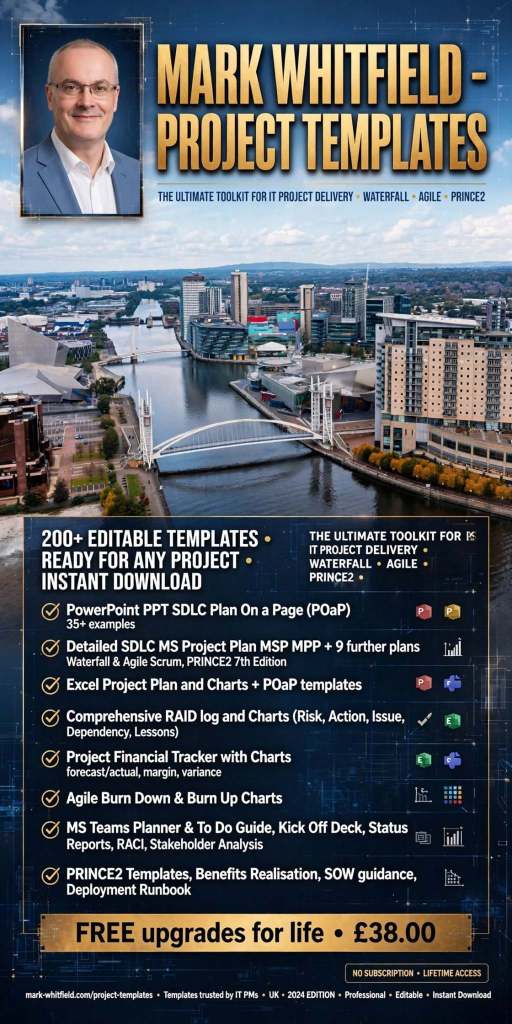
The ⁠Project Management Templates by Mark Whitfield constitute a comprehensive toolkit of over 200 editable resources designed to accelerate project delivery across Agile, Waterfall, and PRINCE2 frameworks.

The structural breakdown of the core templates is organised by functional category, specific template, integrated Microsoft Office tool, and operational description:

1. Project Planning & Scheduling

  • Detailed SDLC Project Plan
    • MS Tool: Microsoft Project (.mpp)
    • Description: A master schedule structured around the Software Development Lifecycle (SDLC) from development through testing, deployment, and Early Live Support (ELS), easily toggled between Agile Scrum and traditional Waterfall.
  • PRINCE2 7th Edition Project Plan
    • MS Tool: Microsoft Project (.mpp) & MS Excel (.xlsm)
    • Description: Fully annotated task list aligned with the 7th edition principles, colour-coded by activity type (blue for artifact creation, brown for management decisions, purple for updates).
  • Detailed Waterfall Project Planner
    • MS Tool: MS Excel
    • Description: A portable, license-free alternative to MS Project featuring baseline versus forecast tracking, an integrated Gantt chart view, and automated progress charts.
  • Plan on a Page (POaP)
    • MS Tool: MS PowerPoint & MS Excel
    • Description: High-level, executive-ready roadmaps containing over 30 slide variations used to communicate project timelines, key milestones, and work streams to senior stakeholders.
1. Project Planning & Scheduling POAP MS PowerPoint
1. Project Planning & Scheduling POAP MS PowerPoint Templates
2. Project Planning & Scheduling MS Project Templates
3. Project Planning & Scheduling MS Excel Templates

2. Operational Control & Governance

  • Comprehensive RAID Log & Charts
    • MS Tool: MS Excel
    • Description: A highly detailed central registry featuring distinct tabs to track Risks, Actions, Issues, Opportunities, Dependencies, Lessons Learned, and Change Requests alongside visual metric dashboards.
  • Basic RAIDs Tracker
    • MS Tool: MS Excel
    • Description: A scaled-down, simplified version of the master RAID log optimized for quick turnarounds, minor bids, and low-complexity projects.
  • RACI Matrix
    • MS Tool: MS Excel
    • Description: A governance sheet mapping project deliverables against specific team roles to clarify who is Responsible, Accountable, Consulted, and Informed.
  • Agile Story Dependency Tracker
    • MS Tool: MS Excel
    • Description: A specialised log to document and track blocker stories tied to external suppliers or client-side dependencies that risk driving scope changes.
1. Operational Control & Governance MS Excel RACI Template

3. Financial & Resource Management

  • Project Financial Tracker
    • MS Tool: MS Excel
    • Description: A financial controller mapping internal and external forecast costs against actuals, factoring in margins, variances, supplier fees, and expense categories.
  • Resource, Sickness, & Leave Tracker
    • MS Tool: MS Excel
    • Description: An operational matrix monitoring annual leave, sickness, and training schedules to adjust resource availability and capacity within the master schedule.
1. Financial & Resource Management MS Excel Templates

4. Agile Delivery Metrics

  • Agile Burn Down & Burn Up Charts
    • MS Tool: MS Excel
    • Description: Manual data-table tracking solutions designed to visualise sprint or release velocity for teams operating without access to enterprise tools like Jira.
1. Agile Burn Down Chart in MS Excel
1. Agile Burn Down Chart in MS Excel Template Example
2. Agile Burn Up Chart in MS Excel
2. Agile Burn Up Chart in MS Excel Template Example

5. Communications & Administration

  • PRINCE2 Management Products
    • MS Tool: MS Word (.doc)
    • Description: A full portfolio of standard documentation masters including Project Initiation Documents (PID), Project Briefs, Highlight Reports, and Business Cases.
  • Project Status Report
    • MS Tool: MS Word & MS PowerPoint
    • Description: Weekly and monthly progress reporting templates featuring structured sections for milestones, blockers, financial status, and RAG indicators.
  • Kick-Off Deck & Mobilisation Kit
    • MS Tool: MS PowerPoint
    • Description: Onboarding and alignment slide decks designed to define scope, establish ground rules, and guide teams through project initiation.
  • Meeting Minutes Template
    • MS Tool: MS Word
    • Description: An action-oriented meeting layout tailored for capturing critical decisions, owners, and deadlines uniformly.
1. Communications & Administration MS Excel Status Report Template Example

If you are looking to purchase or deploy these, the complete ecosystem is distributed on marketplaces like the ⁠ProjectTemplatesSoft Etsy Shop or through his official site Mark Whitfield’s Project Management Templates.

Plan on a Page, POAP – is a visual summary of a project’s core elements

A Plan on a Page (POAP) is a concise, visual summary of a project’s core elements. It distills complex, granular project details into a highly accessible, single-page format.

It acts as an executive summary rather than a replacement for comprehensive, detailed project plans. Example, tailorable Agile and Waterfall MS PowerPoint POaP project templates can be purchased at this link.

A Plan on a Page (POAP) is a concise, visual summary of a project's core elements
Plan On a Page also known as a POAP

🎯 Primary Purpose

  • Executive Communication: Provides busy stakeholders and C-level management with rapid visibility into a project’s status without overwhelming them with data.
  • Alignment: Ensures teams, sponsors, and stakeholders share a unified understanding of project goals and direction.
  • Focus & Risk Management: Keeps the strategic vision front-and-center, prevents teams from getting “lost in the weeds,” and allows leaders to spot high-level risks early.
  • Decision Support: Serves as a quick reference guide during steering committee and status meetings.
POAP is a concise, visual summary of a project's core elements
A Plan on a Page (POAP) is a concise, visual summary of a project’s core elements

📝 Content Summary

To fit on a single page, a POAP strips away tactical daily tasks and focuses only on the most critical strategic and timeline components:

  • Project Vision & Scope: A concise statement of what the project aims to deliver.
  • Objectives & KPIs: Specific, measurable targets and Key Performance Indicators to measure success.
  • Visual Timeline: A high-level roadmap, Gantt chart, or phase-based breakdown (e.g., Discovery, Execution, Launch) displaying major milestones.
  • Project Health/Status: Current RAG (Red/Amber/Green) status or progress tracking.
  • Resource & Budget Allocation: High-level overview of assigned budget and key personnel.
  • Risk & Dependencies: Notable blockers, constraints, or critical assumptions.
  • Governance & Contacts: The project sponsors, managers, and the best way to get support.
Plan on a Page concise, visual summary of a project's core elements
All POAP templates can be purchased by clicking on the link on the website banner

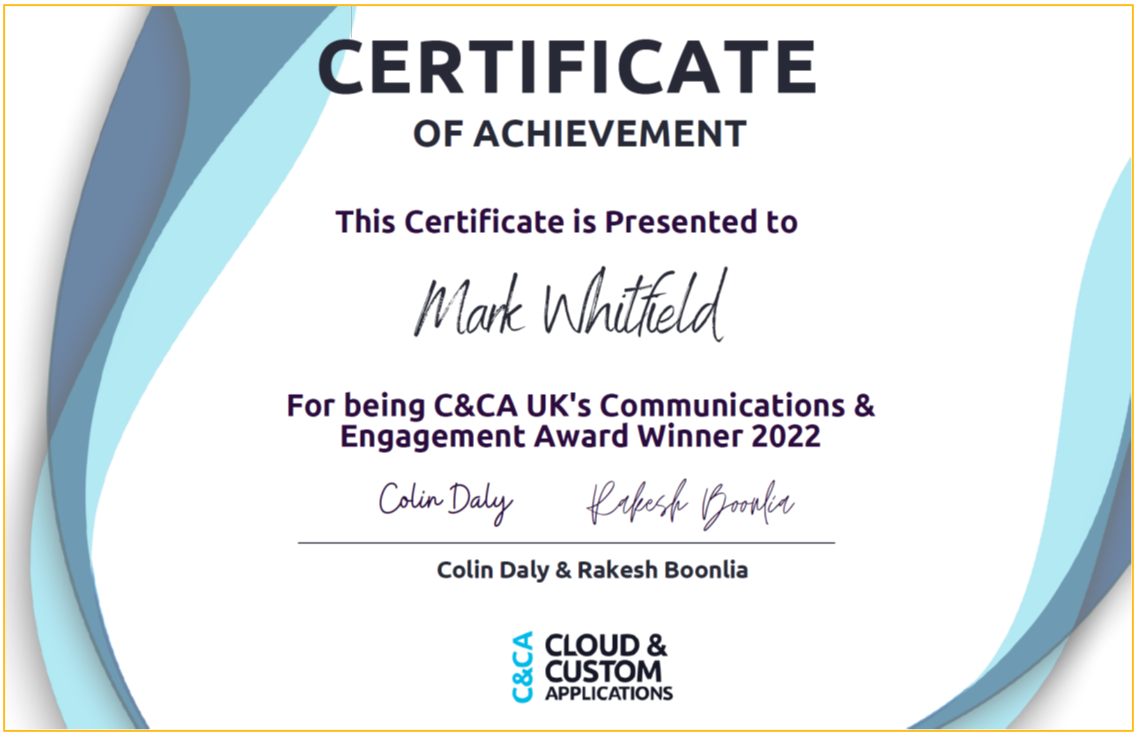
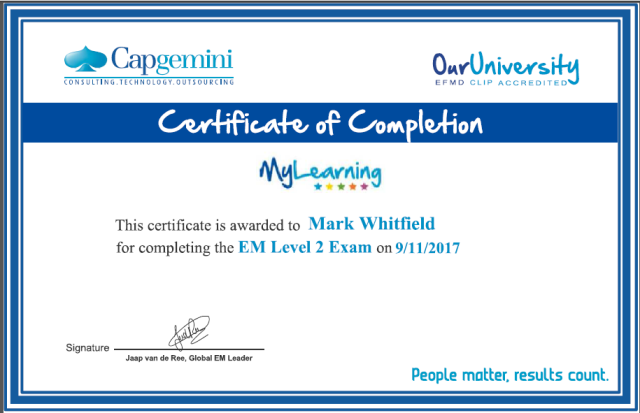
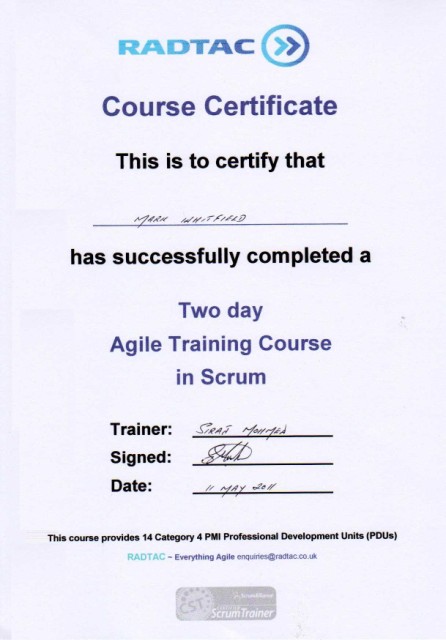
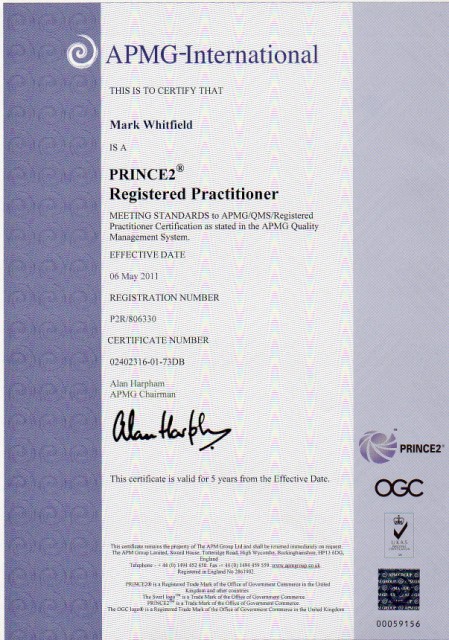
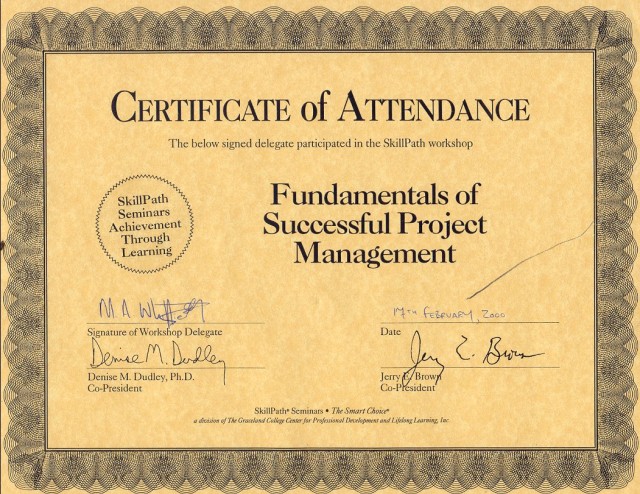
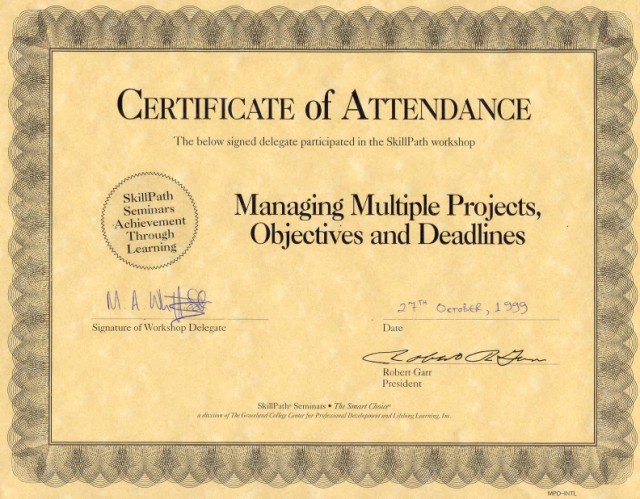
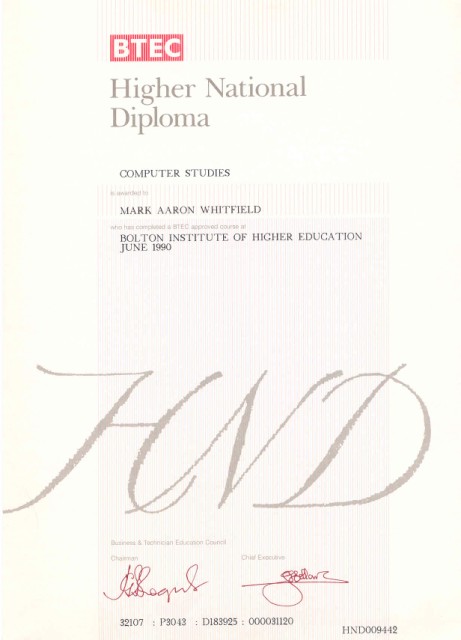
Project Management Certifications

Project Management Certifications

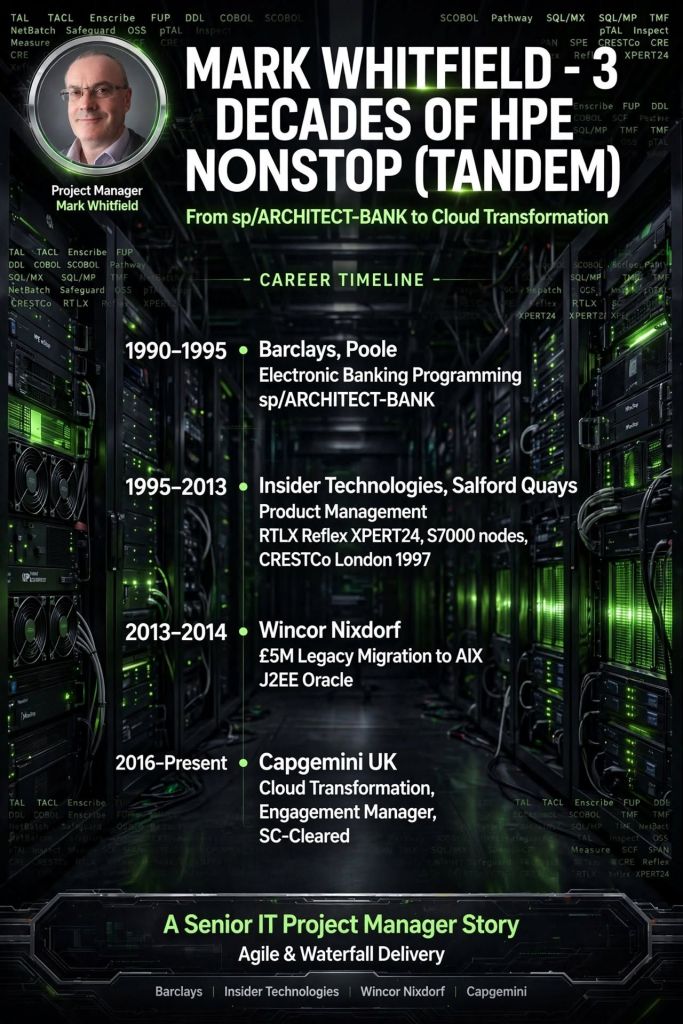
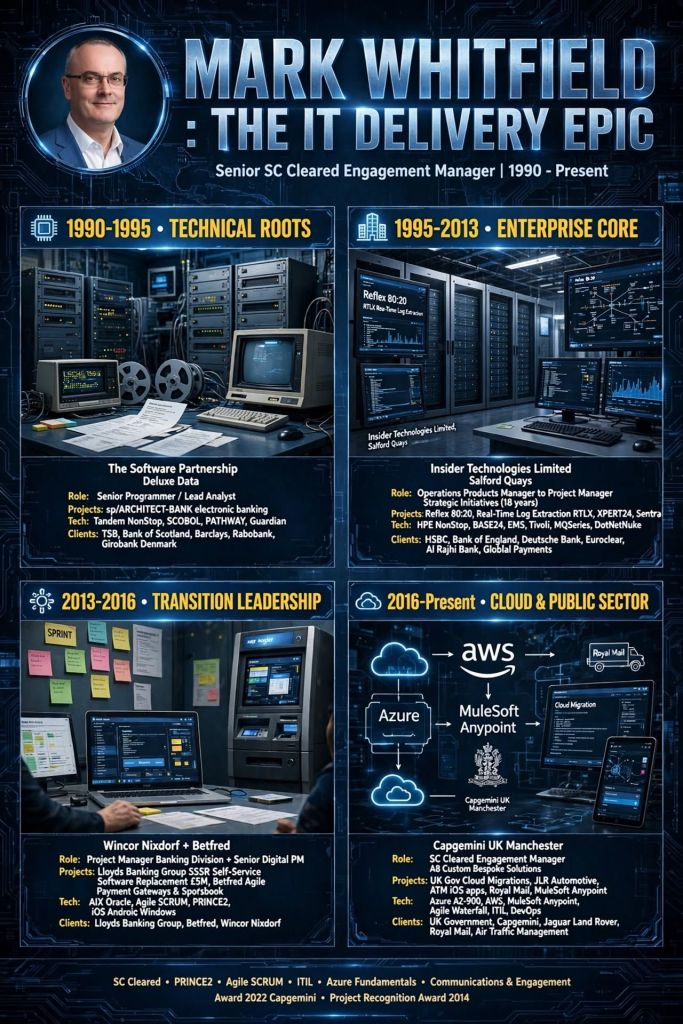
Mark Whitfield – Senior Project Manager – Projects Chronologically

Mark Whitfield is an SC-cleared Senior IT Project and Engagement Manager with over 30 years of experience. His career spans from early mainframe programming to leading multi-million-pound cloud migrations and digital transformations for major financial, utility, and government clients.

The chronological breakdown of his professional project portfolio, structured by his definitive career eras, is detailed below:

1. The Technical Era (1990–1995)

During this foundational era, Mark worked as a Programmer and Lead Analyst for The Software Partnership (acquired by Deluxe Data in 1994). He focused strictly on the development, optimization, and deployment of the sp/ARCHITECT-BANK electronic banking solution on Tandem Mainframe Computers.

  • Project: Barclays Business Master II (BBM II)
    • Year: 1990–1992
    • Client: Barclays (On-site at Knutsford, Cheshire)
    • Budget: Internal banking operational budget
    • Details: Handled the custom design and backend coding for a high-profile desktop electronic business banking application.
  • Project: Automated Touch-Tone Phone Banking Suite
    • Year: 1992–1993
    • Client: Girofon (Denmark)
    • Budget: Client-retained vendor contract
    • Details: Coded automated, menu-driven voice solutions operating on a Periphonics VRAM device to fetch live customer balances directly from mainframes.
  • Project: Early Digital Inter-Account Transfers
    • Year: 1993–1994
    • Client: TSB & Bank of Scotland
    • Budget: Internal product development
    • Details: Directed logic design and mainframe coding to support pioneering inter-account electronic funds transfers.
  • Project: International Banking Optimization
    • Year: 1994–1995
    • Client: Rabobank
    • Budget: Vendor-driven custom development framework
    • Details: Managed localized software optimization, custom patches, and deployment testing for global banking operations.

2. The Infrastructure & Monitoring Era (1995–2014)

Mark transitioned into a Product and Project Manager role at Insider Technologies Limited (and later a brief stint at Wincor Nixdorf). His focus shifted heavily toward platform diagnostics, high-availability transaction monitoring, and financial hardware software integrations.

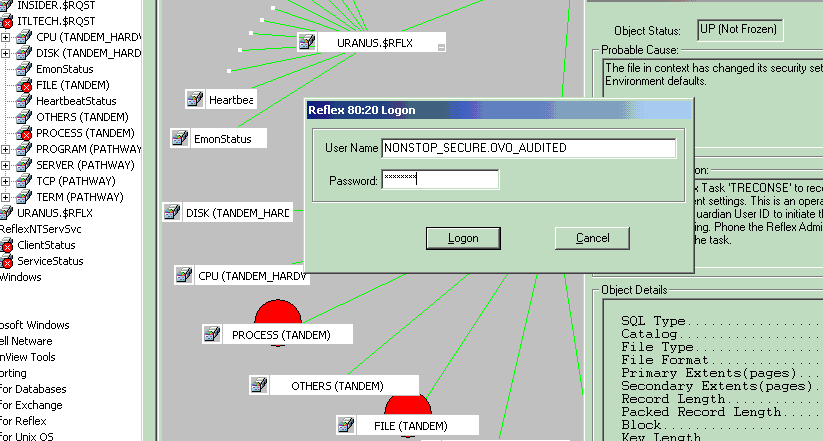
  • Project: Reflex (Reflex 80:20) System Co-Development
    • Year: 1995–2004
    • Client: Multiple Tier-1 Investment Banks (including Euroclear/Crestco, Bank of England, and Deutsche Bank)
    • Budget: Part of a broader £3M Management Buyout (MBO) product portfolio
    • Details: Acted as Senior Programmer and Technical Lead to co-develop diagnostic monitoring modules for high-availability mainframes.
  • Project: ATM & Point-of-Sale (POS) Transaction Monitoring
    • Year: 2005–2013
    • Client: Barclays, HSBC, and Alliance & Leicester (now Santander)
    • Budget: Multi-year strategic technical vendor account
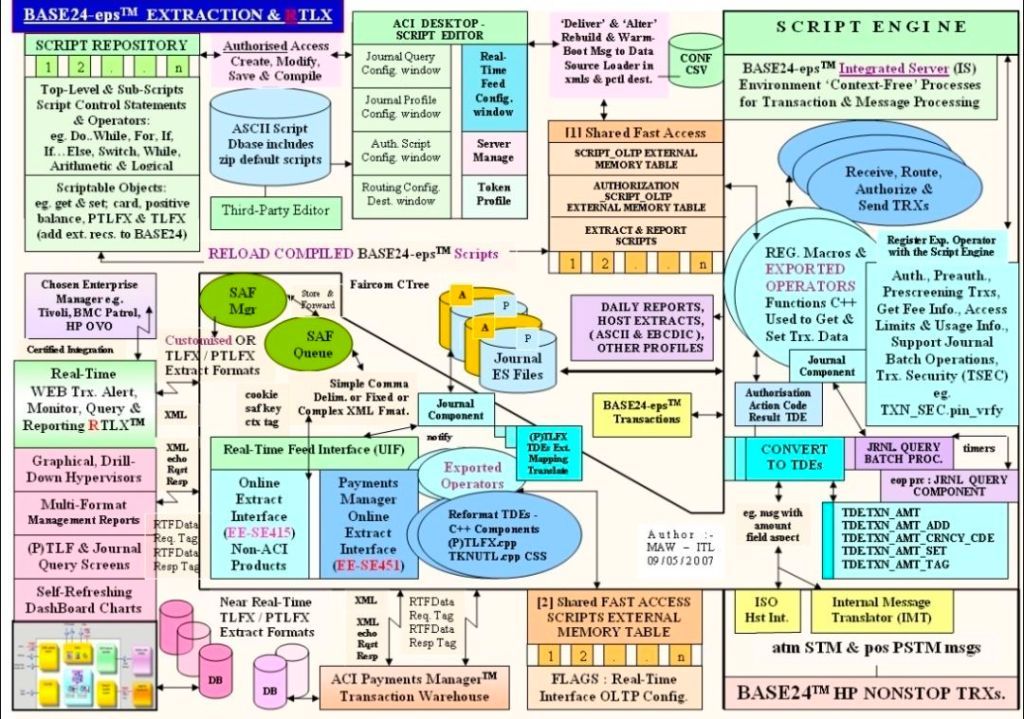
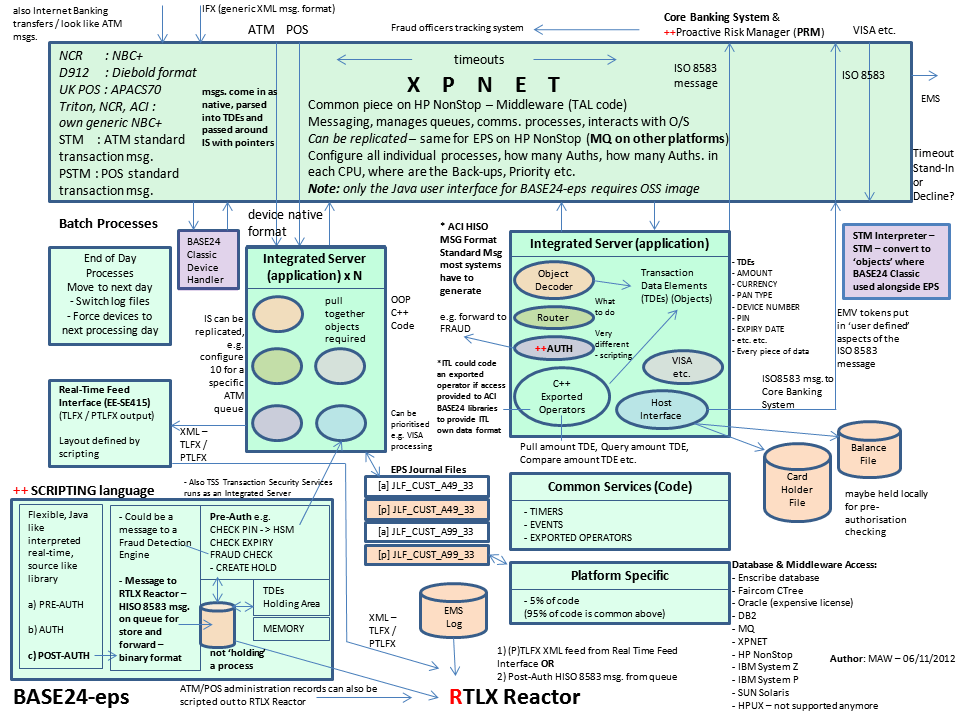
    • Details: Managed the integration of transaction tracking across ATM networks using ACI’s XPNET and HP NonStop architecture.
  • Project: Legacy ATM Software Modernisation
    • Year: 2013–2014
    • Client: Major UK Retail Bank (via Wincor Nixdorf Professional Services)
    • Budget: Corporate financial service transformation
    • Details: Served as Project Manager executing the swap-out of outdated, legacy ATM client systems for modernized software stacks.

3. The Digital and Cloud Era (2014–Present)

This era highlights Mark’s leadership of large-scale Agile and Waterfall digital delivery frameworks, moving from corporate gambling technology to complex, high-budget UK public sector programs.

  • Project: Mobile & Online Gaming Sportsbook Platforms
    • Year: 2014–2016
    • Client: Betfred Limited (Online & Mobile Division)
    • Budget: Multi-million phased agile commercial releases
    • Details: Led Agile Scrum development teams to upgrade payment gateways, implement fraud detection, and roll out football/horse racing mobile interfaces.
  • Project: National Air Space Real-Time Mobile Applications
    • Year: 2016
    • Client: NATS (UK-wide Air Traffic Organisation)
    • Budget: Corporate custom applications initiative
    • Details: Managed the secure Agile delivery of Apple iOS applications displaying live military and public airspace information.
  • Project: Core Systems Interface Data Centre Migration
    • Year: 2016 (May–October)
    • Client: Royal Mail Group (RMG) / Postal Services
    • Budget: £4.3 Million
    • Details: Led a massive cross-functional team of 90 Capgemini engineers to migrate over 1,100 platform data interfaces ahead of peak annual trading.
  • Project: Automated Call Centre CCaaS Telephony Implementation
    • Year: 2017 (May onwards)
    • Client: Local Regional Government
    • Budget: £400,000
    • Details: Deployed a programmatic dialler system linked with Microsoft Azure CRM to facilitate the “Support for Mortgage Interest” campaign.
  • Project: Automotive Online Car Sales and Digital Readiness
    • Year: 2017 (October)
    • Client: Jaguar Land Rover (JLR) / Aston Agile Delivery Centre
    • Budget: £1.1 Million (Split into a £670k Customer Sales Portal and a £430k Readiness project)
    • Details: Engagement Manager implementing a new-car ecommerce vehicle pipeline.

Project: Middleware & MuleSoft Anypoint Integrations

  • Year: 2018–2019
  • Client: UK Utility, Accounting, and Recruitment Industries (via MuleSoft augmentation)
  • Budget: Enterprise-wide technology vendor accounts
  • Details: Delivery Manager structuring API integration architectures across multi-million-pound client portfolios.

Project: Multi-App Cloud Migration Proof-of-Concept

  • Year: 2020 (Feb–May)
  • Client: UK Government
  • Budget: £375,000
  • Details: Directed a 3-month proof of concept migrating legacy Access, Oracle, and SQL databases to Microsoft Azure and Dynamics 365.

Project: Document Management Cloud Transformation

  • Year: 2021–2022
  • Client: UK Utility Industry (e.g., Welsh/Scottish Water)
  • Budget: £500,000+
  • Details: Managed the platform decommissioning and cloud modernization from legacy EQS document storage over to Azure Enablon.

Project: Enterprise Dynamics 365 Online Cloud Migration

  • Year: 2022 (November onwards)
  • Client: UK Government
  • Budget: £1 Million+ (Part of a larger £13.5M cloud program moving 130 apps)
  • Details: Orchestrated the launch and configuration of Azure Cloud frameworks migrating 12 historical Dynamics 2016 platforms to Dynamics 365 Online.

Project: Fish Export Service (FES) to CHIP Inspection Portal
  • Year: 2023–2024 (Nov–Feb)
  • Client: UK Government / Northern Ireland Trading Framework
  • Budget: £1 Million+
  • Details: Served as Technical Delivery Manager directing Agile Scrum teams to build cloud-hosted APIs supporting catch verification under the Windsor Framework.

Project Management Roles and some Certifications

Project Management Roles and some Certifications