Microsoft Project Timeline by Era, Features and Extensions

Microsoft Project has evolved from a DOS-based scheduling tool in 1984 into a comprehensive project portfolio management (PPM) system and, as of 2024–2026, a cloud-native platform integrating with Microsoft 365 and Planner.

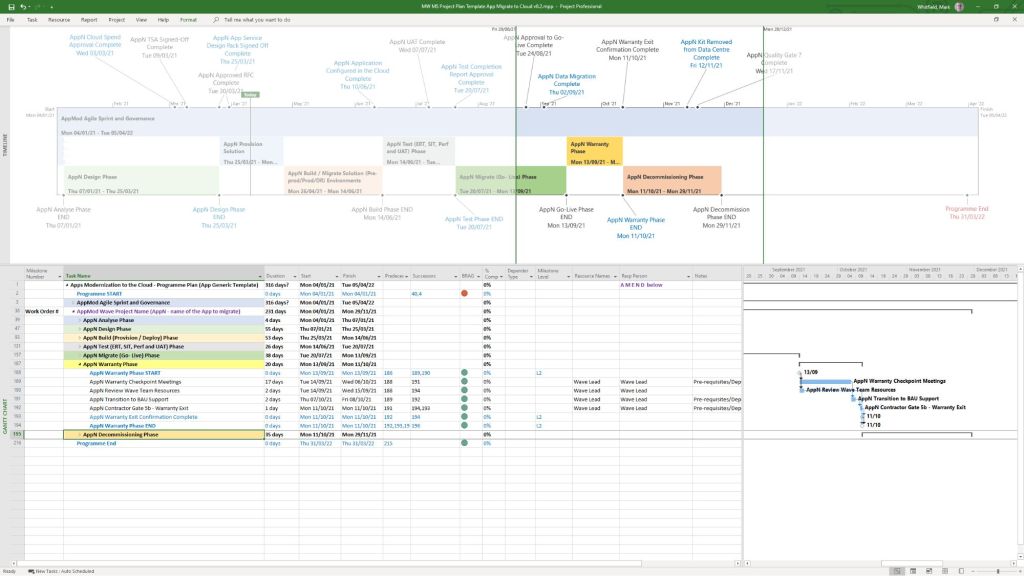
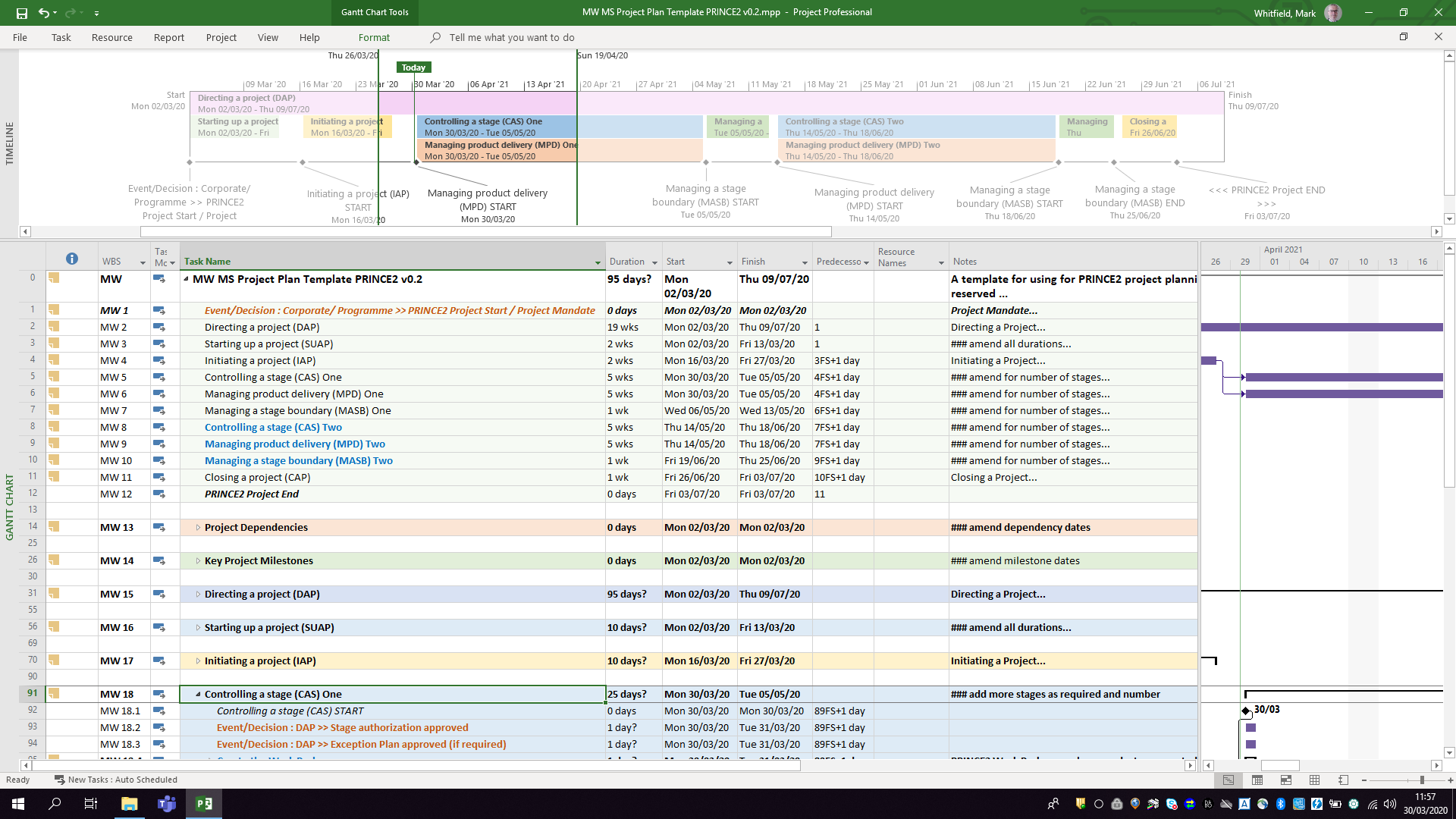
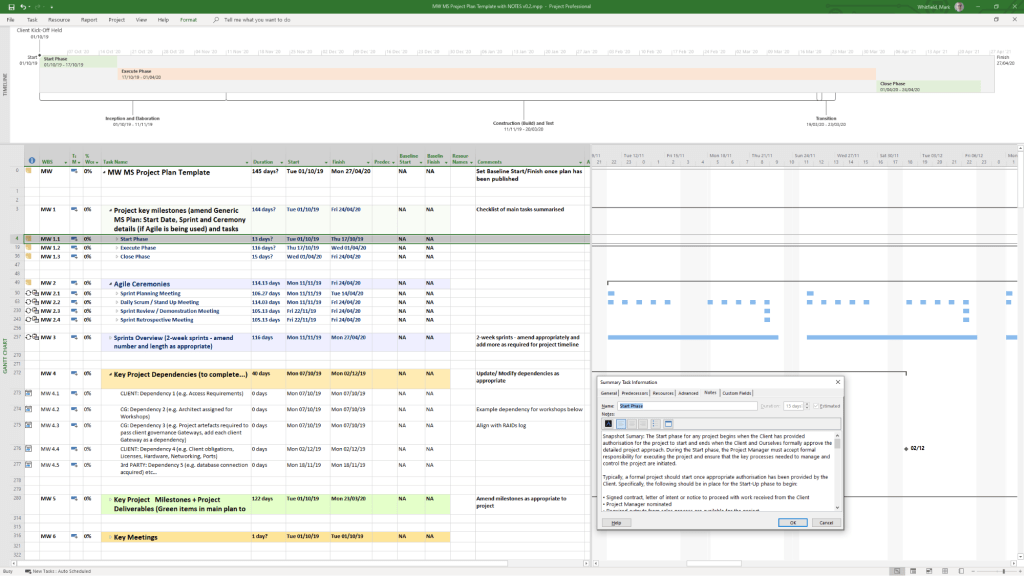
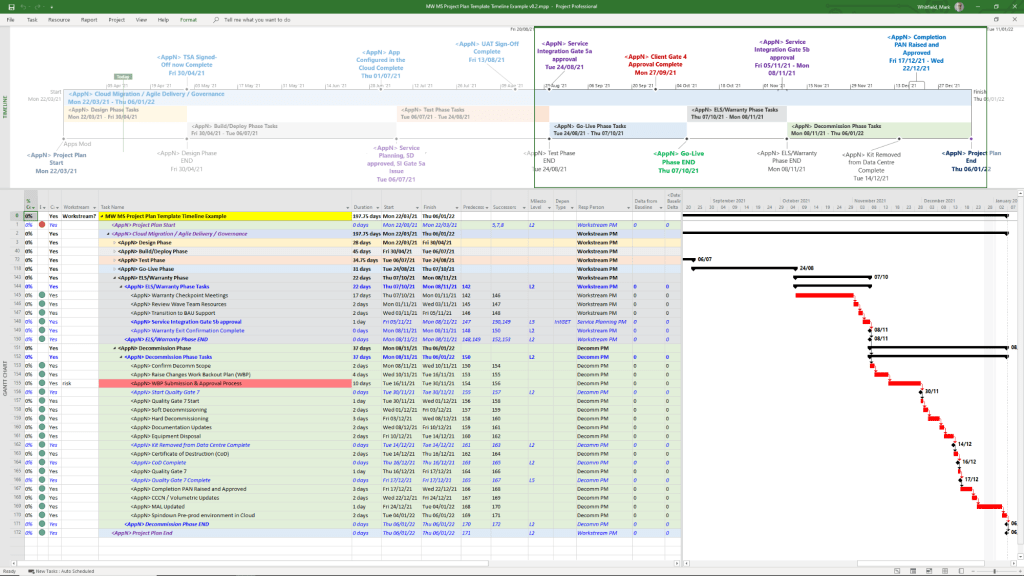
Example MS Template from download bundle

Historical Timeline by Era

1. The DOS Era: Foundations (1984–1989)

  • 1984: Initial release for DOS by a third party, later acquired by Microsoft. Focused on basic Gantt charts and critical path method (CPM).
  • 1985: Microsoft purchases rights; releases Project 2.0.
  • 1986: Project 3.0/4.0 for DOS released.

2. The Windows & Early Office Era: GUI & Integration (1990–1999)

  • 1990: First Microsoft Project for Windows released.
  • 1991: First Macintosh version released.
  • 1993: Project 4.0 for Mac (final Mac version).
  • 1995: Project 95 (v4.1) released: The first 32-bit version, designed to match the Windows 95 interface.
  • 1997/1998: Project 98: Deepened integration with Microsoft Office and introduced improved tracking.

3. The Enterprise & Collaboration Era: Server Integration (2000–2010)

  • 2000: Introduced “Microsoft Project Central” for team collaboration, allowing web-based status reporting.
  • 2002/2003: Released with Server components, allowing enterprise-level resource management.
  • 2007: Introduced Office Fluent Ribbon interface and enhanced reporting capabilities.
  • 2010: Significant update adding the Timeline View (top-down view) and manual scheduling options.

4. The Cloud & Subscription Era: PPM & Modernization (2013–2023)

  • 2013: Launch of Project Online (PPM) to provide full cloud capabilities.
  • 2016/2019: Introduced Resource Engagements and improved visual reporting.
  • 2019/2020: Release of “Project for the web,” a completely new platform based on the Power Platform (Dataverse), separate from the legacy Desktop Client.

5. The Future Era: Unified Planner & Web (2024–2026)

  • 2024: Deepened integration with Microsoft Teams, OneDrive, and SharePoint.
  • 2026: Project Online is scheduled to be discontinued in September 2026.
  • 2026/Future: “Project for the web” is being rebranded and merged into Microsoft Planner.

Detailed Breakdown of Key Features

  • Scheduling & Gantt Charts: Core functionality for mapping dependencies, critical paths, and durations.
  • Resource Management: Tools to allocate resources, manage costs, and track workloads, evolving from desktop-based to enterprise-wide resource leveling.
  • Timeline View: Introduced in 2010, this feature allows creating a “big picture” summary of key tasks and milestones, ideal for stakeholder reporting, customizable by adding tasks directly from the Gantt chart.
  • Collaboration: Shifted from email-based sharing to Microsoft 365, Teams, and Sharepoint integration.
  • Project Versions: Available as Standard (desktop), Professional (collaboration features), and cloud-based subscription plans (Plan 1/3/5).

Summary of Major Version Transitions

  • DOS (1984) ………. Windows (1990) ……….(32-Bit (1995) ………. Server (2000) ………. Online (2013) ……….. Web/Dataverse (2019) ……… Planner (2026).

Microsoft Project Extensions :

Microsoft Project primarily uses .mpp for project plans and .mpt for templates, with specialized extensions like .vsdx for timeline visuals. These files are used to manage project schedules, resources, and budgets, with support for add-ins that integrate with Microsoft Teams, Power BI, and other Office applications.

Core Microsoft Project Extensions

  • .mpp: The native file format for Microsoft Project, containing all project data, including schedules, tasks, resources, and budgets.
  • .mpt: Microsoft Project Template files, used to create new projects with predefined structures, settings, and views.
  • .vsdx: Used to create and save custom timelines, which can be imported into or exported from Project.

File Compatibility & Viewers

Because .mpp files require a Microsoft Project license, alternative tools are used to view them without the desktop application:

  • Project Plan 365: A widely used viewer and editor compatible with MPP files from 2010 to 2026.
  • Gantt Pro: An online tool for viewing and sharing MPP file schedules.
  • Project Viewer 365: A Microsoft Store app designed to open and print .mpp files.

Add-ins and Integrations

Extensions for Microsoft Project can be found via the Office Add-ins store, improving productivity and integration:

  • Power BI: Creates interactive dashboards from Project data.
  • Microsoft Teams: Allows teams to collaborate on project plans.
  • Office Add-ins: Available for various versions of Project Professional and Standard to enhance functionality.

Microsoft Project Timeline by Era, Features and Extensions

Microsoft Project Timeline, Development History Overview

Microsoft Project has evolved from a DOS-based tool in the 1980s into a cloud-integrated platform. Its “Timeline” feature specifically has transitioned from a simple static view to a multi-layered, interactive reporting tool. 

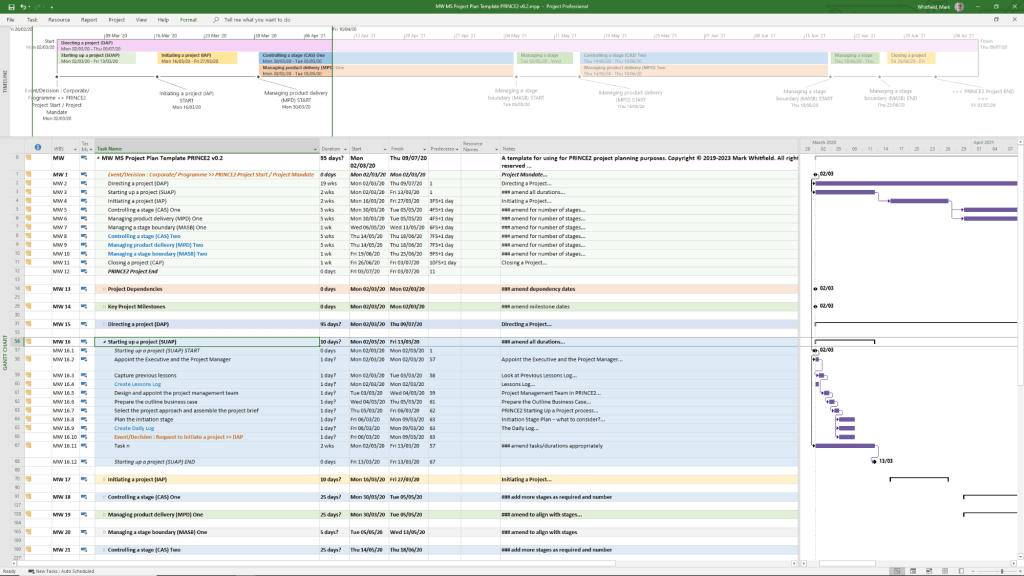
Template included in package – see website banner

Timeline Feature Development History

  • Early Era (1984–2007): For decades, the “timeline” was synonymous with the Gantt Chart. Users had to rely on complex print-outs or third-party tools to create high-level summaries for executives.
  • The dedicated Timeline View (2010): Microsoft introduced a native Timeline view in Project 2010, allowing users to cherry-pick specific tasks and milestones to display on a single horizontal bar.
  • Multi-Timeline Support (2016): Project 2016 expanded this by allowing multiple timeline bars in a single view. This enabled managers to represent different project phases or workstreams with independent start and end dates.
  • Cloud & Web Integration (2019–Present): With the launch of Project for the web, timelines became more interactive, supporting drag-and-drop adjustments and real-time co-authoring.
  • Task History Tracking (2023): Microsoft added a Task History pane to the web version, allowing users to see a chronological log of changes to specific timeline items. 

Key Components of a Modern MS Project Timeline

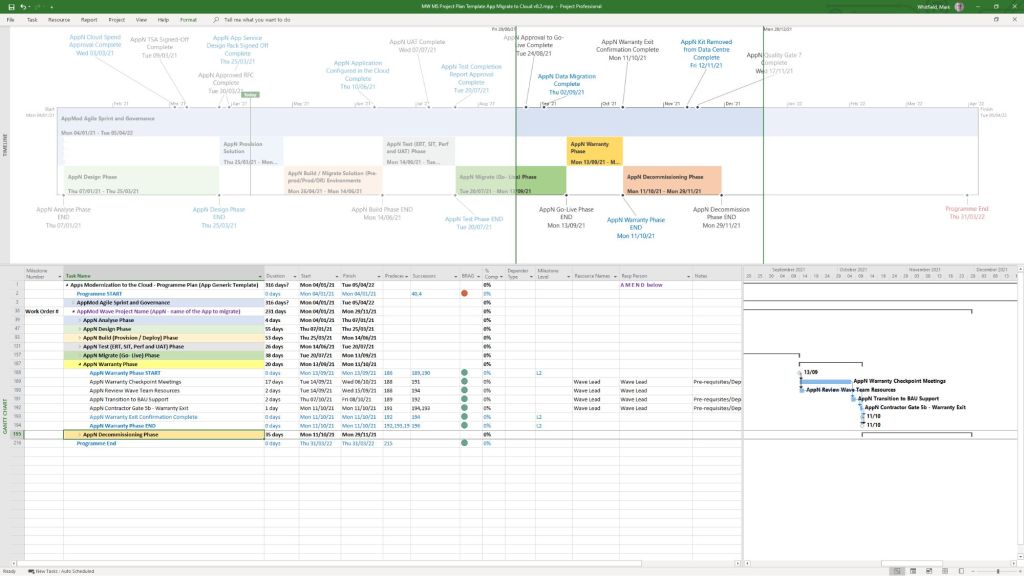
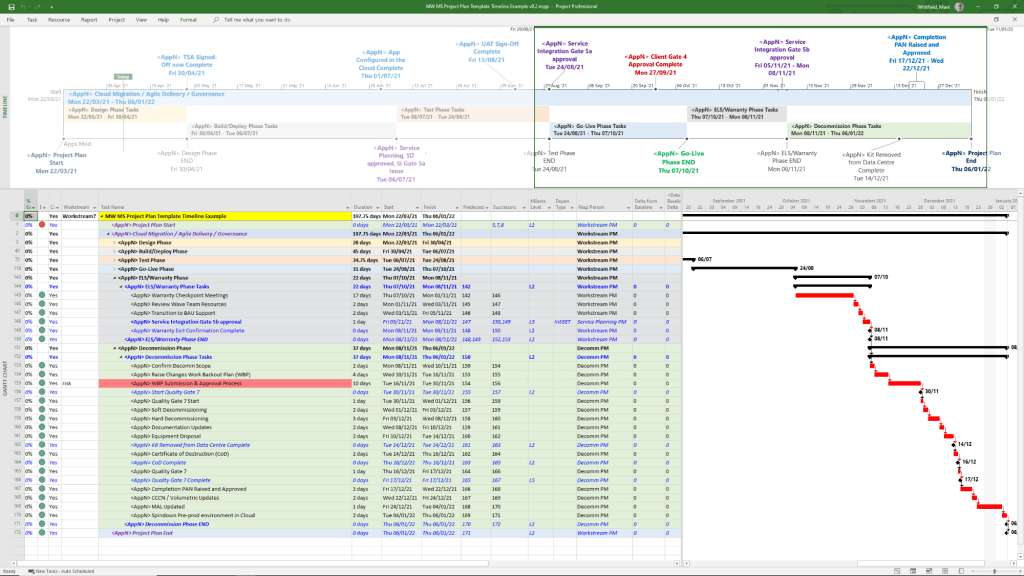
Templates included in download bundle – see website banner
  • Gantt-Style Visualization: Displays tasks as horizontal bars against a calendar timescale.
  • Milestones & Callouts: Important dates appear as diamonds or labels that can be dragged above or below the main bar to avoid clutter.
  • Dependencies: Visual links between tasks that illustrate the sequence of work and the Critical Path.
  • Copy for Presentation: A dedicated formatting tool that allows users to export the timeline directly to Microsoft PowerPoint or email at various sizes (Small, Medium, Full Size). 

Future Outlook

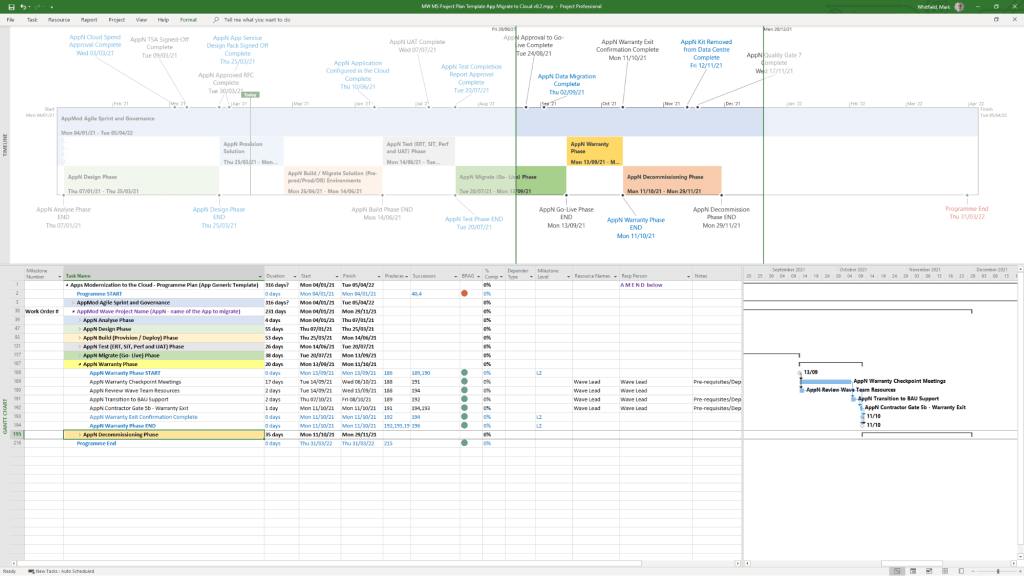
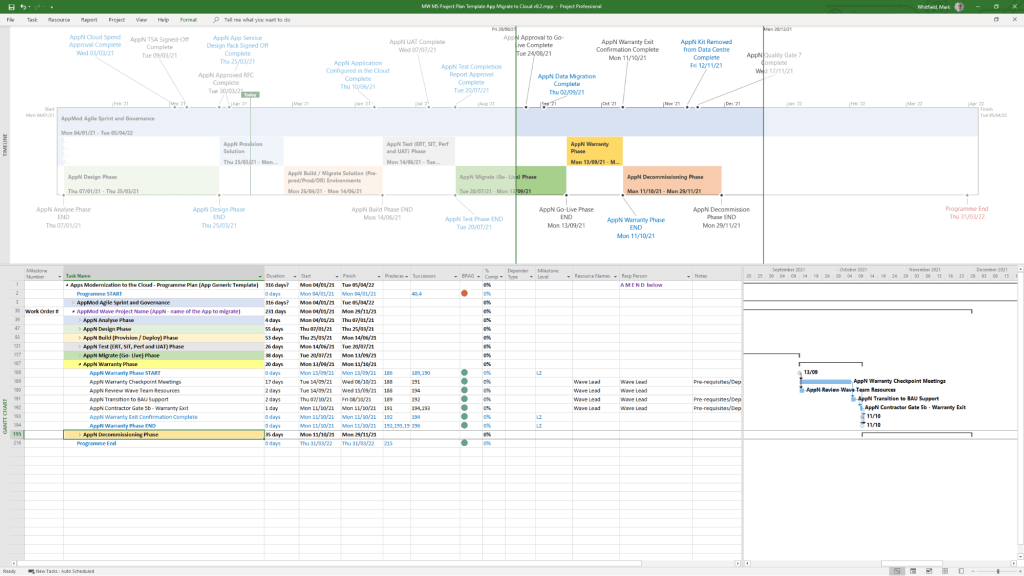
Template included in download bundle – see website banner

Microsoft has announced that Project Online will be officially retired on 30 September 2026, with development focus shifting entirely to the new Microsoft Planner and Project for the web ecosystem.

Microsoft Project Timeline, Development History Overview