Project Management Soft Skills Overview

Project Management Soft Skills Overview

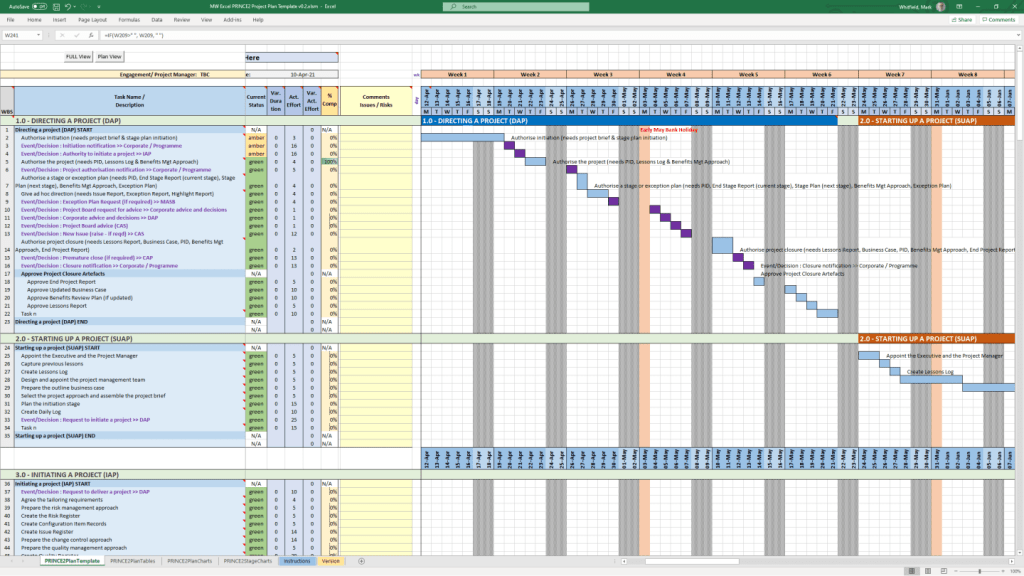
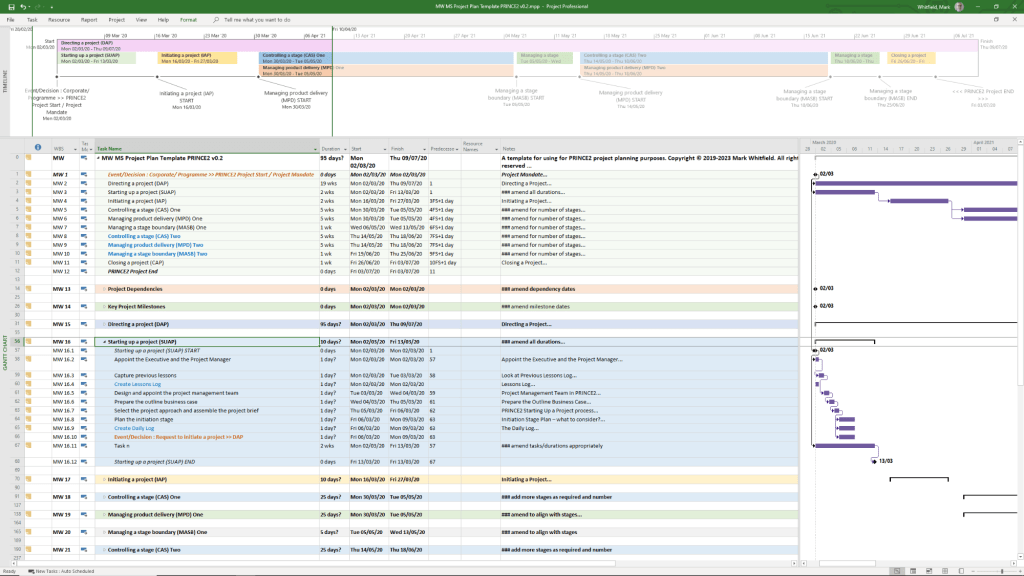
PRINCE2 7 Process Model, 2026 – 7th Edition

In 2026, the PRINCE2 7 (7th Edition) remains the current global standard for the methodology. The core diagram, known as the PRINCE2 Process Modelillustrates how the 7 processes interact across the four management levels: Corporate, Direction, Management, and Delivery

The PRINCE2 7 Process Model

The diagram typically visualises the project lifecycle from a “Project Mandate” to “Project Closure” through these processes: 

  • Starting Up a Project (SU): The pre-project process where a mandate is converted into a project brief.
  • Directing a Project (DP): The Project Board’s high-level oversight, running from project start to finish.
  • Initiating a Project (IP): Establishing firm foundations, including the Project Initiation Documentation (PID) and the Business Case.
  • Controlling a Stage (CS): The daily management of a stage by the Project Manager.
  • Managing Product Delivery (MP): The link between the Project Manager and Team Managers to ensure products are built.
  • Managing a Stage Boundary (SB): Occurs at the end of each management stage to plan the next one and review the current.
  • Closing a Project (CP): The final process for a formal decommissioning of the project. 
PRINCE2 7 Process Model, 2026 – 7th Edition

Agile Scrum Pillars Overview – Transparency, Inspection and Adaption

Agile Scrum Pillars Overview – Transparency, Inspection and Adaption

Project Management Types Summarised, Overview

Project Management Types Summarised, Overview

How PCI-DSS Works for Card Transactions Payments

How PCI-DSS Works for Card Transactions Payments

Operating Expenditure OPEX, Capital Expenditure CAPEX, Revenue Expenditure REVEX, Finance Expenditure FINEX

Operating Expenditure OPEX, Capital Expenditure CAPEX, Revenue Expenditure REVEX, Finance Expenditure FINEX

Project Management videos

Project Management videos

Insider Technologies Limited, Spinnaker Court, Chandlers Point, 37 Broadway, Salford Quays, M50 2YR

Insider Technologies Limited, Spinnaker Court, Chandlers Point, 37 Broadway, Salford Quays, M50 2YR

Company Website – Open Content Management Framework, DotNetNuke

In the early part of the millenium, ITL requested that I design and author a new company website using the Open Content
Management framework, DotNetNuke. This is a Visual Basic .NET Microsoft SQL database driven technology that enables website updates from any location with internet browser access.

As part of this exercise, website prominence was a key driver along with a more professional, corporate look-and-feel. The website is an ongoing programme of work that takes up a few hours a week of my time in taking it forward. I have attended 2 gbdirect (iTrain) website courses in this regard; ‘Writing for the Web’ and ‘Website Prominence and Visibility’. More information.

Agile Scrum Terms Summary Overview

Agile Scrum Terms Summary Overview

PRINCE2 (PRojects IN Controlled Environments) is a structured, process-based project management methodology

PRINCE2 (PRojects IN Controlled Environments) is a structured, process-based project management methodology used globally to manage projects of any size and complexity. It focuses on dividing projects into manageable stages, ensuring accountability, and maintaining a clear business justification from start to finish. 

Core Framework (PRINCE2 7)

The latest version, PRINCE2 7th Edition (2023), centers on five integrated elements: 

  • 7 Principles: The “guiding obligations” that must be followed for a project to be considered PRINCE2 (e.g., Continued Business JustificationLearn from Experience, and Manage by Exception).
  • 7 Practices: Essential aspects of management (formerly “Themes”) applied throughout the lifecycle: Business Case, Organizing, Plans, Quality, Risk, Issues, and Progress.
  • 7 Processes: A step-by-step guide from Starting up a Project to Closing a Project.
  • People: A major addition in Version 7, focusing on the human side of change and team dynamics.
  • Project Context: Emphasises the need to tailor the methodology to suit the specific project environment. 

Certification Levels:

Qualifications are typically sought through PeopleCert Accredited Training Organisations (ATOs)

  1. Foundation: Introduces basic concepts and terminology; no prerequisites required.
  2. Practitioner: Focuses on applying and tailoring the method to real-world scenarios. Requires a valid Foundation-level certificate or an equivalent (like PMP or CAPM).
  3. PRINCE2 Agile: A specialised version that blends the structure of PRINCE2 with agile delivery frameworks like Scrum and Kanban. 

Comparison and Value

  • Geographic Dominance: PRINCE2 is the de facto standard in the UK public sector and is widely used across Europe and Australia. In contrast, the PMP (from PMI) is more prevalent in the USA and Canada.
  • Cost: In the UK, Foundation courses typically range from £549 to £1,000, while Practitioner courses cost between £599 and £1,100.
  • Renewal: All current PRINCE2 certifications must be renewed every three years

PRINCE2 (PRojects IN Controlled Environments) is a structured, process-based project management methodology.

May 2011 – Registered PRINCE2 Practitioner with ILX

mark whitfield mark_whitfield_prince2_registered_practitioner
PRINCE2 (PRojects IN Controlled Environments) is a structured, process-based project management methodology

Connect : HPE Nonstop Ecosystem – formerly NSK, Tandem, Himalaya

Connect’s Influencer of the Year Program

Connect : HPE Nonstop Ecosystem – formerly NSK, Tandem, Himalaya

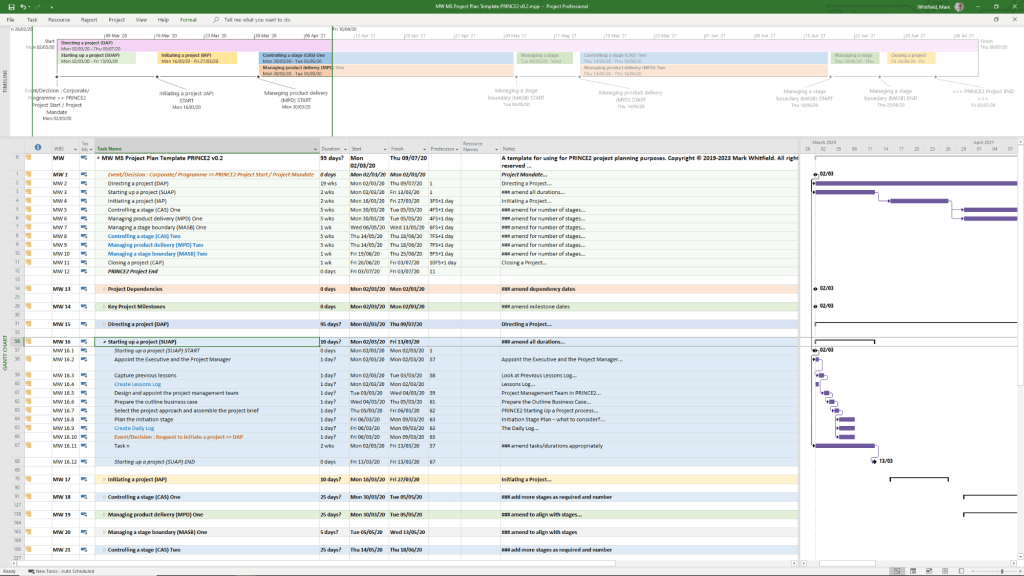
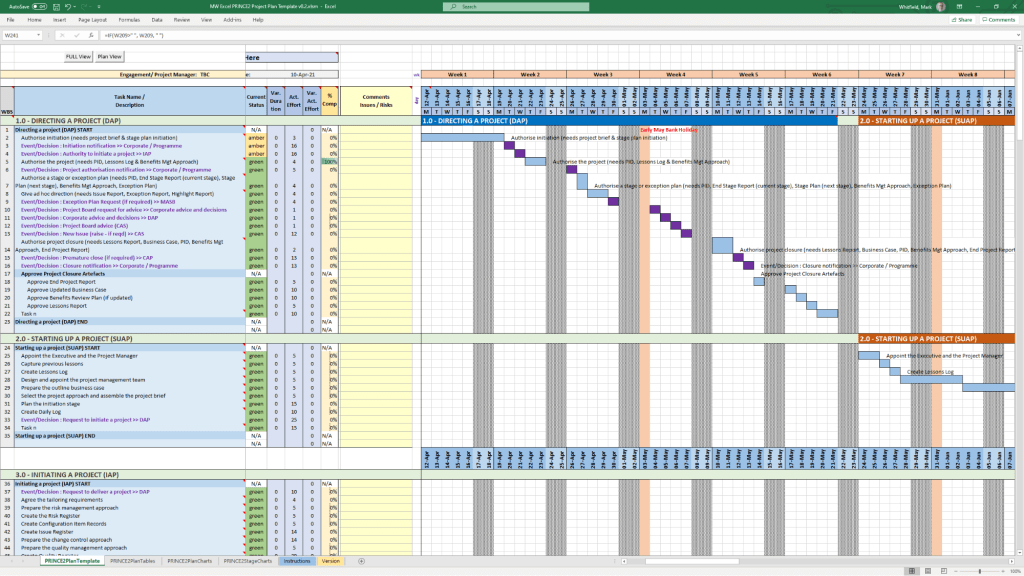
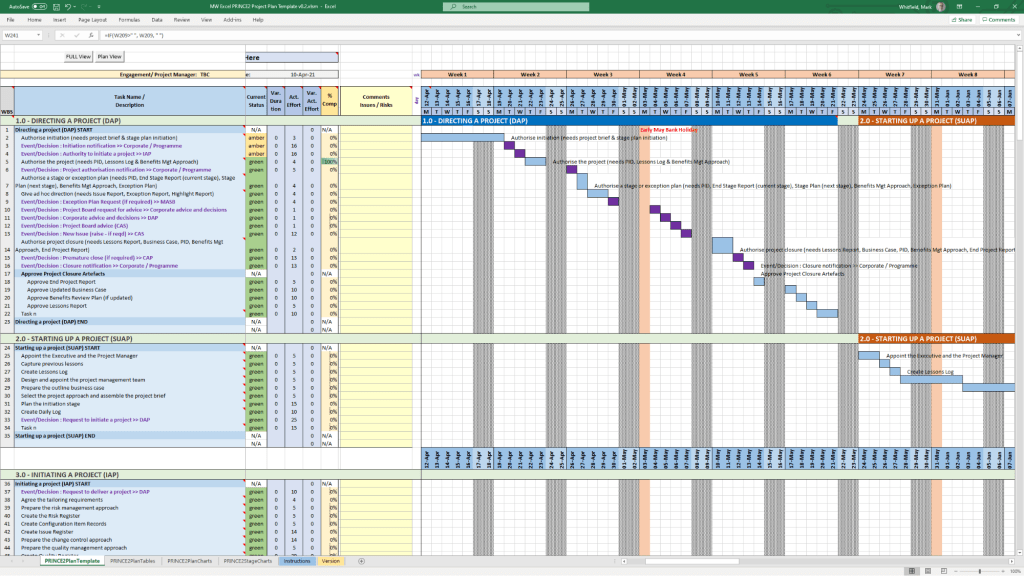
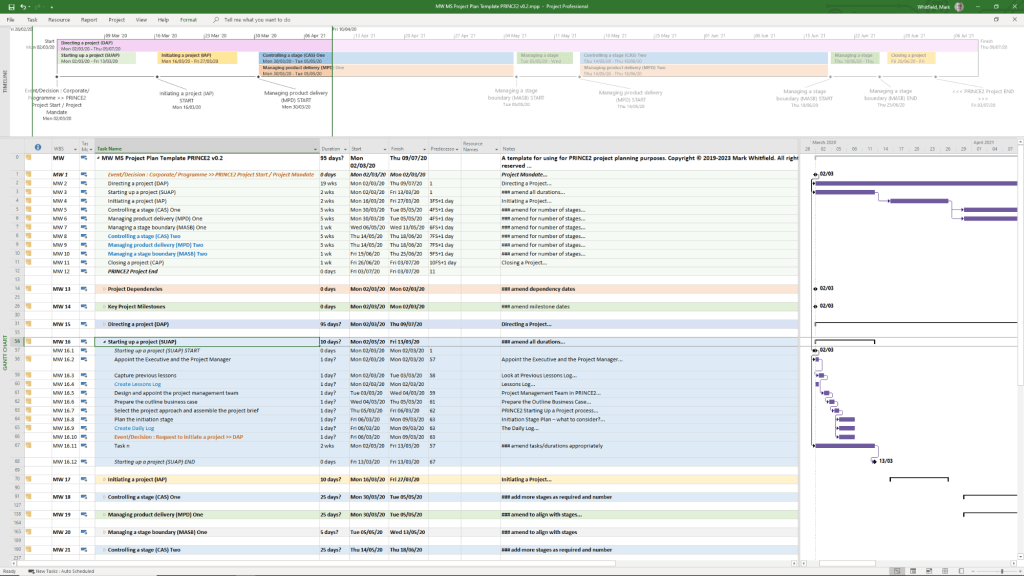
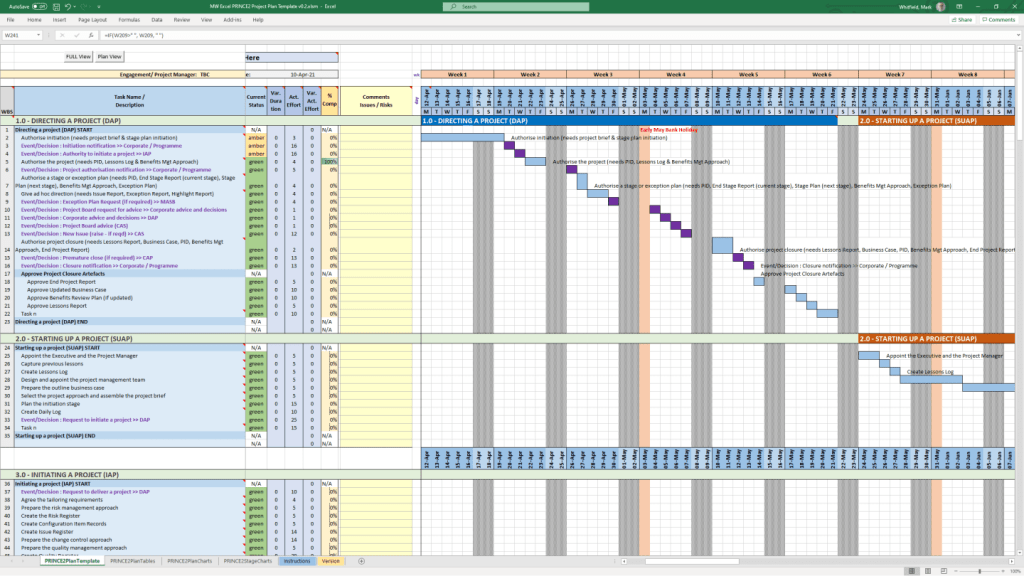
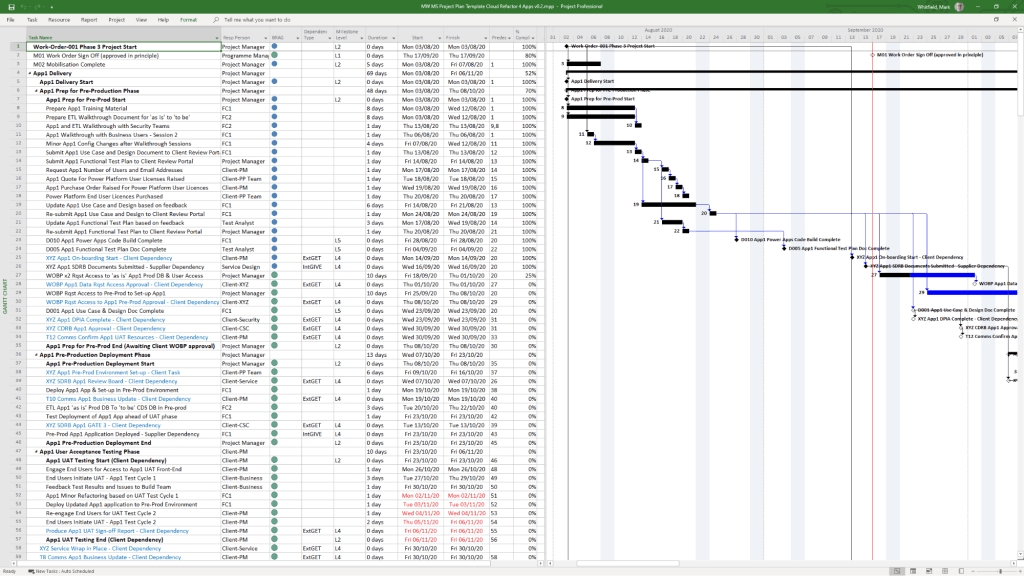
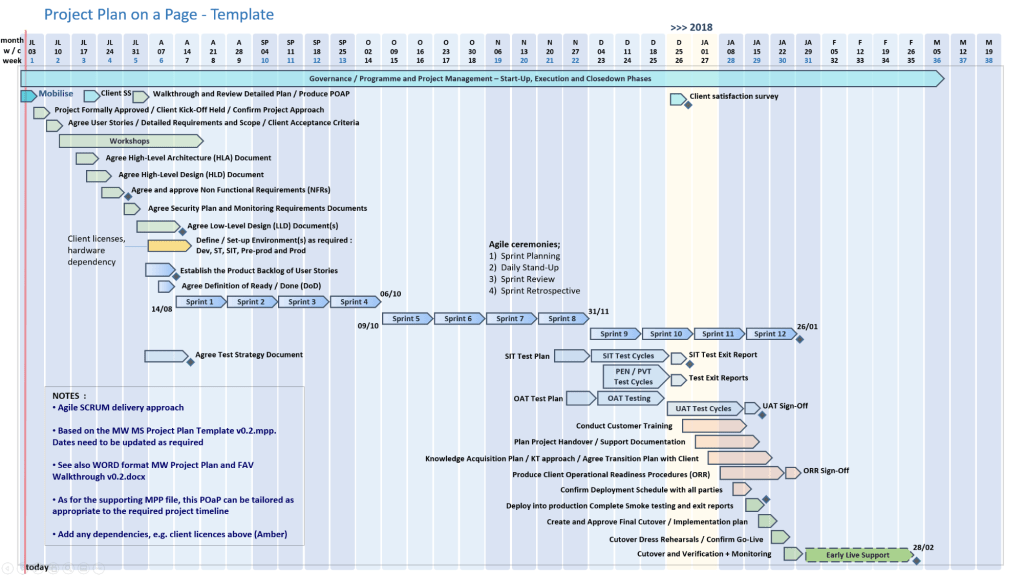
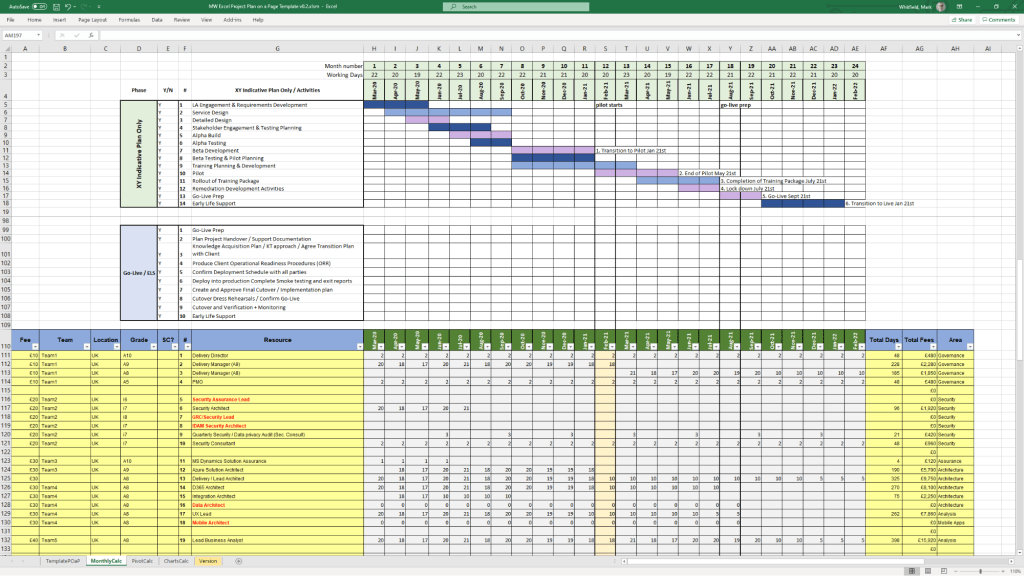
Project Management Templates with FREE Upgrades and Additions

Free Upgrade and Additions – 200+ Project Management & Planning Template Examples:

Contents of ZIP file (purchase templates here):

Gallery of ALL Project Management templates…

(also download the Template Inventory PDF file – 15MB)

Join the FREE PM templates related Facebook Group (LIKE Facebook page) and LinkedIn Group.

Common IT Protocol Ports Summary Overview

Common IT Protocol Ports Summary Overview

Overview – Agile Scrum Kanban SAFe LeSS XP

Overview – Agile Scrum Kanban SAFe LeSS XP

HP HPE NonStop NSK Himalaya Tandem Date Timeline

The HP NonStop (originally Tandem) timeline spans over 50 years of evolution in fault-tolerant computing, beginning with the vision of James Treybig and transitioning through several major corporate owners. 

Founding and Initial Growth (1974–1980s)

  • 1974: Tandem Computers Incorporated is founded by James (Jimmy) Treybig in Cupertino, CA.
  • 1976: The first NonStop I (T/16) servers are shipped to Citibank, introducing the “fail-fast” architecture.
  • 1981: NonStop II is introduced, adding 32-bit addressing support to the 16-bit registers.
  • 1983: NonStop TXP (Tandem Extended Processor) debuts, featuring the first use of cache memory and a native Transaction Monitoring Facility (TMF).
  • 1986: NonStop VLX (Very Large eXtension) is released, introducing 32-bit data paths and the first fault-tolerant SQL database, NonStop SQL.
  • 1987: NonStop CLX is launched as a low-cost, office-ready minicomputer system.
  • 1989: NonStop Cyclone is introduced for high-end mainframe workloads, alongside the Integrity line of Unix-based servers. 

Architecture Transitions (1990s–2000s)

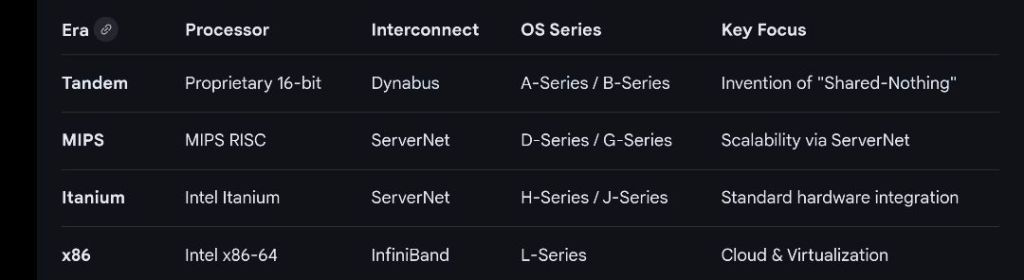
  • 1991: Cyclone/R (CLX/R) marks the start of the TNS/R migration to MIPS microprocessors.
  • 1993: NonStop Himalaya K-series is released, featuring native-mode Guardian OS on MIPS R4400 processors.
  • 1994: Open System Services (OSS) adds a POSIX-compliant environment to the NonStop Kernel.
  • 1997: NonStop Himalaya S-Series introduces ServerNet, replacing older bus technologies with high-speed point-to-point connections.
  • 1997: Compaq acquires Tandem Computers to bolster its high-end enterprise server offerings.
  • 2002: Hewlett-Packard (HP) acquires Compaq, bringing Tandem technology under the HP banner as the NonStop Enterprise Division.
  • 2005: The HP Integrity NonStop (TNS/E) series is launched, migrating the architecture from MIPS to Intel Itanium processors. 

The Modern Era (2010s–Present)

  • 2014: NonStop X (TNS/X) is introduced, transitioning the platform to standard Intel x86-64 processors.
  • 2015: HP splits into HP Inc. and Hewlett Packard Enterprise (HPE); the NonStop line moves to HPE.
  • 2017: Virtualized NonStop (vNS) is introduced, allowing the system to run in software-defined data centres and cloud environments.
  • 2020: HP ends sales of Itanium-based systems in July, completing the transition to the x86 platform.
  • 2024: The NonStop community celebrates 50 years of Tandem/NonStop technology. 
HP HPE NonStop NSK Himalaya Tandem Date Timeline

HPE NonStop Tandem NonStop – Guardian Principles Course – 1993 – High Wycombe

HPE NonStop Tandem NonStop – Guardian Principles Course – 1993 – High Wycombe

DevOps vs DevSecOps

DevOps vs DevSecOps

Development + Operations = DevOps

Development + Security + Operations = DevSecOps

IaaS PaaS SaaS Explained – Overview

IaaS PaaS SaaS Explained – Overview

Cloud Computing Simplified

IaaS – Infrastructure as a Service

PaaS – Platform as a Service

SaaS – Software as a Service

ISO 8583 vs ISO 20022 messaging standards

ISO 8583 vs ISO 20022 messaging standards

Secure ATM Transaction Flow from Card Dip to Cash Dispense

Secure ATM Transaction Flow from Card Dip to Cash Dispense

Secure ATM Transaction Flow from Card Dip to Cash Dispense