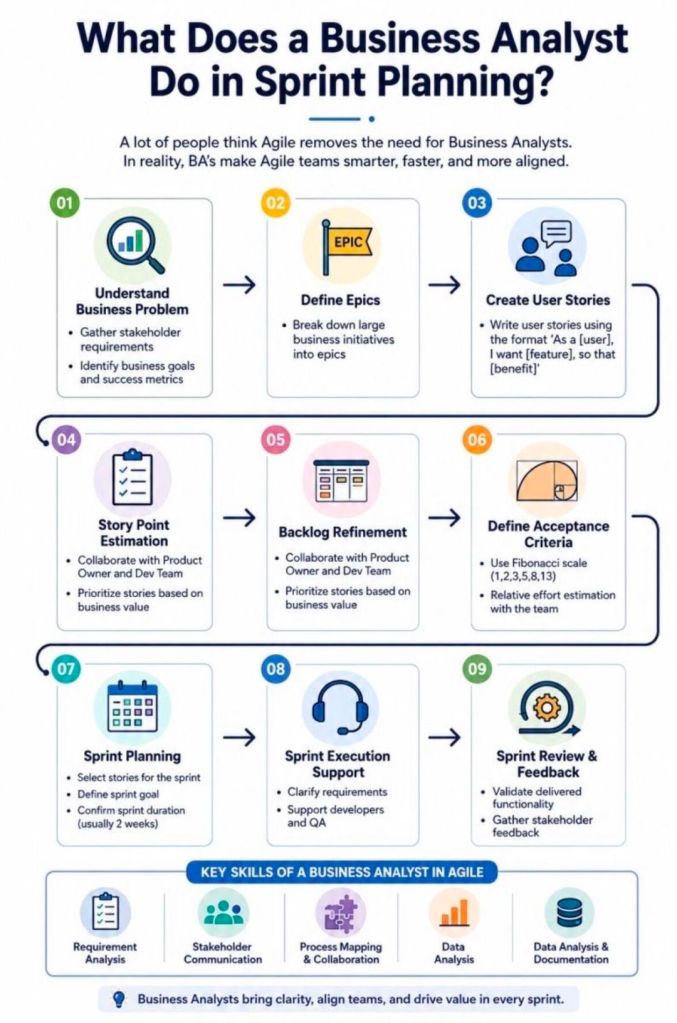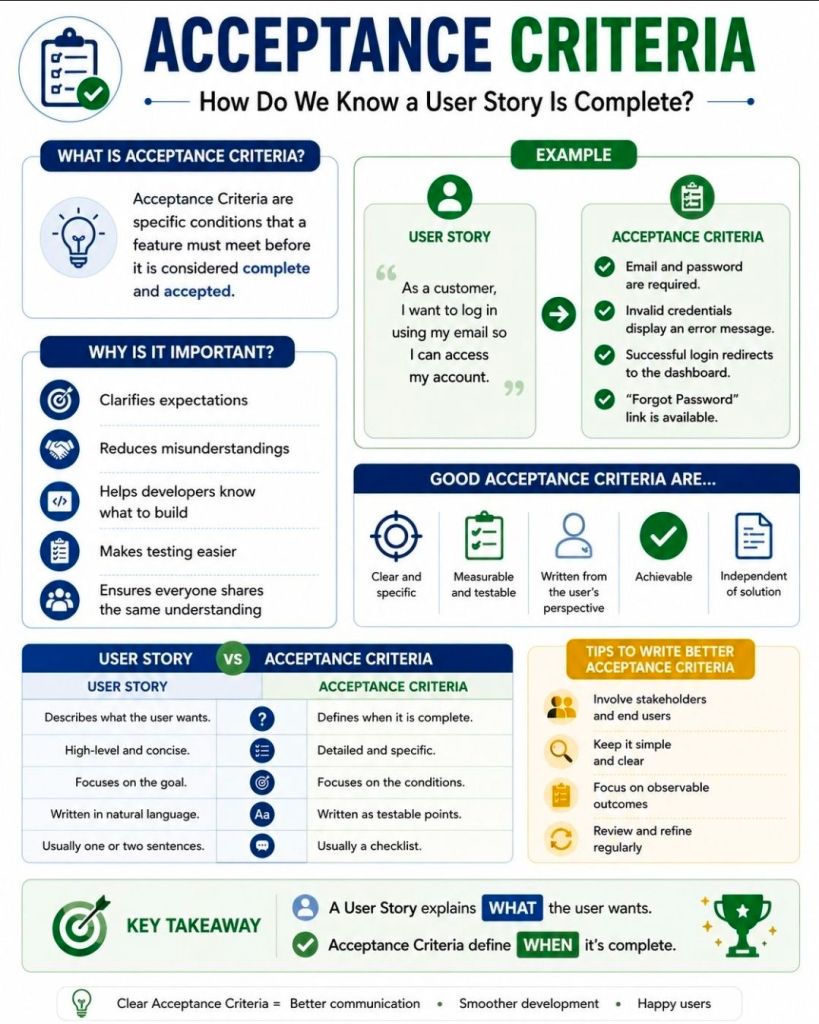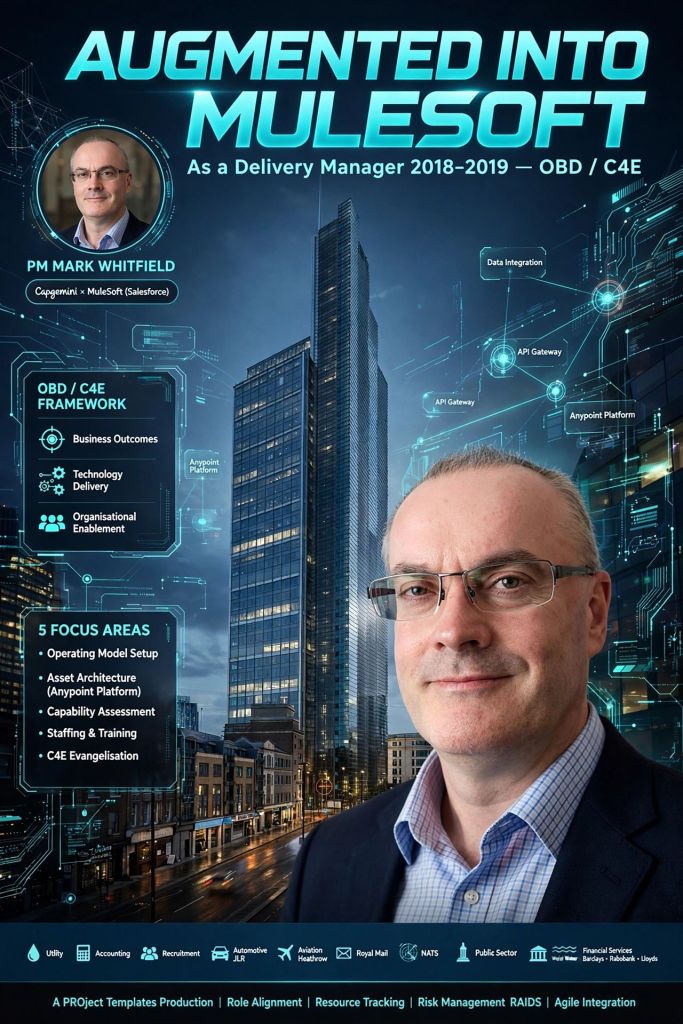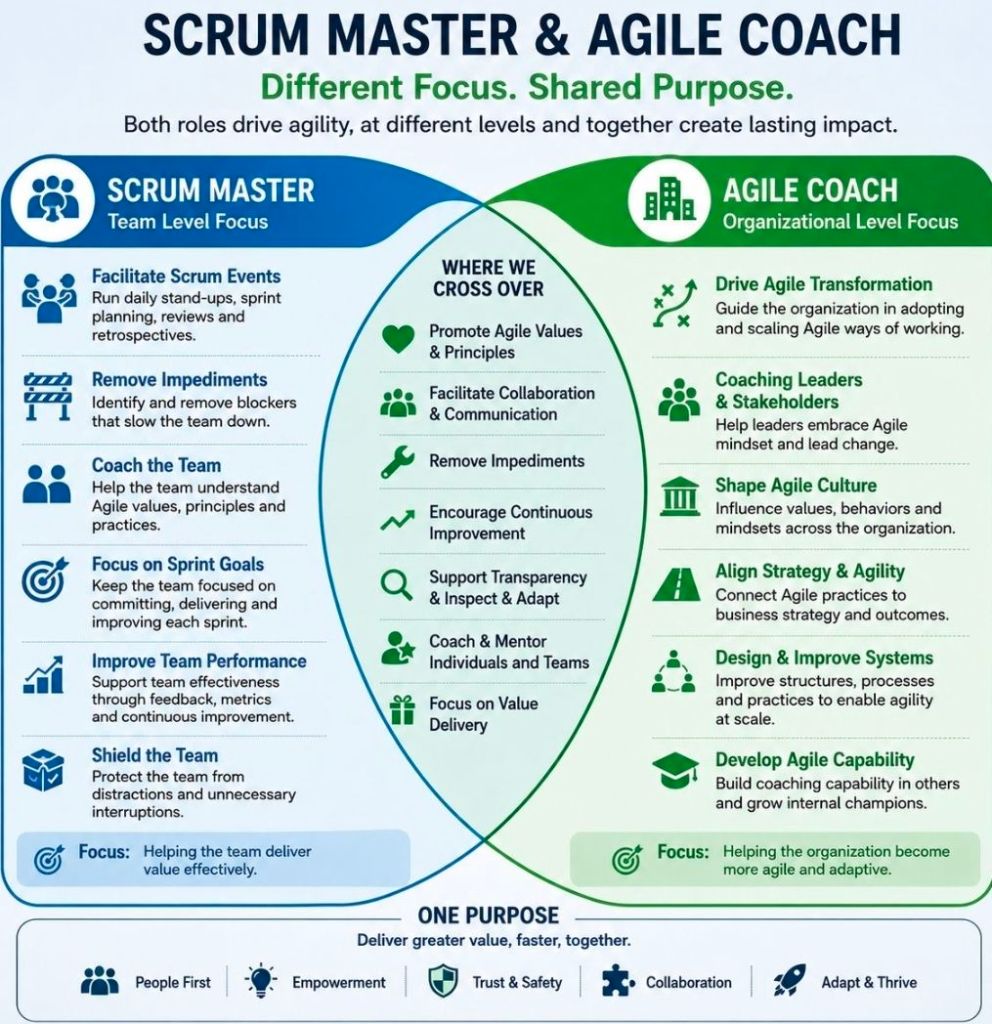
Microsoft Project—whose native file format extension is .mpp—is one of Microsoft’s longest-running products, originally originating from a DOS-based tool acquired in 1984. Over its four-decade lifespan, it has evolved from a basic critical path method (CPM) scheduler into a core enterprise project and portfolio management (PPM) system.
The .mpp format, which is the proprietary binary file structure used to store metadata, task hierarchies, schedules, and resource assignments, has undergone multiple structural changes to support new features like Agile workflows, critical path mapping, and multiple timelines. Buy MPP MS Project templates (like those above) here.
Chronological Timeline of Microsoft Project (1984 to Present)
1984 – 1986 (The DOS Era): The first commercial version, MS Project 1.0, was released for MS-DOS in 1984. It laid the foundation for Critical Path Method (CPM) scheduling.
1990 – 1993 (Transition to Windows/Mac): The first Windows version (Project 1.0 for Windows) launched in 1990. Microsoft subsequently released a Macintosh version in 1991, but officially ceased its Mac development by 1994.
1995 – 2003 (The Office Integration): With releases like Project 95, Project 98, and Project 2000, the software began to mirror Microsoft Office’s user interface, introducing PERT charts (later renamed Network Diagrams), multiple baselines, and resource pooling.
2007 – 2010 (The Ribbon and Server Era): Project 2010 became the first 64-bit version, introducing a modern ribbon and Backstage view. This era saw widespread use of Project Server for enterprise collaboration.
2013 – 2019 (Cloud & Modern UX): Integrating deeply with the Microsoft 365 environment, these versions introduced resource capacity heat maps, agile task fields, and native Plan-on-a-Page (POAP) timeline views.
2021 – 2024 (Modern Desktop Suite): The latest perpetual releases (Project 2021 and Project 2024) act as heavy-duty scheduling engines that integrate with modern tools like Power BI and Microsoft Teams.
Future Direction of the .MPP Format and Project Management
As of 2026, Microsoft is executing a major platform restructuring. The .mpp format will remain the standard file extension for the standalone, offline desktop application (e.g., Project Professional 2024/Subscription Edition), serving enterprise users who require complex scheduling, multi-project rollups, and deep resource optimization. Buy MPP MS Project templates here.
However, Microsoft is shifting its cloud and portfolio-level infrastructure entirely away from legacy SharePoint-based architectures. This structural shift impacts the .mpp ecosystem in several key ways:
Retirement of Project Online: Microsoft Project Online (the cloud-based service that previously stored and synchronized .mpp projects in the cloud) is officially fully retired.
Consolidation under Microsoft Planner: Microsoft’s cloud-based work management is converging entirely under the unified Microsoft Planner app (which incorporates former “Project for the web” capabilities).
Transition to Modern Cloud Formats: In the web and cloud ecosystem, the rigid and complex .mpp file is being replaced by Microsoft’s cloud-native architecture (which can be exported to standard .xml formats for interoperability).
Continued Desktop Support: Organizations requiring complex WBS (Work Breakdown Structure) views, complex dependencies, and local file storage can still utilize the desktop client versions (e.g., accessed via Microsoft Project Plan 3) which natively open .mpp files.
Viewer and Interoperability Utilities: Because native .mpp files cannot be opened by Microsoft Planner or Excel, Microsoft provides the XML Format Standard (MS-XDI) as the primary avenue for transferring custom scheduling data between desktop platforms and modern cloud APIs.
Microsoft Project MPP format, timeline & future direction
Mark Whitfield is a UK-based, SC-cleared Senior IT Project Manager and Engagement Manager with over three decades of experience in software development lifecycle (SDLC) delivery.
Mark Whitfield, High-Level Career Summary from 1990 thru 2026
Over his career, he has transitioned from deep technical engineering on legacy systems (HPE NonStop formerly Tandem Computers) to enterprise-scale digital transformation, cloud migrations, and API-led integrations. He is also the author of a comprehensive online toolkit for project delivery frameworks.
Click the ‘Company Worked‘ links below for more detail as required.
Project Management Career Breakdown:
1. Early Engineering & Technical Analysis Era (1990–1995)
Geographical Location: Salford Quays, UK (office); London, UK; Client sites across Europe/ Middle East
Clientsinclude: Global Payments, Standard Chartered, Girofon, Rabobank, CRESTCo (Euroclear), Alrajhi Bank, LloydsTSB, HSBC, Santander, Bank of Ireland, Bank of Valletta (Malta) and both Commercial and Piraeus Bank (Greece)
Main Focus Items: Infrastructure consulting, volume testing, system management & monitoring, and Service Level Agreement (SLA) monitoring for critical path payment applications. Attending related conferences, EBUG, ITUG, BITUG, SATUG
Technology Areas: HPE NonStop monitoring, ATM/POS system & transaction monitoring and stock settlement.
Geographical Location: Woking / Bracknell / UK wide
Client: Lloyds Banking Group
Main Focus Items: Modernising legacy ATM software and directing hardware/software transitions. Implementing ProClassic/Enterprise and PC/E SmartClient (Win 7) to replace the existing ProCash/NDC (Win XP) Stacks on a variety of multivendor devices.
Technology Areas: Multi-vendor hardware & software integration for ATMs.
Geographical Location: Wigan / Greater Manchester, UK
Client: Betfred Online and Mobile
Supplier Management: for external software suppliers like Degree53, Playtech, Onionsack, Intelligent Payments (Myriad), Inspired, iovation, StreamUK, Finsoft, Ineda, OtherLevels, Appsflyer, Income Access, Activewin, Virgo, Virtue Fusion, In Game Media, Satellite Information Services (SIS) and IGT
Main Focus Items: Taking new sports and virtual gaming components live, integrating payment gateways, managing app release cycles, and handling regulatory compliance.
In addition to his consultancy work, Mark Whitfield actively publishes his extensive collection of Project Management Templates, which are actively utilized across the industry for RAID Logs, Agile Burndown Charts, and Plan on a Page (POaP) blueprints.
Why an Organisation Needs a PMO, Project Management Office
An organisation needs a Project Management Office (PMO) to act as the strategic backbone that standardises processes, minimises operational risks, and directly aligns day-to-day project execution with long-term business goals.
Research by the Project Management Institute (PMI) highlights that 80% of high-performing organisations have established PMOs. Furthermore, companies utilizing a PMO deliver initiatives up to 2.5 times faster and waste 38% less budget compared to those operating without one.
1. Strategic Alignment & Portfolio Prioritisation
Goal connection: PMOs act as a filter, continuously checking that all active projects serve the corporate strategy.
Value redirection: The office can proactively recommend pausing or canceling redundant projects, redirecting resources to high-value initiatives.
Intake governance: They design a structured framework for project intake to stop random, impulsive investments.
2. Standardisation & Quality Assurance
Unified framework: PMOs replace chaotic “every-team-for-itself” habits with shared templates, common metrics, and standard delivery methodologies.
Repetitive economy: Creating consistent guidelines allows multi-project execution to become a predictable machine, reducing human error.
Performance baselines: Standardised metrics give leadership an objective rubric to compare project health across entirely different business units.
3. Resource Optimisation
Bottleneck reduction: Centralised control prevents staff from being unsustainably double-booked across competing silo projects.
Capacity visibility: Real-time capacity mapping lets the executive suite understand exactly who is available before approving future workloads.
Skills leverage: PMOs actively track internal talents, allowing organisations to pivot specialized professionals to high-priority issues quickly.
4. Data-Driven Governance & Risk Management
Executive transparency: PMOs deliver aggregated status dashboards (like “Stop Light” reporting) to keep stakeholders clearly informed without digging through minor details.
Early risk mitigation: Using institutional tools like RAID logs, they catch budget variances and deadline slips before they cascade out of control.
Compliance protection: They ensure strict adherence to industry regulations, corporate ethics, and legal benchmarks to safeguard the firm from penalties.
5. Knowledge Management & Continuity
Lessons learned: The PMO retains historical metrics, helping project teams build realistic, accurate cost and timeframe estimates on subsequent iterations.
Mentorship hubs: They provide ongoing skills coaching and workshops to organically raise the project management maturity level across the company.
Mark Whitfield spent 18 years (August 1995 – September 2013) at Insider Technologies Limited (ITL), a Manchester-based software house specialising in high-availability tracking, service management, and transaction monitoring. Entering as a Senior Programmer, he climbed through the ranks to become an Operations Products Manager and, ultimately, the Project Manager for Strategic Technical Initiatives.
His core technical contribution revolved around developing and managing platform-health diagnostic modules, automated event filtering, and multi-currency transaction log trackers.
He focused heavily on the HPE NonStop (Tandem) kernel, integrating these mainframes with Windows, Unix, and Linux open systems. His work protected critical banking infrastructure, such as transaction loops feeding into ACI BASE24 ATM/POS switches and major national payment clearings.
Detailed Timeline Breakdown
🔹 The Foundational Tandem Era (1995–1999)
This period focused on building out bespoke low-level mainframe diagnostic scripts, real-time logging, and bracing critical infrastructure for the millennium bug.
1995: Joined Insider Technologies Limited at Salford Quays after departing Deluxe Data. He began programming SCOBOL green screens and engineering PATHWAY servers to query raw Guardian operating system procedures.
1996: Core developer for the flagship Reflex monitoring suite (Reflex 80:20). He co-authored the Console module for HPE NonStop Event Management Service (EMS) viewing, alongside tracking blocks for system components like CPU, Disk, and Processes.
1997: Transitioned into an infrastructure consulting capacity, designing code routines to test physical hardware throughput.
1998: Formally appointed as the ITL Operations Products Manager. He orchestrated high-performance benchmarking tests on newly deployed Tandem S7000 processing hardware nodes for Euroclear (formerly CRESTCo), validating infrastructure that handled 88% of UK equities.
1999: Directed critical, deep-level automated Y2K code auditing. This guaranteed that real-time tracking loops and MultiBatch scheduling automation would accurately handle the date rollover for clearing partners like the Bank of England and Deutsche Bank.
🔸 The Operations & Middleware Integration Era (2000–2005)
This era bridged the gap between rigid standalone mainframes and modern open-system dashboards, creating cross-platform monitoring frameworks.
2000: Spearheaded deep-layer integration projects connecting legacy frameworks to distributed enterprise collectors like TIVOLI, COMMAND/POST, and third-party file monitors.
2001: Supervised 24×7 enterprise support teams handling cryptographic security frameworks for Thales e-SECURITY products, overseeing the SafeSign Authentication and Management Server lines on Windows/Unix.
2002: Led technical rollouts for ITL’s interactive Systems Training Platform, deploying patented system-cloning configurations to let institutional clients practice outage responses safely.
2003: Drove cross-platform middleware compatibility protocols, building hooks between the NonStop kernel and WebSphere MQ (MQSeries) message streams to trap transactional anomalies in real-time.
2004: Advanced to Project Manager – Strategic Technical Initiatives, implementing PRINCE2 governance for new product R&D pipelines.
2005: Began standardising the technical architecture of Reflex ONE24, transitioning the vintage monitoring code toward centralized electronic web consoles.
🔹 The Strategic Initiatives & Product Management Era (2006–2013)
Whitfield shifted into pure-play product management, expanding corporate web assets and publishing technical documentation before navigating the company through an MBO.
2006: Pioneered custom transaction parsing frameworks for payment switches, resulting in the foundational engine layout of Sentra and the Real-Time Log Extraction (RTLX) engine.
2007: Acted as the primary corporate website architect and author, modernising Insider’s public presence by building out and managing content deployments on DotNetNuke (DNN).
2008: Managed implementation pipelines for XPERT24, a highly specialized utility engineered specifically for performance tracking across complex BASE24 XPNET banking environments.
2010: Guided software engineers through logic modifications to intercept multi-currency retail POS and ATM interchange drops down to the millisecond.
2011: Coordinated agile deployment sprints for financial institutions to meet strict compliance laws surrounding automated data storage and long-term file retention.
2012: Provided the project governance behind the scenes during Insider Technologies’ internal structural transitions, supporting a £3m Management Buyout (MBO).
2013: Authored a major technical summary published globally in the recognized HP NonStop industry journal, The Connection, defining payment software lifecycles. Concluded his 18-year run at ITL in September to join Wincor Nixdorf.
(Note: The product lines Whitfield built and governed were later acquired by ETI-NET in 2015, where his original RTLX utility was rebranded as C-Deep for Transaction Monitoring.)