sp/ARCHITECT was a pioneering electronic banking and funds-transfer software suite. Originally built by the UK-based Software Partnership (TSP), it ran natively on fault-tolerant Tandem (now HPE NonStop) systems. It provided highly available transaction routing and real-time electronic book-keeping for major international financial institutions.
Detailed Timeline by Era and Year
1. The Genesis & Independent Era (Mid-1980s – 1989)
Mid-1980s: The Software Partnership (TSP) is co-founded in Timperley, UK. Development begins on sp/ARCHITECT, designed with a client-server architecture.
1986: Tandem launches NonStop SQL, providing the underlying high-availability relational database foundation that sp/ARCHITECT relied upon to ensure absolute data integrity for banks.
2. Mainstream Banking Adoption Era (1990 – 1994)
1990: TSP relocates to Norton House in Runcorn, UK. sp/ARCHITECT achieves production deployment and is widely utilized for inter-account transfers and book-keeping by major banks like TSB and Bank of Scotland.
1992: Due to rapid expansion, the Runcorn operations relocate to Wingate House.
1994: Deluxe Electronic Payment Systems (a subsidiary of Deluxe Corporation) acquires TSP to expand its global electronic funds transfer (EFT) footprint. The platform is globally marketed and supported, expanding to clients like Rabobank.
1990: TSP relocates to Norton House in Runcorn
1992: Due to rapid expansion, the Runcorn operations relocate to Wingate House.
3. Global Expansion & Compaq Transition Era (1995 – 2005)
1995 – 1997: The Runcorn-based team (operating as Deluxe Data) codes additional regional adaptations of sp/ARCHITECT for banks worldwide (e.g., Girofon in Denmark).
1997: Compaq acquires Tandem Computers, placing sp/ARCHITECT on Compaq’s enterprise roadmap.
2002: Hewlett-Packard (HP) acquires Compaq, absorbing the Tandem platform into the HP Integrity server line. The application undergoes adaptation to integrate modern Windows-based management systems (like DSM/NOW).
4. The HPE Modernization & Hybrid Era (2014 – 2026)
2014: HPE (Hewlett Packard Enterprise) is formed, spinning off from HP. NonStop shifts to Intel x86-64 architecture (NonStop X), requiring sp/ARCHITECT and related Tandem subsystems (like Pathway, COBOL, and TAL) to modernize for TNS/X processing.
2020: Legacy Itanium-based environments are phased out. sp/ARCHITECT systems, if still active, are migrated to virtualized NonStop (vNS) and operated within private cloud infrastructures.
2025/2026: HPE NonStop celebrates its 50th Anniversary. Applications originally designed on the sp/ARCHITECT schema are heavily evaluated for AI integration, continuous cyber resilience, and consumption-based models like HPE GreenLake.
The official HPE Nonstop Technology Architecture is a specialized, 100% fault-tolerant infrastructure built with a tightly integrated hardware and software stack designed to eliminate any single point of failure. Formal instruction and architectural frameworks have been modernized under the newly relaunched HPE Nonstop Compute Training Portfolio curriculum.
Originally developed by Tandem Computers in 1976, the platform eventually became part of Hewlett Packard Enterprise (HPE). Unlike standard servers that can crash due to a single component failure, NonStop uses a tightly integrated, “shared-nothing” architecture to ensure that if a hardware or software component fails, another instantly takes over with zero downtime or data loss.
Core Architectural Features
To understand how HPE NonStop works, you need to understand its unique design principles:
Shared-Nothing Architecture: Every processor has its own dedicated memory, I/O channels, and copy of the operating system. No single component is shared, eliminating any single point of failure.
Process Pairs: Applications run using a primary process and a backup process on a different processor. The primary process constantly copies its state to the backup. If the primary fails, the backup immediately takes over.
Massive Scalability: Systems can scale up seamlessly from small distributed environments to massive clusters containing up to 24,000 processor cores without interrupting running operations.
Hardware Platform: The modern software environment runs on industry-standard x86 architectures, available as physical server racks (like the HPE NonStop NS9 X5) or as virtualized instances in hybrid cloud environments.
Dual Operating Environments
HPE NonStop runs a specialized operating system called NonStop OS. Inside this OS, developers and administrators interact with two distinct environments:
Guardian Environment: The native, proprietary environment optimized for high-volume Online Transaction Processing (OLTP). It handles tasks sequentially through process-oriented manually-started jobs rather than traditional automated queues.
Open System Services (OSS): A UNIX-like, POSIX-compliant environment built on top of the NonStop kernel. This allows organizations to run standard open-source applications, tools, and scripts natively alongside Guardian.
Ecosystem and Use Cases
HPE NonStop is rarely used for standard office automation or basic web hosting. Instead, it serves as the backbone for global industries where an hour of downtime could cost millions of dollars:
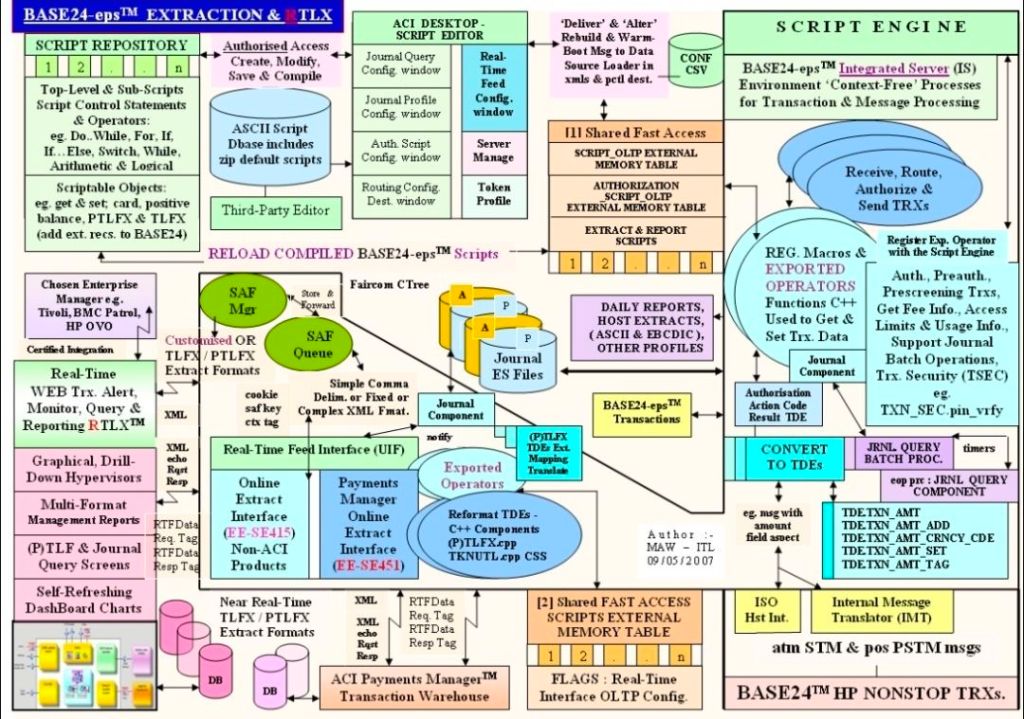
Financial Transactions: Powers global stock exchanges, automated teller machines (ATMs), and retail point-of-sale credit card processing, eg. BASE24.
Travel and Logistics: Runs critical airline reservation systems and real-time cargo routing infrastructure.
Database Management: Features its own highly secure, distributed database engine called NonStop SQL, which guarantees absolute data integrity across all transactions.
Modern Development: Supports traditional languages like COBOL85 and ANSI C, alongside modern DevOps integrations like Git, Ansible, and Eclipse-based IDE environments.
An architectural blueprint of an HPE NonStop environment typically separates the layout into three core interdependent layers:
Hardware & Fabric Layer: Consists of independent, loosely-coupled Processor Nodes (handling up to 24,000 cores globally) connected via an ultra-fast InfiniBand or ServerNet system fabric backbone.
I/O & Subsystem Layer: Utilizes Cluster I/O Protocols (CLIMs), splitting tasks between Storage CLIMs (SCLIMs) and Network CLIMs (NCLIMs) to isolate external communication from main processing.
Operating System & DB Layer: Runs the NonStop OS, which simultaneously manages the traditional Guardian environment, Open System Services (OSS) for UNIX/Linux paradigms, and the NonStop SQL distributed database engine.
Recommended Architecture Training Curriculum
HPE organizes its technical blueprints into structured educational paths for engineers.
1. Foundational Blueprint Concepts
Course Code: U4147S (HPE Nonstop Compute System Fundamentals).
Focus: Delivers a top-down view of system goals, transaction processing, and fundamental architecture.
Key Modules: Explores Guardian vs OSS, Pathway application management, and basic database interaction.
2. System Operations & Administration
Course Code: H1SC3S (HPE Nonstop Compute System Administration I).
Focus: Maps physical and virtual components to real-world deployment.
You can review or download the targeted, one-page CV for Mark Whitfield (Senior Project Manager specializing in HPE NonStop systems) via the Mark Whitfield CV PDF link.
Mark Whitfield, High-Level Project Management Summary
The high-level, scannable overview of his professional profile is outlined below:
Executive Profile
Role: IT Senior Project Manager / Delivery Lead
Background:30+ years of experience delivering highly complex technology, business transformation, and infrastructure projects.
Core Skills: Cloud migration (hybrid), legacy ATM software modernisation, Point of Sale (POS) implementations, and software development lifecycles (SDLC).
Methodologies: Agile, Waterfall, PRINCE2 Practitioner, and ITIL certified.
Core Expertise & Competencies
HP NonStop & Legacy Integration: Deep technical roots in Tandem Computers/ HPE NonStop development, TAL programming, and high-volume transaction environments.
Global Delivery: Managed large-scale IT and system monitoring rollouts across the UK and international markets (e.g., Saudi Arabia).
Stakeholder Management: Experienced in bridging the gap between highly technical development teams and high-level business stakeholders.
For direct access to his official templates, articles, and full professional journey, you can visit the PROject Templates Website.
Mark Whitfield, a Manchester-based Senior IT Project Manager, has completed extensive professional training throughout his career, focusing on project management methodologies, delivery software, and technical tools.
Core Project Management Methodologies :
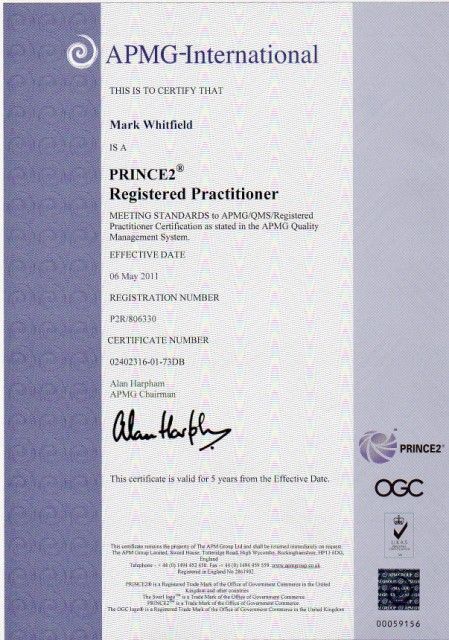
PRINCE2 Practitioner: Certified as a registered PRINCE2 Practitioner in May 2011 via the ILX Group (Gold e-Learning).
Agile SCRUM Training: Attended in-house training with RADTAC in May 2011.
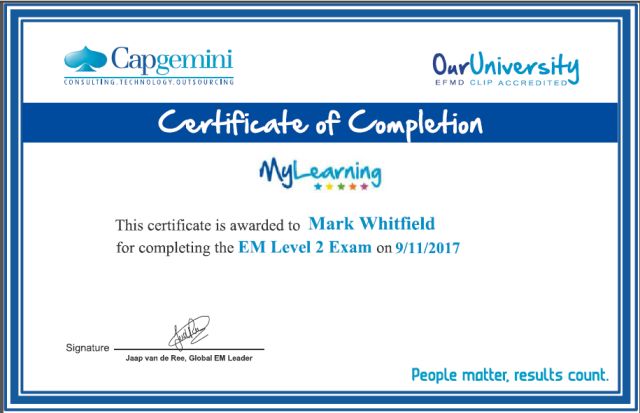
Advanced Engagement Management (Level 2): Completed at Capgemini in November 2017.
Project Management Fundamentals: Completed “Fundamentals of Successful Project Management” in February 2000 through Skillpath in Manchester.
Managing Multiple Projects: Attended “Managing Multiple Projects, Objectives and Deadlines” in October 1999/1998 via Skillpath.
Software & Cloud Platforms :
AZ-900 Microsoft Azure Fundamentals: Certified in February 2022.
Microsoft Project: Completed the Microsoft Project ’98 Certification Series in May 2000 through the IIL UK Education Centre in Reading.
Microsoft Excel Expert Skills: Upgraded skills via a 2017 Expert course and a July 2024 Udemy refresher.
Technical & Programming Courses :
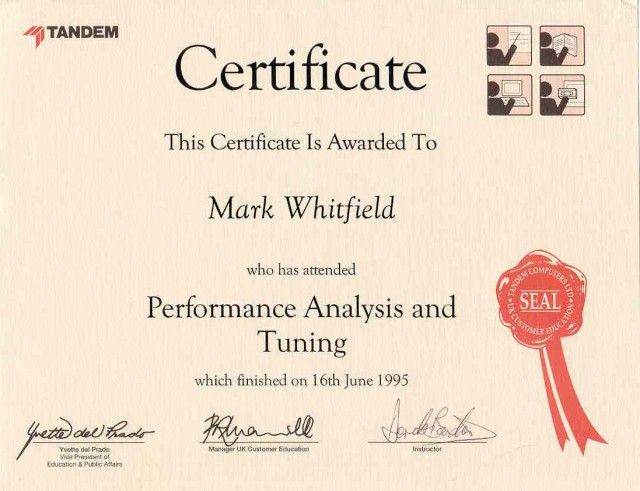
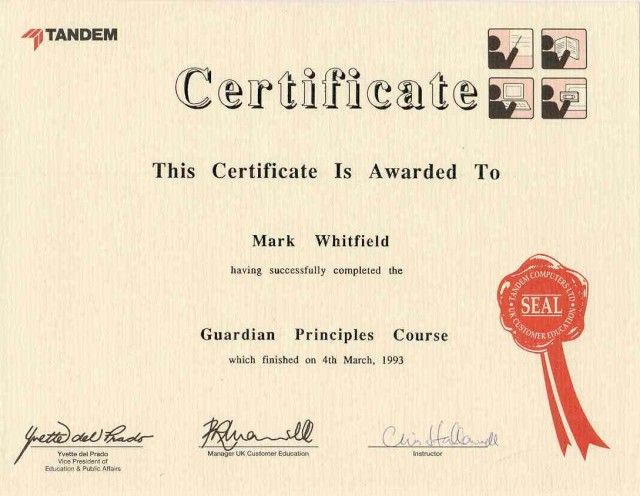
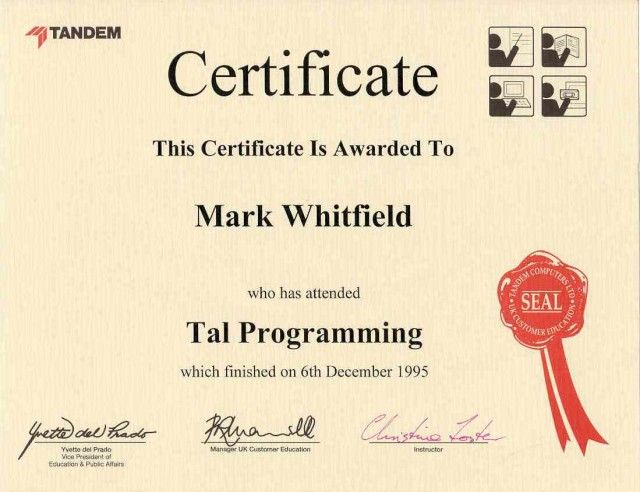
Tandem / HP NonStop: Completed Tandem Guardian Principles (1993), Tandem Performance Analysis (1995), and Tandem TAL Programming (1995).
C / C++ Programming: Attended “C++ for Non-C Programmers” with Comtec Computer Training in March 1997.
Database Querying: Completed “Querying Microsoft SQL 2000 with Transact SQL” via QA Training in March 2009.
Web Applications: Attended “Developing MS ASP Web Applications using MS Visual Studio .NET” in January 2007.
Marketing & Communication Training :
Writing for the Web: Completed in May 2009 with gbdirect (iTrain Education in London).
Brochure & Document Design: Attended a SkillPath Seminar on designing marketing brochures and reports in April 2006.
Mark Whitfield is a highly experienced, SC-cleared Senior Project Manager and IT professional with over 31 years of experience in both public and private sectors, specializing in software development, cloud migration, and IT systems delivery.
He is currently associated with Capgemini (since 2016) and runs a project management resource website, PROject Templates.
Joined Capgemini in 2016 having worked at ascending points in software development lifecycle projects for over 31 years
Key Qualifications & Experience:
Roles: Senior Project Manager, Engagement Project Manager, Delivery Manager, and former programmer.
Methodologies: PRINCE2 Practitioner, skilled in both Waterfall and Agile (SCRUM) approaches.
Sector Experience: Extensive experience in finance and banking, including ATM software swap-outs, cloud migration (Azure, AWS, Power Platform), and POS monitoring systems.
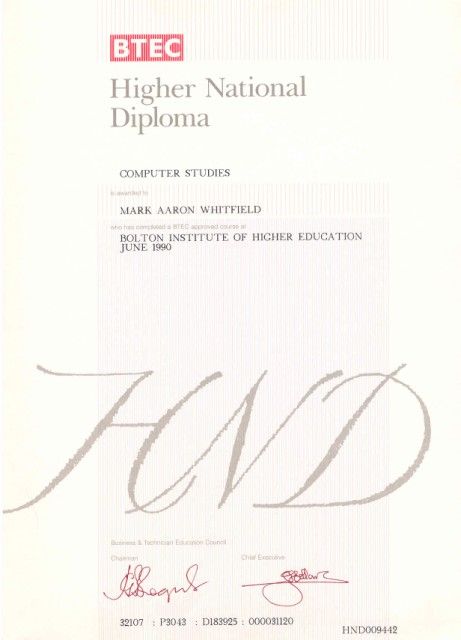
Background: Graduated in Computing in 1990; worked as a developer (COBOL, SQL, Tandem / HPE NonStop) before transitioning to project management.
PRINCE2 Practitioner, skilled in both Waterfall and Agile (SCRUM) approaches
Professional Highlights:
Delivered major projects for clients such as Barclays, Bank of England, HSBC, Royal Mail Group, UK & Welsh Government, Heathrow, and Jaguar Land Rover.
Led complex IT infrastructure projects and business transformations.
Maintains mark-whitfield.com, offering over 200 project management templates, trackers (RAID, budget, benefit, cost etc.), and many plans for Agile / Waterfall projects including 30+ Plan On a Page (POaP) and MS Project MPP examples (click on Blog above for a summary).
Provides specialized templates for PRINCE2 7th edition and MS Project (MPP).
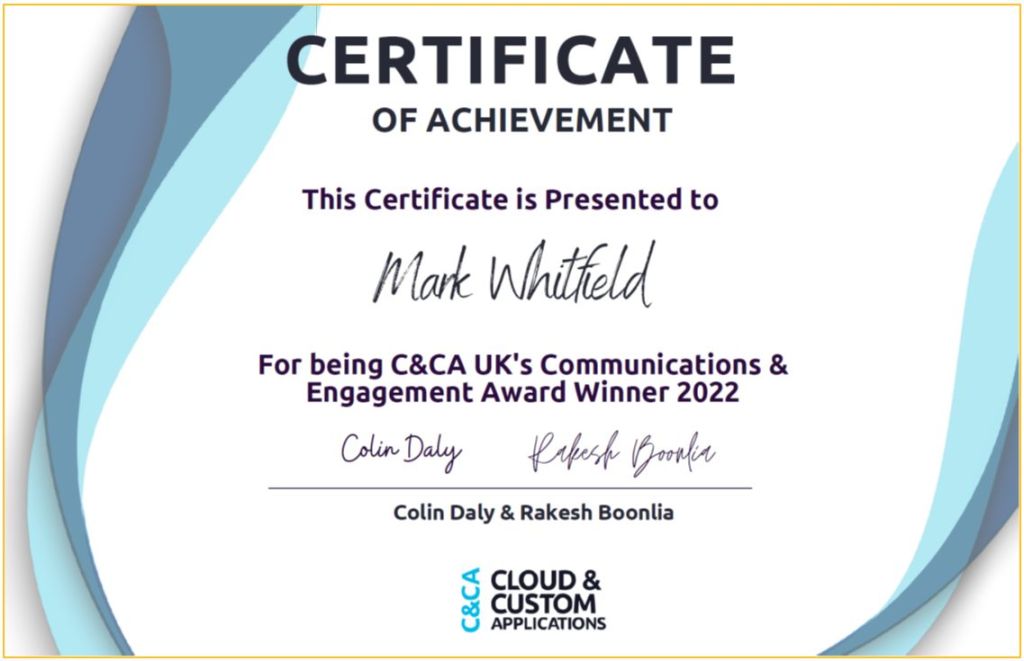
December 2022 – C&CA UK’s Communications & Engagement Award Winner – Cloud & Custom Applications – Capgemini UKNovember 2017 – Advanced Engagement Management Course – Level 2 ExamJune 1990 – Higher National Diploma in Computer Studies, Distinction
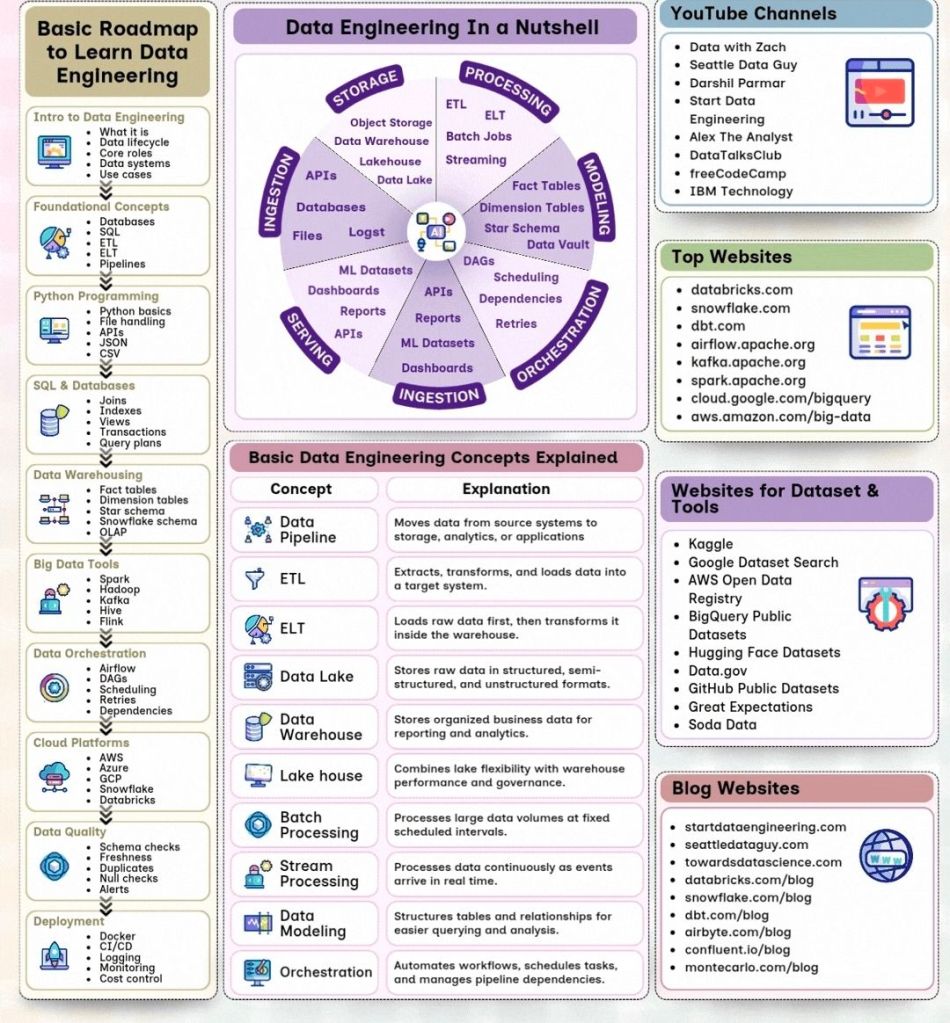
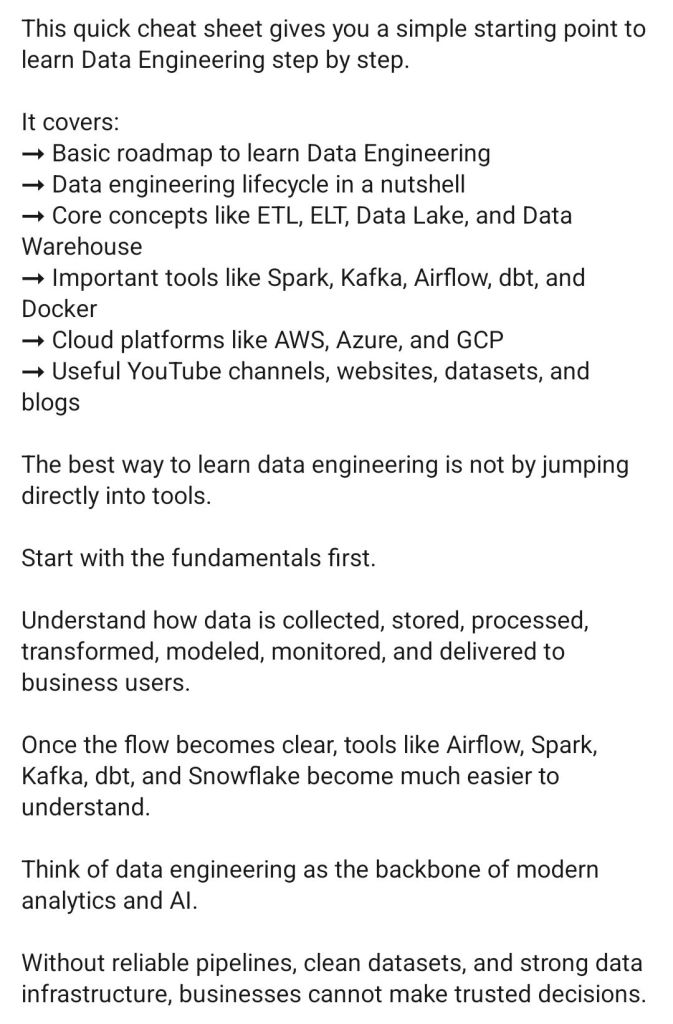
Data Engineering SummaryData Engineering : Step by Step Summary
Extract, Transform, Load (ETL) is a foundational data integration process that consolidates raw data from multiple disparate sources—such as CRM systems, databases, and APIs—into a single, centralized destination, typically a data warehouse or data lake. It is crucial for ensuring that data is clean, consistent, and ready for analytics, BI reporting, and machine learning.
Core ETL Process Steps
Extract: Raw data is pulled from varied sources (structured or unstructured) into an intermediate staging area.
Transform: The staged data is cleaned, formatted, and combined based on business rules to ensure consistency.
Load: The prepared data is moved from the staging area into the final target data warehouse.
Key Benefits
Data Quality & Consistency: Standardizes formats (e.g., date formats, currency) and cleans up errors.
Historical Context: Combines legacy data with new information for long-term analysis.
Automation: Automates recurring data processing tasks, saving time for data engineers.
ETL vs. ELT
ETL (Transform before Loading): Transforms data on a separate processing server before loading, ideal for complex, heavy transformations.
ELT (Load then Transform): Loads raw data directly into the target warehouse (e.g., Snowflake, BigQuery) and transforms it using the warehouse’s power. This is better for large, unstructured datasets.
Detailed Summary
1. Extract
Extraction is the first phase, where raw data is gathered from various heterogeneous sources.
Full Extraction: The entire source is copied; best for small tables.
Incremental Extraction: Only data modified since the last run is extracted.
Update Notification: Source system alerts the ETL tool of a change.
Staging Area: Extracted data is temporarily stored in a “staging area” (or landing zone) to avoid placing heavy loads on production systems during transformation.
2. Transform
This is the most compute-intensive phase, where raw data is converted into a usable format.
Cleansing: Mapping NULL values to 0, removing duplicates, and fixing errors.
Standardization: Converting character sets, date/time formats, or measurement units (e.g., kilograms to pounds).
Data Aggregation: Summarizing data (e.g., total sales per store per day).
Enrichment/Derivation: Creating new calculated values (e.g., calculating profit from revenue and cost).
Encryption/Masking: Anonymizing PII (Personally Identifiable Information) to comply with GDPR/HIPAA regulations.
3. Load
The final phase transfers the cleaned and transformed data into the target destination.
Target Systems: Data warehouses (e.g., Amazon Redshift, Snowflake, Google BigQuery) or Data Lakes.
Loading Methods:
Full Load: Wiping and replacing all data in the target.
Incremental Load: Only loading new/updated data (the “delta”) to the target at regular intervals.
Automation: The process is typically automated to run during off-hours, ensuring the data is ready for morning reports.
Modern Trends and Tools
Cloud-Native ETL: Tools like AWS Glue, Azure Data Factory, and Google Cloud Dataflow allow for serverless, scalable data integration.
Reverse ETL: Moving transformed data from the warehouse back to operational systems (like Salesforce) to activate insights.
Streaming ETL: Processing data in real-time as it arrives, rather than waiting for batch updates, using tools like Apache Kafka.
DataOps: Applying DevOps principles (automation, testing) to data pipelines to ensure reliability and faster deployment.
When to Choose ETL vs. ELT
Choose ETL when: You need to comply with strict data security, perform complex transformations before data hits the warehouse, or have limited computing power in your target database.
Choose ELT when: You are using a cloud warehouse, dealing with massive unstructured data volume, or need high-speed ingestion.
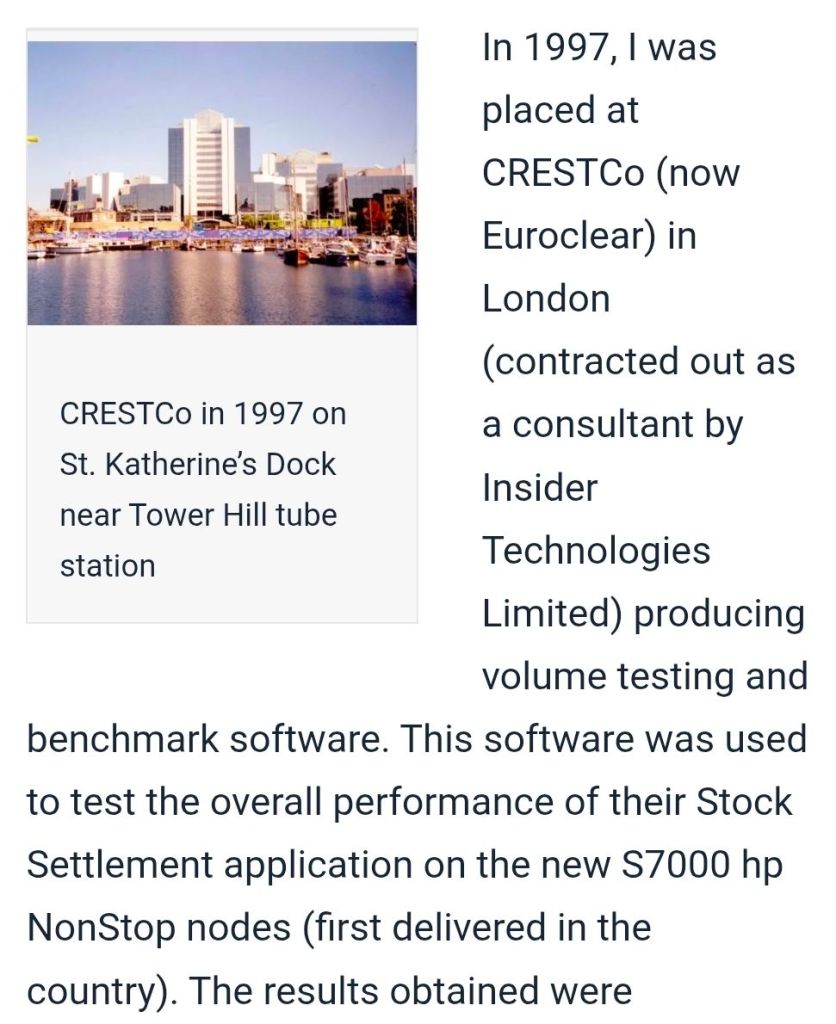
CrestCo Ltd, now operating as Euroclear UK & International (EUI), is the central securities depository (CSD) for the United Kingdom and Ireland, responsible for the electronic settlement of securities transactions.
Founded in the mid-1990s, CrestCo revolutionized London’s financial markets by moving them from paper-based share certificates to a “dematerialised” (electronic) system, thereby significantly reducing settlement times, risks, and costs.
Purpose: The CREST system (Certificateless Registry for Electronic Share Transfer) enables electronic, real-time settlement of securities.
Services: It handles settlement of UK and Irish equities, gilts (government bonds), and various other corporate securities.
Key Functions:
Dematerialisation: Eliminating the need for physical share certificates.
Real-time Settlement: Reducing operational and credit risk.
Corporate Actions: Managing dividend payments and other corporate events.
CDIs: Utilizing CREST Depositary Interests (CDIs) to facilitate trading of international securities.
Transformation: In 2002, CrestCo was acquired by Euroclear and later renamed Euroclear UK & Ireland Ltd (EUI).
Comprehensive Timeline by Year
1993: The Bank of England initiates the CREST project to replace the aborted TAURUS system (Transfer and Automated Registration of Uncertified Stock), aiming to digitize London’s settlement.
1996:CrestCo Ltd is officially founded and the CREST system goes live, beginning the shift from paper-based settlements to electronic transfers.
1997-1998: Rapid adoption of the system by market participants, facilitating faster settlement cycles.
1999: Introduction of automated “settlement discipline” regimes, including league tables and fines to incentivize performance.
2002: Euroclear merges with CrestCo. CrestCo is integrated into the Euroclear group, marking its transformation into a larger, internationally integrated entity.
2010 (September 1): EUI merges with EMX Company Limited, enhancing its ability to handle investment funds and expanding its network.
2016: CISI reports that CREST has successfully provided 20 years of secure, efficient settlement, solidifying its role in UK financial infrastructure.
2020s: Continued enhancement of the system, including improved digital security and adaptation to evolving European Union and UK regulatory standards.
2024: Continued operation as a premier infrastructure provider under Euroclear.
2026 (April): Euroclear UK & International Ltd continues to operate as the leading CSD in London, with ongoing focus on digital asset security and efficient settlement.
Key Impacts on London Financial Markets
Risk Reduction: Shifted settlement risk from days to near real-time.
Efficiency: Drastically reduced manual processing (“mundane practices”) and associated costs.
Integration: Facilitated the integration of UK markets into the broader European infrastructure.