Tandem Computers ( HPE NonStop ) Overview & Detailed Timeline

Tandem Computers, founded in 1974 by James (Jimmy) Treybig, revolutionized the computing industry by pioneering fault-tolerant computer systems. Designed specifically for online transaction processing (OLTP) in banking, stock exchanges, and telephone switching, Tandem’s “NonStop” systems provided near-zero downtime by utilizing redundant, modular processors and a “shared-nothing” architecture. 

Tandem remained an independent, rapidly growing company until it was acquired by Compaq in 1997, later becoming part of Hewlett Packard Enterprise (HPE). 

Overview of Key Technologies

  • NonStop Architecture: The core design featured multiple independent processors, each with its own memory and I/O bus, interconnected by a redundant inter-CPU bus called the Dynabus.
  • Guardian OS: A message-based operating system designed to detect faults immediately (“fail-fast”) and mirror process states to a backup processor, allowing seamless failover.
  • NonStop SQL (1986): The first fault-tolerant SQL database, known for linear scalability.
  • ServerNet (1995): A high-speed, scalable, point-to-point network system that replaced the Dynabus and influenced modern InfiniBand standards. 

Detailed Historic Timeline by Era and Year

The Founding Era (1974–1979) 

  • 1974: Tandem Computers is founded in Cupertino, California, by Jimmy Treybig, formerly of HP. Initial venture capital investment comes from Kleiner & Perkins.
  • 1975: Design of the Tandem/16 (T/16) is completed.
  • 1976: The first T/16 NonStop system is shipped to Citibank.
  • 1977: Tandem goes public; sales begin rapid, exponential growth.
  • 1978: Introduction of the ENCOMPASS database management system.

The Growth and Competition Era (1980–1989)

  • 1980: Inc. magazine ranks Tandem as the fastest-growing public company in America.
  • 1981: NonStop II is introduced, supporting 32-bit addressing to allow for larger applications.
  • 1982: Competition intensifies as Stratus Technologies enters the fault-tolerant market. Tandem faces its first quarter of declining growth.
  • 1983: Introduction of the NonStop TXP, the first entirely new implementation of the TNS architecture with cache memory.
  • 1985: Attempted entry into the PC market with the MS-DOS-based Dynamite PC, which fails commercially and is withdrawn.
  • 1986: Introduction of the NonStop VLX (32-bit datapath) and the revolutionary NonStop SQL database.
  • 1987: Introduction of the low-cost NonStop CLX for small office environments.
  • 1988: Tandem acquires Ungermann-Bass, Inc. to strengthen networking capabilities.
  • 1989: Introduction of the NonStop Cyclone, a high-end ECL-based processor aimed at mainframe markets. 

The Open Standards & MIPS Transition Era (1990–1996)

  • 1990: Tandem introduces the Integrity line of fault-tolerant Unix systems.
  • 1991: Cyclone/R (CLX/R) is released, marking the start of the migration from proprietary stack machines to MIPS R3000 RISC microprocessors.
  • 1993: Introduction of the NonStop Himalaya K-series using faster MIPS R4400 processors.
  • 1994: NonStop Kernel (NSK) is extended with Open System Services (OSS), a POSIX-compliant Unix environment.
  • 1995: Introduction of ServerNet, designed for extremely low-latency inter-processor communication.
  • 1995–1997: Partnered with Microsoft on the “Wolfpack” project, which becomes Microsoft Cluster Server. 

Acquisition and Integration Era (1997–Present)

  • 1997: Compaq acquires Tandem Computers for roughly $3 billion. The Himalaya S-Series is introduced.
  • 1998: Compaq acquires DEC, leading to a shift in engineering strategy towards Alpha/Itanium instead of MIPS.
  • 2001: Compaq terminates Alpha engineering, committing to Intel’s Itanium (Merced) processors.
  • 2002: Hewlett-Packard acquires Compaq. Tandem becomes the core of the HP Integrity NonStop Server division.
  • 2005: The first HP Integrity NonStop servers (TNS/E) based on Itanium processors are released.
  • 2014: Completion of the migration to Intel x86 architecture (NonStop X). 

Note: Following the split of HP into Hewlett Packard Enterprise (HPE) and HP Inc., the NonStop product line continues to be developed and supported by HPE.

Tandem Computers Overview and Detailed Timeline

Finance Terms every IT Professional Should Know

Finance Terms every IT Professional Should Know

Lean Six Sigma Global, How to Lead a Project

Lean Six Sigma Global, How to Lead a Project

Every Artificial Intelligence AI Agent Explained

Every Artificial Intelligence AI Agent Explained

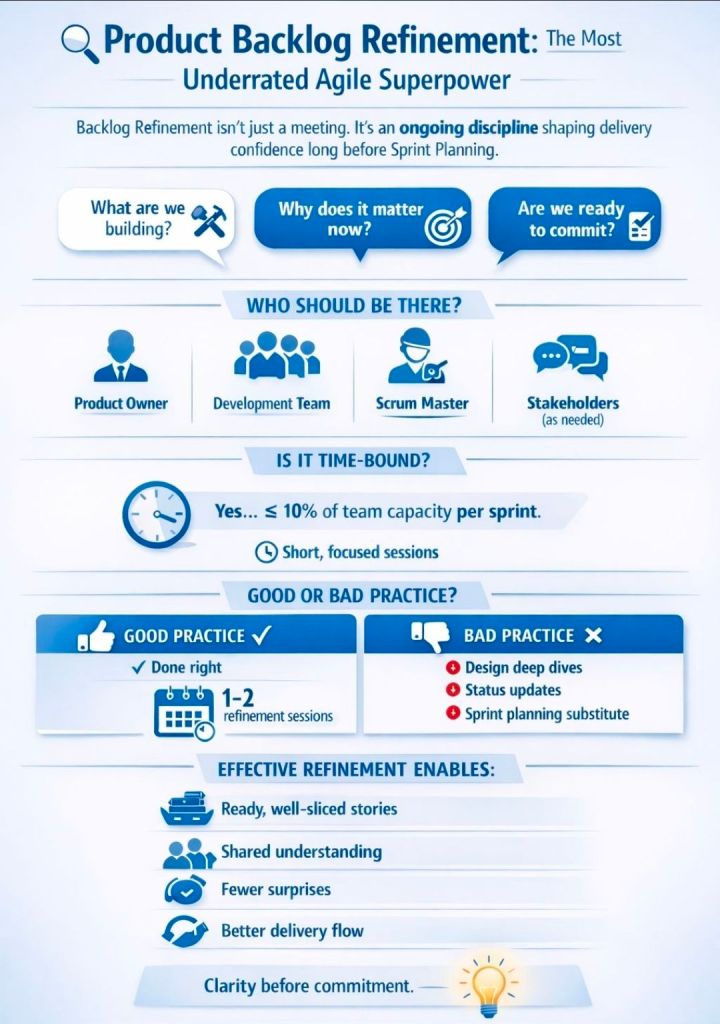
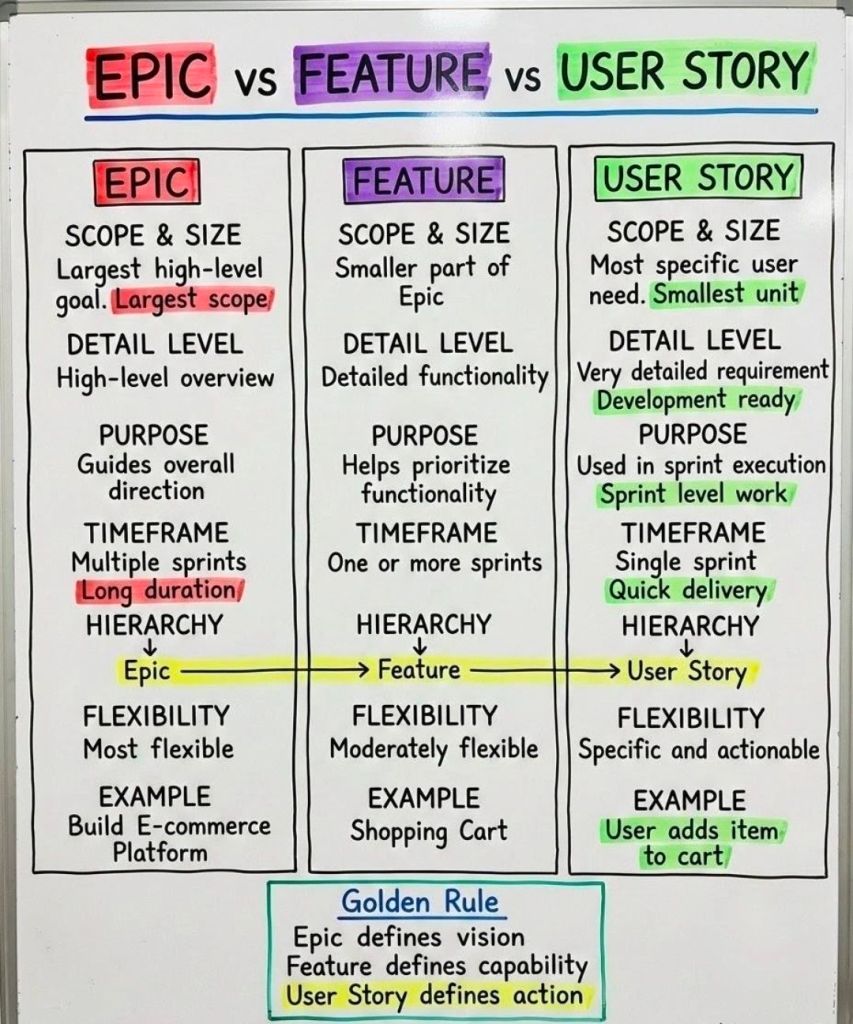
Agile Backlog Refinement Activities and Business Analyst BA

Agile Backlog Refinement Activities & Business Analyst

HPE NonStop ViewSys Overview and Timeline by Era

ViewSys is a legacy, interactive system monitoring utility for HPE NonStop servers that provides real-time visibility into system resource utilization. Similar to PEEK and Measure, it allows system operators to view resource consumption as it happens, allowing for immediate analysis of the impacts of process relocations or controller path changes. 

HPE NonStop ViewSys Overview

  • Purpose: Monitors system resources, including processor utilization, I/O performance, and memory usage, on NonStop systems.
  • Key Features: Provides online viewing of system resources, allowing for quick recognition of performance bottlenecks, which helps in performance tuning.
  • Functionality: Unlike Measure, which is typically analyzed offline, ViewSys offers an interactive, live, and graphical view of system performance.
  • Operation Requirement: Runs from HPE block mode terminals or non-Stop terminal emulators, presenting average resource usage for each polling interval. 

Detailed Historic Timeline: ViewSys & NonStop Monitoring Evolution

The history of ViewSys is deeply intertwined with the development of the HPE NonStop OS and its monitoring toolkit.

Era 1: Tandem Era (The Early Days)

  • 1976: Initial Tandem NonStop System introduced; basic system monitoring is manual and console-based.
  • 1980s (Mid-late): As Transaction Monitoring Facility (TMF) and Pathway are introduced, the need for interactive monitoring grows.
  • 1990s: ViewSys becomes a key utility for operators managing massive OLTP (Online Transaction Processing) workloads. 

Era 2: Compaq/Early HP Era (The Transition)

  • 1997: Compaq Acquires Tandem.
  • 2003: HP Acquires Compaq. The monitoring focus begins to merge with Integrity-based architecture.
  • 2004: The ViewSys User’s Guide highlights ViewSys alongside PEEK and Measure, standardizing its use for interactive monitoring.
  • 2005: Introduction of HP Integrity “NonStop i” (TNS/E) servers using Intel Itanium processors. ViewSys adapted to monitor Itanium systems. 

Era 3: Modern HPE Era (The Modernization) 

  • 2014: First NonStop X (TNS/X) systems on x86-64 are introduced. ViewSys remains a available tool, but modernization efforts begin.
  • 2015: Hewlett Packard Enterprise (HPE) is formed.
  • 2016-2020: Shift towards Web ViewPoint Enterprise (by Idelji Corporation), which provides web-based dashboards for monitoring EMS events and system metrics.
  • 2020: Sales of Itanium-based systems end. Modern monitoring focuses heavily on NonStop X systems and virtualized environments.
  • Present: While legacy ViewSys may exist in older environments, it is largely superseded by modern GUI-based, browser-independent monitoring solutions like Web ViewPoint and Remote Analyst. 

HPE NonStop ViewSys Overview and Timeline by Era

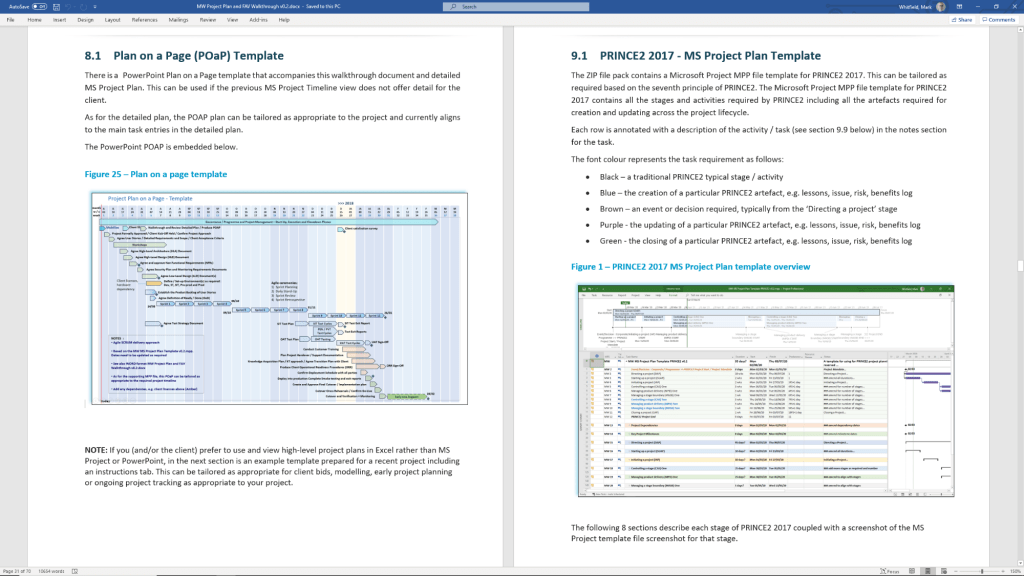
Buy Project Management Templates bundle

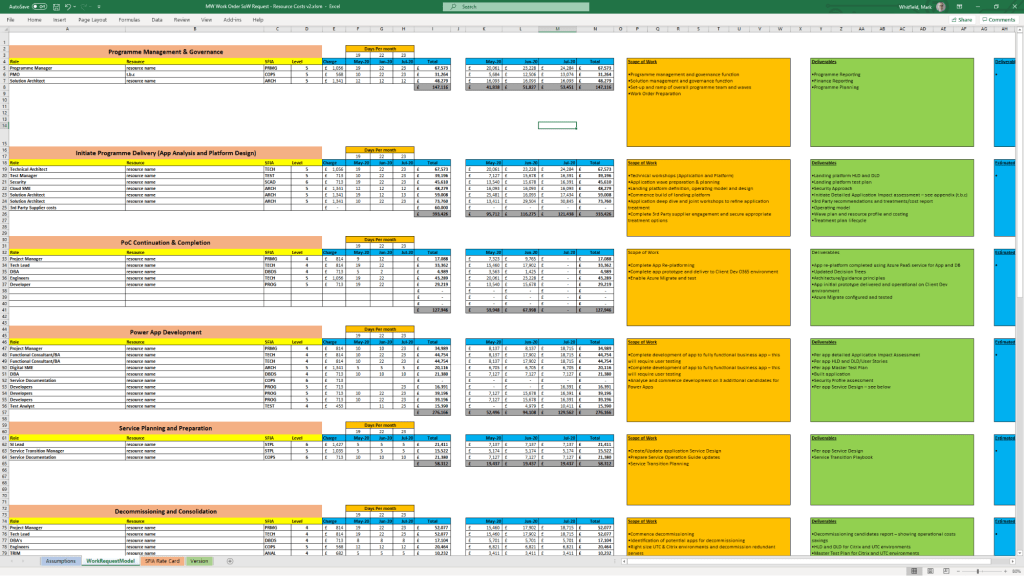
Mark Whitfield’s project management templates are a comprehensive collection of over 200 editable Microsoft Office resources designed for Agile, Waterfall, and PRINCE2 7th Edition delivery. Built from over 30 years of project delivery experience at blue-chip companies like Capgemini, Barclays, and HSBC, these tools focus on practical, functional utility rather than “flashy” design. 

Core Template Categories

The bundle is primarily provided in MS Excel, MS Project (.mpp), MS PowerPoint, and MS Word formats. 

  • Planning & Scheduling:
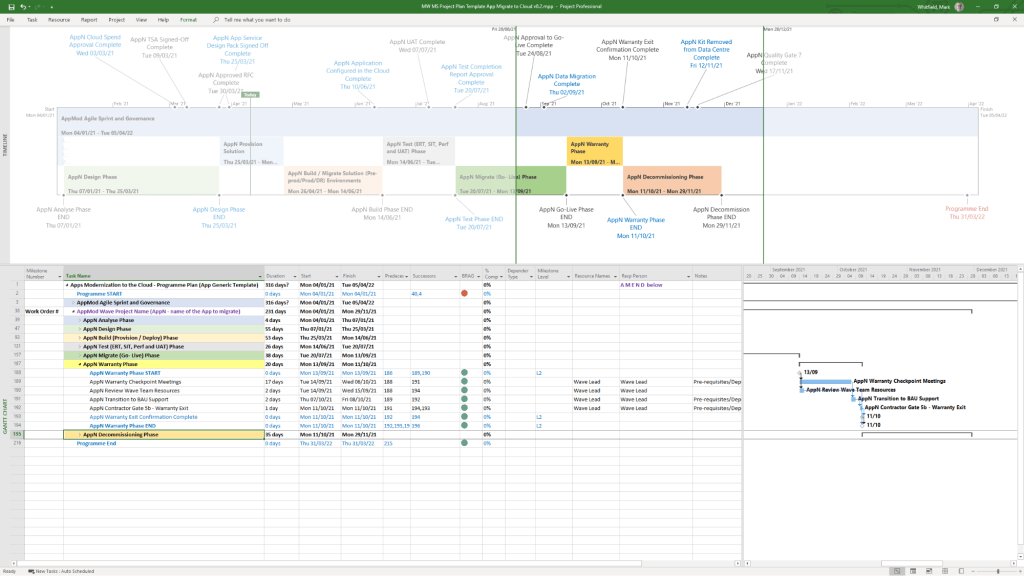
    • Detailed Project Plans: Pre-configured MS Project (MPP) and Excel templates for SDLC, PRINCE2, and Agile Scrum.
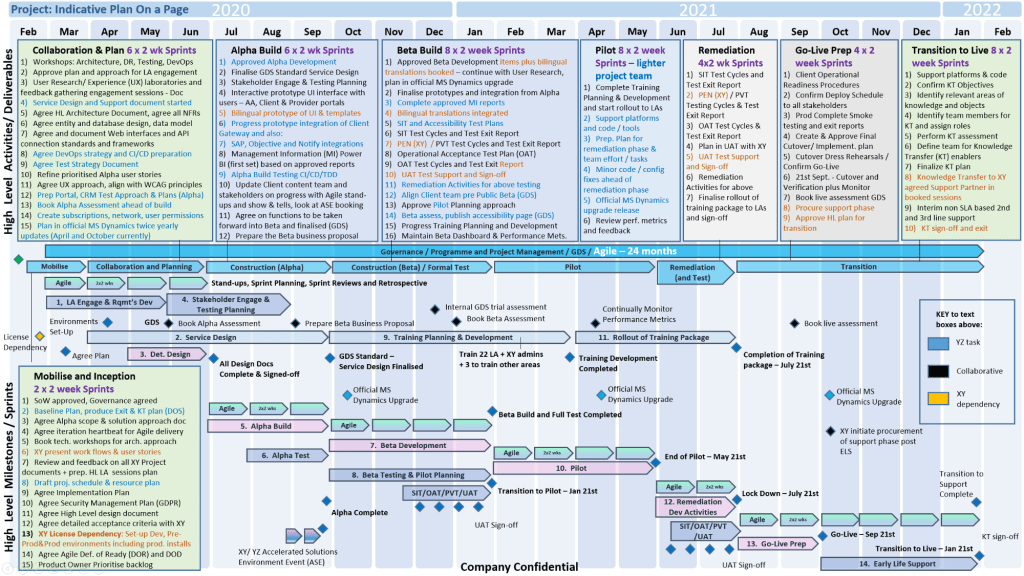
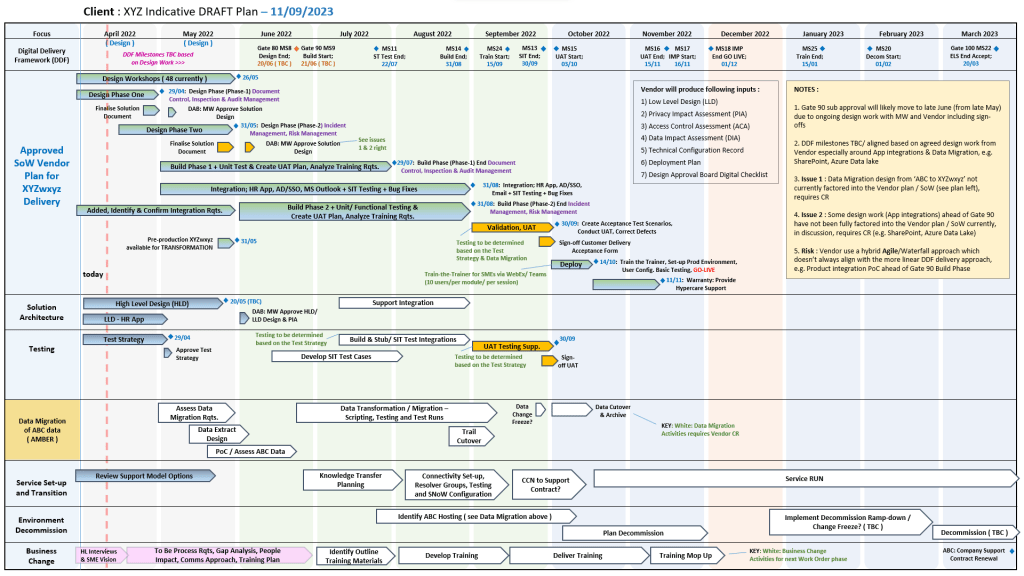
    • Plan on a Page (POaP): Over 35 PowerPoint and Excel slide examples for high-level executive summaries.
    • Gantt Charts: Built-in tracking views for both MS Project and Excel.
  • Tracking & Control:
    • RAID Logs: Comprehensive registers for tracking Risks, Actions, Issues, and Dependencies, often including charts and automated dashboards.
    • RACI Matrix: Templates to define team roles and responsibilities (Responsible, Accountable, Consulted, Informed).
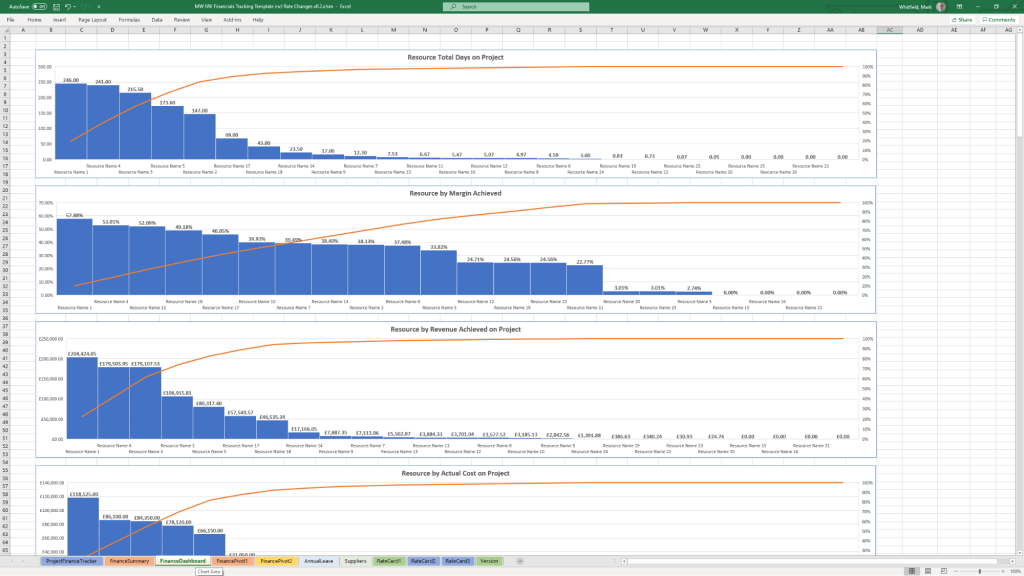
    • Finance Trackers: Detailed spreadsheets for monitoring forecasts vs. actuals, margins, variances, and expenses.
  • Reporting & Governance:
    • Status Reports: Weekly and monthly templates in Word and PowerPoint for internal and client health reporting.
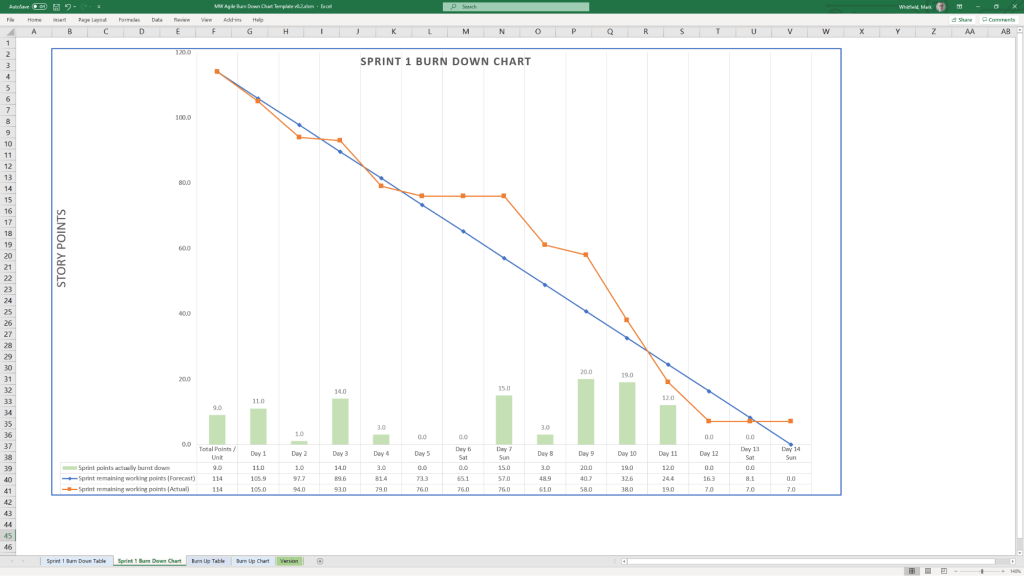
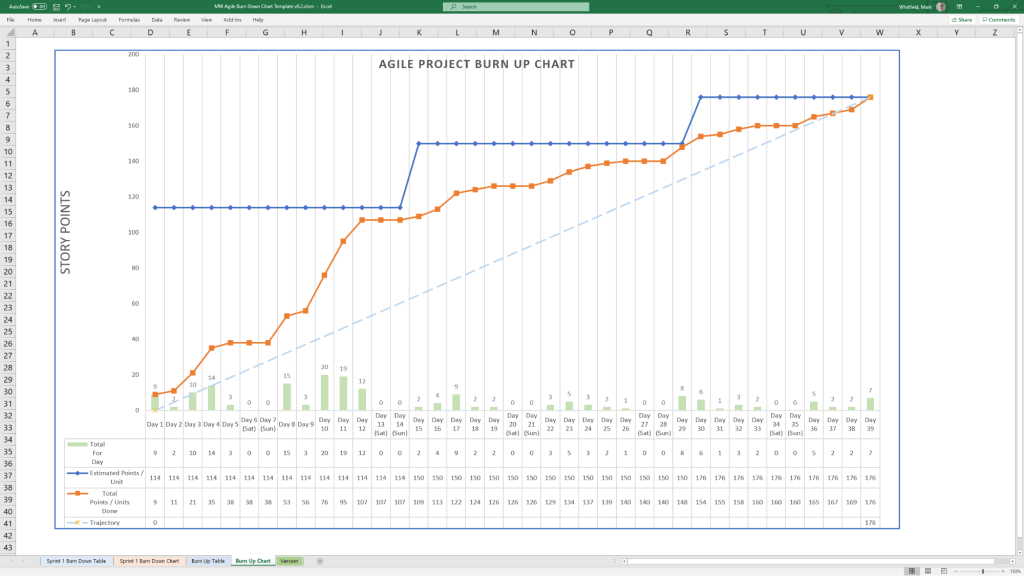
    • Agile Specifics: Burn Down and Burn Up charts in Excel for teams without access to tools like Jira.
    • PRINCE2 Management Products: Standard documents including Project Briefs, PIDs, Business Cases, and Lesson Logs. 

Key Features and Insight

  • Lifelong Support: A one-time purchase includes free upgrades and additions for life.
  • Full Customisation: All files are fully editable, allowing project managers to tailor them to specific project sizes and methodologies.
  • Methodology Neutral: Templates are designed to work for traditional Waterfall (PRINCE2) or modern Agile Scrum environments, with specific notes on how to transition between them.
  • Visual Dashboards: Many Excel templates include built-in charts and pivot tables to provide instant visual readouts of project health, such as financial variance or RAID status. 

Availability

The full package is available for purchase on Mark-Whitfield.com or through the ProjectTemplatesSoft Etsy shop

Buy Project Management Templates bundle

Over 200 editable Microsoft Office resources designed for Agile, Scrum, Waterfall, and PRINCE2 delivery.

HPE NonStop EMSDIST, Event Management Service EMS Distributor Timeline by Era

HPE NonStop EMSDIST (Event Management Service Distributor) is a critical component within the HPE NonStop operating system responsible for distributing and managing event messages (logs) generated by the system, subsystems, or applications. It is part of the Event Management Service (EMS), which is essential for fault-tolerant monitoring. 

EMS events (via EMSDIST) seen in the Reflex 80:20 application ( now Sentinel (Nonstop Monitoring) by ETI-NET)

EMSDist Overview

  • Purpose: EMSDIST reads events from an EMS collector process ($0, $ZLOG, etc.) or a collector logfile, filters them based on user criteria, and sends them to a user-specified destination (such as a terminal, printer, or another file).
  • Key Functionality: It enables both real-time monitoring and historical analysis of events.
  • Event Handling: It handles EMS messages, including those generated by the EMS subsystem itself (messages 513-999) and those from EMS distributors (messages > 1000).
  • Integration: Often used in conjunction with TACL (Tandem Advanced Command Language) for automated event management scripts. 

Detailed Historic Timeline and Evolution

EMSDIST has evolved alongside Tandem / Compaq / HPE NonStop systems, transitioning from basic console management to complex distributed management systems. 

1. The Tandem Guardian Era (Late 1970s – 1980s)

  • Context: The emergence of Tandem NonStop systems focused on continuous availability.
  • EMS Origins: Initial event handling was largely via console messages. As systems grew, the need to manage logs across multiple processors led to early Event Management Service components.
  • Role of EMSDist: Early distributors primarily moved messages from local collectors to a central console or tape log.

2. The D-Series & TMF Era (1990s)

  • Context: Introduction of sophisticated transaction monitoring and distributed databases.
  • 1996: A significant EMS Reference Summary was released (PN 114754), formalizing the structure of EMS collectors and distributors.
  • Capabilities: EMSDIST became capable of filtering high-volume events, separating critical errors from warning messages (513-1019).
  • Evolution: Began integrating with the Distributed Systems Management (DSM) suite for better network-wide event visibility. 

3. The Compaq & Integrity (J-Series/H-Series) Era (2000s – 2010s)

  • Context: Shift from MIPS-based processors to Intel Itanium (Integrity) servers.
  • 2003-2005: Integration with Windows-based management systems (DSM/NOW) and improvements to the Multi Event Viewer (MEV).
  • 2014: HP Integrity NonStop Operations Guides emphasized using EMSDIST alongside modern tools like OSM (Open System Management) Event Viewer, especially for H-Series and J-Series systems.
  • Key Capability: Improved handling of large logs, with better time-based querying (TIME and STOP options) for auditing and troubleshooting. 

4. The HPE NonStop X & Modern Era (2015 – Present)

  • Context: Adoption of x86 architecture and cloud-ready systems (L-Series).
  • 2015: HPE takes over the portfolio, accelerating integration with HPE InfoSight for AI-driven log analysis.
  • Modernization: While EMSDIST remains, modern environments heavily leverage NS Software Essentials and third-party tools for advanced analytics.
  • Continued Importance: EMSDIST remains essential for analyzing historical logs via the LOGFILE option, especially when dealing with cold-standby or restored logs from tape/disk. 

Key Functional Milestones

  • Message Categorization: Formalization of messages 513-999 (collectors) and >1000 (distributors) for structured analysis.
  • Filtering Efficiency: Implementation of complex FILTER parameters allowed operators to filter events by process, user, or time.
  • Logfile Access: The ability for EMSDIST to process archived or older LOGFILE entries independently of the live $0 collector.
  • Template Support: Ability to use specific =_EMS_TEMPLATES for customizable output formatting. 

HPE NonStop EMSDIST, Event Management Service Distributor Timeline by year