Download Templates for PROject Management | FREE Upgrades & Additions
Author: Mark Whitfield
Welcome to my site!
After graduating in Computing in 1990, I accepted a position as a programmer at a Runcorn based software house specialising in electronic banking software, namely sp/ARCHITECT-BANK on Tandem Computers (now HPE NonStop). This was before the internet became more prevalent and so the notion of enabling desktop access to company accounts for inter-account transfers and book keeping was still quite a cutting edge idea (and smartphones only ever hinted at in Space 1999). The company was called The Software Partnership (which was taken over by Deluxe Data in 1994).
I spent 5 years in Runcorn developing code for SP/ARCHITECT for various banks like TSB, Bank of Scotland, Rabobank and Girofon (Denmark) to name but a few. I then moved onto a software house in Salford Quays for further bank facing projects. After a further 23 years in the IT industry and now a Senior IT Project Manager (both Agile and Waterfall delivery), I thought I would echo out my Career Profile in this corner of the internet for quick and easy access.
Mark Whitfield completed his BTEC HND in Computer Studies at the Bolton Institute of Higher Education (BIHE), which has since evolved into the University of Bolton and rebranded as the University of Greater Manchester in 2025.
He attended the institution from 1988 to 1990, graduating with a Distinction and achieving overall first place across his entire cohort for the duration of the two-year, full-time course.
Mark Whitfield attended BIHE, 1988 – 1990
The academic breakdown of his specific computing curriculum and achievements is detailed below.
📋 HND Module Breakdown
The two-year executive-level HND program consisted of seven core modules blending technical computer science with business information systems:
Computer Systems Architecture: Focus on hardware design, CPU structures, and system configurations.
Programming Methodology (Theory / Practice): Foundations of logic, software development lifecycles, and code optimization.
System Analysis: Methodologies for assessing business requirements and mapping technical system designs.
Data Processing: Data management workflows, storage systems, and batch/transaction structures.
Business Information Systems (Theory / Practice): The application of computer networks and platforms within corporate infrastructures.
Business Studies: Fundamentals of corporate structure, commerce, and finance to bridge technical and commercial alignments.
Quantitative Techniques: Mathematical and statistical methods applied to computing and resource management.
💻 Final Year Project
For his definitive practical project, Mark Whitfield developed a database interface that aligned with his specialized programming modules.
Tech Stack: Built using an ORACLE SQL-forms graphical user interface (GUI) operating within an MS-DOS environment.
Functionality: Created an administrative system to record student enrollments, module assignments, and course grades.
This academic performance served as the launchpad for his 30+ year career as an IT Senior Project Manager and Delivery Lead.
His deep technical foundation from BIHE transitioned into complex enterprise solution deliveries—such as legacy ATM modernization, hybrid cloud migrations, and API integrations—for financial and corporate entities including the Bank of England, Barclays, Lloyds Banking Group, and Jaguar Land Rover.
He is also the author of the industry resource platform, PROject Templates.
The IT Project Management (PM) toolkits created by Mark Whitfieldprovide a comprehensive digitized repository of over 200 tailored, editable Microsoft Office templates designed to structure, track, and report on software delivery lifecycles (SDLC).
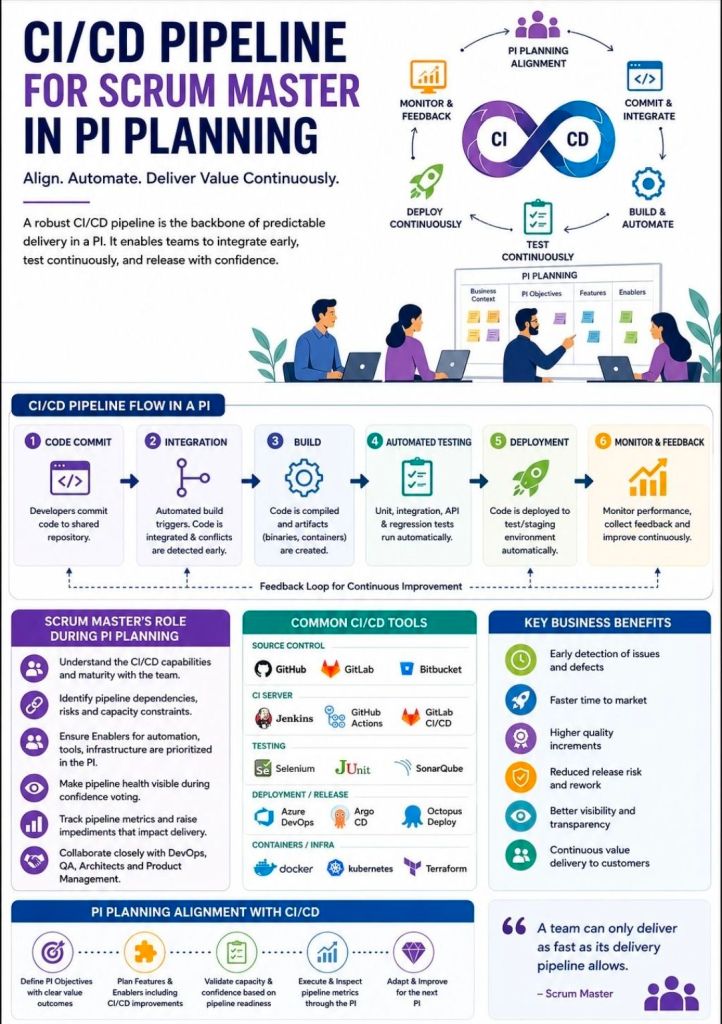
Hosted on his platform PROject Templates, these artifacts bridge the gap between fast-paced Agile sprint execution and structured governance frameworks like PRINCE2 and Waterfall.
Here is an overview of the core template categories and artifacts included in the toolkit:
📅 Schedule, Planning & Timelines
Detailed SDLC / PRINCE2 Project Plans: Native Microsoft Project (.mpp) and Excel (.xlsx) files featuring stage-gate structures, resource sheets, and milestone tracking.
Plan on a Page (POaP): Over 35 PowerPoint variations and simplified Excel dashboards used to present high-level, visual timelines to executives and senior stakeholders.
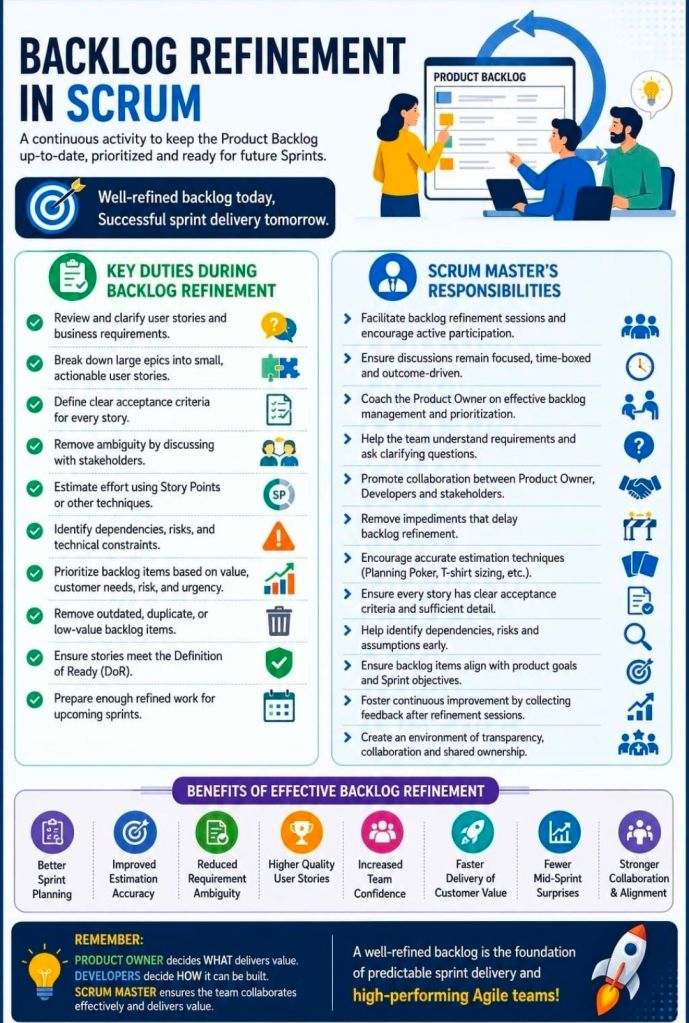
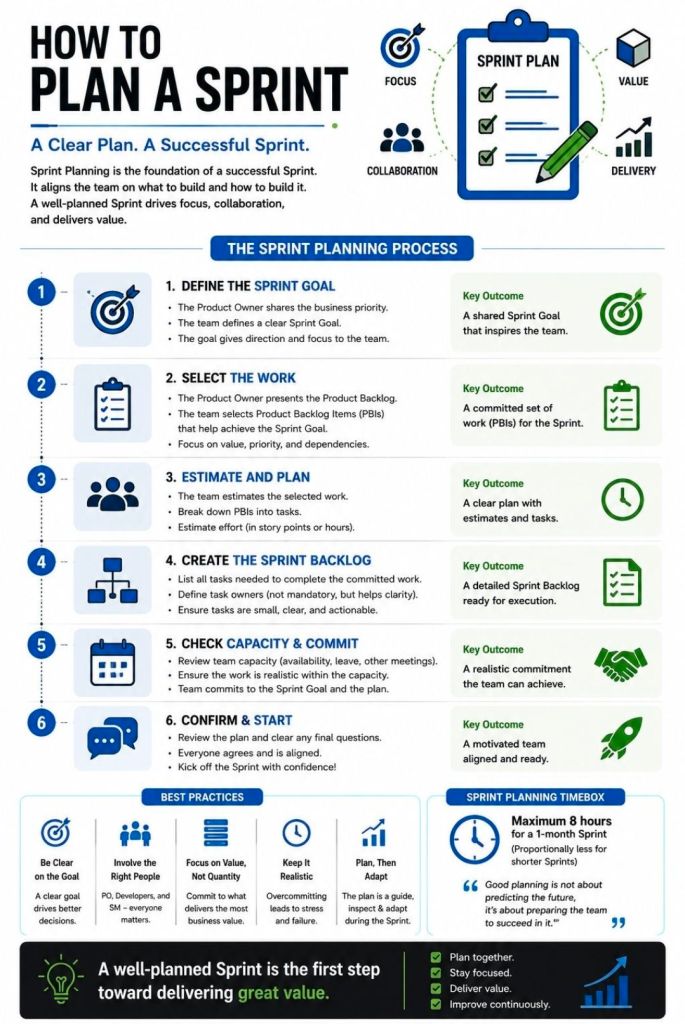
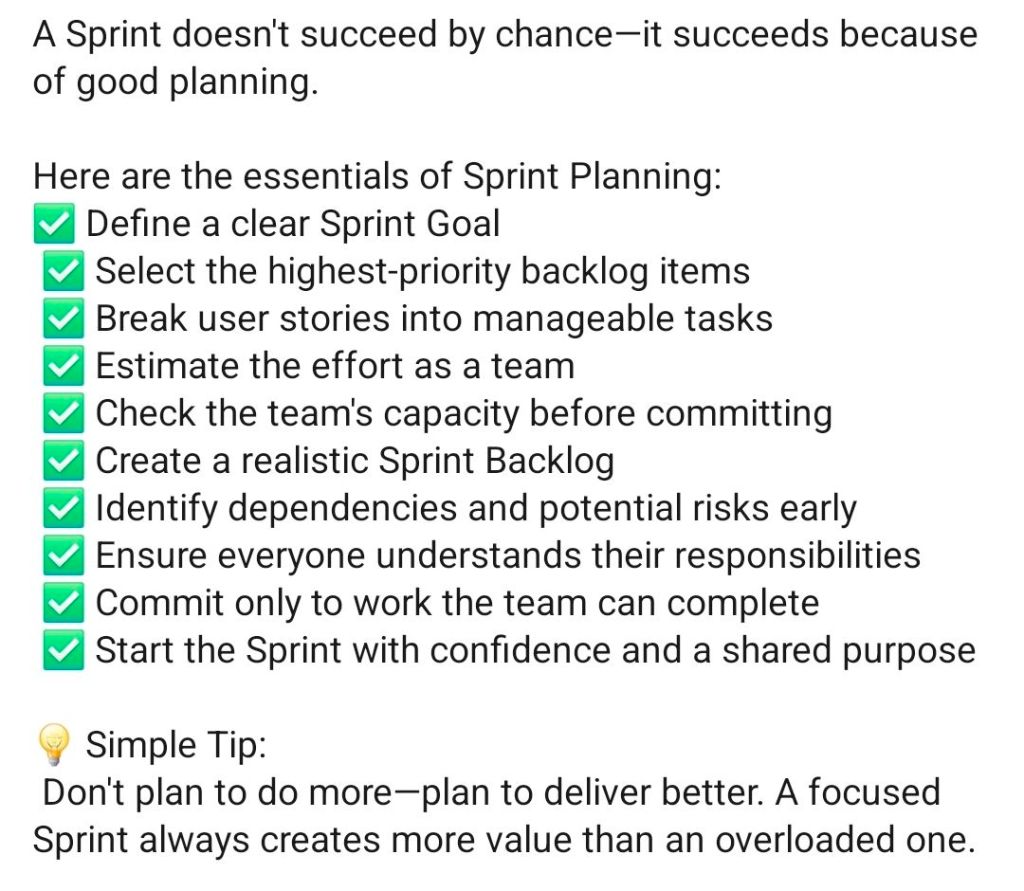
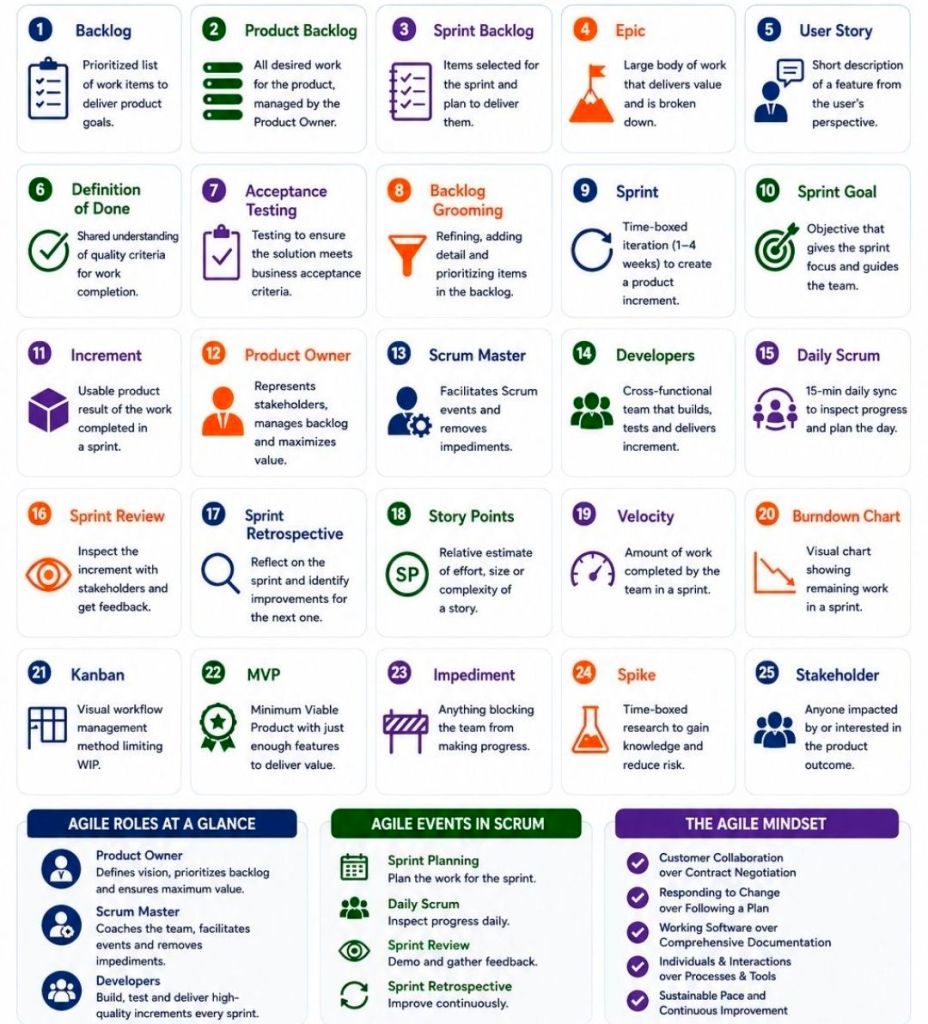
Agile Scrum Sprint Planner & Delivery Plan: Templates constructed in Excel to track sprint velocity, capacity planning, and product backlogs.
⚠️ Risk, Governance & Tracking
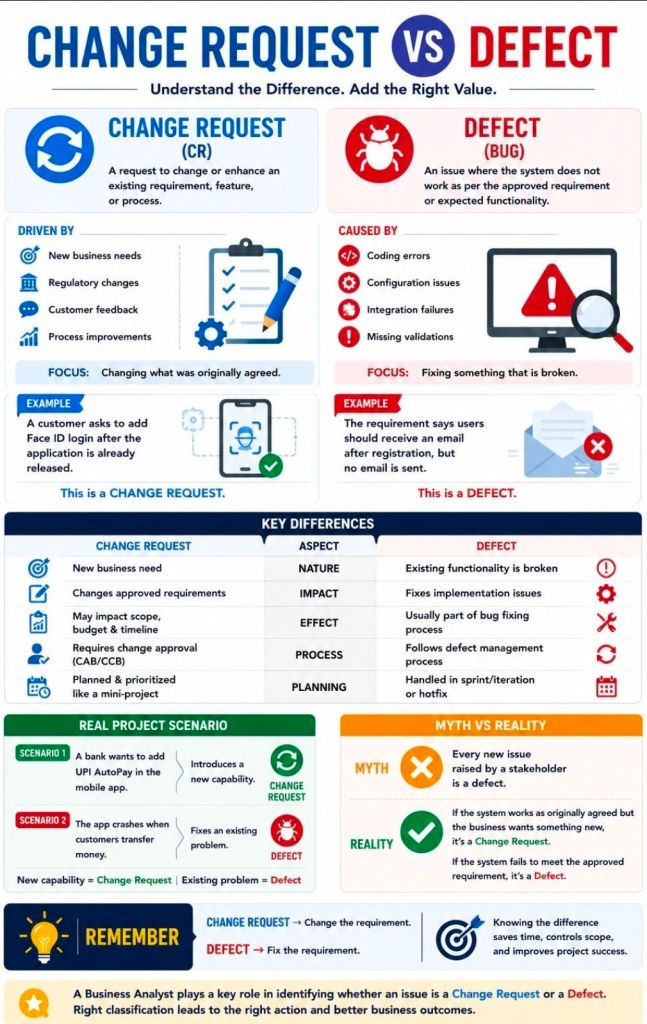
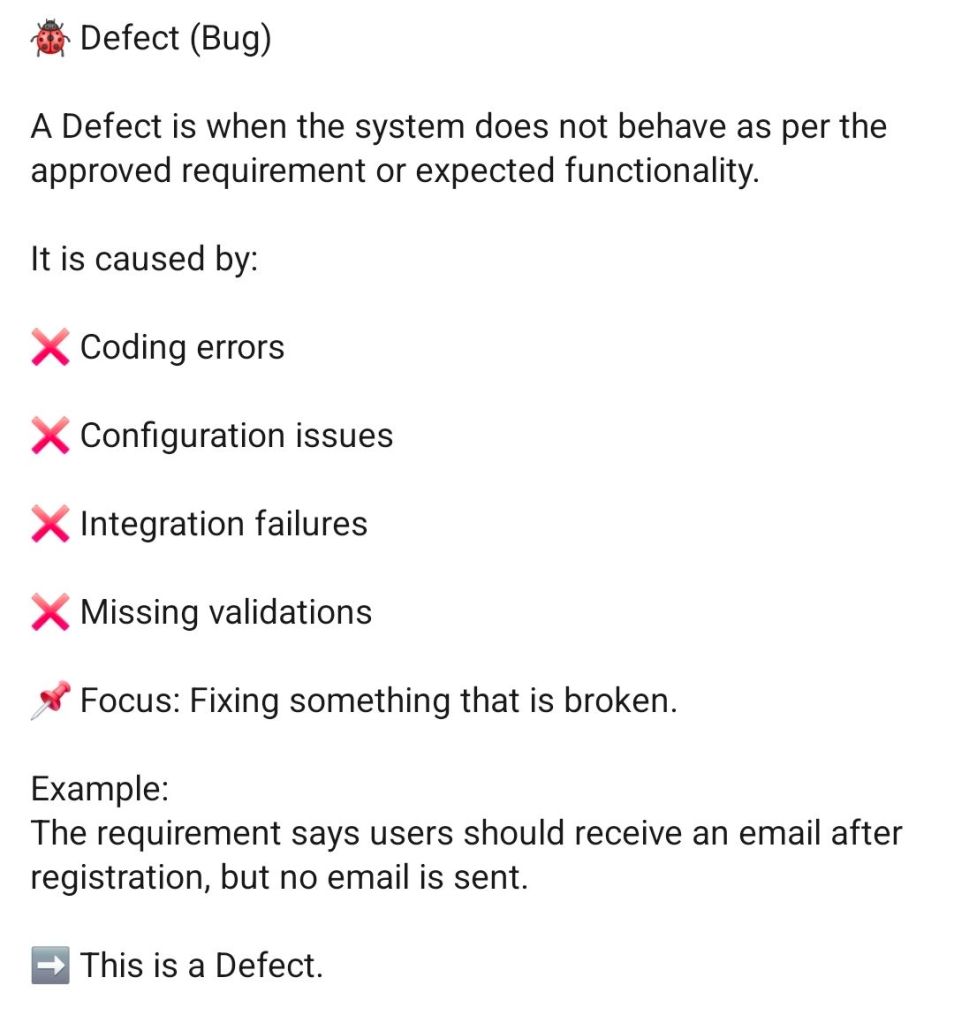
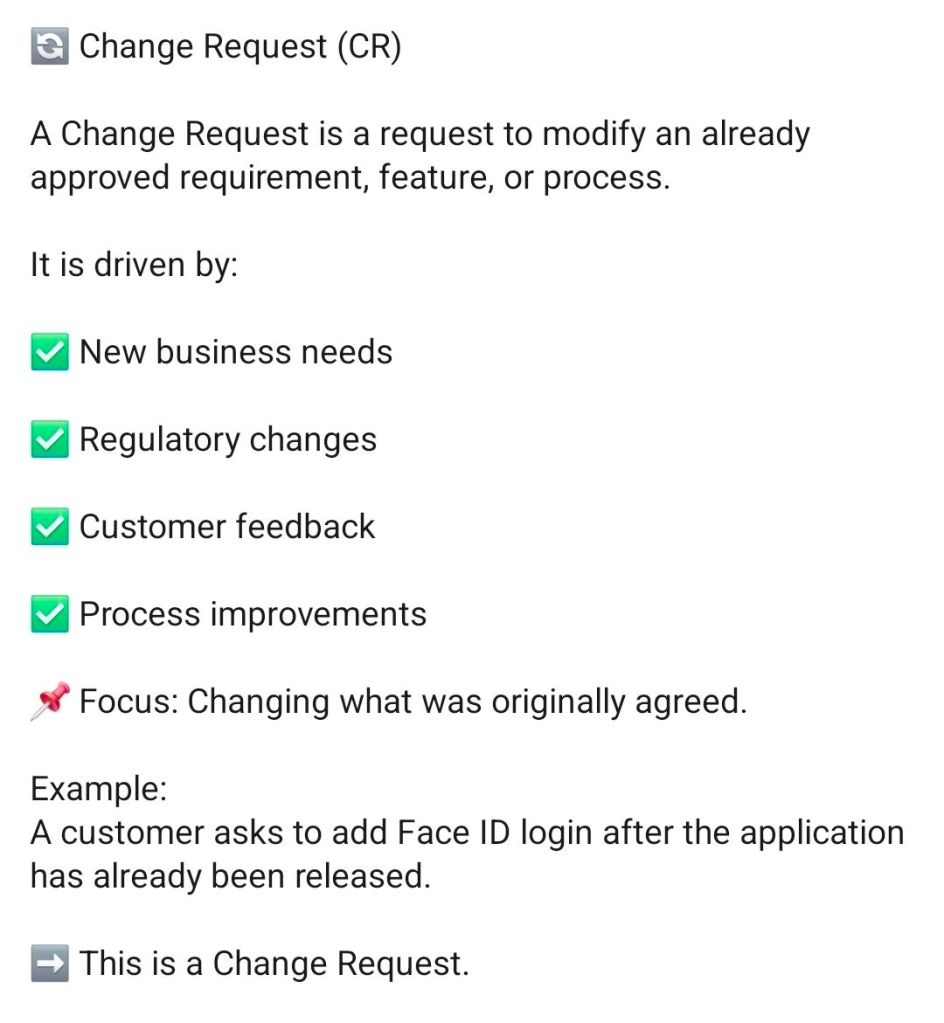
Comprehensive RAID Logs: Centralized trackers mapping Risks, Actions, Issues, and Dependencies, including secondary tabs for opportunities, lessons learned, and change requests.
RACI Matrices: Responsibility assignment matrices used to formally define team roles (Responsible, Accountable, Consulted, Informed) across delivery workstreams.
Project Charter Blueprint: A foundational setup template used to establish formal authorization, align stakeholders, and outline scope boundaries.
📊 Performance & Financial Tracking
Project Financial Tracker: Metric dashboards containing charts for measuring internal and external forecast versus actual costs, profit margins, and expense variances.
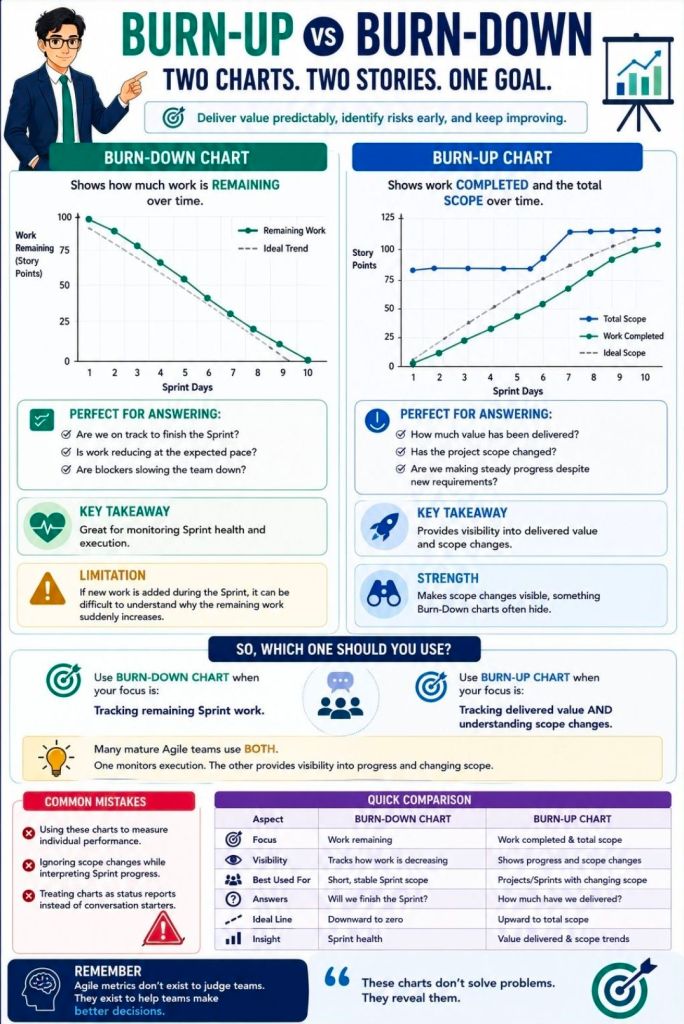
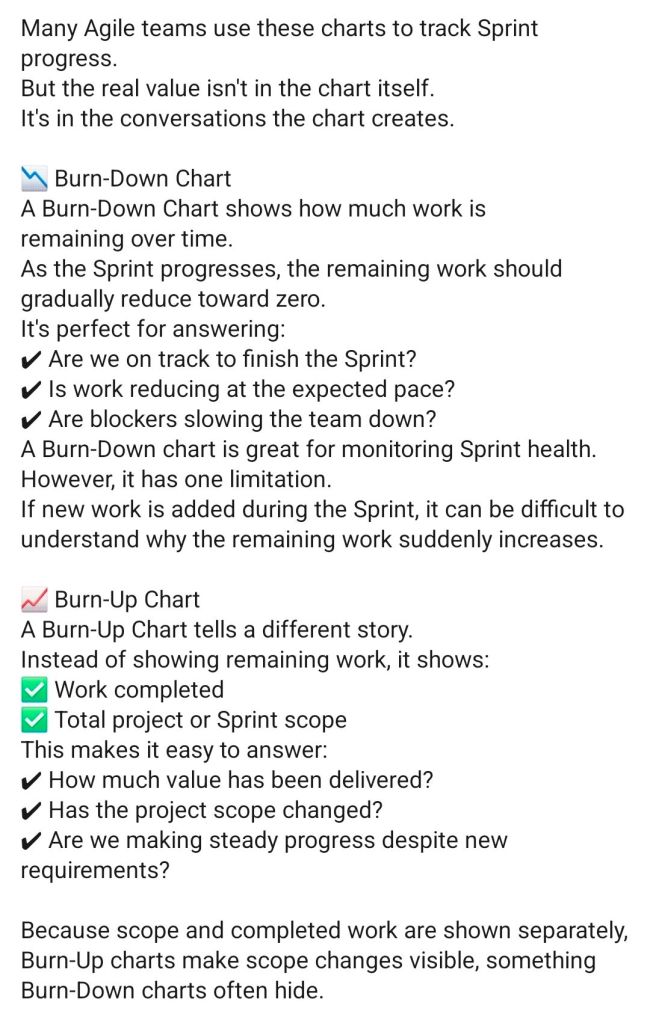
Agile Burn Down & Burn Up Charts: Standalone spreadsheet alternatives built specifically for environments where dedicated Agile software like Jira or Azure DevOps is unavailable.
📢 Status Reporting & Communication
Weekly/Monthly Status Reports: Formatted templates available in Word and PowerPoint summarizing project health, milestone progress, and immediate priorities for internal and client updates.
Project Kick-Off Slide Decks: Presentation baselines to align teams, outline deliverables, and walk members through execution workflows at launch.