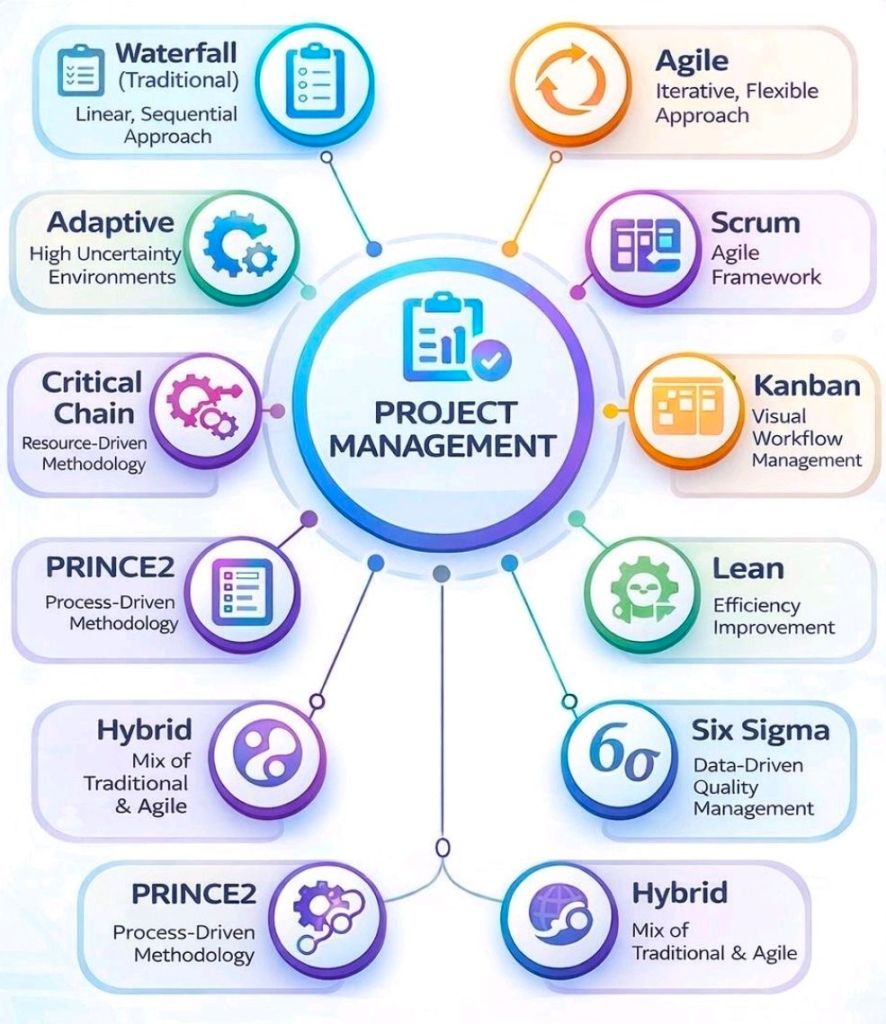
Agile Scrum is a widely adopted, iterative, and incremental framework designed to manage complex product development and software projects.
It breaks down large, daunting projects into small, manageable units called sprints—fixed-length iterations typically lasting 1–4 weeks—to deliver functional components faster and adapt to changing requirements.
Detailed Summary of the Scrum Framework
Scrum relies on three pillars—transparency, inspection, and adaptation—and is defined by specific roles, events, and artifacts.
1. The Scrum Team (Roles)
- Product Owner (PO): Maximizes the value of the product by managing the Product Backlog. They define “what” is built.
- Scrum Master: A servant-leader who helps the team follow Scrum theory and removes impediments.
- Developers: The cross-functional team members responsible for creating the increment each sprint.
2. Scrum Events (Ceremonies)
- Sprint Planning: Defines the Sprint Goal and the work to be done during the sprint.
- Daily Scrum: A 15-minute daily meeting for developers to synchronize activities and plan the next 24 hours.
- Sprint Review: Held at the end of the sprint to showcase the increment to stakeholders and gather feedback.
- Sprint Retrospective: The team reflects on the process and identifies improvements for the next sprint.
3. Scrum Artifacts
- Product Backlog: An ordered list of everything required in the product.
- Sprint Backlog: The set of Product Backlog items selected for the sprint, plus the plan for delivering them.
- Increment: The usable, working product increment produced at the end of a sprint.
Evolution of Scrum Over the Years
Scrum was developed in the early 1990s as a response to the failures of the linear “waterfall” approach.
- 1986 (Concept Origins): Takeuchi and Nonaka publish “The New New Product Development Game,” comparing traditional relay-race product development to a rugby “scrum” team.
- 1993 (First Implementation): Jeff Sutherland, John Scumniotales, and Jeff McKenna implement the first Scrum team at Easel Corporation.
- 1995 (Public Introduction): Ken Schwaber and Jeff Sutherland formalize Scrum and present “The Scrum Development Process” at the OOPSLA ’95 conference.
- 2001 (Agile Manifesto): Sutherland and Schwaber become signatories of the Agile Manifesto, cementing Scrum as a major Agile methodology.
- 2010 (The Scrum Guide): The first official Scrum Guide is released to standardize the framework worldwide.
- 2011–2017 (Refinements): The guide is updated to clarify roles and events, including strengthening the role of the Scrum Master and introducing self-organizing teams.
- 2020 (The Modern Scrum Guide): A major update makes the guide less prescriptive, focusing on a single Scrum Team (removing “development team” and “scrum team” split), introducing the Product Goal for long-term focus, and focusing on one team working towards one product.
Key Resources and Links
- The Official Scrum Guide (2020) – The definitive rules.
- Scrum.org Resources – Education and blog posts from Ken Schwaber.
- Scrum Alliance – History and articles from Jeff Sutherland.
- Agile Alliance Practices Timeline – Historical overview of Agile practices.
Agile Scrum Overview and Evolution Timeline