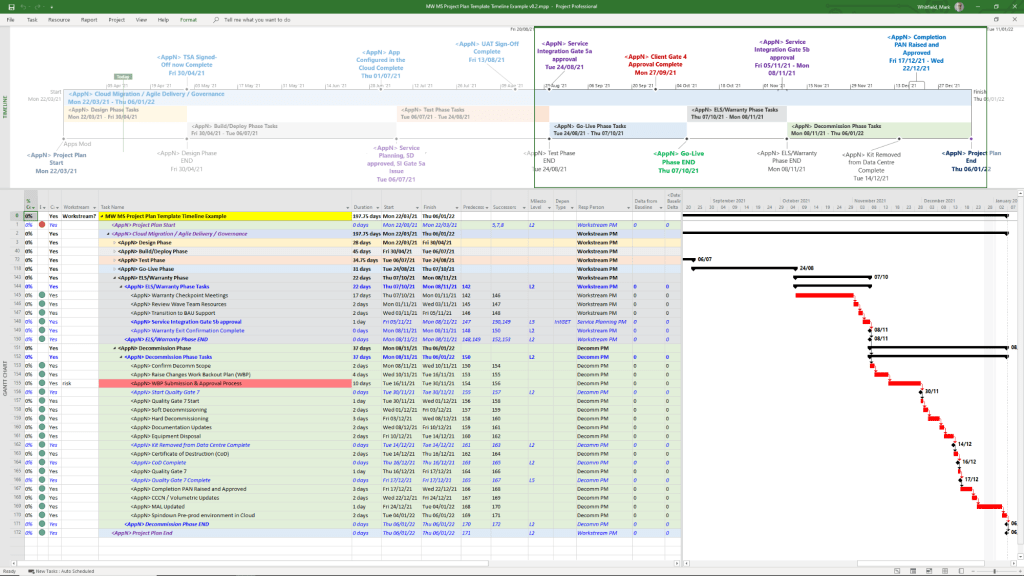
Microsoft Project Timeline, Development History Overview

Microsoft Project has evolved from a DOS-based tool in the 1980s into a cloud-integrated platform. Its “Timeline” feature specifically has transitioned from a simple static view to a multi-layered, interactive reporting tool. 

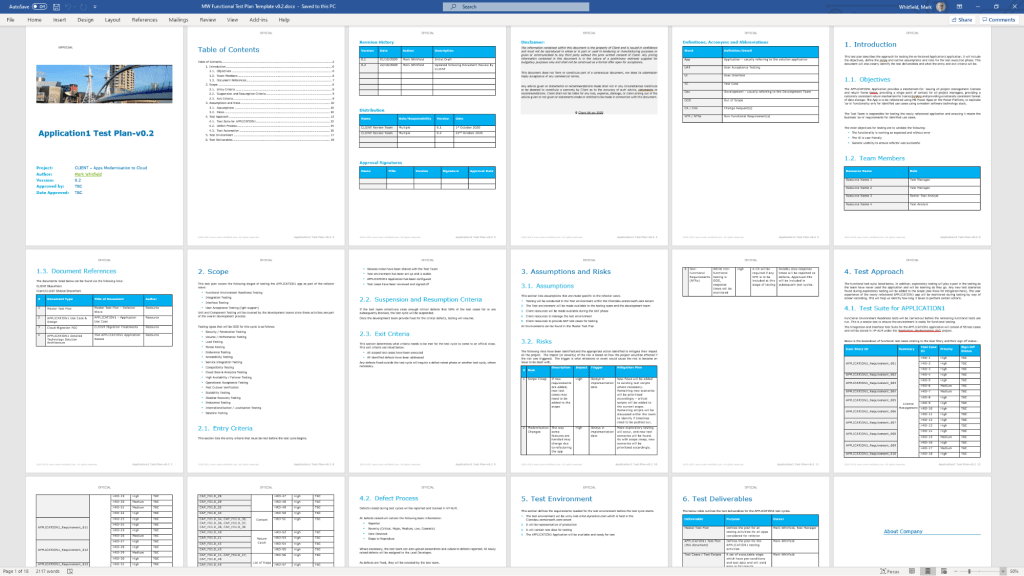
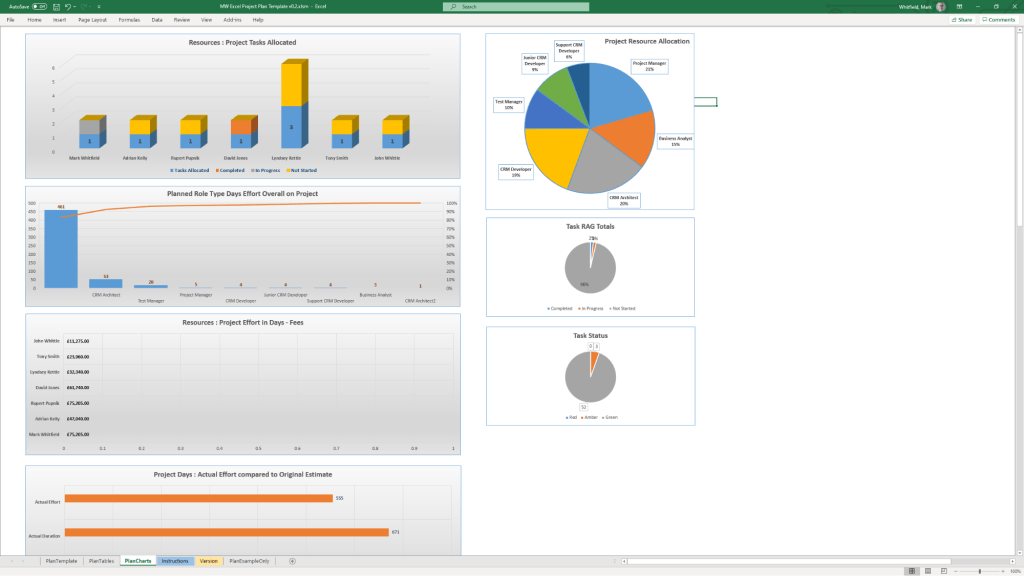
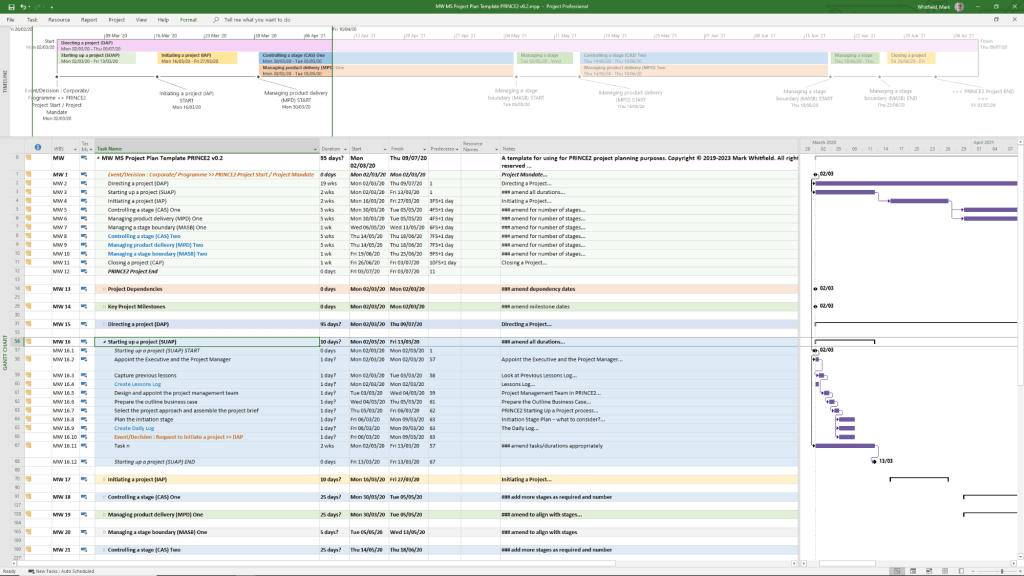
Template included in package – see website banner

Timeline Feature Development History

  • Early Era (1984–2007): For decades, the “timeline” was synonymous with the Gantt Chart. Users had to rely on complex print-outs or third-party tools to create high-level summaries for executives.
  • The dedicated Timeline View (2010): Microsoft introduced a native Timeline view in Project 2010, allowing users to cherry-pick specific tasks and milestones to display on a single horizontal bar.
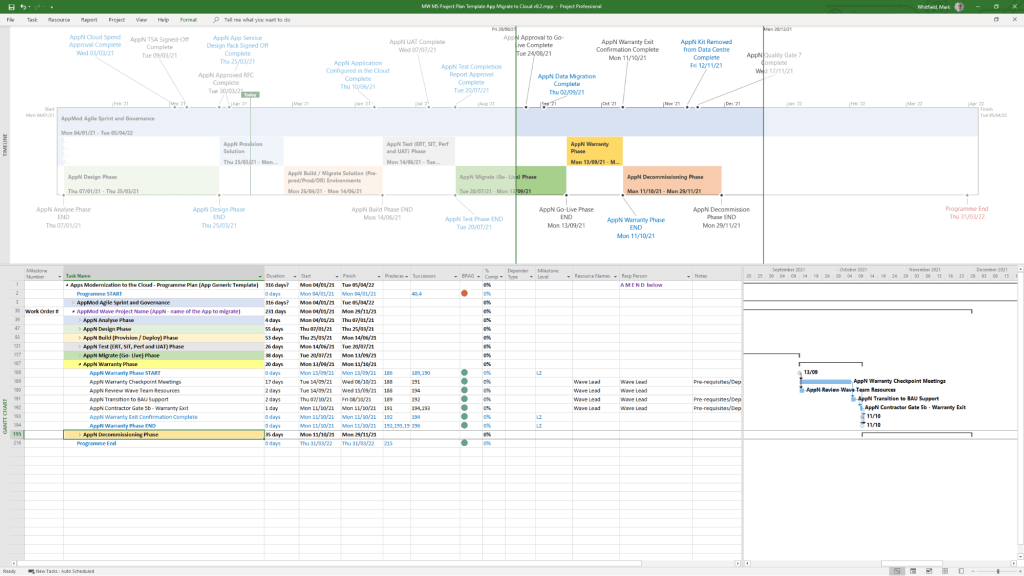
  • Multi-Timeline Support (2016): Project 2016 expanded this by allowing multiple timeline bars in a single view. This enabled managers to represent different project phases or workstreams with independent start and end dates.
  • Cloud & Web Integration (2019–Present): With the launch of Project for the web, timelines became more interactive, supporting drag-and-drop adjustments and real-time co-authoring.
  • Task History Tracking (2023): Microsoft added a Task History pane to the web version, allowing users to see a chronological log of changes to specific timeline items. 

Key Components of a Modern MS Project Timeline

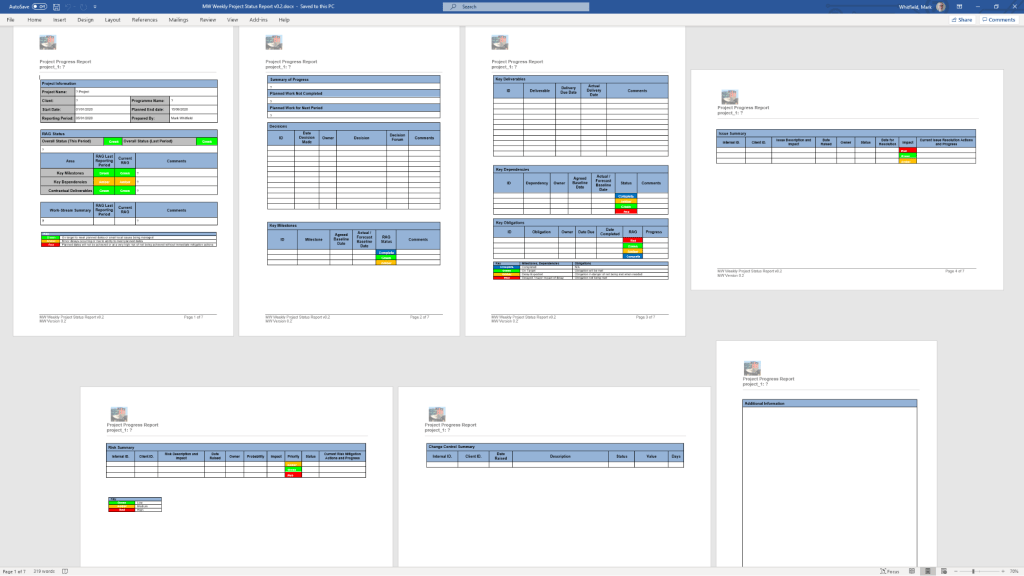
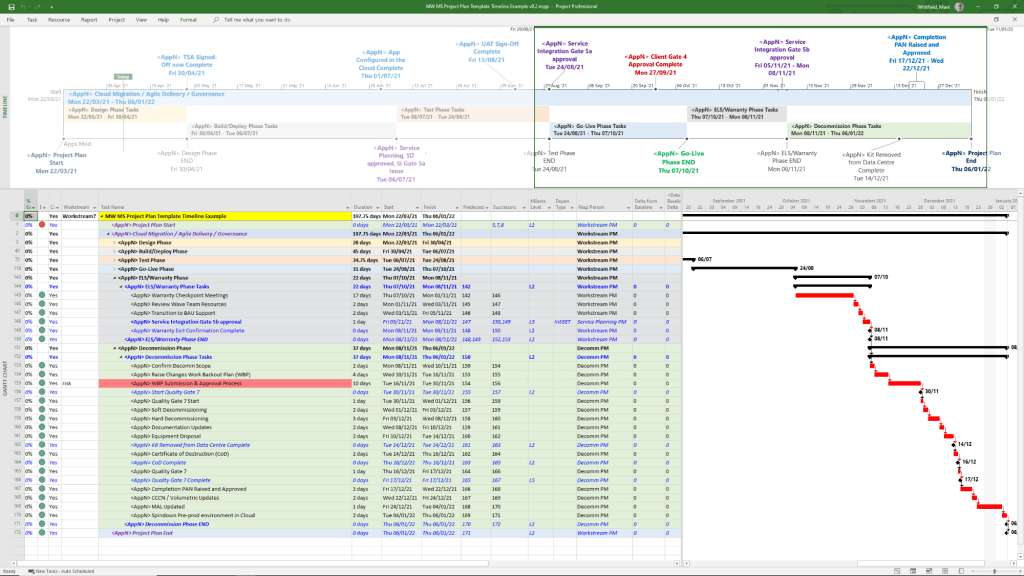
Templates included in download bundle – see website banner
  • Gantt-Style Visualization: Displays tasks as horizontal bars against a calendar timescale.
  • Milestones & Callouts: Important dates appear as diamonds or labels that can be dragged above or below the main bar to avoid clutter.
  • Dependencies: Visual links between tasks that illustrate the sequence of work and the Critical Path.
  • Copy for Presentation: A dedicated formatting tool that allows users to export the timeline directly to Microsoft PowerPoint or email at various sizes (Small, Medium, Full Size). 

Future Outlook

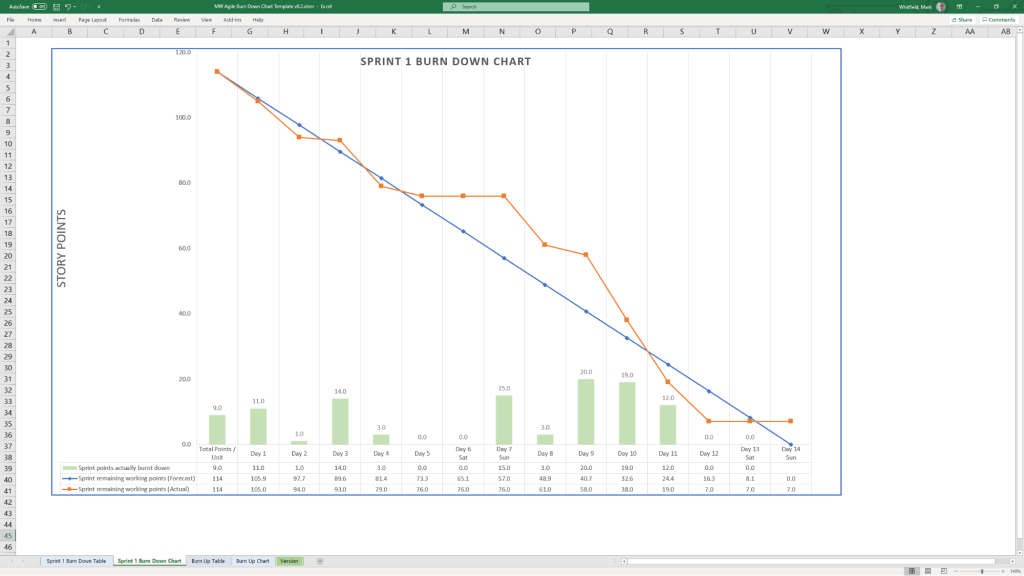
Template included in download bundle – see website banner

Microsoft has announced that Project Online will be officially retired on 30 September 2026, with development focus shifting entirely to the new Microsoft Planner and Project for the web ecosystem.

Microsoft Project Timeline, Development History Overview

Project Management Templates Bundle FREE Upgrades

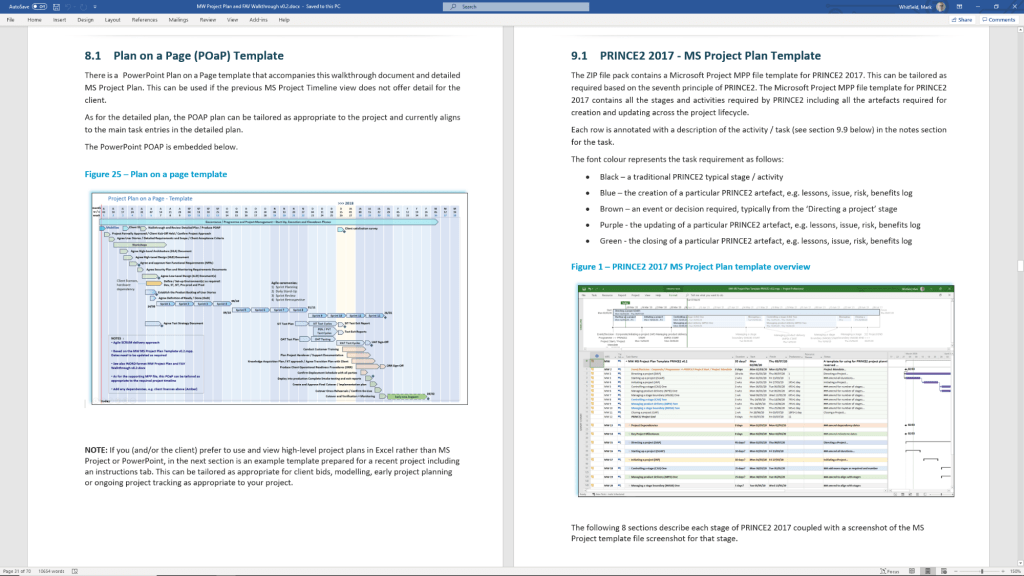
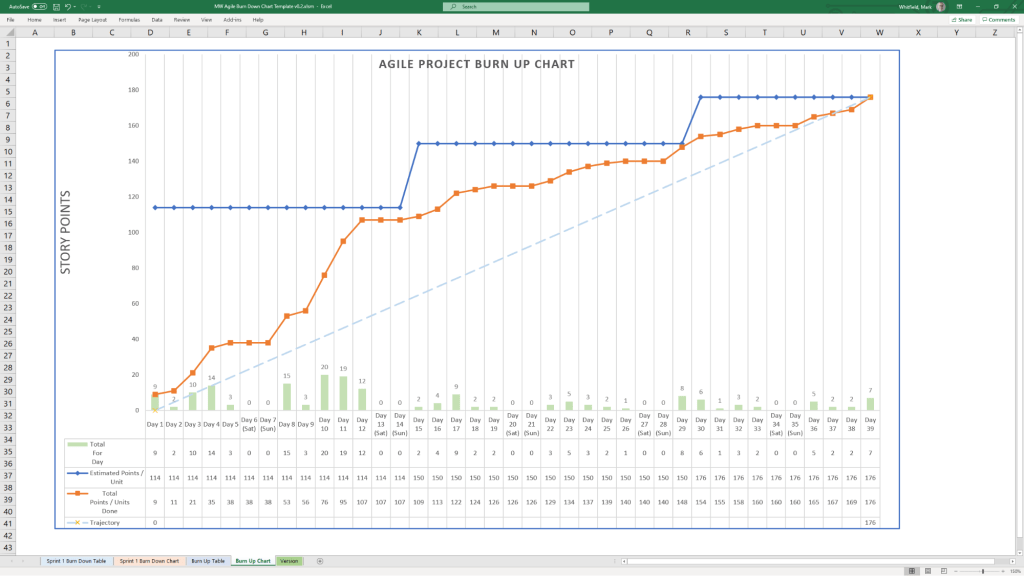
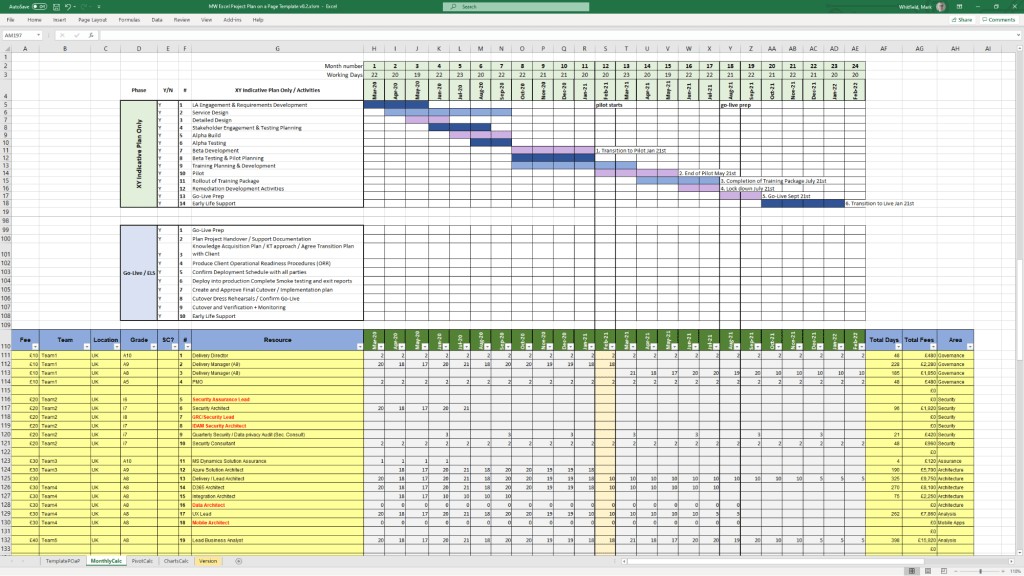
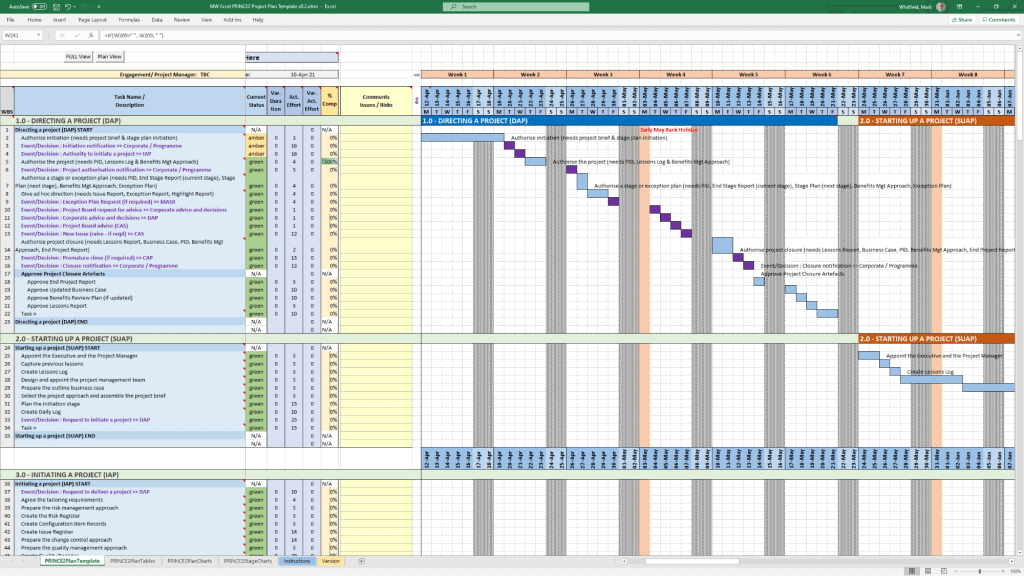
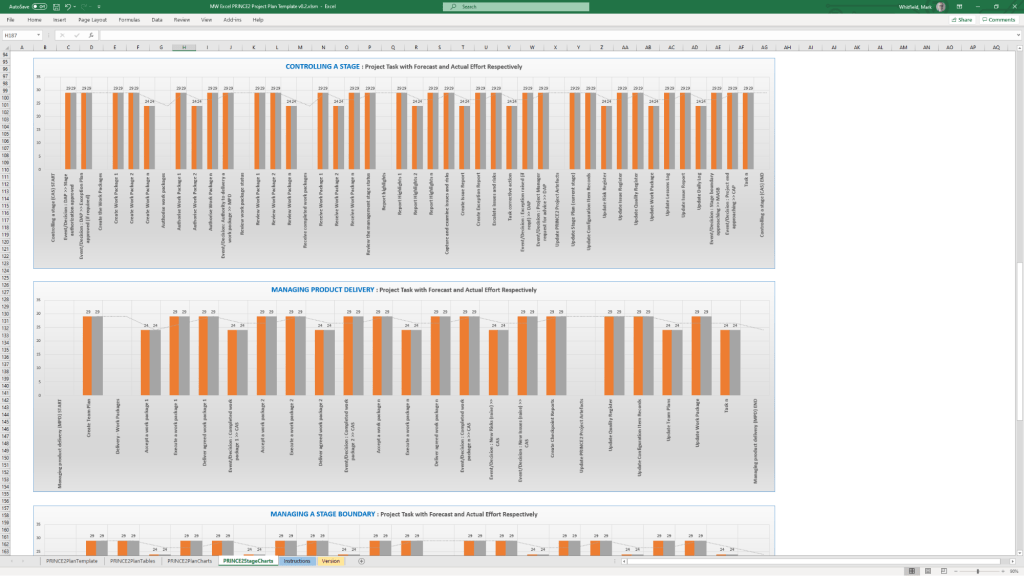
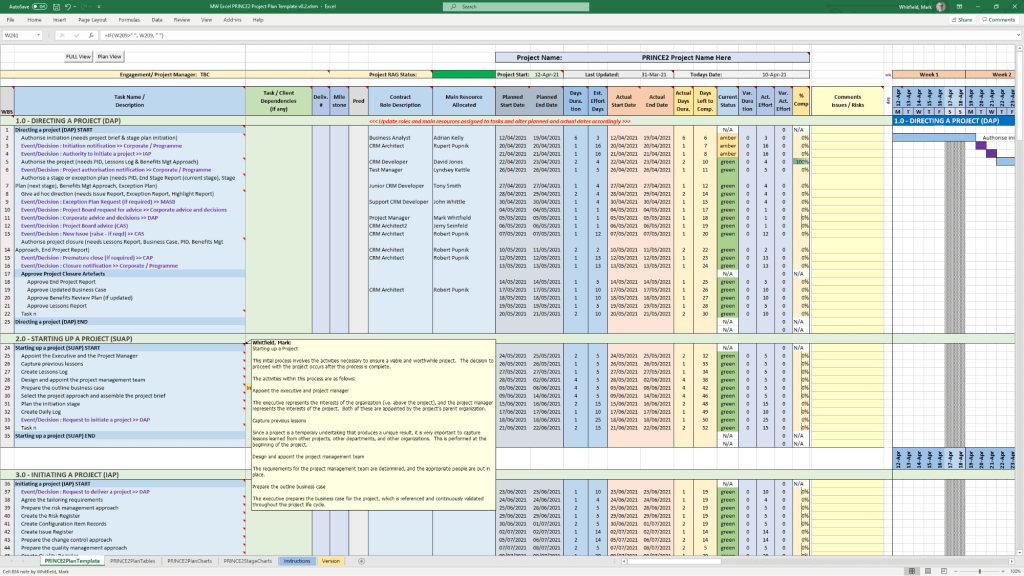
Mark Whitfield’s project management templates offer a range of timeline and planning views designed for Agile, Waterfall, and PRINCE2 delivery. These templates typically include a high-level Plan on a Page (POaP) and detailed Microsoft Project (MPP) or Excel schedules. 

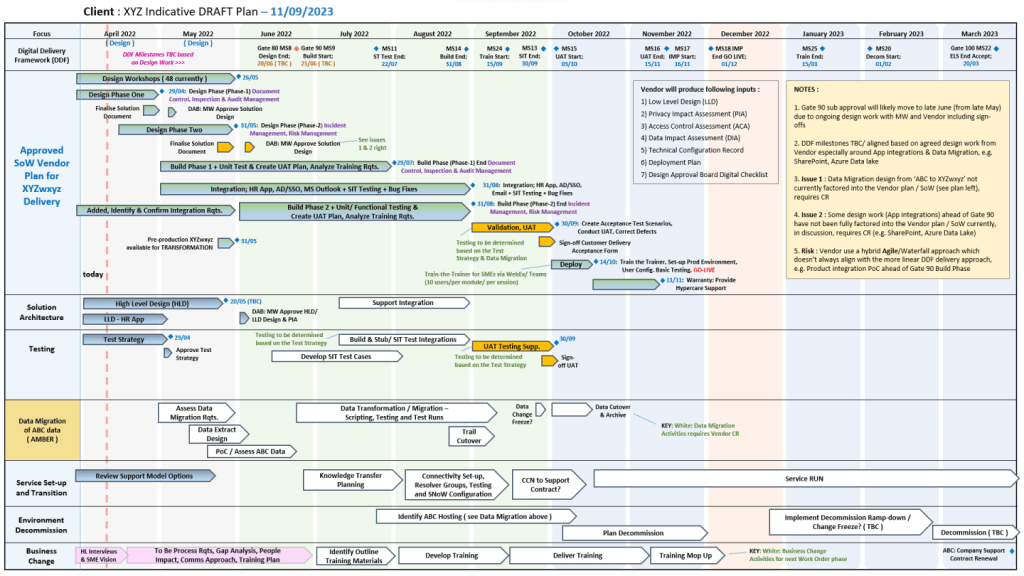
Example Plan on a Page POaP

Timeline & Planning Views

  • Plan on a Page (POaP): A high-level summary view (often in PowerPoint or Excel) used to communicate key phases and milestones to stakeholders without the clutter of a full Gantt chart.
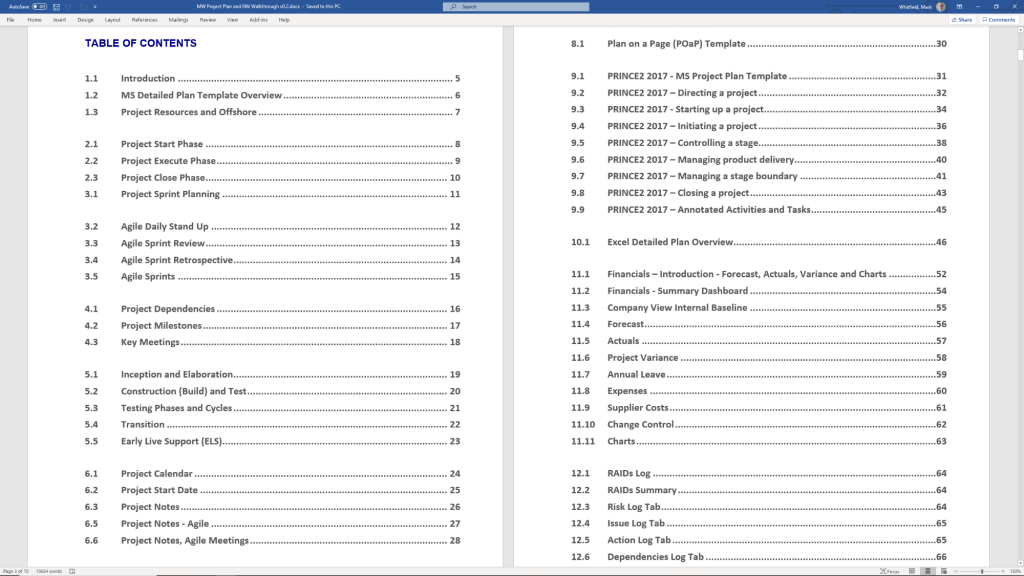
  • Detailed Gantt Charts: Provided in both Microsoft Project (MPP) and Excel, these timelines include task dependencies, resource allocations, and critical path tracking.
  • Agile Sprint Timelines: Specialized views for tracking 2–4 week sprints, daily stand-ups, and sprint retrospectives within a broader project framework.
  • SDLC Progression: The templates are often structured around a typical Software Development Life-cycle (SDLC), moving from Inception to Transition and Early Live Support (ELS). 

Key Timeline Components

The templates are pre-configured with several essential timeline elements: 

  1. Project Start & End Dates: Easily adjustable fields that automatically update durations and downstream tasks.
  2. Milestones & Gateways: Visual markers for critical sign-off points and delivery stages.
  3. Task Dependencies: Pre-built links that show how delays in one area (e.g., hardware delivery) impact the overall project finish date.
  4. Resource View: Timelines integrated with resource calendars to account for holidays and leave. 

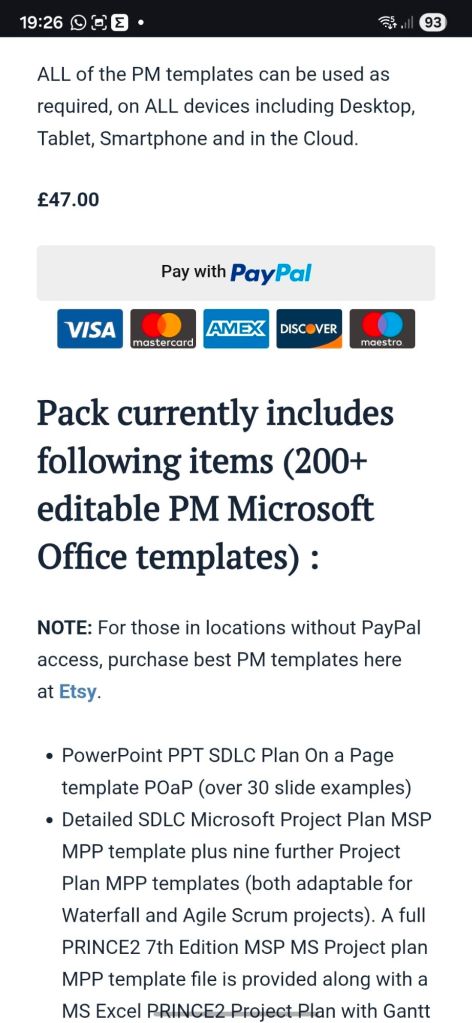
You can find the full package of over 200 editable templates, which include these timeline views and RAID logs, on Mark Whitfield’s official website or via his Etsy store. 

Project Management Templates Bundle FREE Upgrades

Betfred Historical timeline

Betfred’s journey from a single shop in Salford to a global betting powerhouse is marked by bold innovations and high-profile acquisitions. 

Historical Timeline

  • 1967: Brothers Fred and Peter Done open their first betting shop in Salford, Greater Manchester, using winnings from a bet on England to win the 1966 World Cup.
  • 1984: Launch of the Lucky 15 bet, a major industry innovation that remains popular today.
  • 1997: The company expands to over 100 shops.
  • 1998: Fred Done becomes the first bookmaker to pay out early, paying on Manchester United to win the Premier League (only for Arsenal to win the title instead).
  • 1999: First major acquisition, purchasing 40 shops from the Demmy Racing Group.
  • 2004: The business is officially rebranded to Betfred. The company also launches its online betting site this year.
  • 2006: Betfred launches one of the industry’s first mobile betting platforms.
  • 2011: Wins the auction to buy The Tote from the UK government for £265 million.
  • 2016: Acquires 322 shops from Ladbrokes and Coral following their merger.
  • 2021: Fred Done steps down as CEO to become Chairman, with Joanne Whittaker taking over the CEO role.
  • 2024–2026: Significant global expansion, establishing a presence in South Africa and the United States, though later scaling back some US online operations in late 2025.

Operational Timelines (Payment & Payouts)

If you are looking for current service timelines for transactions, here are the standard processing windows as of February 2026:

  • Withdrawal Processing: Betfred aims to approve requests within 48 hours.
  • Fastest Methods: Visa Direct and certain E-wallets (PayPal, Skrill) often arrive within 4 to 6 hours.
  • Standard Methods: Bank transfers typically take 2 to 5 working days.
  • Free Bet Credit: Usually credited within 10 hours of a qualifying bet being settled.
My time at Betfred, Wigan

Betfred Historical timeline

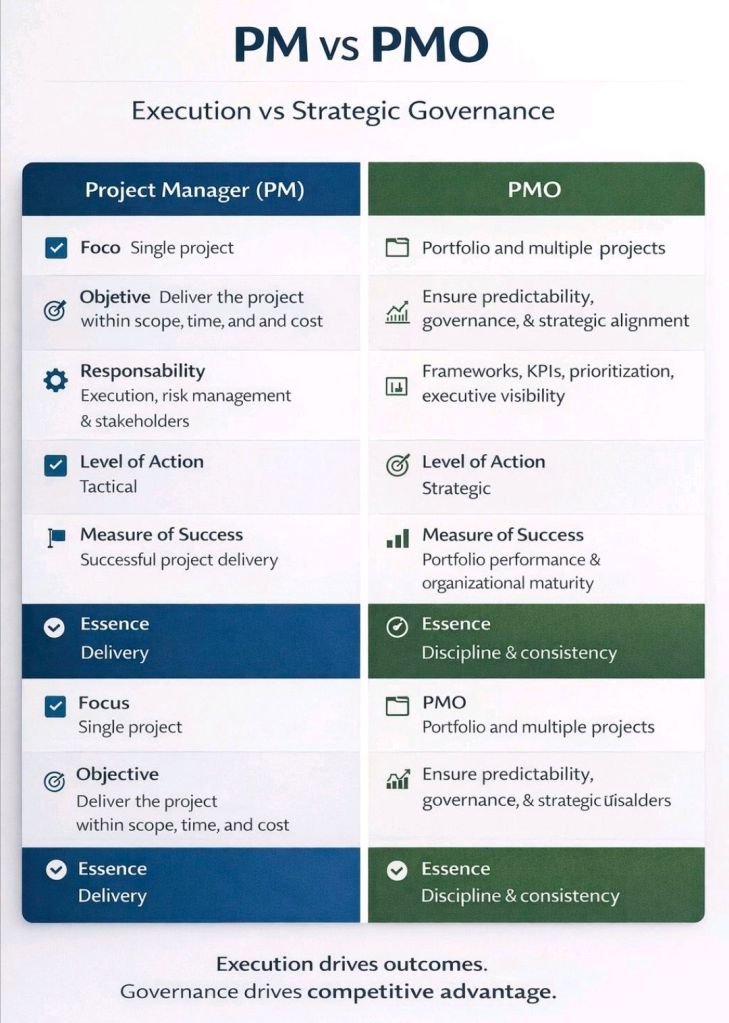
PM vs PMO, Execution vs Strategic Governance

PM vs PMO, Execution vs Strategic Governance