Microsoft PowerPoint Development Timeline History

Microsoft PowerPoint was originally developed as “Presenter” by Forethought, Inc. in 1987 for the Apple Macintosh. Microsoft acquired it just three months later for $14 million, marking their first major acquisition. 
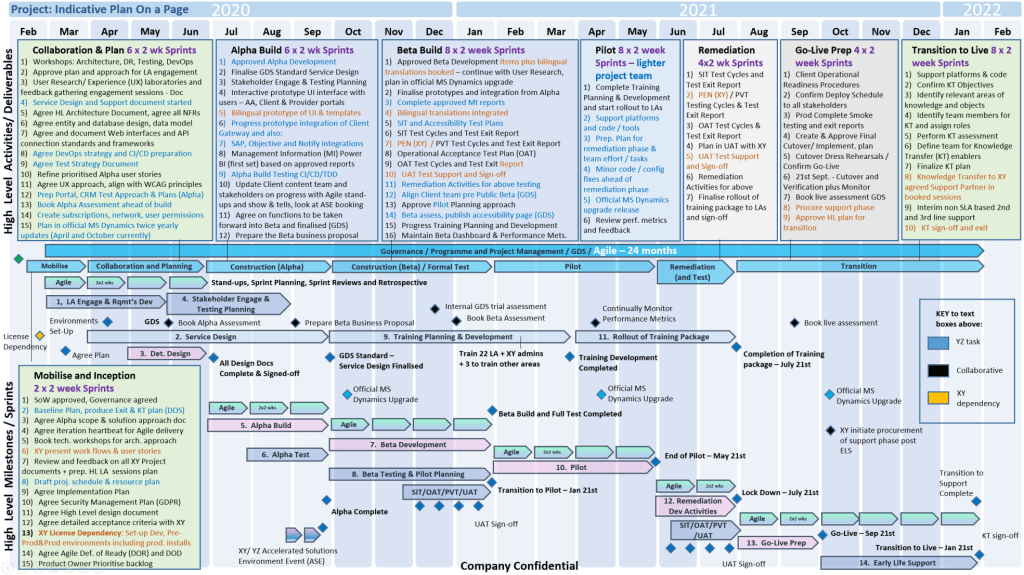
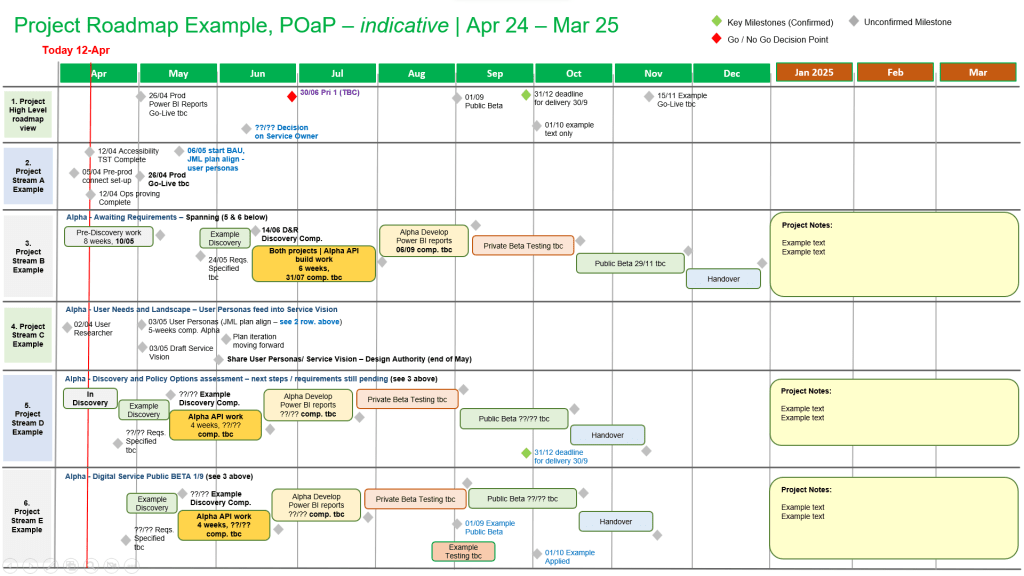
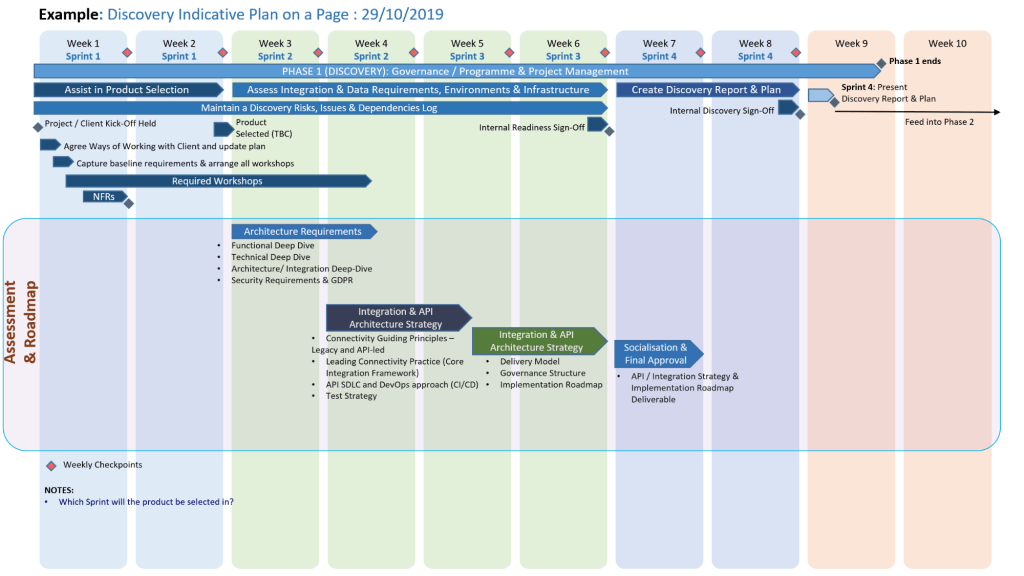
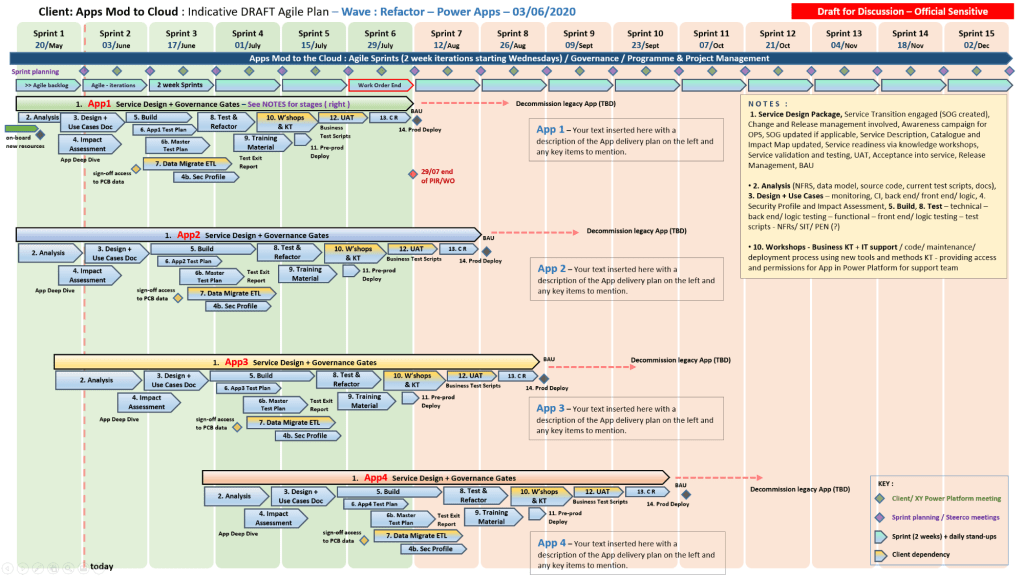
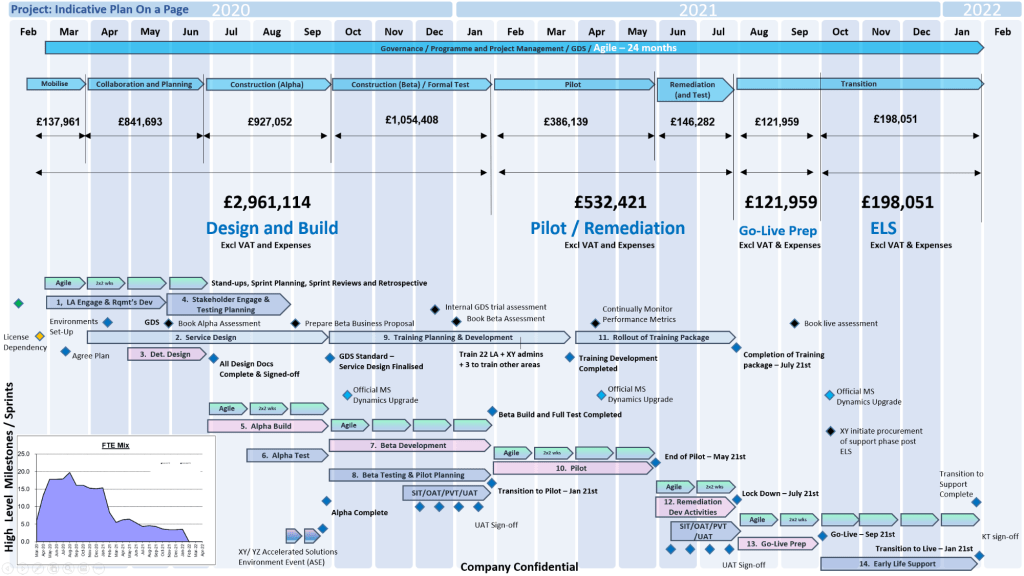
MS PowerPoint Plan On a Page POaP templates downloaded at website banner

Foundational Years (1984–1990) 

  • 1984: The idea for a presentation program is conceived by Robert Gaskins.
  • 1987 (April): PowerPoint 1.0 launches for Macintosh, supporting only black and white slides.
  • 1987 (July): Microsoft acquires Forethought.
  • 1990 (May): The first Windows version (PowerPoint 2.0) is released, coinciding with Windows 3.0. 

Office Integration (1992–2003) 
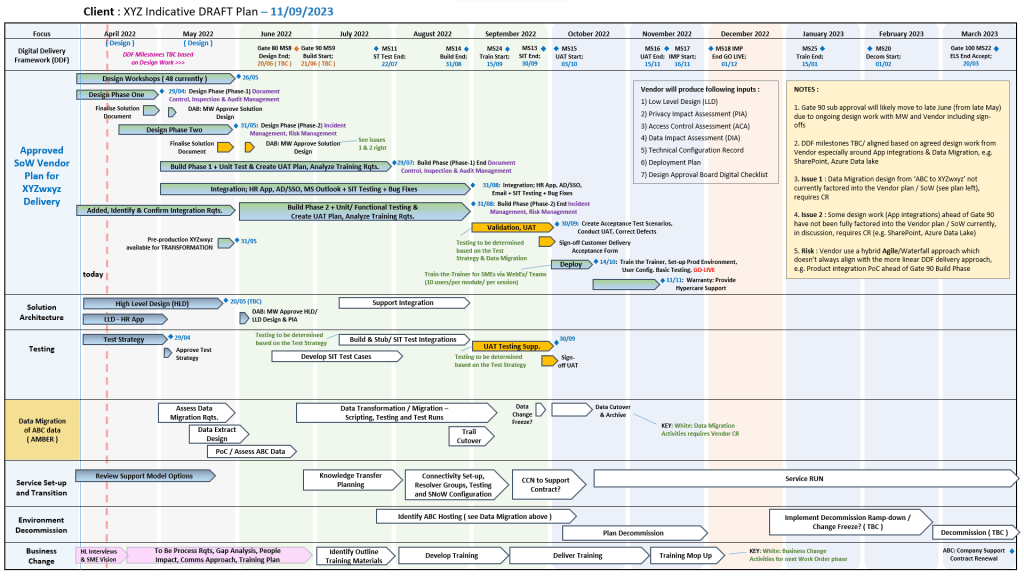
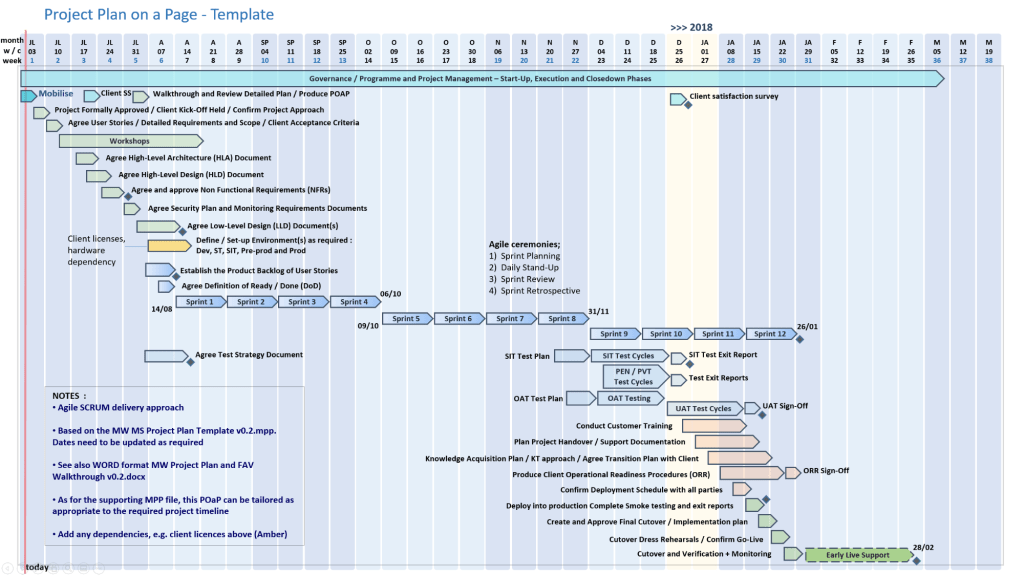
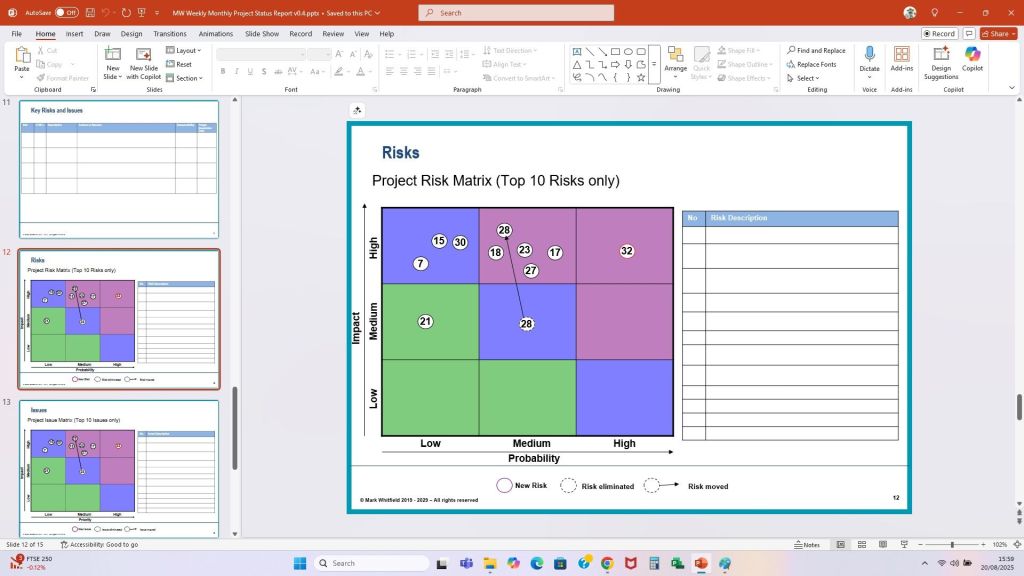
MS PowerPoint Plan On a Page POaP templates downloaded at website banner
  • 1992: PowerPoint 3.0 introduces video transitions and sound.
  • 1994: PowerPoint 4.0 begins deep integration with the Microsoft Office suite, sharing interface components with Word and Excel.
  • 1997: PowerPoint 97 brings significant upgrades like “Custom Animation” and the “Office Assistant” (Clippy).
  • 2003: PowerPoint 2003 focuses on collaboration and improved “Package for CD” features. 

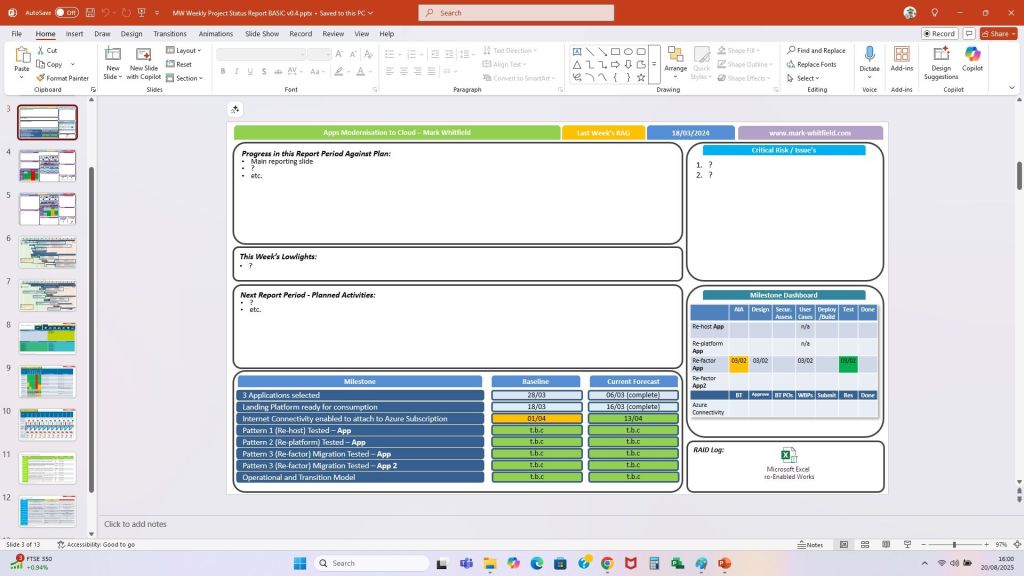
Modernization & Cloud (2007–Present)
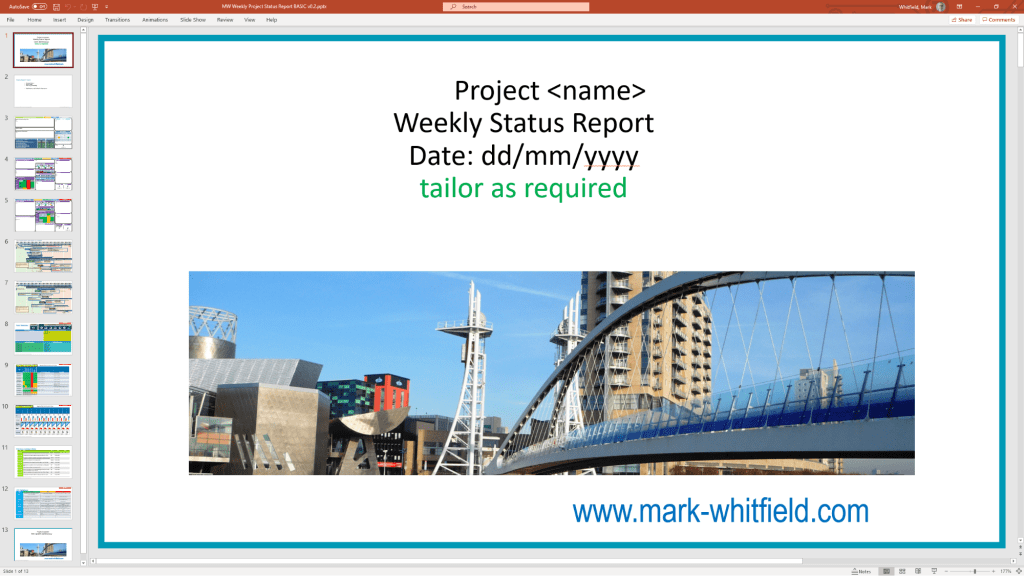
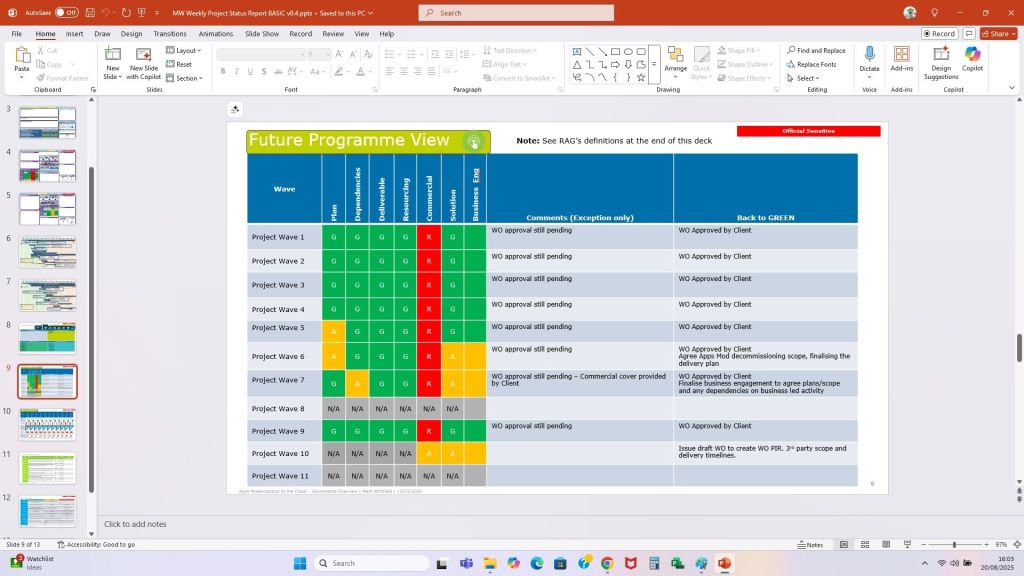
MS PowerPoint Plan On a Page POaP templates downloaded at website banner
  • 2007: Introduces the Ribbon interface and the XML-based .pptx file format.
  • 2010: Adds video export, section organization, and co-authoring capabilities.
  • 2013: PowerPoint for Web is released, alongside the first dedicated mobile apps for iOS and Android.
  • 2016–2021: Features focus on AI-driven design (PowerPoint Designer), Morph transitions, and real-time collaboration via Microsoft 365.
  • 2023+: Integration of AI tools like Copilot for automated slide generation and DALL-E 2 for image creation. 

Microsoft PowerPoint Development Timeline History
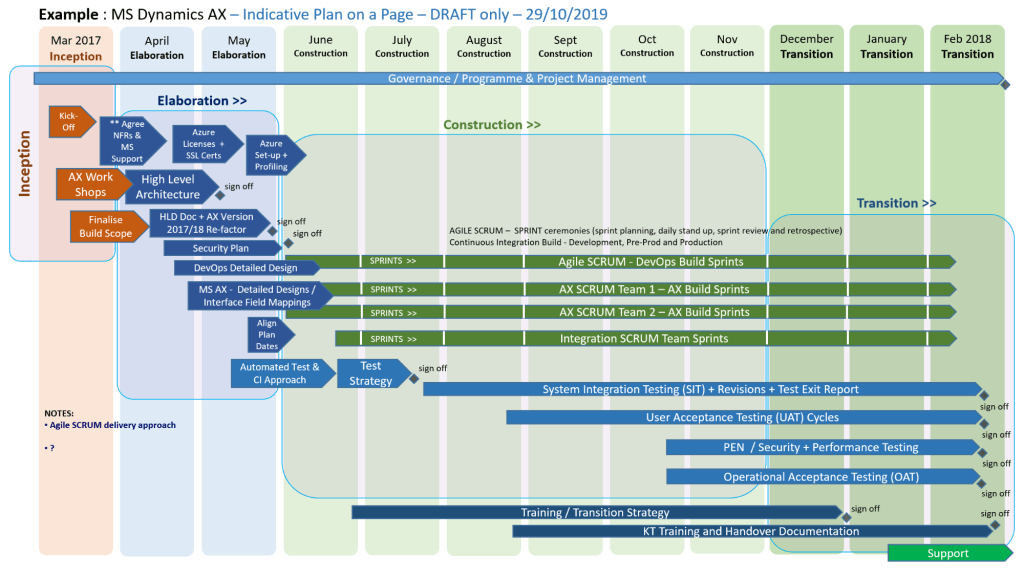
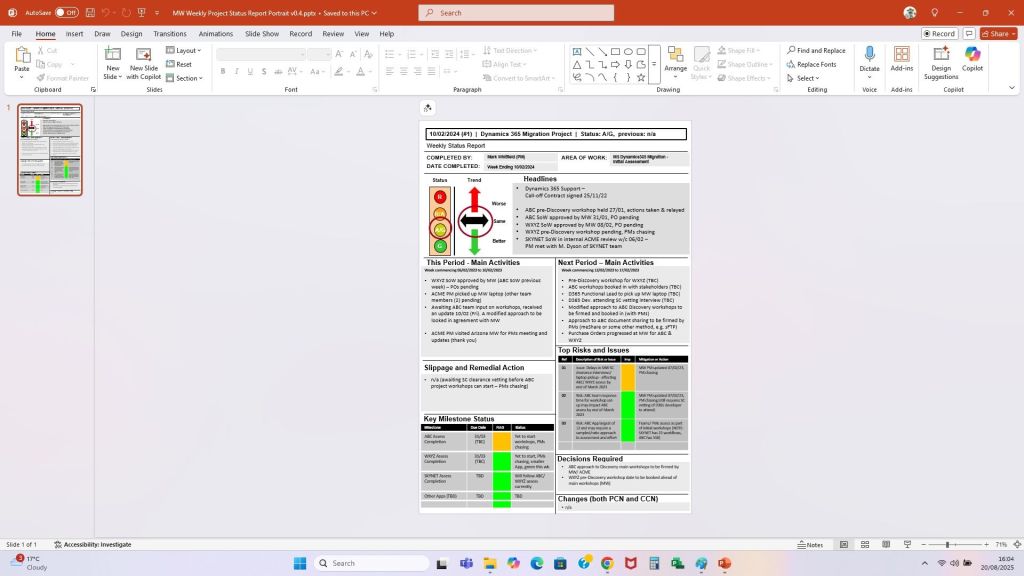
MS PowerPoint Plan On a Page POaP templates downloaded at website banner

Microsoft Excel Development Timeline History
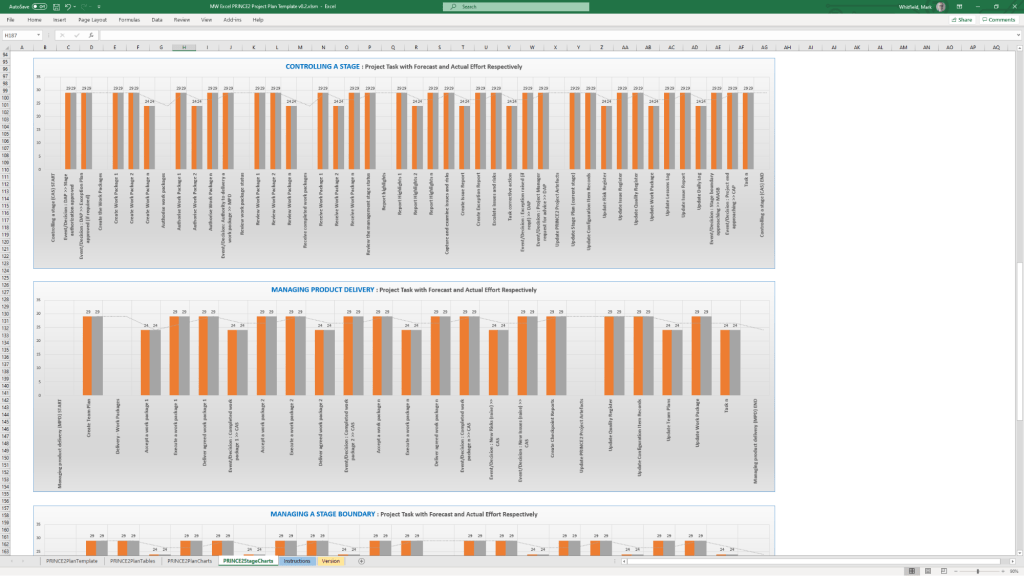
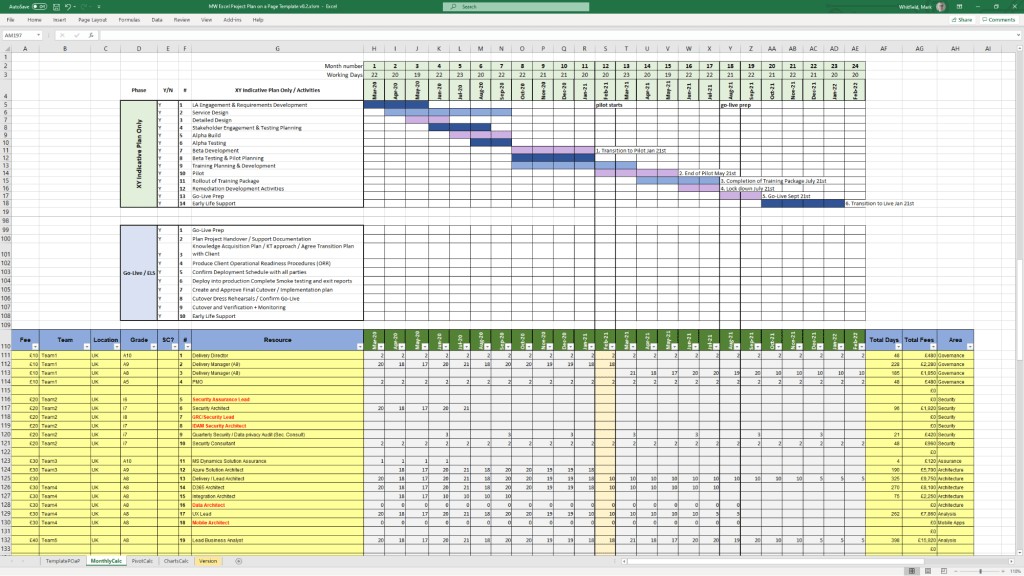
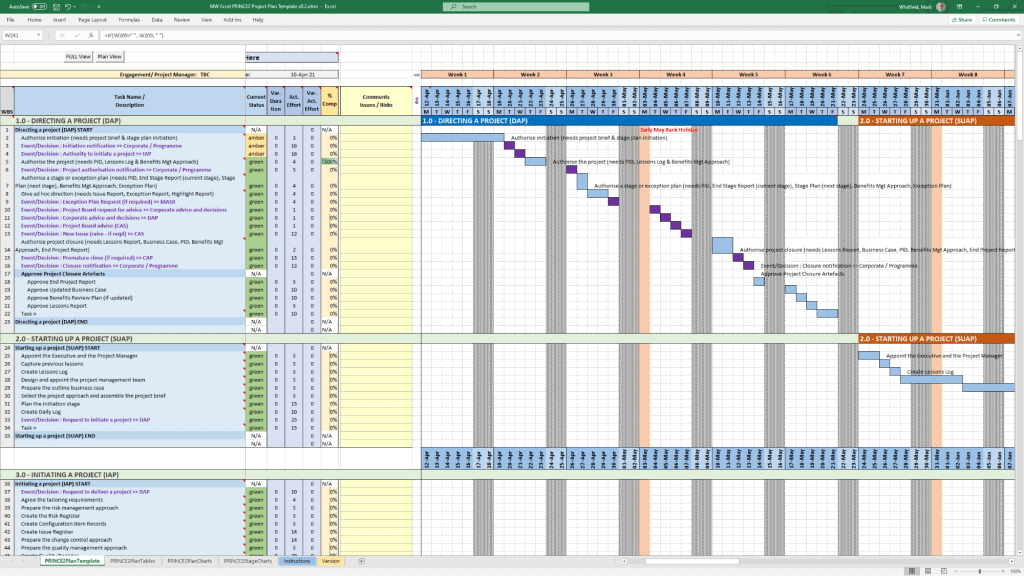
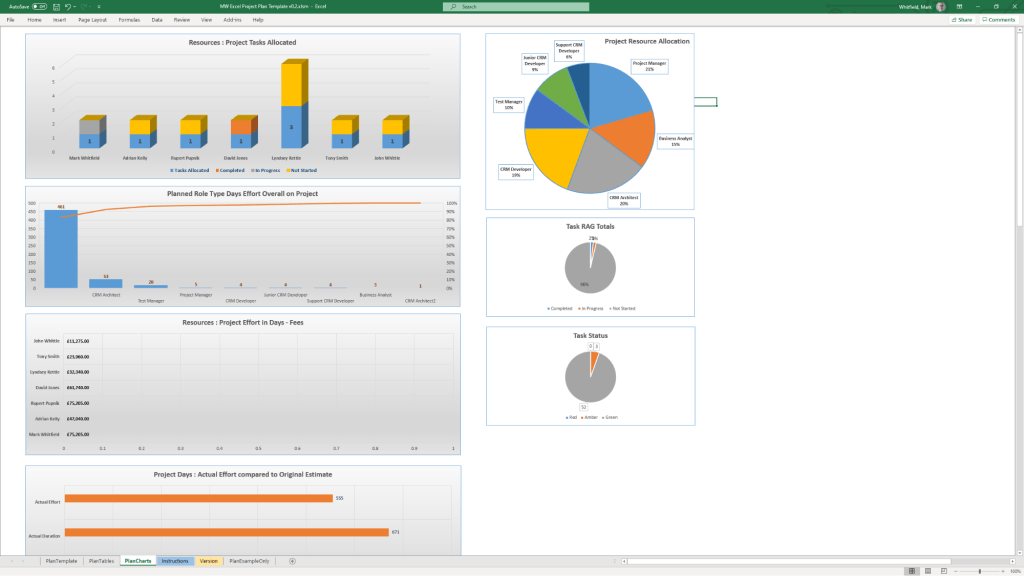
Microsoft Excel has evolved from a niche Apple Macintosh tool into the world’s most dominant spreadsheet software. Its history is marked by strategic shifts, such as jumping from the MS-DOS era to graphical interfaces to outmanoeuvre then-leader Lotus 1-2-3

Timeline of Major Excel Milestones

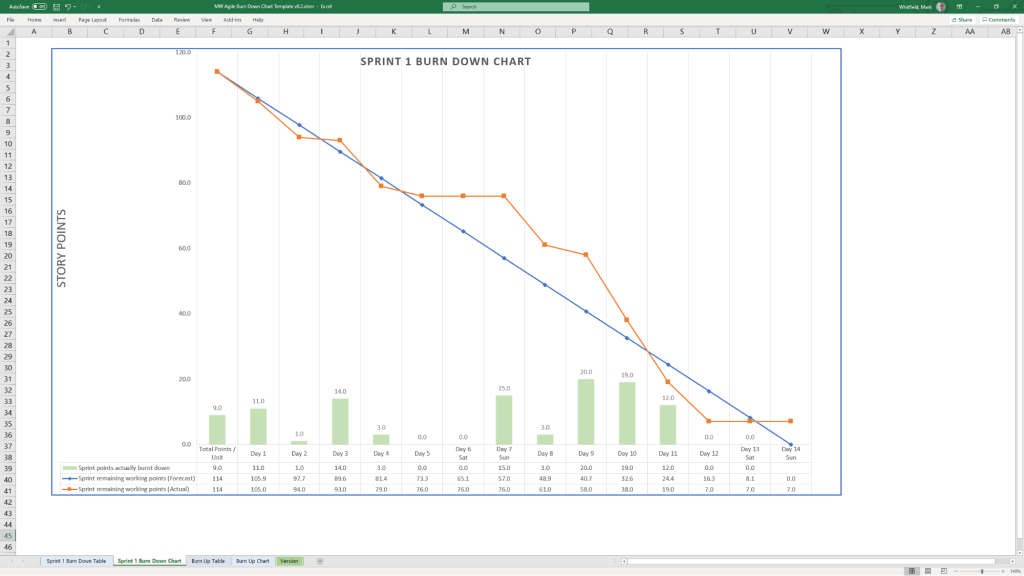
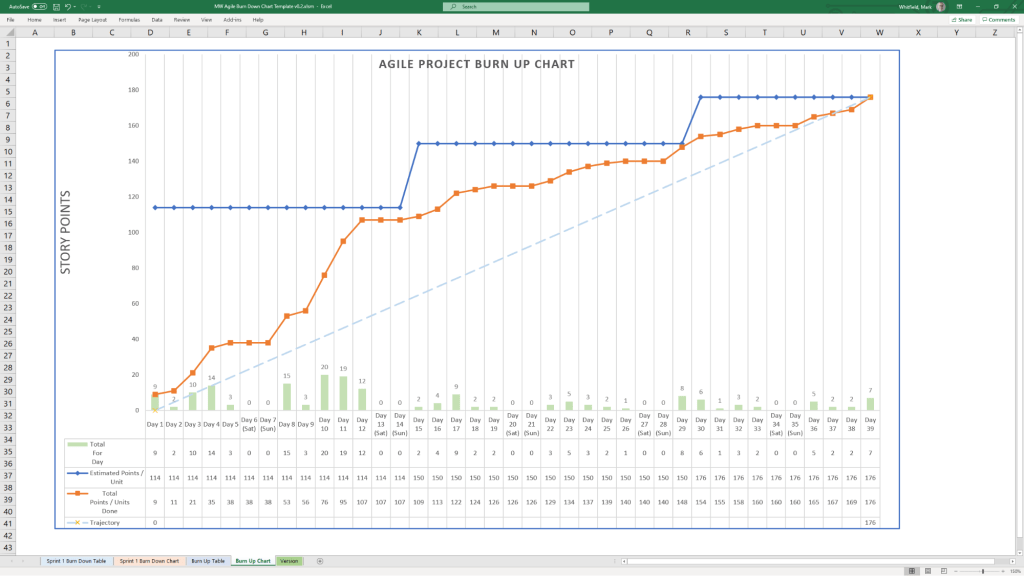
Agile Templates available at download link at website banner
  • 1982: Multiplan (The Predecessor) – Microsoft’s first spreadsheet program. While popular on CP/M systems, it struggled against Lotus 1-2-3 on MS-DOS.
  • 1985: Excel 1.0 (Macintosh Exclusive) – Realising they couldn’t beat Lotus on DOS, Microsoft built a graphical spreadsheet for the new Mac. It introduced the ability to adjust cell heights, widths, and fonts.
  • 1987: Excel 2.0 (First Windows Version) – Launched alongside the first Windows environments, it introduced color support (like red for negative numbers) and was significantly faster than competitors.
  • 1990: Excel 3.0 – Added 3D charts, toolbars, and drawing tools, helping Excel finally overtake Lotus 1-2-3 as the market leader.
  • 1993: Excel 5.0 – A major turning point that introduced Visual Basic for Applications (VBA), allowing users to automate tasks with macros.
  • 1997: Excel 8.0 (Office 97) – Introduced the Paperclip Assistant (“Clippy”) and the first version of the modern VBA environment.
  • 2007: Excel 12.0 (The Ribbon Era) – Replaced menus with the Ribbon interface and dramatically increased grid capacity to 1,048,576 rows by 16,384 columns.
  • 2010: Excel 14.0 – Introduced Slicers for PivotTables and Sparklines (mini charts inside cells).
  • 2013-2016: Data Intelligence – Added Power Query, Power Pivot, and new chart types like Waterfall, Pareto, and Treemap to support advanced data modeling.
  • 2019-Present: AI & Cloud Integration – Modern versions focus on seamless collaboration, dynamic arrays (like XLOOKUP), and AI-powered insights that can extract data directly from images. 

Technological Evolution Highlights

MS Excel templates available on bundle download at website banner
  • Architecture: Shifted from 16-bit to 32-bit with Excel 95, greatly improving stability.
  • Collaborative Features: Modern Version History and “Show Changes” now allow teams to track every edit in real-time.
  • Visualisation: Excel now supports complex timelines via SmartArt or custom Scatter charts with error bars for professional project tracking.

Microsoft Excel Development Timeline History
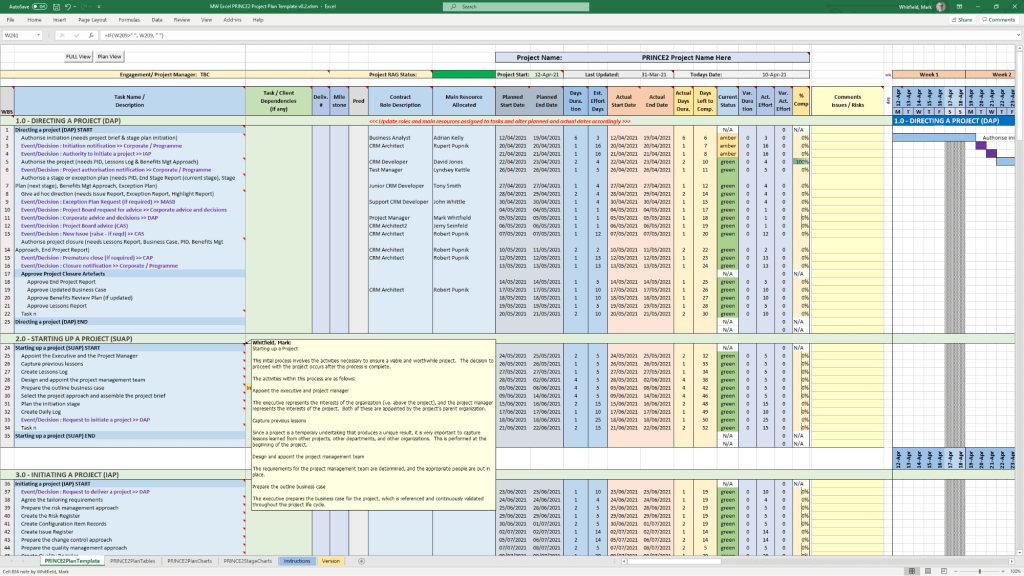
Microsoft Excel templates available at banner above, FREE upgrades

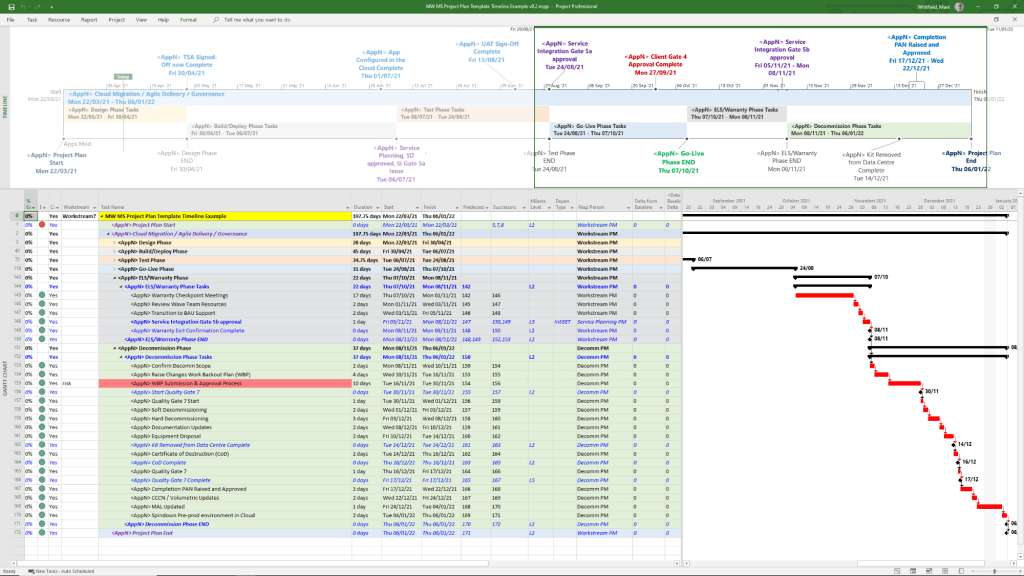
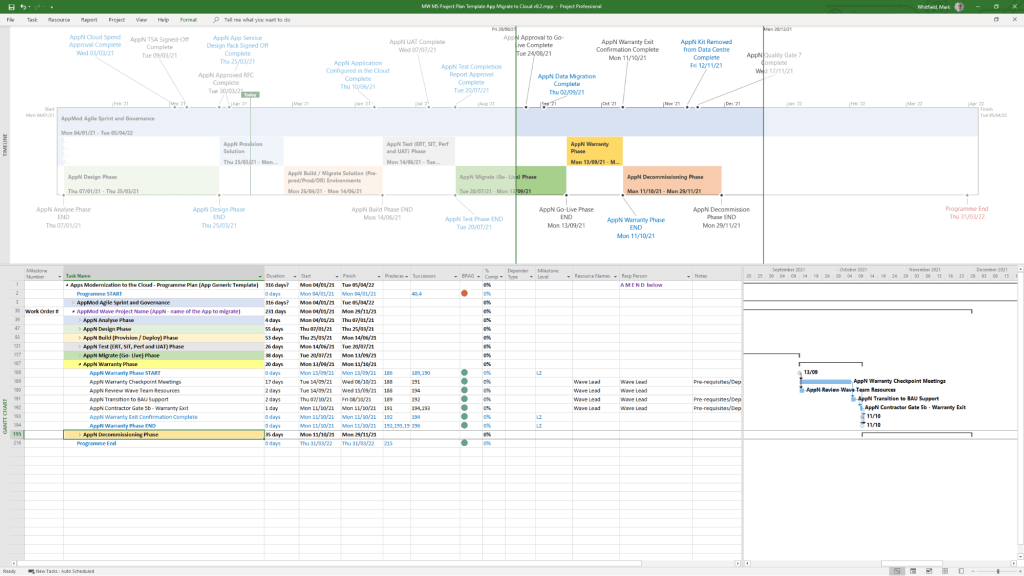
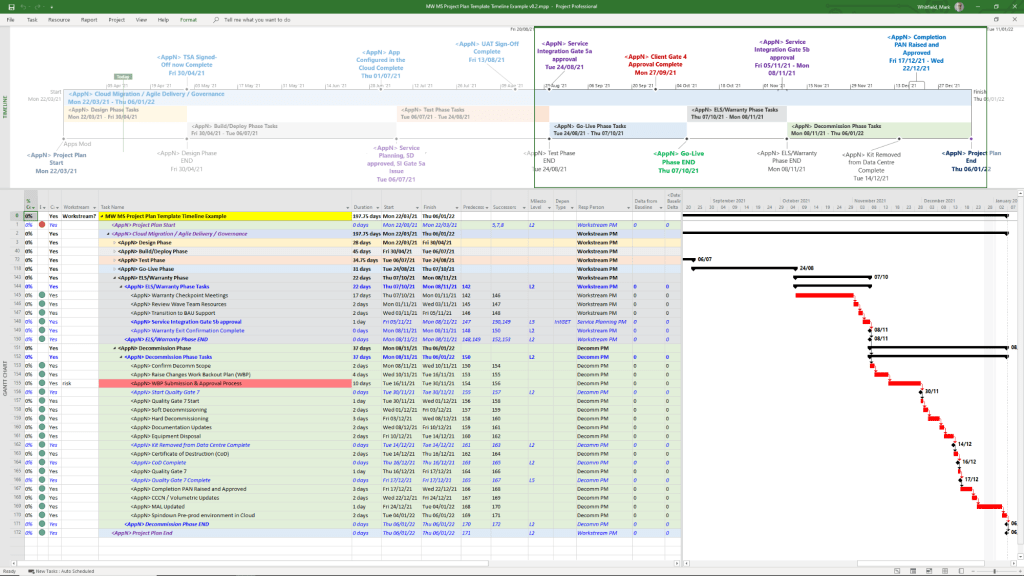
Microsoft Project Timeline, Development History Overview

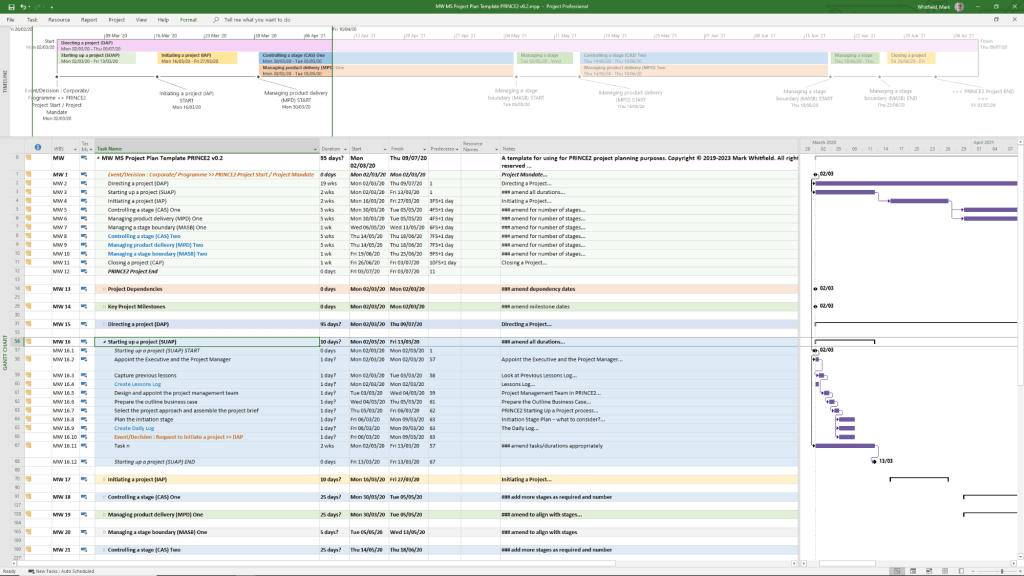
Microsoft Project has evolved from a DOS-based tool in the 1980s into a cloud-integrated platform. Its “Timeline” feature specifically has transitioned from a simple static view to a multi-layered, interactive reporting tool. 

Template included in package – see website banner

Timeline Feature Development History

  • Early Era (1984–2007): For decades, the “timeline” was synonymous with the Gantt Chart. Users had to rely on complex print-outs or third-party tools to create high-level summaries for executives.
  • The dedicated Timeline View (2010): Microsoft introduced a native Timeline view in Project 2010, allowing users to cherry-pick specific tasks and milestones to display on a single horizontal bar.
  • Multi-Timeline Support (2016): Project 2016 expanded this by allowing multiple timeline bars in a single view. This enabled managers to represent different project phases or workstreams with independent start and end dates.
  • Cloud & Web Integration (2019–Present): With the launch of Project for the web, timelines became more interactive, supporting drag-and-drop adjustments and real-time co-authoring.
  • Task History Tracking (2023): Microsoft added a Task History pane to the web version, allowing users to see a chronological log of changes to specific timeline items. 

Key Components of a Modern MS Project Timeline

Templates included in download bundle – see website banner
  • Gantt-Style Visualization: Displays tasks as horizontal bars against a calendar timescale.
  • Milestones & Callouts: Important dates appear as diamonds or labels that can be dragged above or below the main bar to avoid clutter.
  • Dependencies: Visual links between tasks that illustrate the sequence of work and the Critical Path.
  • Copy for Presentation: A dedicated formatting tool that allows users to export the timeline directly to Microsoft PowerPoint or email at various sizes (Small, Medium, Full Size). 

Future Outlook

Template included in download bundle – see website banner

Microsoft has announced that Project Online will be officially retired on 30 September 2026, with development focus shifting entirely to the new Microsoft Planner and Project for the web ecosystem.

Microsoft Project Timeline, Development History Overview

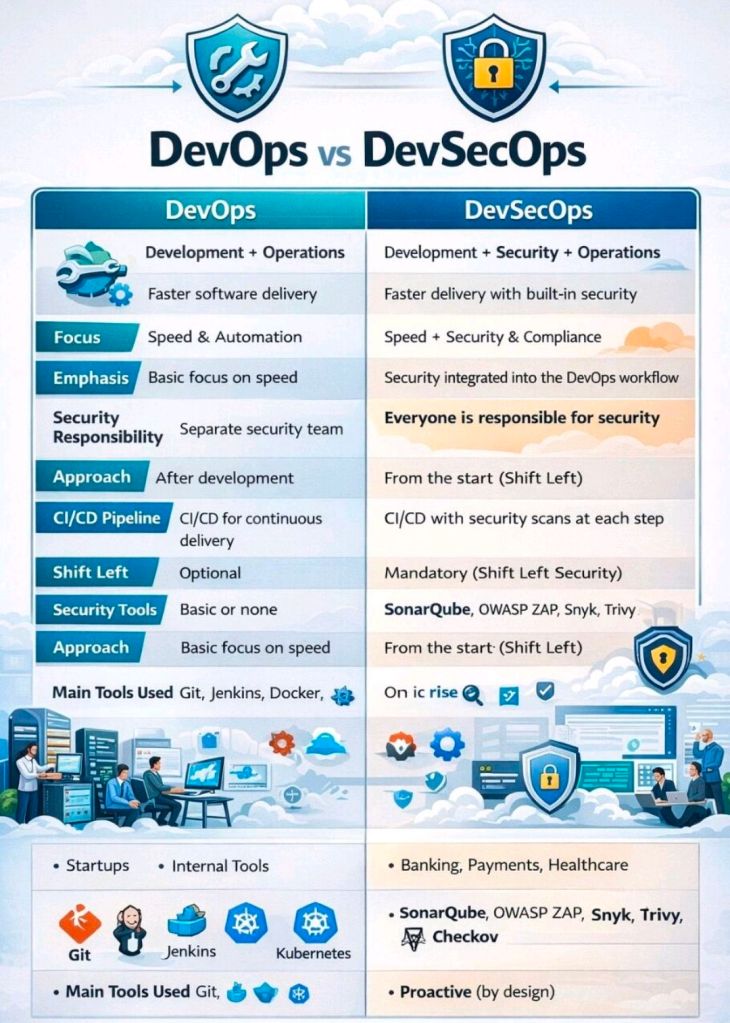
DevOps vs DevSecOps

DevOps vs DevSecOps

Development + Operations = DevOps

Development + Security + Operations = DevSecOps

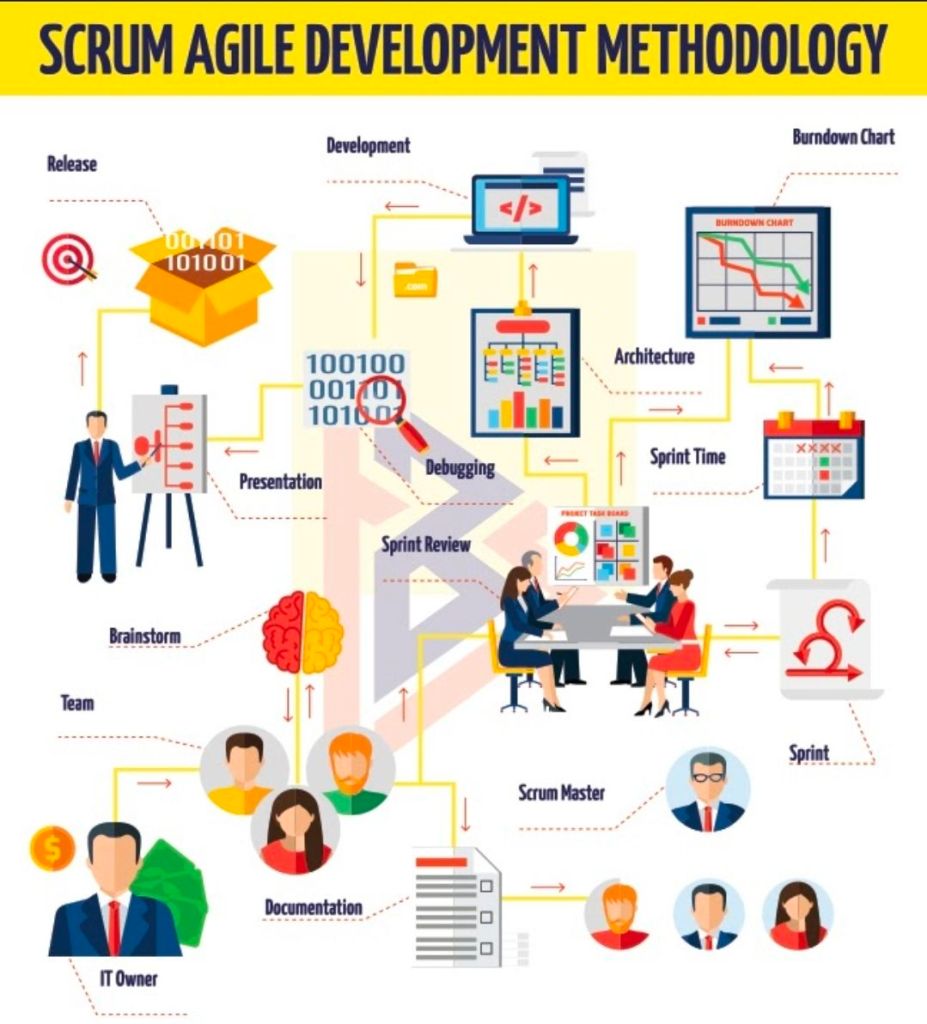
Agile Scrum Development Methodology Overview

Agile Scrum Development Methodology Overview

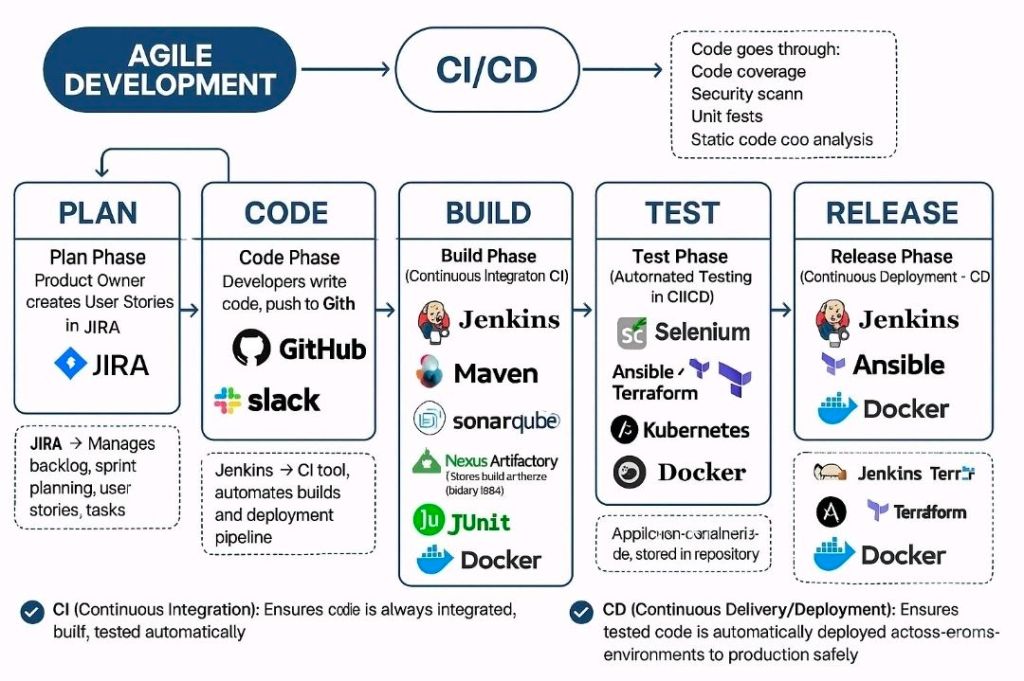
Agile Development, CI/CD, Continuous Integration, Delivery, Deployment

Agile Development, CI/CD, Continuous Integration, Delivery, Deployment