This is a detailed, comprehensive historical timeline of project management methodologies, tracing the evolution from ancient practices to modern adaptive frameworks.
I. Pre-Modern Era (Before 1900): Foundation of Task Coordination
- 2570 BC (Great Pyramid of Giza): Completion of the pyramids, demonstrating early project organization with managers for each of the four faces, planning, and logistics.
- 208 BC (Great Wall of China): Construction of the Great Wall, involving massive workforce organization divided into soldiers, citizens, and criminals.
- 1850s (Transcontinental Railroad): US railroad projects requiring large-scale resource and schedule management.
- 1896 (Harmonogram): Karol Adamiecki developed the harmonogram, a predecessor to the Gantt chart (published in 1931).
II. Early Modern Era (1910s–1950s): The Scientific Management Era
This era brought “scientific management” to project control, focusing on efficiency and visualization.
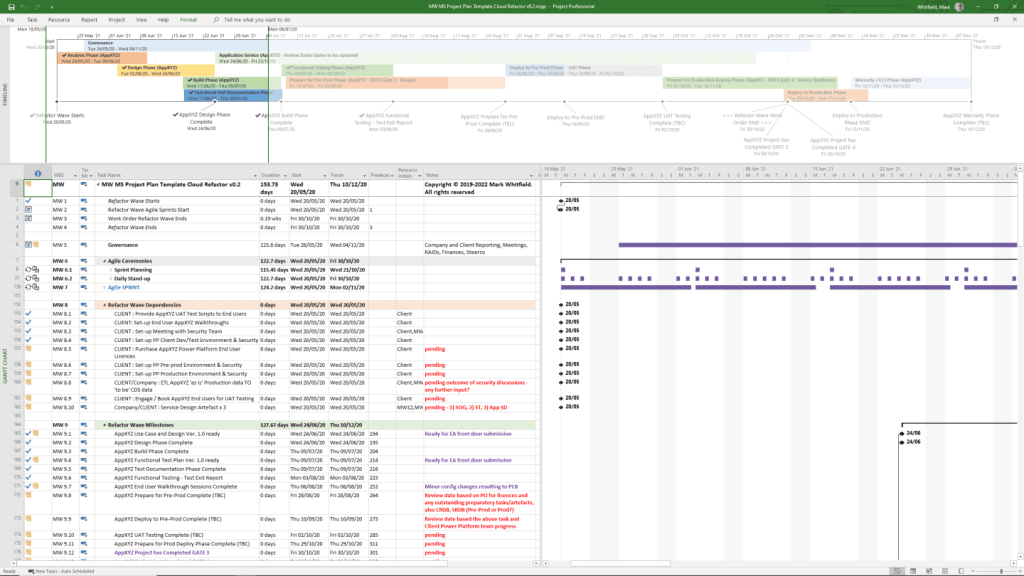
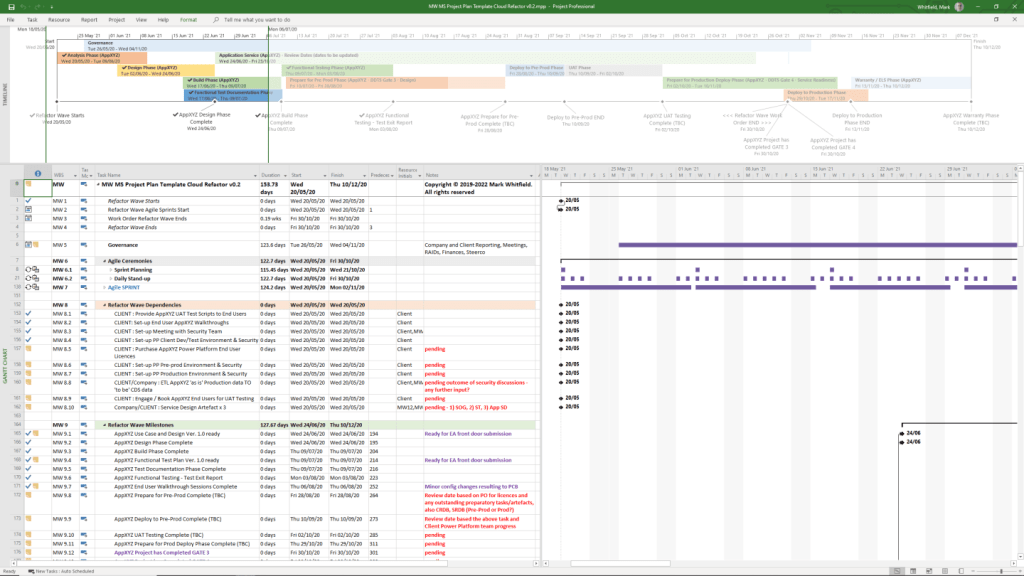
- 1910s (Gantt Chart): Henry Gantt developed the Gantt chart, a visual tool for scheduling tasks over time.
- 1911 (Scientific Management): Frederick Taylor published The Principles of Scientific Management, focusing on efficiency and time-saving.
- 1931–1936 (Hoover Dam): One of the first large-scale applications of Gantt charts for complex scheduling.
- 1942–1945 (Manhattan Project): Development of the atomic bomb, creating a need for rapid, complex planning and large-scale team coordination.
III. The “Golden Age” of Project Management (1950s–1960s): Formal Methodologies
This era introduced mathematical models for managing complex, interdependent tasks.
- 1956 (AACE Formed): The American Association of Cost Engineers (now AACE International) was formed, specializing in cost control and scheduling.
- 1957 (Critical Path Method – CPM): Developed by Dupont Corporation to manage chemical plant maintenance shutdowns.
- 1958 (Program Evaluation and Review Technique – PERT): Created by the US Navy Special Projects Office for the Polaris missile submarine project to manage task time and risk.
- 1962 (Work Breakdown Structure – WBS): The US Department of Defense mandated the use of WBS for large, complex projects.
- 1965 (IPMA Founded): The International Project Management Association (IPMA) was launched, the world’s first project management association.
- 1969 (PMI Founded): The Project Management Institute (PMI) was launched to promote the profession, later developing the PMP certification.
IV. The “Silver Age” (1970s–1980s): Systems and Controls
- 1970s (Waterfall Introduction): While used informally earlier, the Waterfall methodology was formalized for software development in the 1970s, emphasizing sequential phases.
- 1975 (PROMPTII): Simpact Systems Ltd created PROMPTII, a methodology to handle cost overruns in computer projects, which later formed the basis of PRINCE.
- 1975 (Mythical Man-Month): Fred Brooks published his seminal work on software engineering project management.
- 1978 (Toyota Production System): Lean production and Kanban techniques, used in manufacturing, began to influence project workflow.
- 1984 (Theory of Constraints – TOC): Dr. Eliyahu Goldratt published The Goal, introducing the Theory of Constraints for managing constraints (bottlenecks).
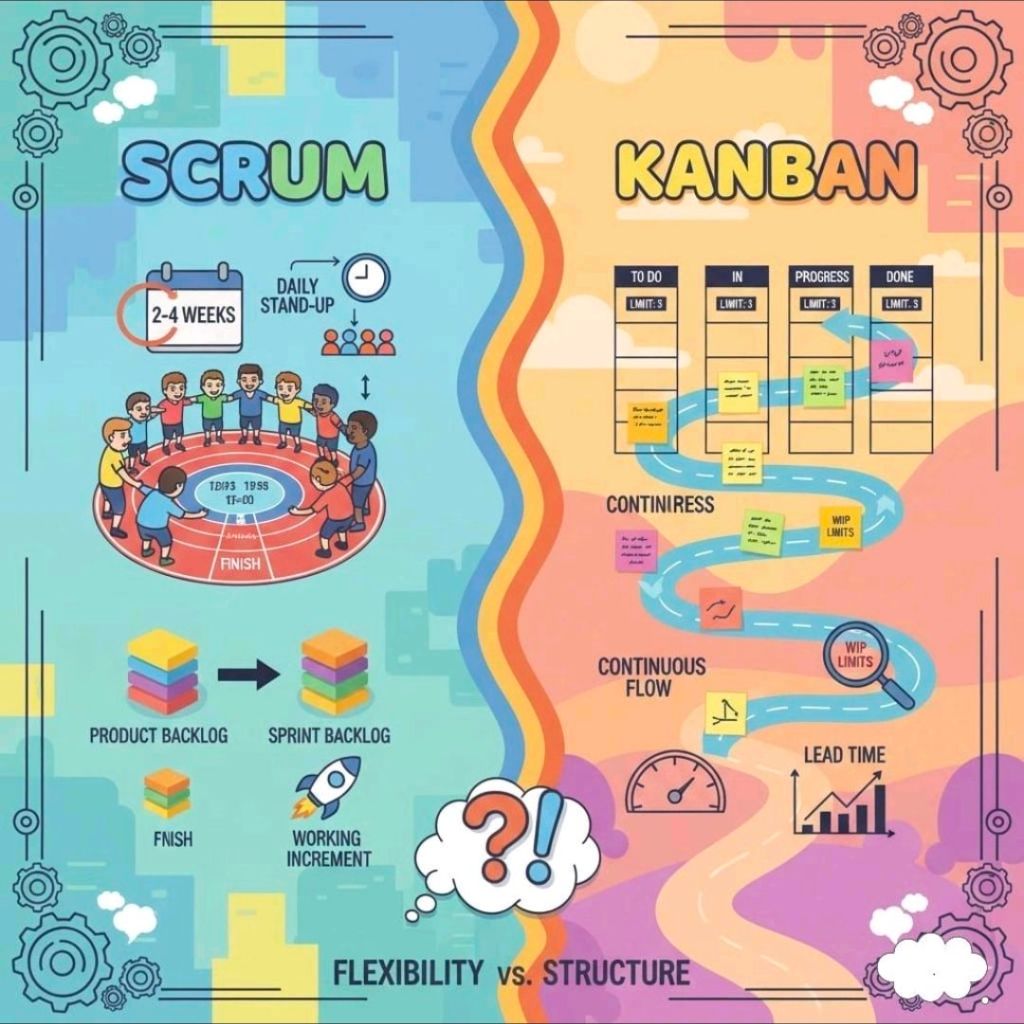
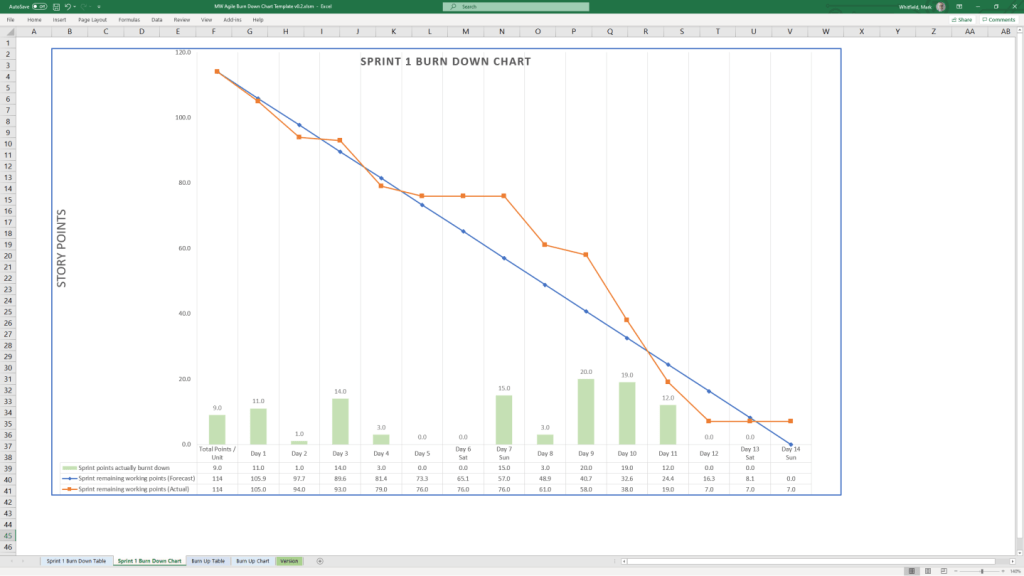
- 1986 (Scrum): Takeuchi and Nonaka defined Scrum as a project management style for fast-paced development.
- 1987 (PMBOK Guide): The Project Management Institute published the first Project Management Body of Knowledge (PMBOK) white paper.
- 1989 (PRINCE): The UK government launched PRojects IN Controlled Environments (PRINCE), the standard for information systems projects.
V. Rebirth and Modern Era (1990s–2000s): Agile and Adaptive Methods
- 1994 (CHAOS Report): The Standish Group published the first report documenting high IT project failure rates.
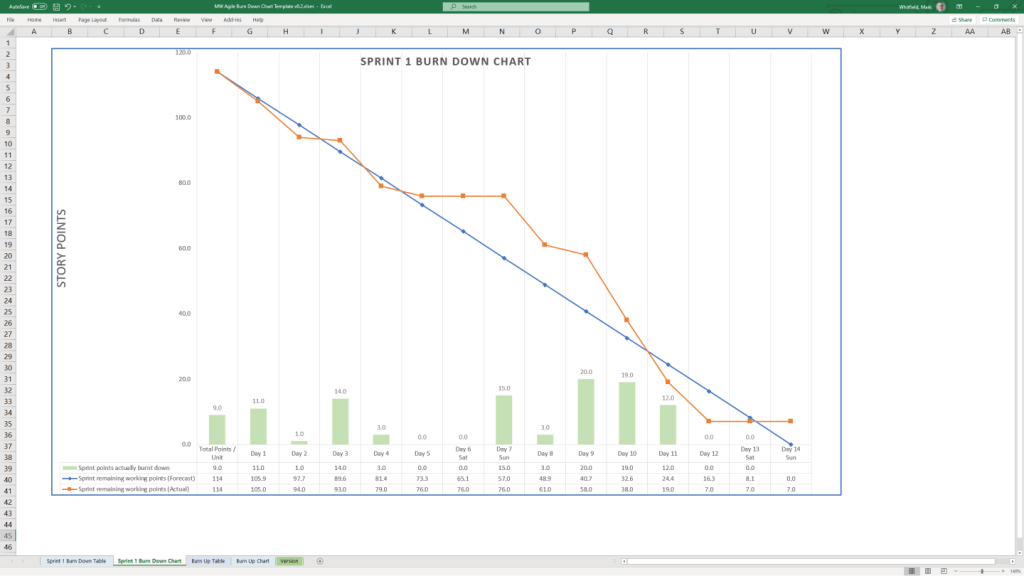
- 1995 (Scrum Formalization): Jeff Sutherland and Ken Schwaber formally defined the Scrum framework.
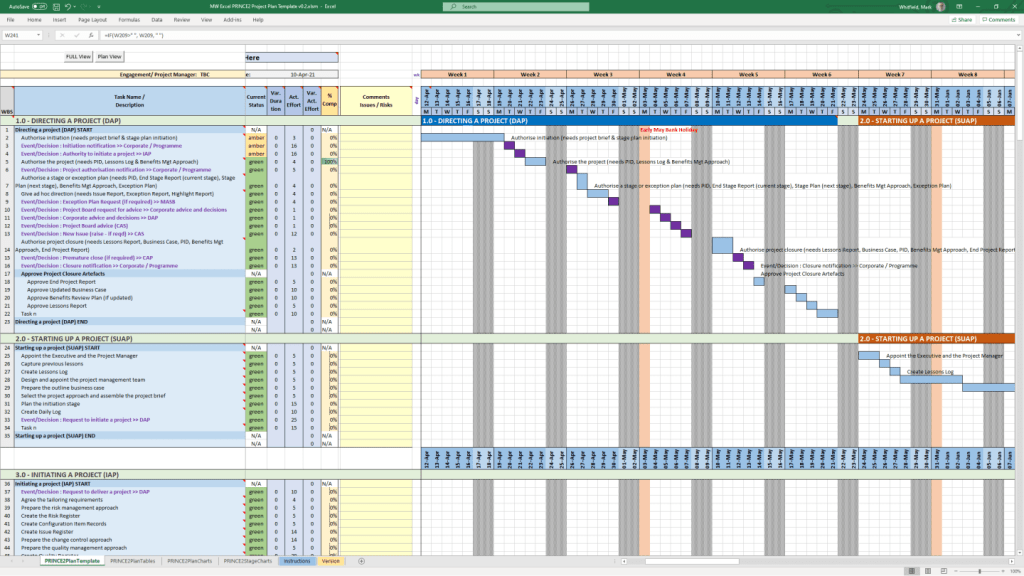
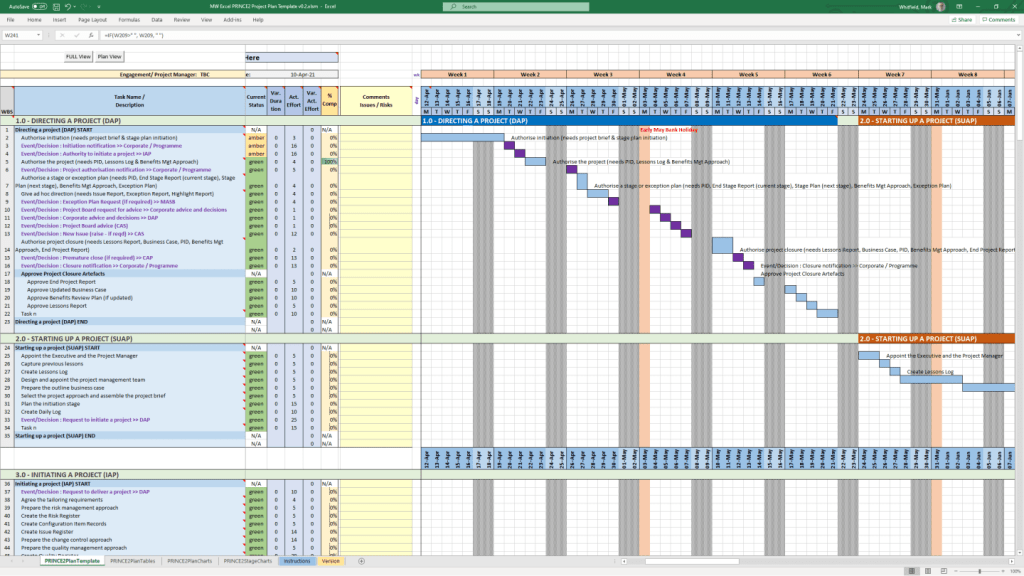
- 1996 (PRINCE2): PRINCE was updated to PRINCE2 to become a generic, more flexible methodology applicable to all project types.
- 1997 (Critical Chain Project Management – CCPM): Eliyahu Goldratt invented CCPM, based on the Theory of Constraints.
- 1998 (PMBOK Standard): The American National Standards Institute (ANSI) recognized PMBOK as a standard.
- 2001 (Agile Manifesto): 17 software developers met to publish the Manifesto for Agile Software Development, prioritizing collaboration and adaptability over rigid plans.
- 2007 (Kanban for Software): David Anderson adopted Kanban for software development, focusing on visualizing work and limiting work-in-progress.
VI. The Contemporary Era (2010s–Present): Hybrid, AI, and Speed
- 2012 (ISO 21500): The International Organization for Standardization published ISO 21500:2012, “Guidance on Project Management”.
- 2017 (PMBOK 6th Ed & PRINCE2 Update): PMI introduced Agile/adaptive practices into PMBOK, while AXELOS released a more flexible PRINCE2.
- 2018 (PRINCE2 Agile): PRINCE2 Agile was launched to combine the governance of PRINCE2 with the flexibility of Agile.
- 2021 (PMBOK 7th Ed): A major shift in PMI standards, moving from process-based to principle-based, focusing on project outcomes.
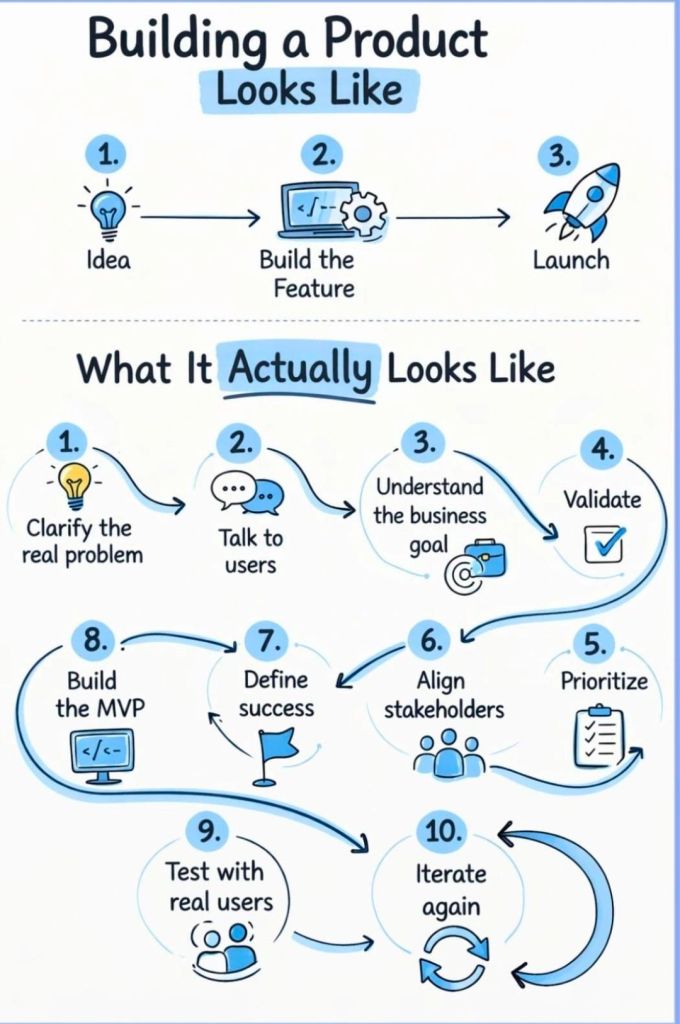
- 2020s–Present (AI/Hybrid): Rise of AI-driven project management, automated reporting, and hybrid methodologies combining Waterfall stability with Agile speed.
Project Management Methodologies, historical timeline by era and year