

Mark Whitfield’s PRINCE2 template collection is a comprehensive set of over 200 editable Microsoft Office documents designed to support both waterfall and agile project delivery. These templates are classified into several key categories, ranging from core PRINCE2 management products to advanced planning and tracking tools.
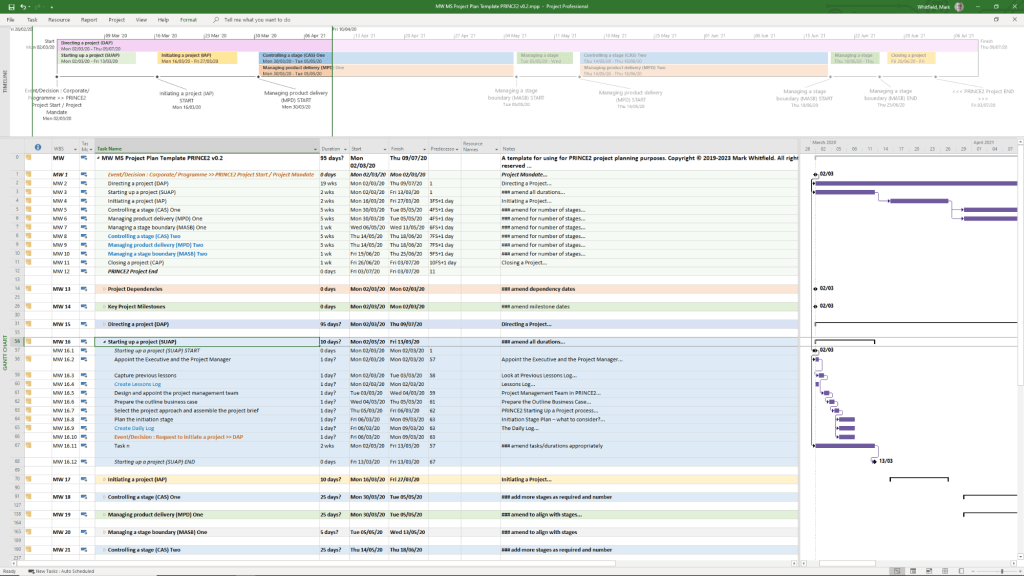
Core PRINCE2 Management Product Templates
This category includes the standard documentation required by the PRINCE2 methodology, often provided in MS Word (.doc) format.
- Project Initiation & Definition:
- Project Brief: Initial summary used to gain approval for the initiation stage.
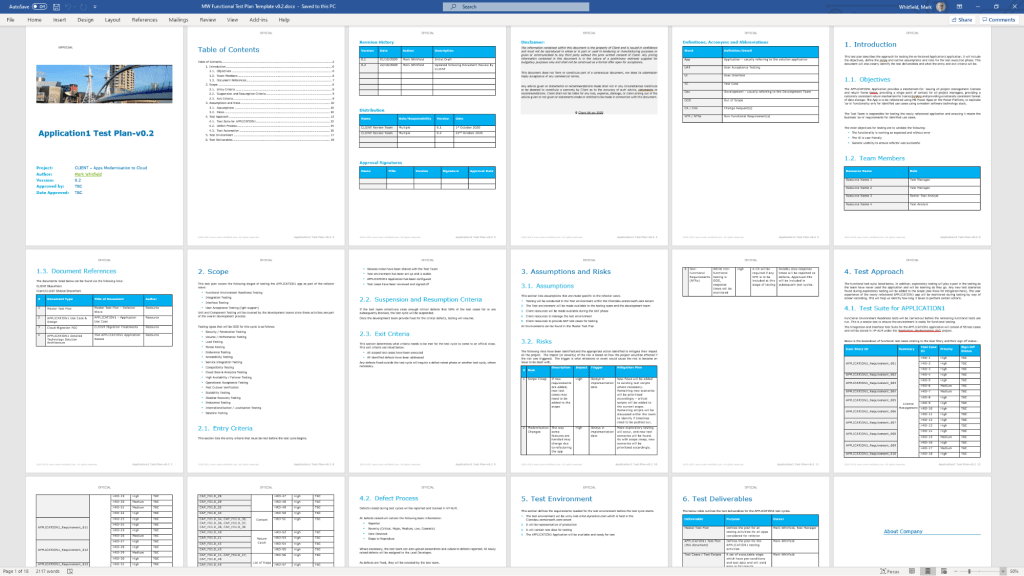
- Project Initiation Document (PID): A comprehensive document containing the project definition, approach, business case, and management strategies.
- Business Case: The primary justification for the project’s existence.
- Registers and Logs:
- Risk Register: For identifying and managing project risks.
- Issue Register & Issue Report: For tracking and detailing specific project problems.
- Lessons Log & Lessons Report: To capture and share knowledge gained throughout the project.
- Daily Log: For the Project Manager to record informal issues or activities.
- Reporting and Progress:
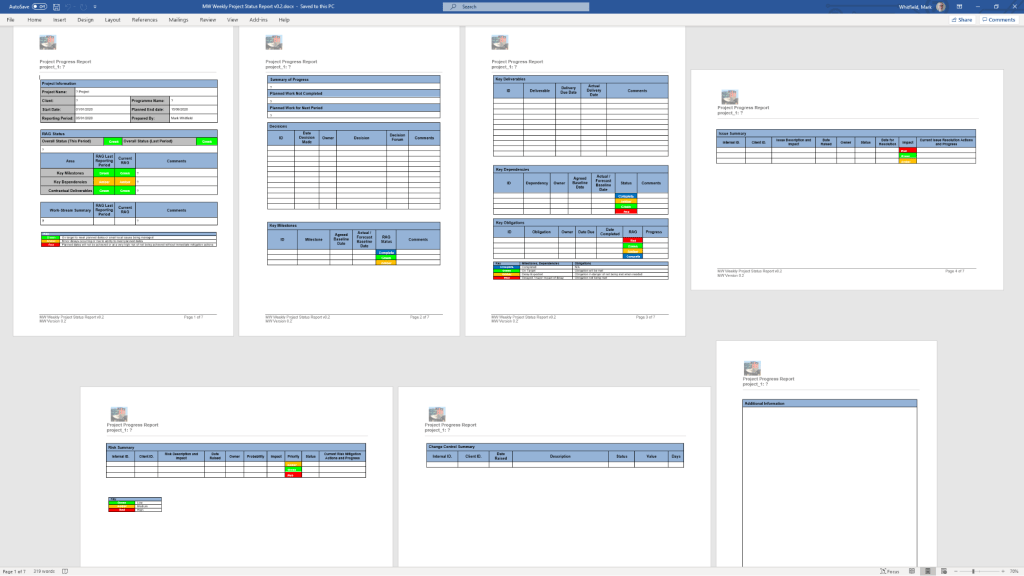
- Highlight Report: Periodic progress updates for the Project Board.
- Checkpoint Report: Updates from the Team Manager to the Project Manager.
- End Stage & End Project Reports: Summaries of performance at key project milestones.
- Exception Report: Used when a project is forecast to exceed its tolerances.
- Quality and Configuration:
- Product Description: Detailed specifications for each project deliverable.
- Quality Register: Records all planned and completed quality activities.
- Configuration Item Record: Tracks the status and version of project products.
Advanced Planning and Tracking Templates
Whitfield provides specialized tools for visual scheduling and financial management, primarily in MS Excel and MS Project (.mpp) formats.
- Project Planners:
- PRINCE2 Waterfall Project Planner: A detailed Gantt-view planner in Excel for those without MS Project licenses.
- MS Project (MPP) Templates: Pre-configured plans for PRINCE2 7th Edition, including end-to-end tasks and lifecycle stages.
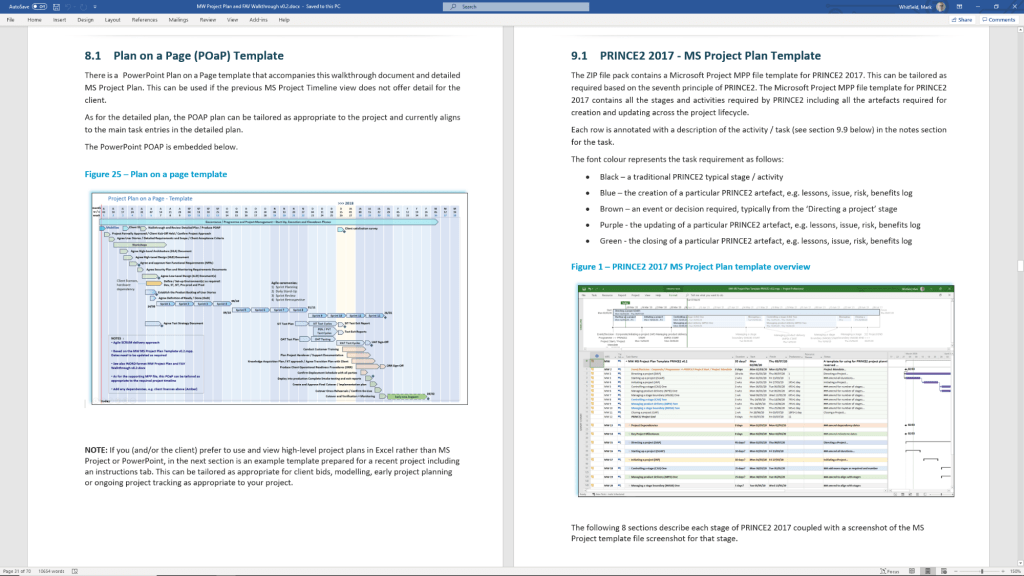
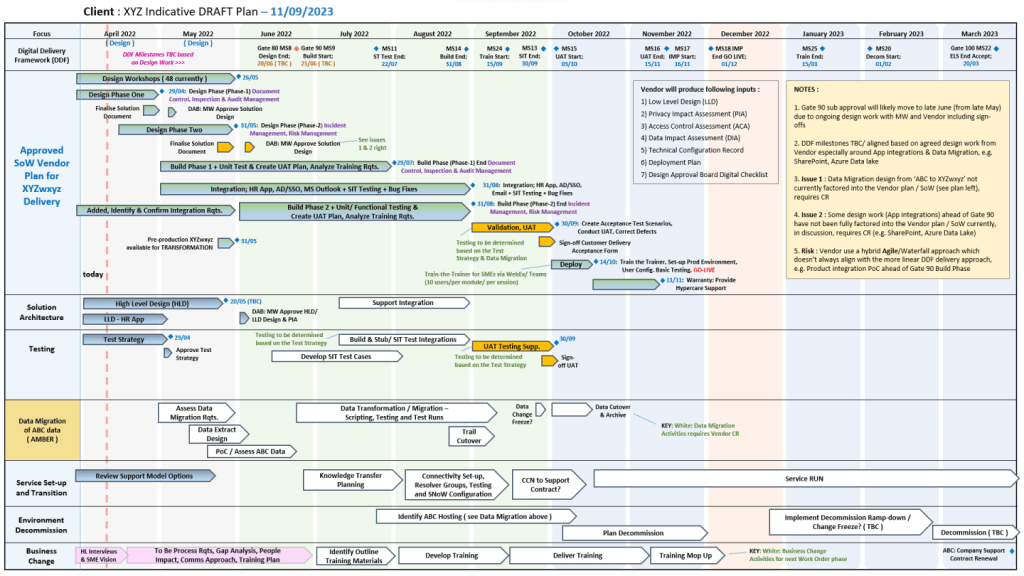
- Plan on a Page (POaP): High-level visual summaries of project timelines.
- Resource and Financial Management:
- Project Financial Tracker: Monitors forecast vs. actual costs, including margins and expenses.
- Resource Costing Grid: Detailed grids for calculating costs per project phase.
- RACI Tracker: Defines Roles and Responsibilities (Responsible, Accountable, Consulted, Informed).
Operational and Agile Support
These supplemental templates assist with daily project operations and hybrid agile environments.
- RAID Log: A centralized tracker for Risks, Actions, Issues, and Dependencies.
- Agile Specifics: Burn-down/up charts and sprint-view Gantt charts for scrum-based delivery.
- Stakeholder Analysis Plan: Tools to map stakeholder influence versus impact.
- Mobilisation/On-boarding Kit: PowerPoint templates for team kick-offs and onboarding.
Visual Classification (Font Coding)
In many of Whitfield’s automated plans, tasks are color-coded for quick visual breakdown:
- Black: Traditional PRINCE2 stage or activity.
- Blue: Creation of a PRINCE2 artefact (e.g., creating a log).
- Purple: Updating an existing artefact.
- Green: Formal closing of an artefact.
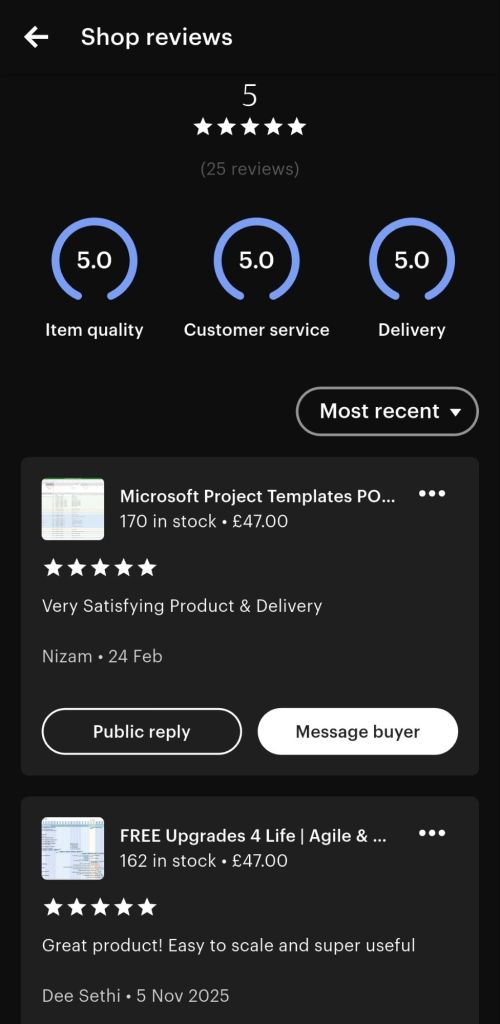
The full bundle is available for purchase on Mark Whitfield’s Official Website or through his Etsy Store.
PRINCE2 Templates FREE Upgrades
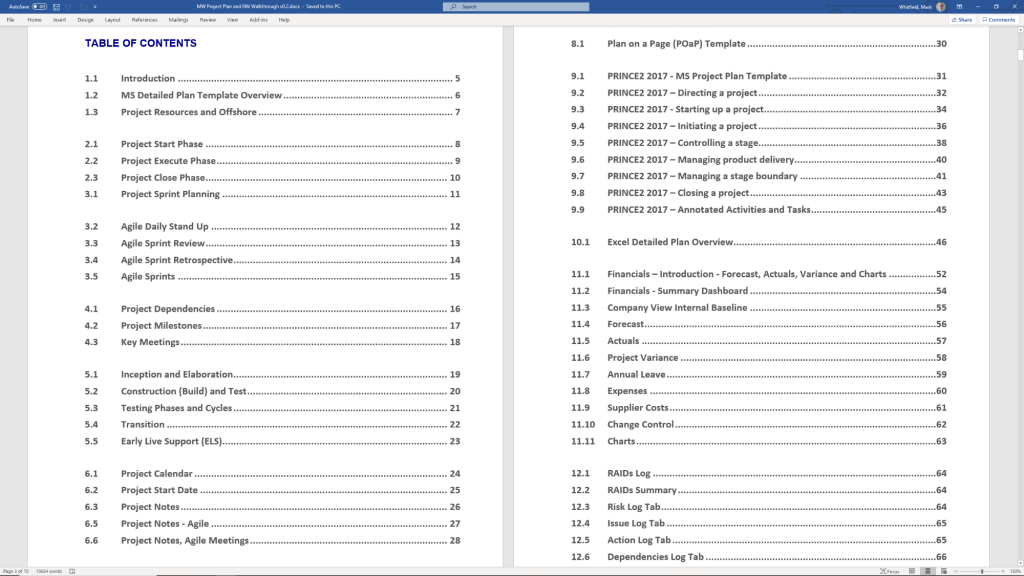
 PROject Templates