

Microsoft Power Platform is a suite of low-code tools designed to help organizations analyze data, build custom solutions, automate processes, and create AI-powered agents. It enables both professional developers and “citizen developers” (business users) to rapidly build end-to-end business applications that integrate with the broader Microsoft Cloud ecosystem.
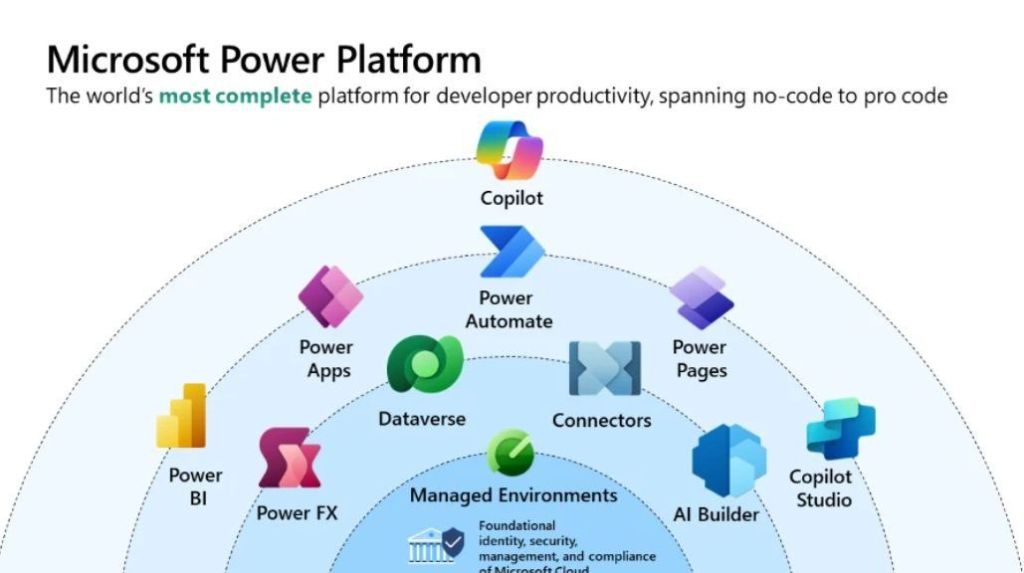
Core Product Areas
The platform consists of five primary applications:
- Power BI: A business analytics tool for data visualization and interactive reporting.
- Power Apps: A low-code development environment for building custom web and mobile business applications.
- Power Automate: A service for workflow automation and robotic process automation (RPA).
- Power Pages: A platform for creating and hosting secure, external-facing business websites.
- Copilot Studio: A graphical tool for building and customizing AI-powered agents and chatbots.
Underlying Capabilities
The platform’s strength lies in its shared infrastructure:
- Microsoft Dataverse: A secure, cloud-scale data store that provides a common data model for all Power Platform apps.
- Connectors: Over 1,000 prebuilt integrations that allow apps to communicate with external data sources like SAP, Salesforce, and Google Analytics.
- AI Builder: A capability that allows users to add AI models (e.g., sentiment analysis or object detection) to their apps and flows without writing code.
- Power Fx: A low-code, strongly-typed programming language used for expressing logic across the platform.
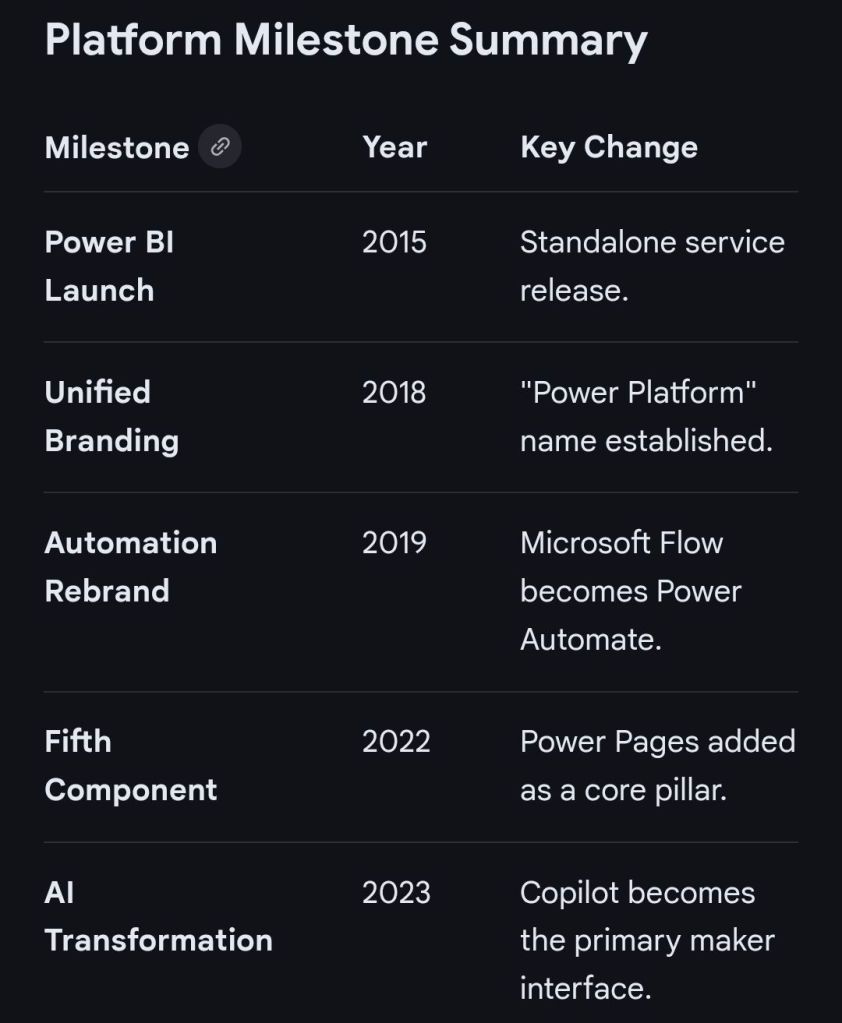
The Microsoft Power Platform has evolved from individual components like Power BI and Power Apps into a unified suite, now heavily integrated with Copilot and AI.
Origins & Early Growth (2013–2018)
- 2013: Power BI is first released as an Excel add-in before becoming a standalone service in 2015.
- 2015: Power Apps enters public preview as a low-code tool for building business applications.
- 2016: Microsoft Flow (now Power Automate) is launched to provide workflow automation across apps and services.
- 2018: The term “Microsoft Power Platform” is officially introduced to unify Power BI, Power Apps, and Flow.
Expansion & Rebranding (2019–2022)
- 2019: Power Virtual Agents is added to the suite for creating no-code chatbots. Microsoft Flow is rebranded as Power Automate.
- 2020: Launch of Power BI Premium per user and the Dataverse (formerly Common Data Service) rebranding.
- 2021: Power Fx, an open-source formula language based on Excel, is introduced as the standard language across the platform.
- 2022: Power Pages is launched as the fifth standalone product for building secure, low-code business websites.
The AI & Copilot Era (2023–Present)
- 2023: Integration of Copilot across all Power Platform products, allowing users to build apps, flows, and reports using natural language.
- 2024: Introduction of Timeline Highlights in Power Apps to provide AI-generated summaries of record activities.
- 2025: Microsoft announces the retirement of the Power Apps per app plan (January) and ends support for contact tracking in the Dynamics 365 App for Outlook (October).
- 2026: The 2026 Release Wave 1 begins (April–September), focusing on deeper Role-based Copilot offerings and enhanced security agents.
The Microsoft Power Platform originated from Microsoft’s effort to democratise data and app development by evolving its existing business tools into a unified low-code ecosystem.
Origins and Evolution (2003–2015)
The platform’s roots trace back to early business solutions that were eventually merged into the modern suite:
- Dynamics CRM 1.0 (2003): The foundation for what became the Microsoft Dataverse (formerly Common Data Service), providing a secure relational database.
- Project Siena (2013): A “garage project” at Microsoft aimed at building web apps without professional coding tools. This project eventually became Power Apps.
- Power BI Launch (2015): Originally “Project Crescent” for SQL Server, Power BI was the first of the modern “Power” services to be delivered, entering preview in January 2015.
Expansion and Formalisation (2016–2019)
Microsoft transitioned from individual tools to an integrated platform:
- Power Apps and Flow (2016): Power Apps and Microsoft Flow (later renamed Power Automate) became generally available in November 2016.
- Common Data Service (2016): Introduced to provide a shared data platform across Dynamics 365 and the new “Power” tools.
- Official Branding (2018–2019): The term “Microsoft Power Platform” was officially established as an umbrella brand for the suite of tools. In 2019, Microsoft Flow was rebranded to Power Automate to align with the platform’s naming convention.
Modern Era and AI Integration (2020–Present)
The platform has shifted toward “AI-first” development and expanded its core pillars:
- New Components: Power Virtual Agents (now Copilot Studio) and Power Pages (for external websites) were added to the core lineup.
- Acquisitions: Microsoft acquired Softomotive (2020) and Minit (2022) to bolster Power Automate with Robotic Process Automation (RPA) and process mining capabilities.
- Generative AI: Recent updates have focused on integrating Copilots across all products, allowing users to build apps and automations using natural language.
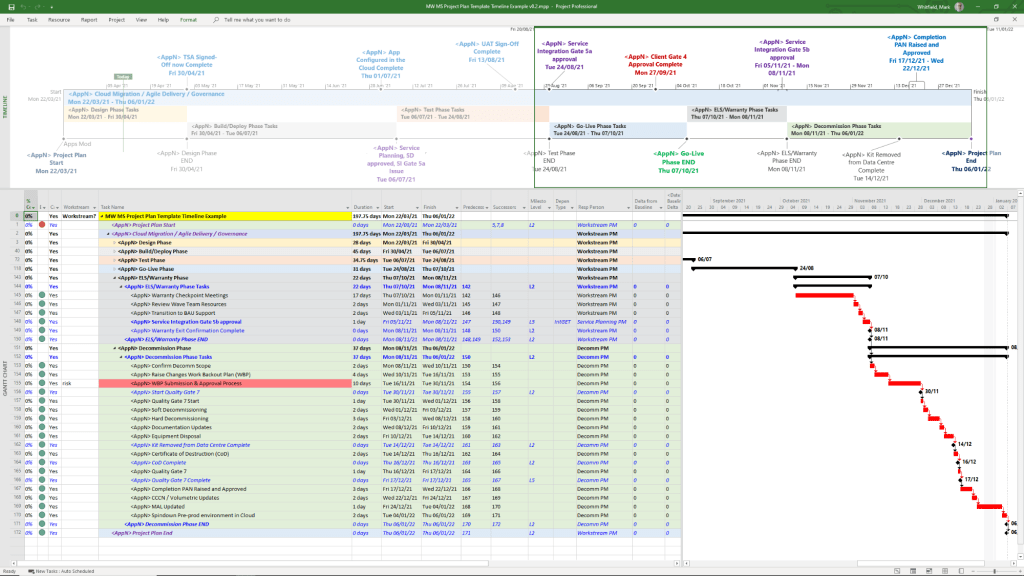
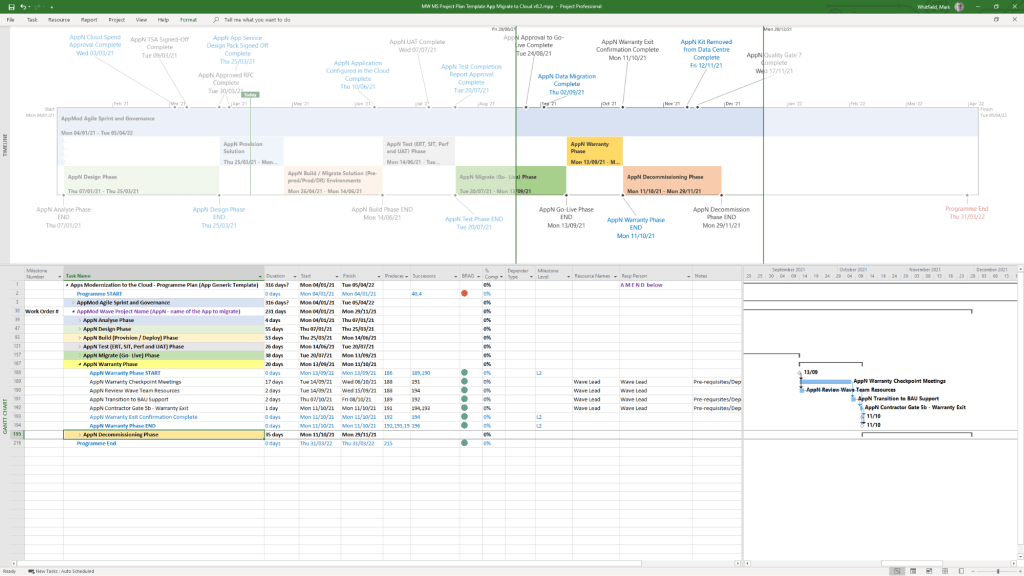
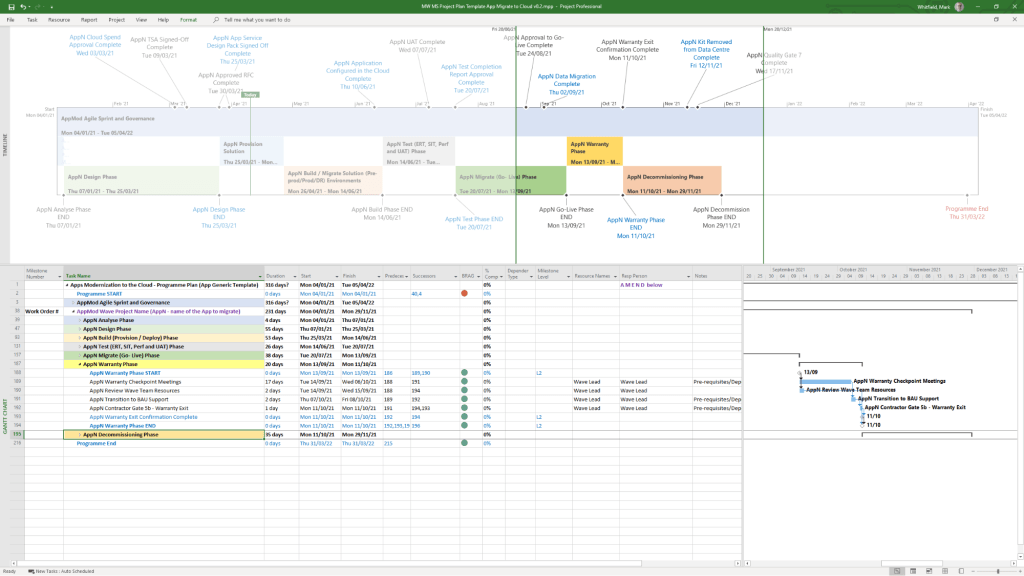
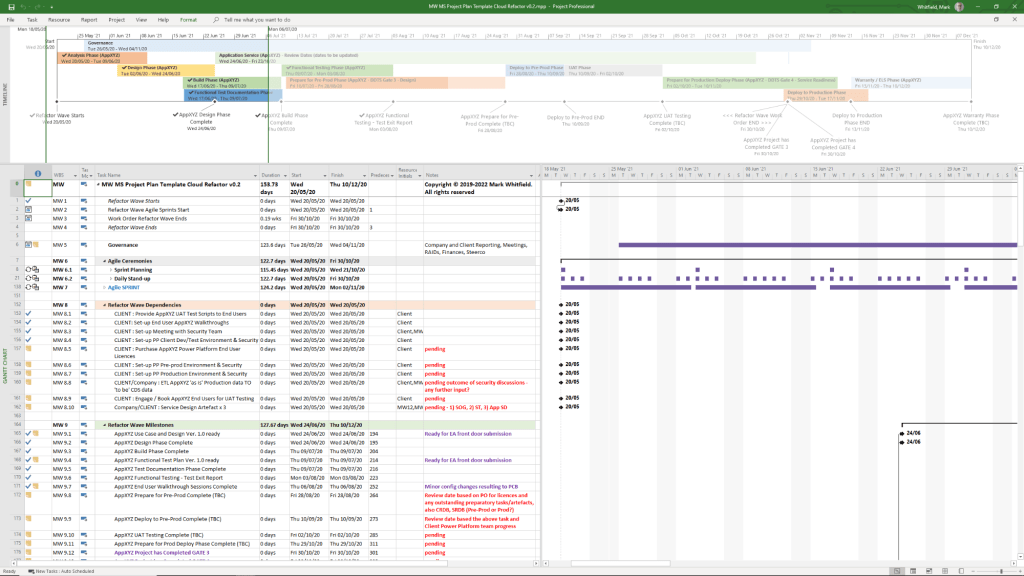
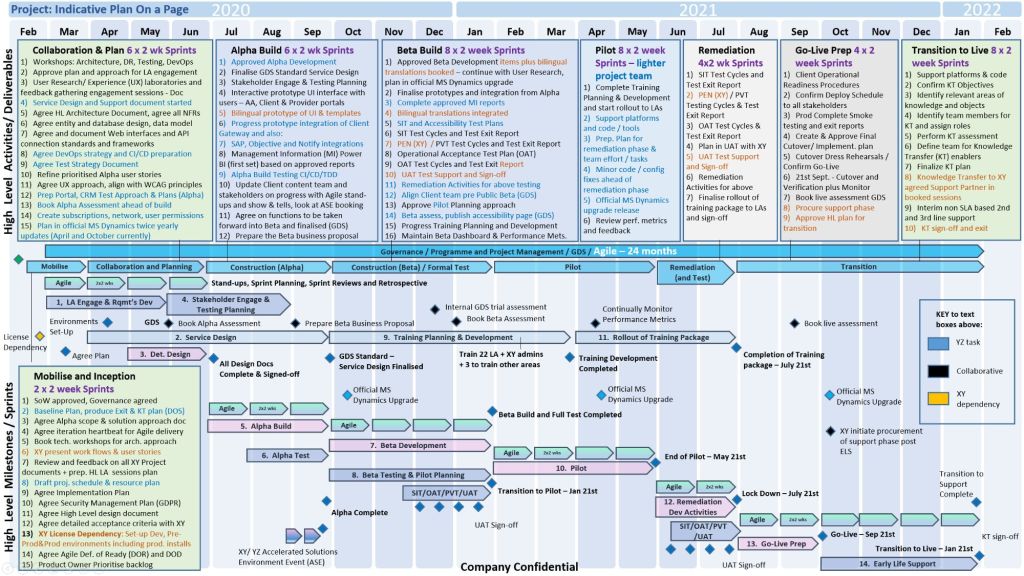
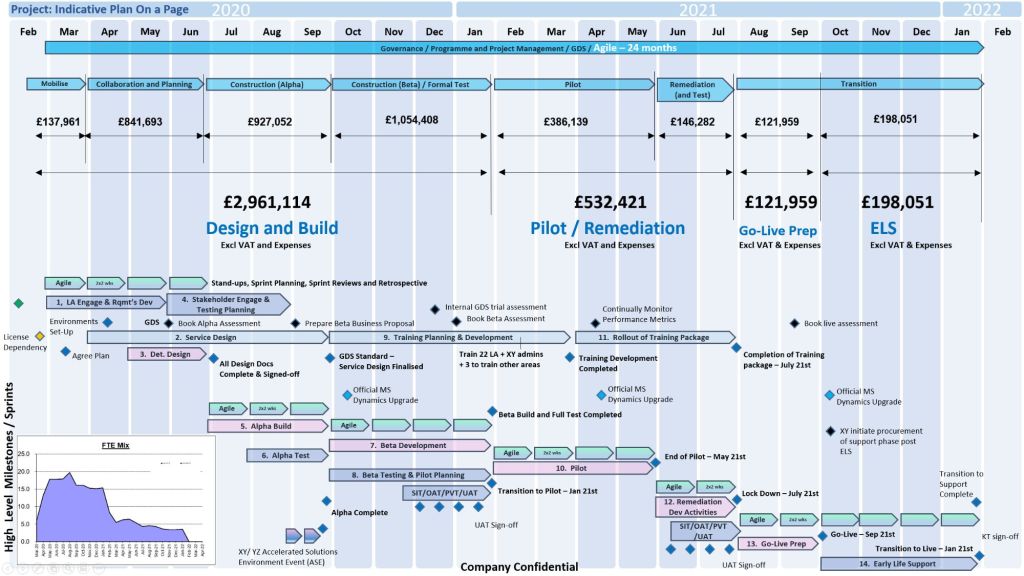
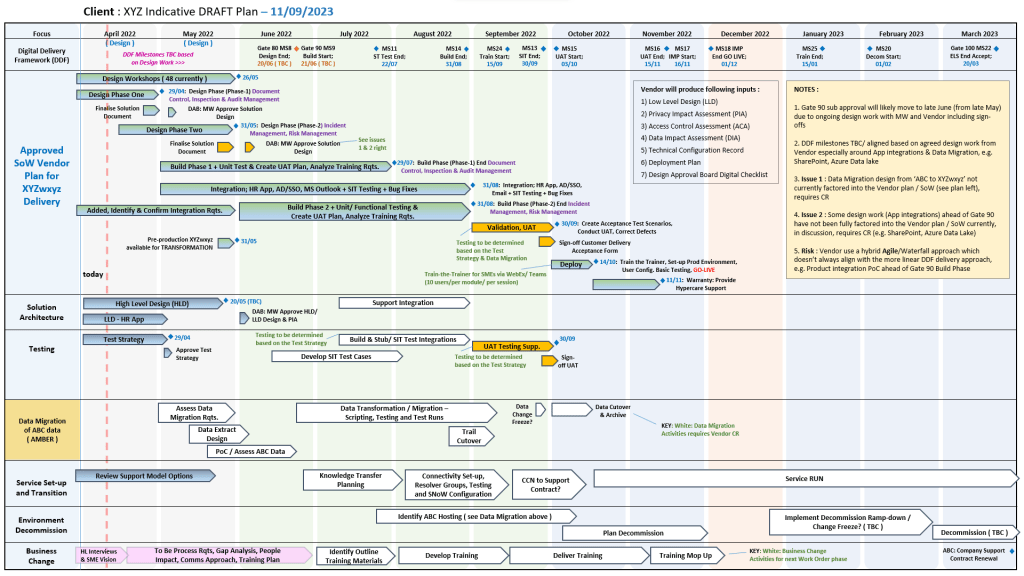
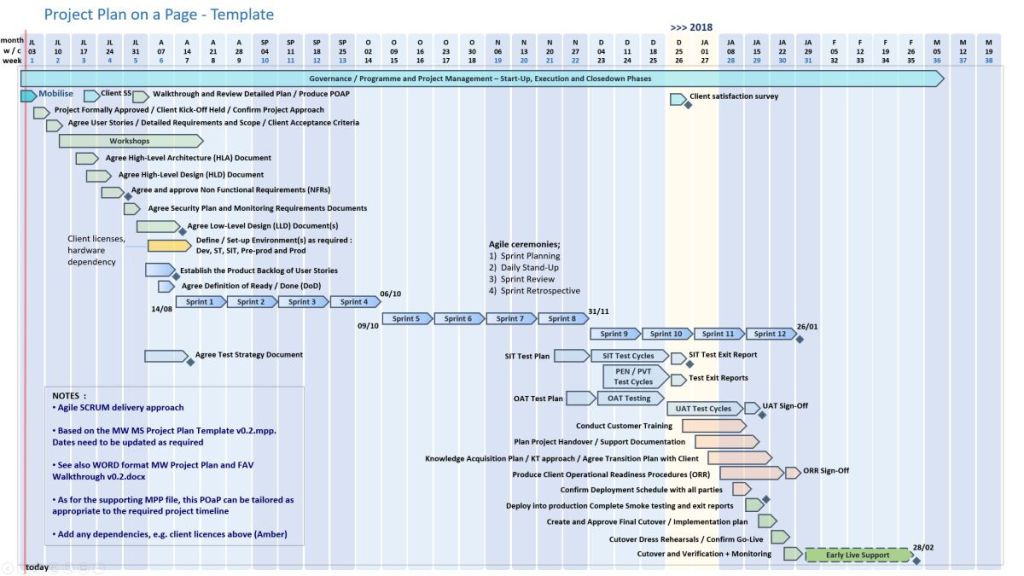
Microsoft Power Platform Development Timeline Overview


 PROject Templates