PRINCE2 project templates, Excel (.xls/.xlsm) & MS Project (.mpp) formats

You can find downloadable PRINCE2 project templates in Excel (.xls/.xlsm) and Microsoft Project (.mpp) formats across several specialized platforms. Because PRINCE2 is a highly structured methodology, standard templates usually map its specific processes (like Starting Up, Initiating, and Controlling a Stage) directly onto Gantt charts and tracking sheets.
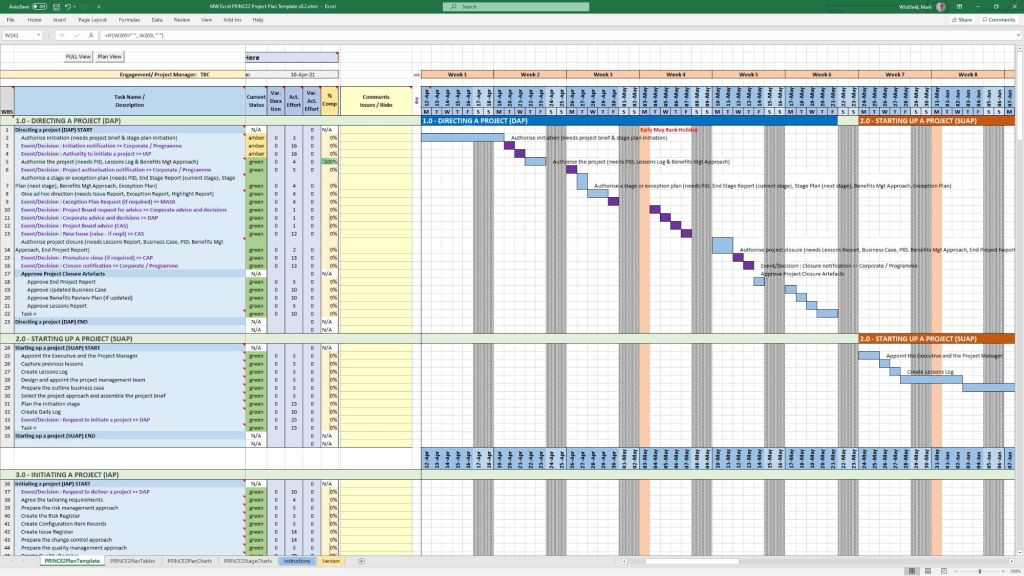
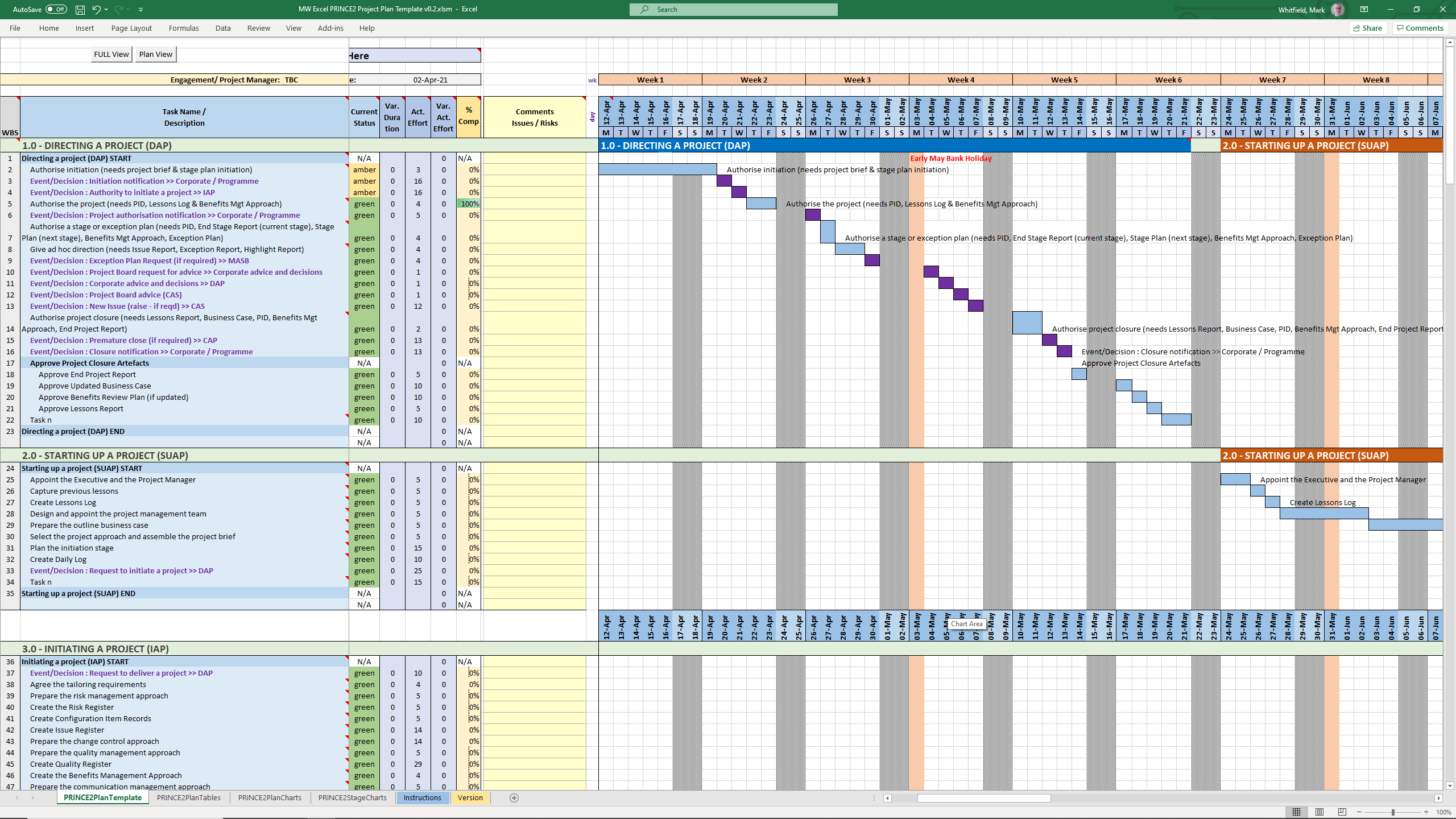
PRINCE2 MS Excel .xls plan in a spreadsheet
PRINCE2 MS Excel .xls plan
in a spreadsheet
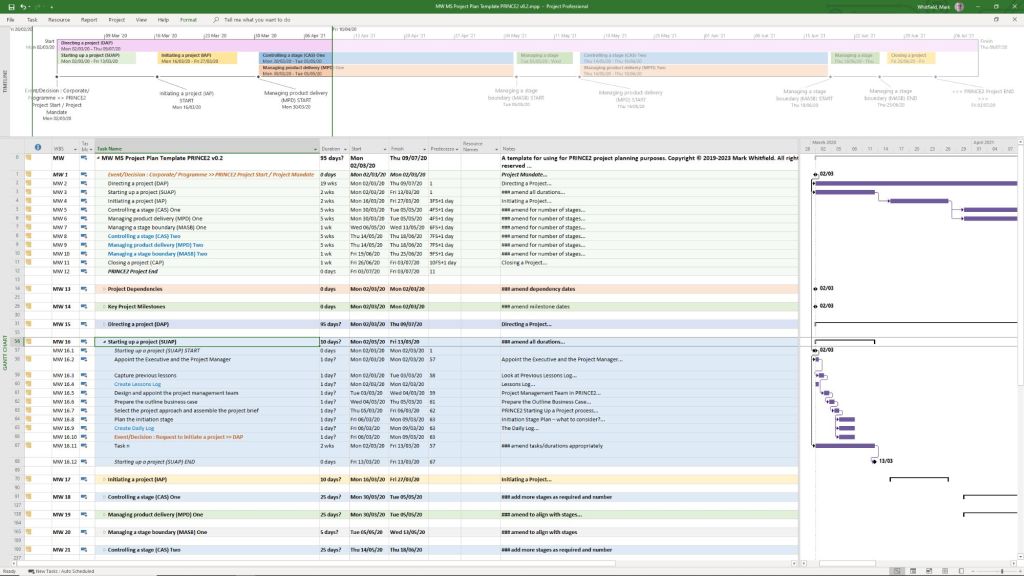
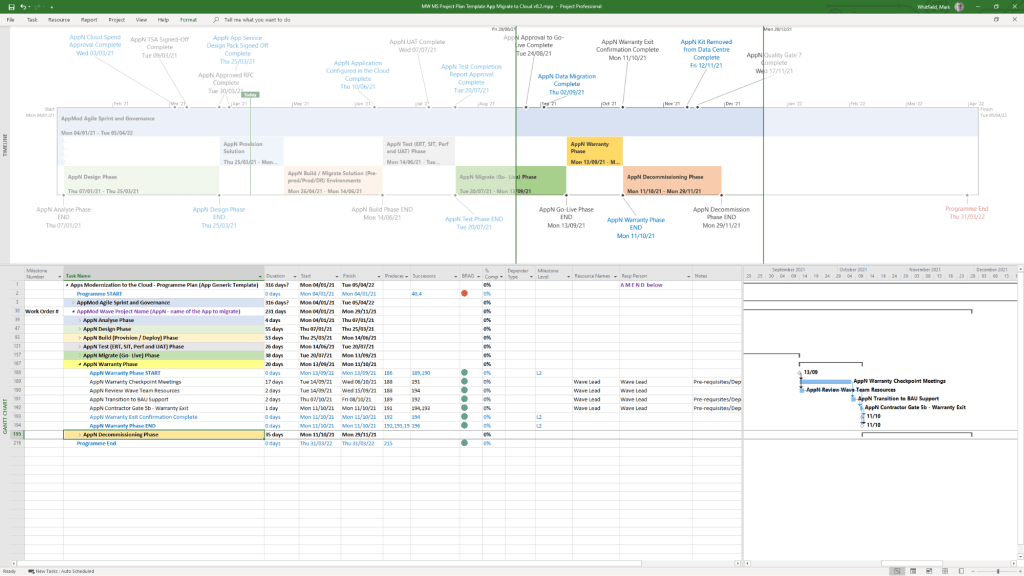
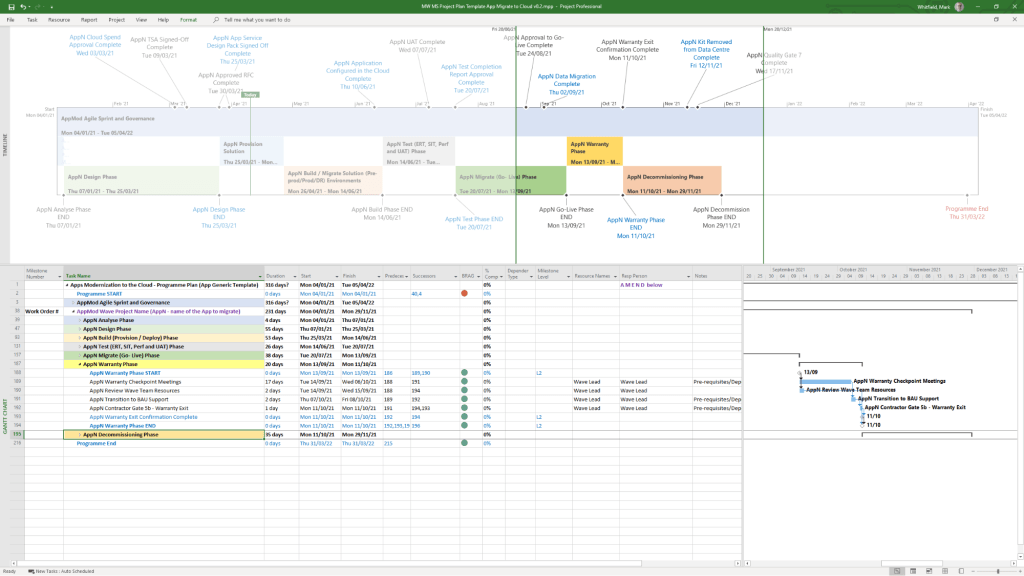
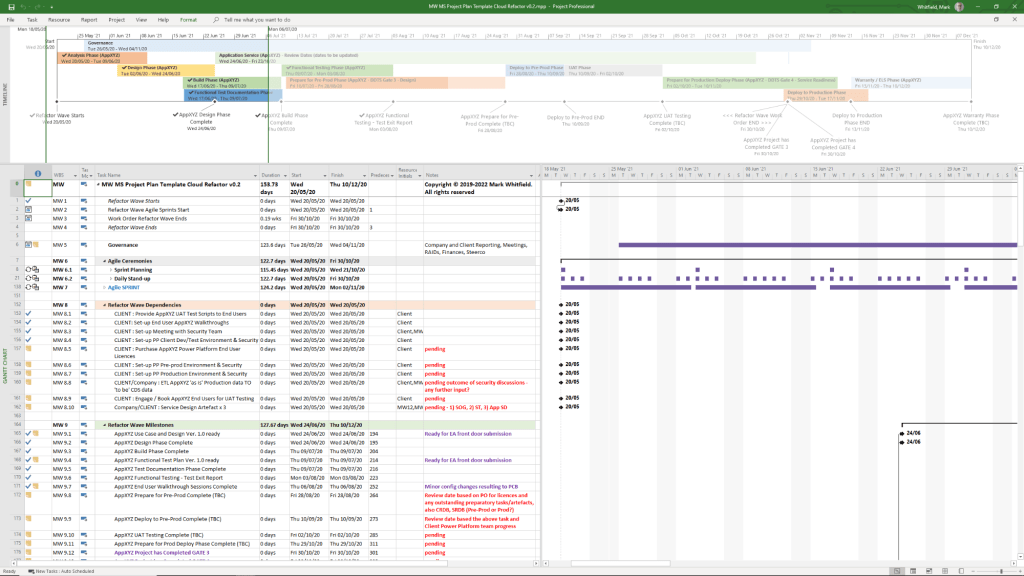
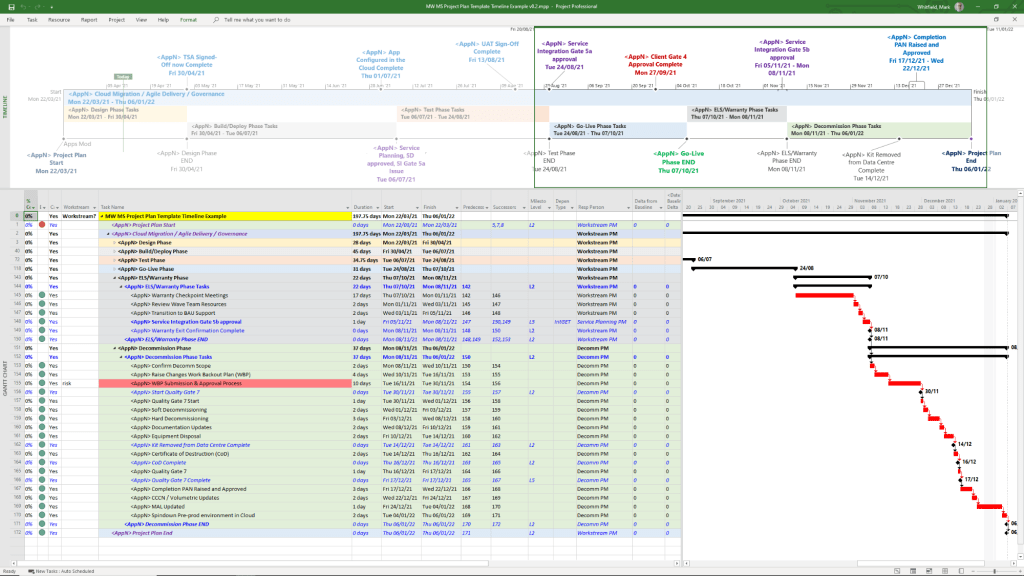
PRINCE2 MS Project .mpp plan in a project file
PRINCE2 MS Project .mpp plan
in a project file

The primary download options, ranging from premium practitioner bundles to free resource packages, are categorized below:

Comprehensive Premium Bundles (MPP & XLS)

If you require a fully integrated toolkit built specifically for the official PRINCE2 framework, individual project management practitioners offer comprehensive marketplace downloads:

  • Mark Whitfield PM Templates: Offers a dedicated seventh edition package including MW MS Project Plan Template PRINCE2 v0.2.mpp alongside its exact equivalent spreadsheet MW Excel PRINCE2 Project Plan Template v0.2.xlsm. You can download this Prince2 toolkit package plus others, on the Mark Whitfield Official Site or through the Mark Whitfield Etsy UK Shop.
  • Flevy Marketplace: Provides highly structured, professional enterprise files. You can purchase and download the PRINCE2 Templates + Microsoft Project MPP & MS Excel Document directly from their platform, which packs the MPP tracking timelines and XLSM / XLS sheets together.

PRINCE2 project templates, Excel (.xls/.xlsm) & MS Project (.mpp) formats

Microsoft Excel XLS PRINCE2 spreadsheet screenshots

Microsoft Excel XLS PRINCE Project Plan with Task Descriptions
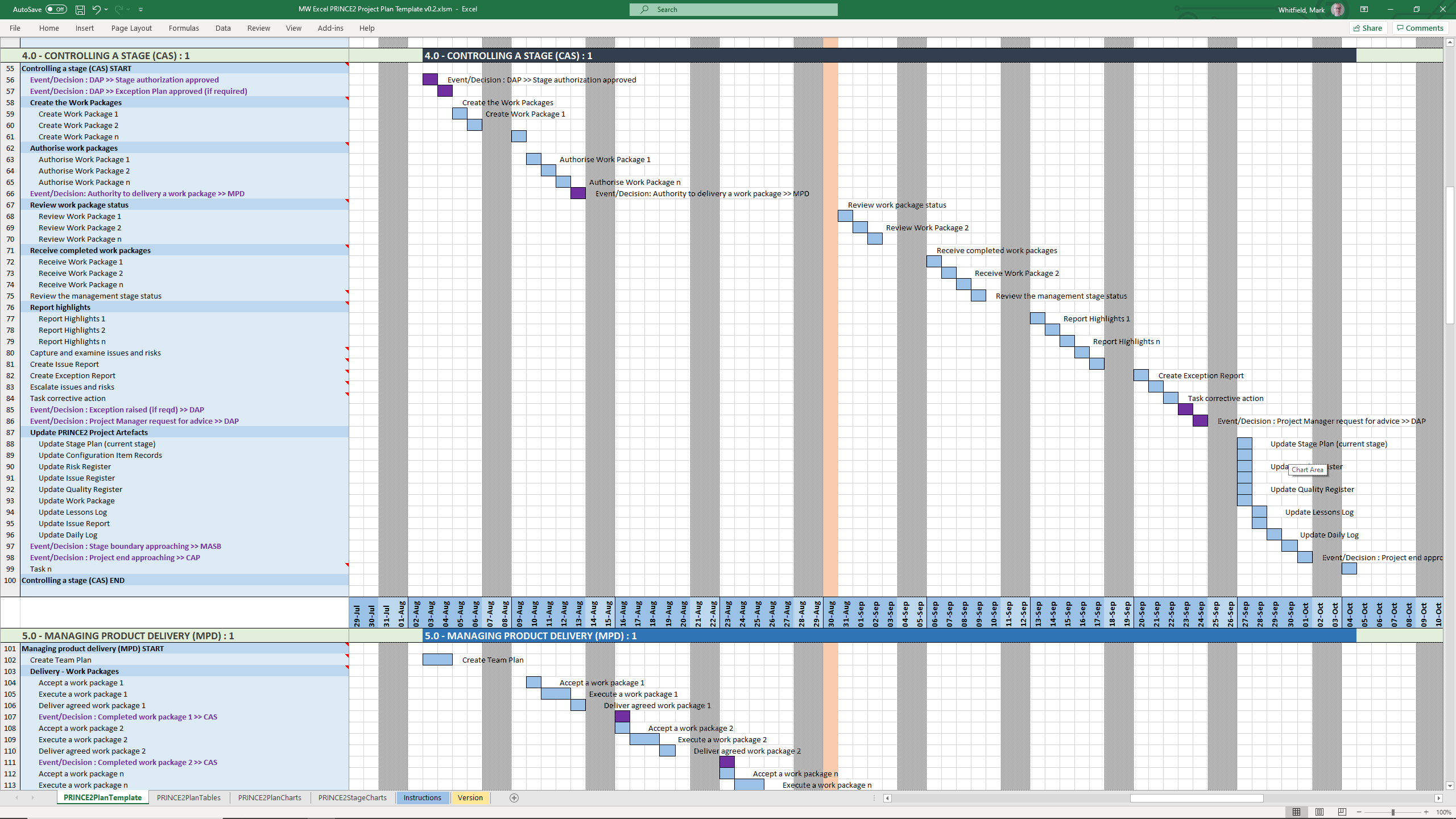
Microsoft Excel XLS PRINCE Project Plan with Gantt View 1
Microsoft Excel XLS PRINCE Project Plan with Gantt View 2
Microsoft Excel XLS PRINCE Project Plan with Gantt View 3
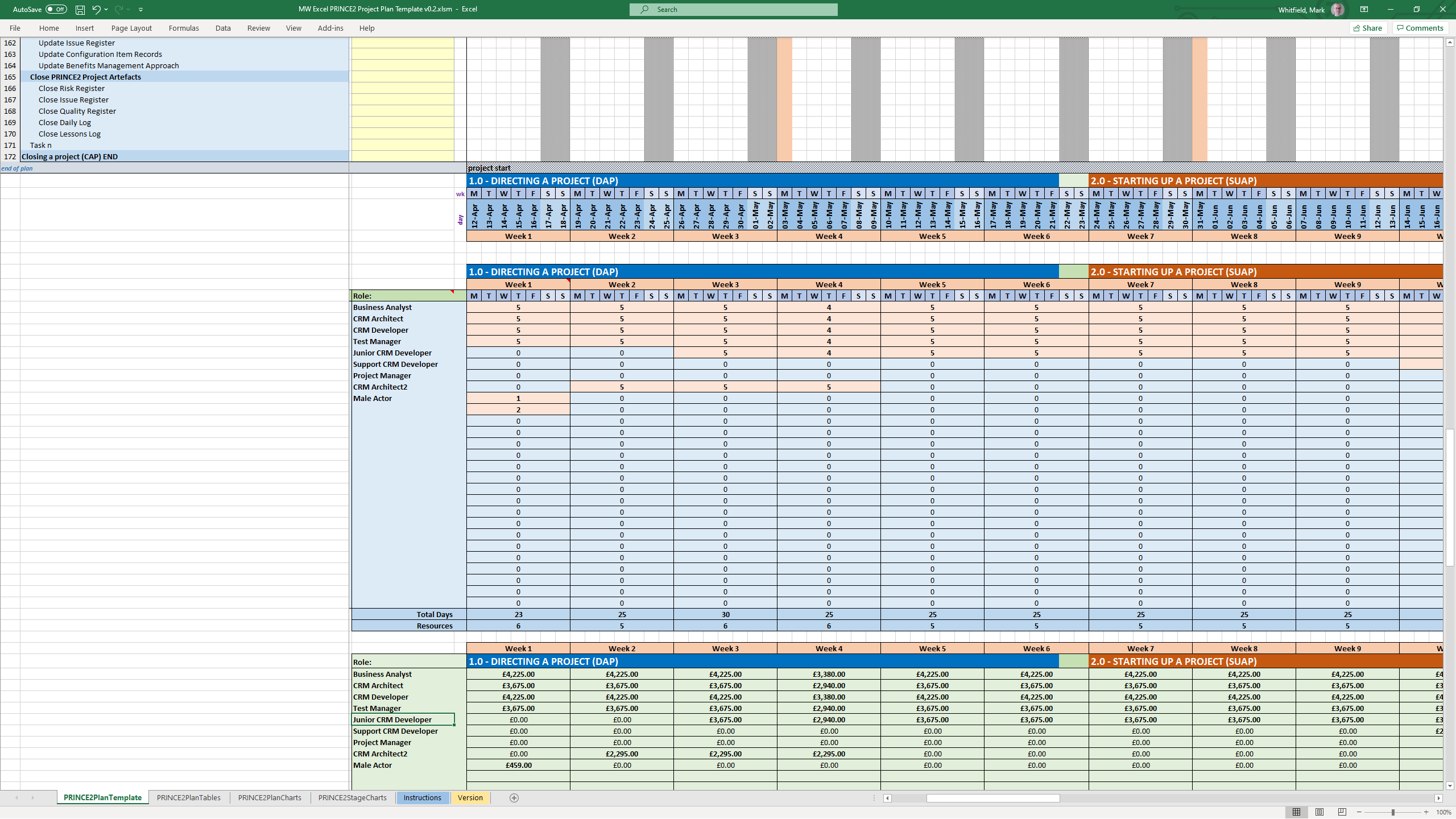
Microsoft Excel XLS PRINCE Project Plan with Delivery Costings
Microsoft Excel XLS PRINCE Project Plan with Charts
Microsoft Excel XLS PRINCE Project Plan with PRINCE2 Stage Charts

Standard Artifacts Included in Download Packages

When downloading a comprehensive .zip toolkit, the package typically contains the core structural elements of the framework divided across your scheduling software:

  • MS Project (.mpp): A pre-constructed Prince2 waterfall delivery layout mapped with the 7 key PRINCE2 stages, built-in dependency workflows, milestone gates, and methodological prompts embedded in the task notes.
  • MS Excel (.xls/.xlsm): Mirrored project planning sheets (with costing) utilizing native formulas to auto-populate Gantt charts, alongside targeted operational spreadsheets like RAID logs (Risks, Assumptions, Issues, Dependencies), RACI matrix charts, resource trackers, and project budget tools.
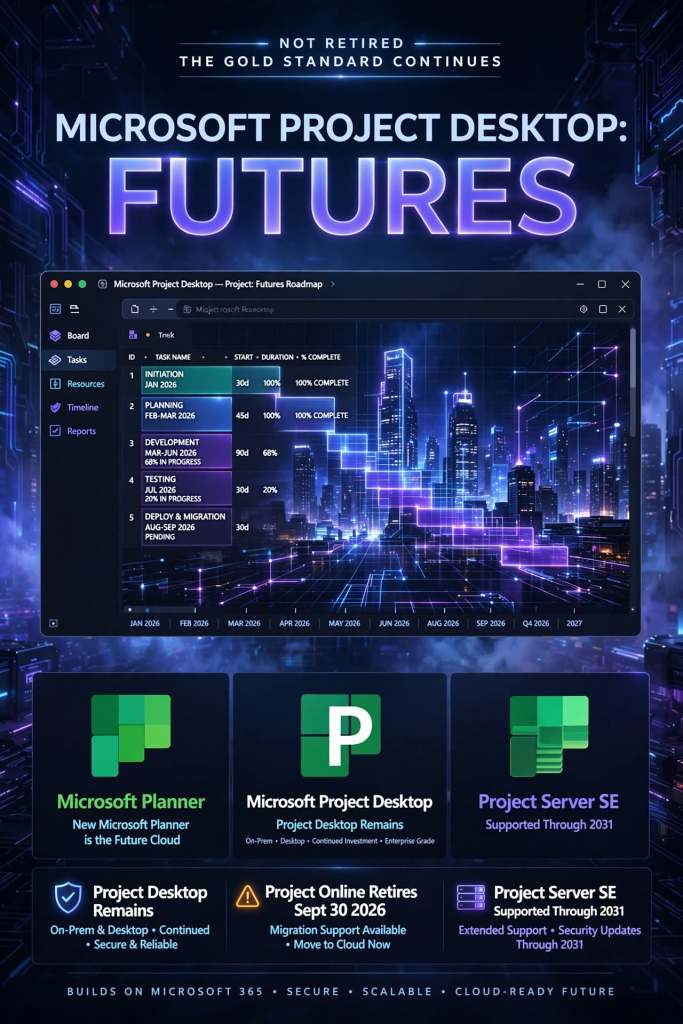
Is Microsoft MS Project Desktop (offline) app being retired?

No, Microsoft Project desktop is not being retired. It remains the “gold standard” for complex project scheduling and will continue to be supported and available for purchase. 

MS Project Templates can be downloaded in the template bundle, click on link at banner above

To purchase example MSP MPP Microsoft Project plan templates, click here.

Confusion often arises because Microsoft has announced the retirement of several related cloud-based and web-based services. Here is the current status of the Microsoft Project ecosystem: 

Products Being Retired

  • Project Online: This service will officially retire on September 30, 2026. After this date, Project Online environments and data will no longer be accessible.
  • Project for the Web: Retired as a standalone brand and was fully merged into the new Microsoft Planner in 2024/2025.
  • Project/Roadmap Apps in Teams: These were retired in August 2025 and replaced by the unified Planner experience. 

Products Staying Active

  • Project Desktop (Project Professional/Standard): Not impacted by the cloud service retirements. You can still use it to manage .mpp files locally or connect it to alternative backend systems like Project Server SE.
  • Project Server Subscription Edition (SE): This on-premises/self-hosted version will remain supported through at least 2031. It is the recommended migration path for organizations that want to keep the “Project Web App” (PWA) interface without using the retired Project Online cloud service.
  • Microsoft Planner: Now serves as the primary cloud-based project management tool, absorbing the features of Project for the Web. 
MS Project Templates can be downloaded in the template bundle, click on link at banner above

Key Dates for Project Online Users:

  • October 1, 2025: End of sale for new Project Online subscriptions.
  • April 2, 2026: SharePoint 2013 workflows (which many Project Online users rely on) will be retired.
  • September 30, 2026: Full shutdown of Project Online.