

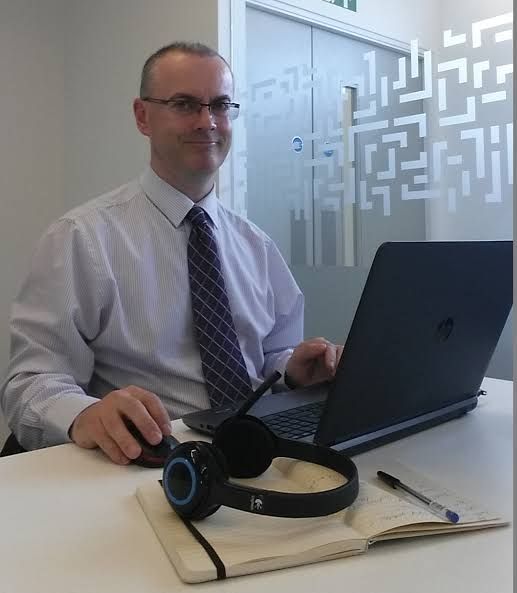
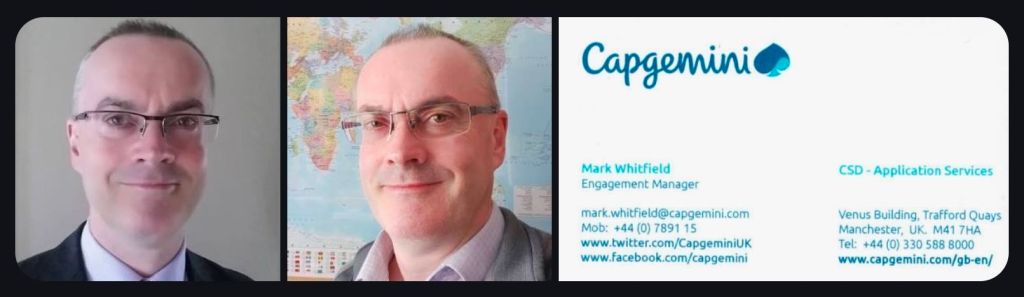
Mark Whitfield is a highly experienced SC-cleared Senior IT Project Manager and Engagement Manager with over 30 years of experience in the software development lifecycle (SDLC), specializing in Agile and Waterfall delivery for financial, automotive, and public sector clients. He has a strong background in HP NonStop (Tandem) systems and currently works for Capgemini.
Comprehensive Career Timeline
Early Career & Foundations (1988–1995)
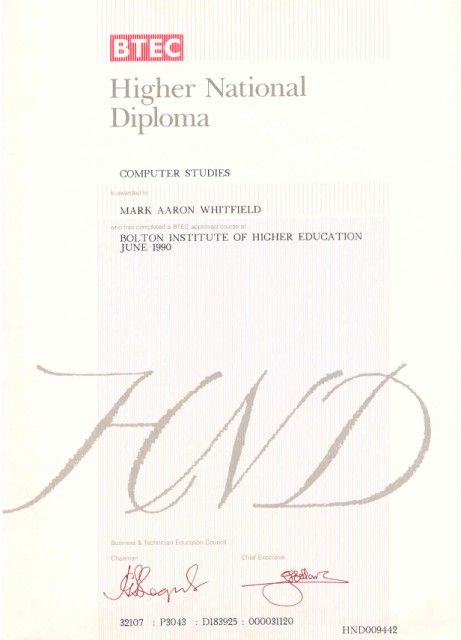
- 1988–1990: Completed Higher National Diploma (HND) in Computing at Bolton Institute of Higher Education (BIHE).
- 1990–1994: The Software Partnership (Runcorn): Programmer specializing in electronic banking software (sp/ARCHITECT-BANK) on Tandem Computers.
- 1994–1995: Deluxe Data (formerly TSP): Lead Analyst/Programmer, focusing on software investigation, design, coding, and on-site installation for clients like TSB, Bank of Scotland, and Rabobank.
Development & Technical Specialization (1995–2013)
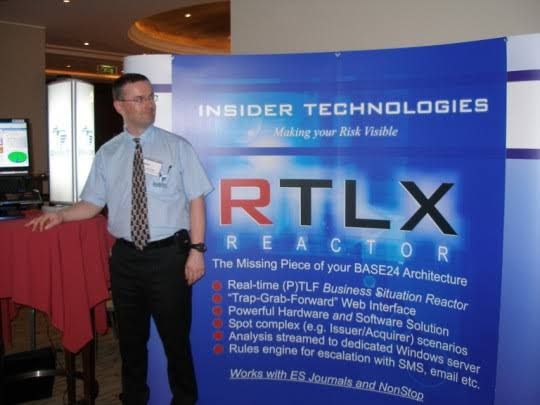
- 1995–2013: Insider Technologies Limited: Spent 18 years progressing from Senior Development Engineer to Project Manager for Strategic Technical Initiatives.
- Key Roles: Managed Reflex 80:20 and Reflex ONE24 product development, technical pre-sales, and consultancy. Developed diagnostic software for monitoring payment systems (BASE24).
- Notable Project: Managed a bid to replace legacy ATM tools at LloydsTSB (5000 ATMs) with Reflex ONE24.
Banking & Digital Project Management (2013–2016)
- 2013–2014: Wincor Nixdorf: Project Manager in the Professional Services Banking Division, managing a £5m+ work stream for Lloyds Banking Group’s Self-Service Software Replacement (SSSR) programme.
- 2014–2016: Betfred: Senior Digital Project Manager for the Online and Mobile Division, delivering payment gateways and sportsbooks for iOS, Android, and Windows.
Senior Engagement Management (2016–Present)
- 2016–Present: Capgemini UK: Engagement Project Manager responsible for delivering both Waterfall and Agile digital projects.
- 2016 (Approx.): Assigned to a UK-wide Air Traffic organization (NATS) for Apple iOS app delivery.
- 2018–2019: MuleSoft (Secondment): Served as a Delivery Manager for the Anypoint Platform.
- Current Focus: Cloud Migration (Hybrid) of 130 apps for UK Government.
Client & Colleague Recommendations
Mark Whitfield is noted for being a detail-oriented manager who provides a strong barrier between developers and difficult clients, while maintaining a friendly, professional, and diplomatical approach.
- Agile Management: “Mark provided an excellent barrier between us (developers) and a difficult client…ensuring that we followed the agile principles” — Callum Marriage (Developer).
- MuleSoft/Capgemini Engagement: “Customers loved him. His was extremely detailed oriented and understood the often-complex needs…never became flustered in high pressure situations” — Delivery Manager, MuleSoft.
- Betfred (2015): “I would highly recommend Mark for his ability to successfully multi-task under significant pressure… [he] produced a very comprehensive handover document” — IT Compliance Analyst, Betfred.
- Capgemini/JLR Project: “Mark was able to do a good planning, with the correct resources, on time delivery and with good relationship between stakeholders” — Head of Integration Development.
Key Areas of Expertise
- Methodologies: PRINCE2 Practitioner, Agile SCRUM, ITIL, ISO9001:2008.
- Tools: MS Project, MS Excel/Office, RAID logs.
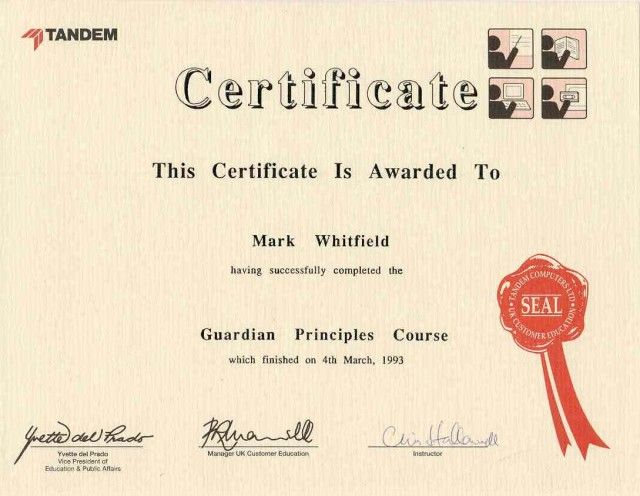
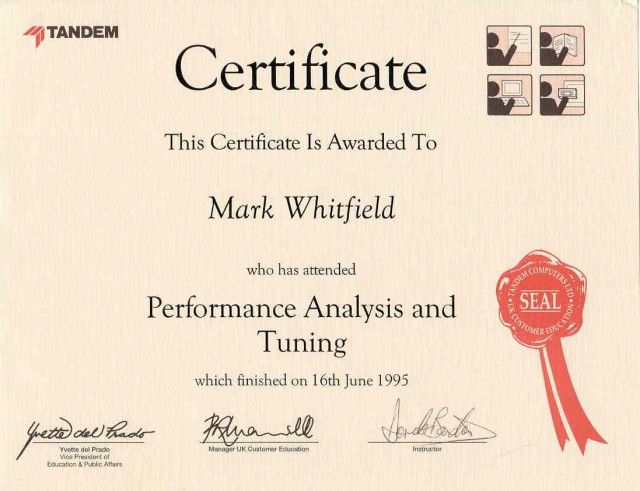
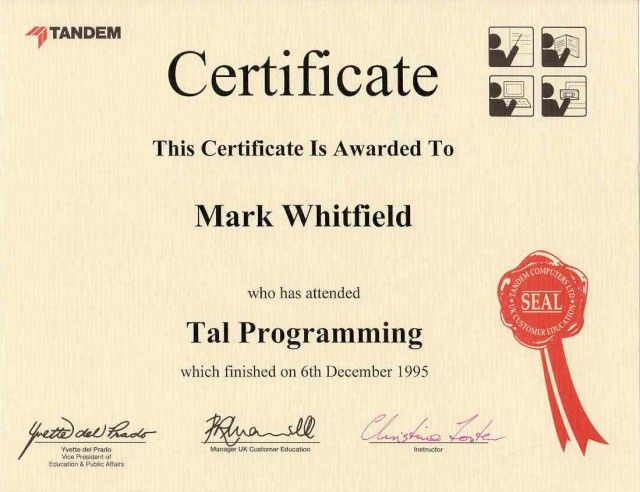
- Technical Background: HP NonStop (Tandem) Systems, BASE24, C++, TAL, COBOL.
- Industries: Financial/Banking, Aerospace & Defence, Government, Automotive, Gambling.
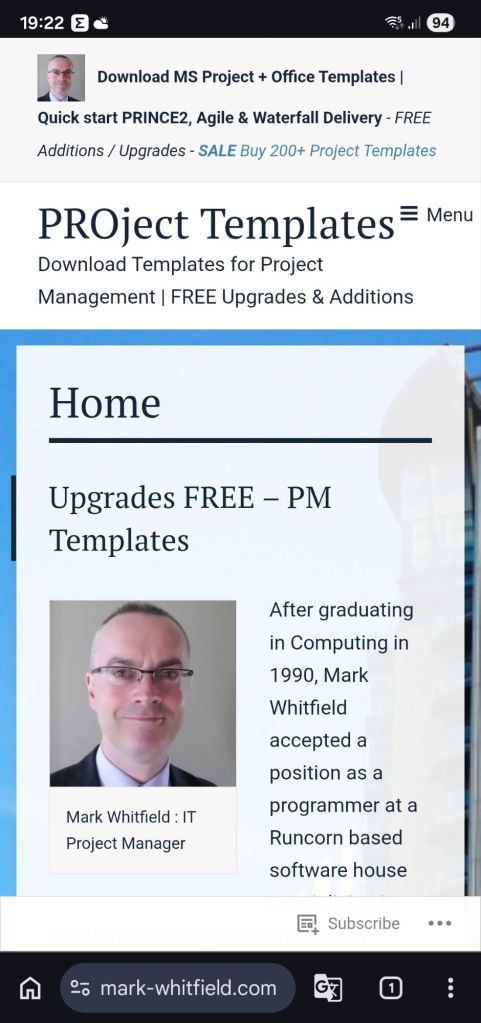
Mark Whitfield’s website (mark-whitfield.com) serves as a professional portfolio and resource hub for his 30+ year career as a SC-cleared Senior IT Project Manager. It offers over 200 editable project management templates for Agile, Waterfall, and PRINCE2 methodologies, alongside career insights and project experience.
Website & Content Overview
- Project Management Resources: The site, often known as PROject Templates, provides downloadable templates for planning, scheduling (Gantt charts), project initiation (PID), and project control.
- Methodology Focus: Resources are tailored for PRINCE2 (including Agile Scrum), and Agile/Waterfall delivery methods.
- Career Portfolio: Features his work history as a Senior IT Project Manager, including roles at Capgemini, Betfred, and various financial institutions.
- Technical Specialization: Highlights expertise in HP NonStop systems, digital projects, and payment/transaction systems.
- Professional Background: Mentions his experience with major clients such as Jaguar Landrover, Heathrow, Royal Mail, and various banks.
The site is designed for project managers looking for templates to speed up project documentation and for clients looking to review his career accomplishments.
Senior IT Project Manager & Project Templates author – Mark Whitfield
Templates sold on this website are designed for Microsoft Office (Excel, Word, PowerPoint) and MS Project (MPP) and are used for tracking and planning software development lifecycle (SDLC) projects.
Template Breakdown
The templates, often sold in a bundle, include over 200+ editable items aimed at project delivery. Key components include:
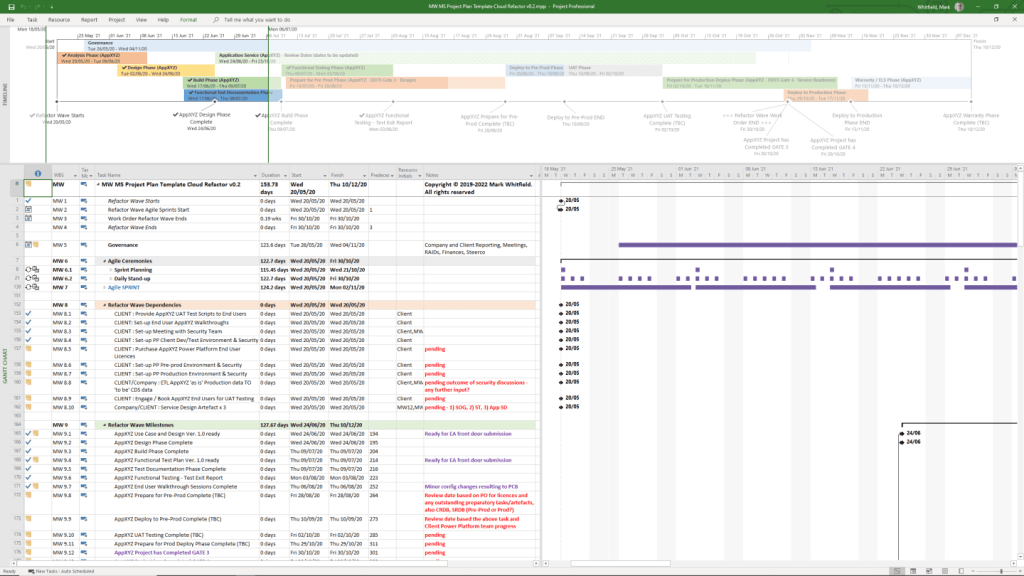
- Project Planning (MS Project & Excel): Detailed Waterfall project planners with Gantt views, Agile Sprint plans, and Plan on a Page (POaP) examples.
- RAID Logs (Risk, Action, Issue, Dependency): Comprehensive Excel trackers for managing risks, issues, assumptions, and dependencies.
- Financial & Resource Management: Project finance trackers (forecasts, actuals, variance) and resource trackers for tracking team members and costs.
- Project Governance (Word & PowerPoint): Project initiation documentation (PID), status reports, RACI matrices (responsible, accountable, consulted, informed), and project organization charts.
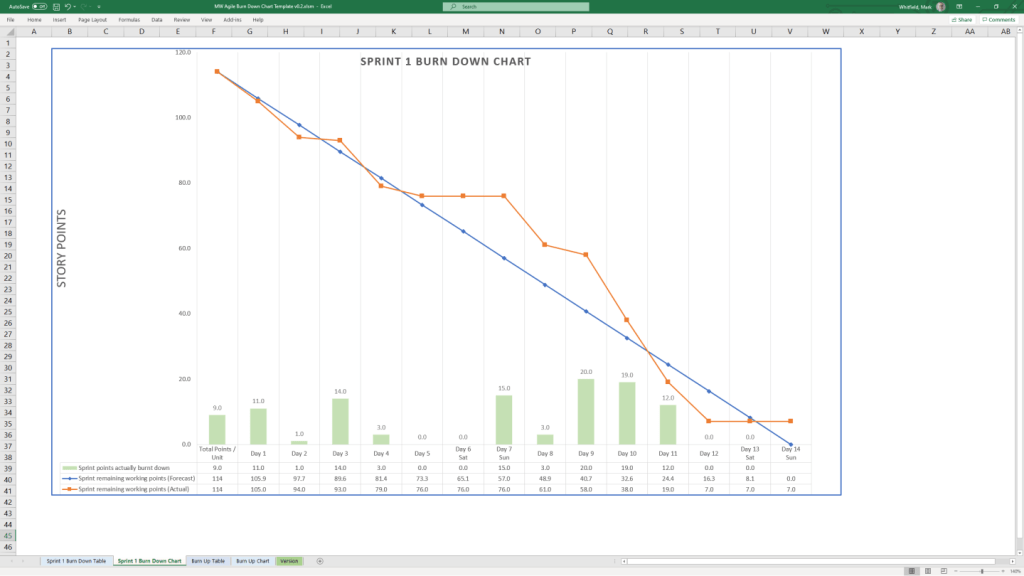
- Agile/Scrum Tools: Burn-down and burn-up charts, story dependency trackers, and Kanban templates.
- Closeout: Lessons learned logs and benefit realization analysis trackers.
Where to Buy
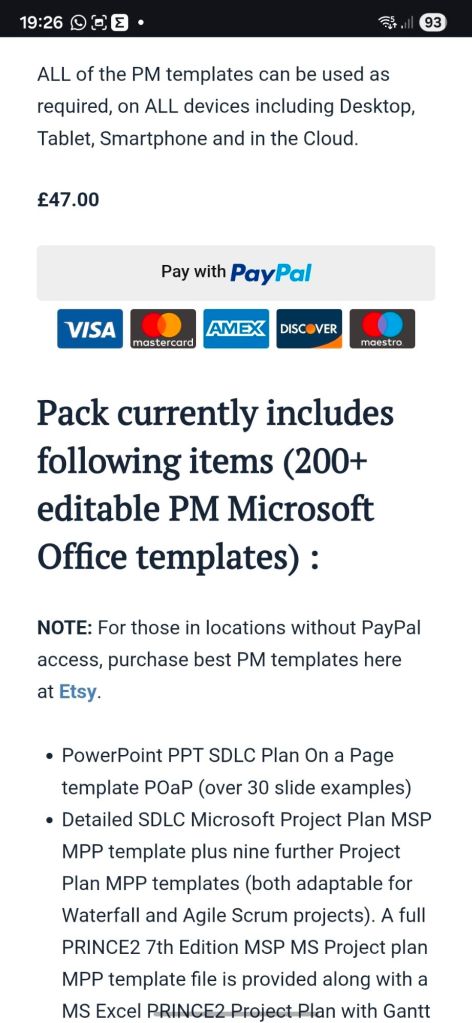
- Official Website: mark-whitfield.com (PROject Templates) is the primary source, offering a bundle with free lifetime upgrades.
- Etsy: Mark Whitfield’s templates are available for purchase here, particularly for those needing alternative payment methods.
- Eloquens: He maintains a channel on Eloquens for downloading professional templates.
The templates are fully editable, allowing users to tailor them to specific project requirements.
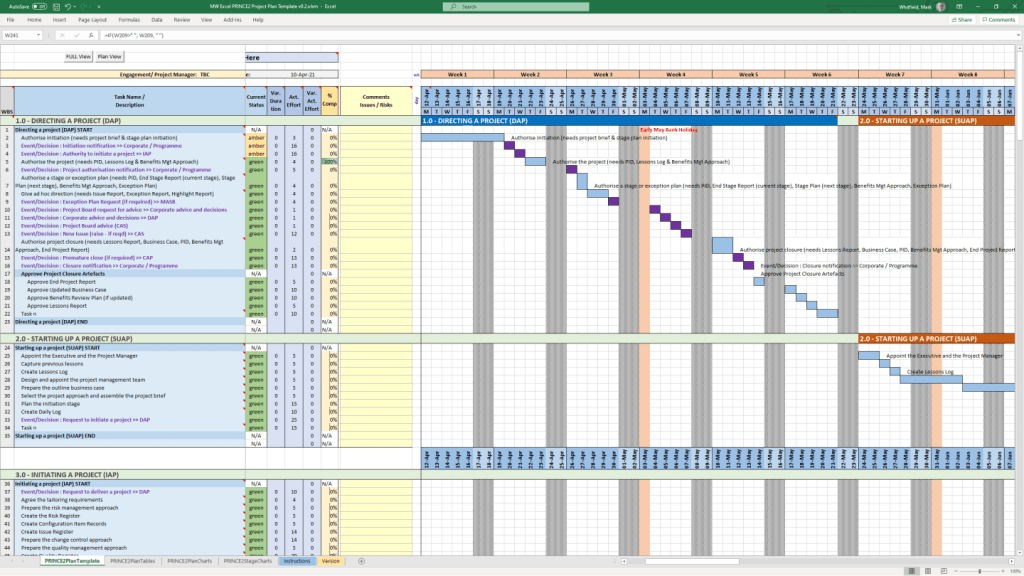
 PROject Templates