

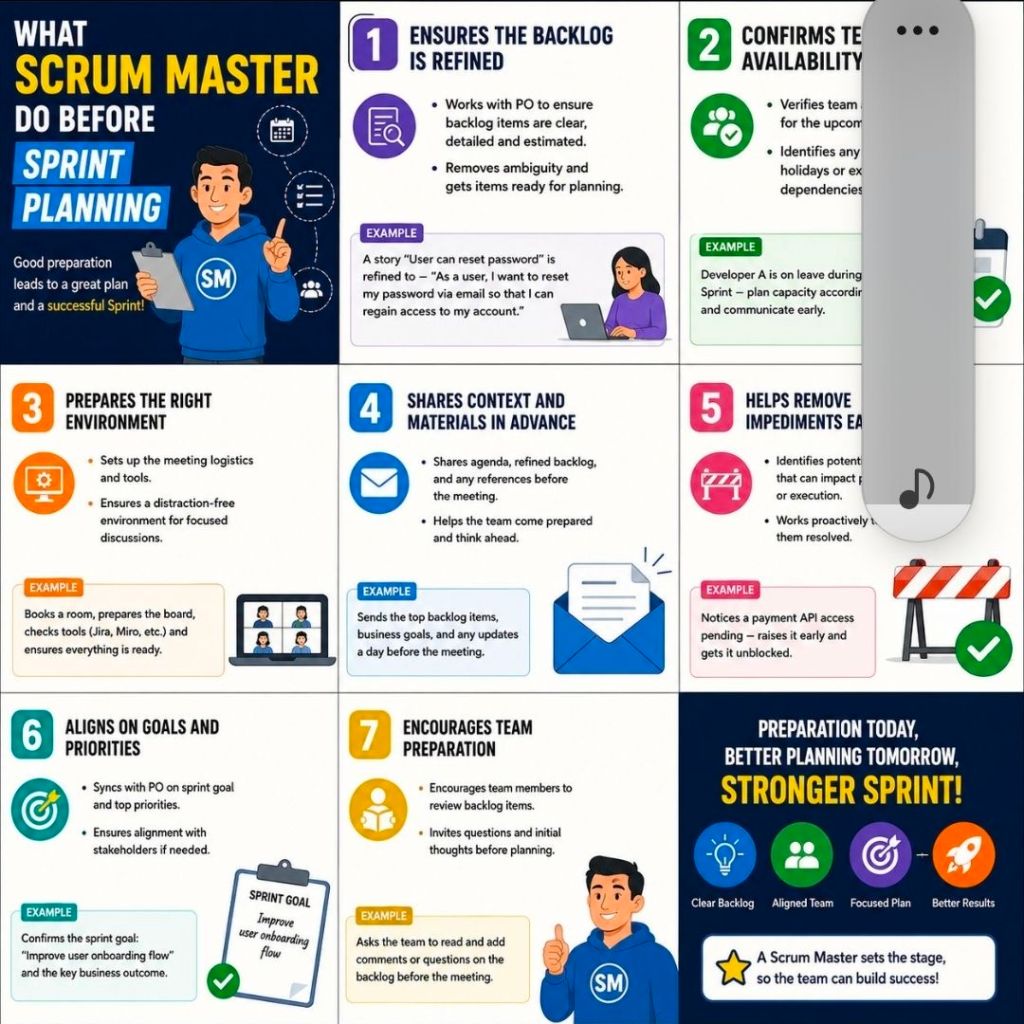
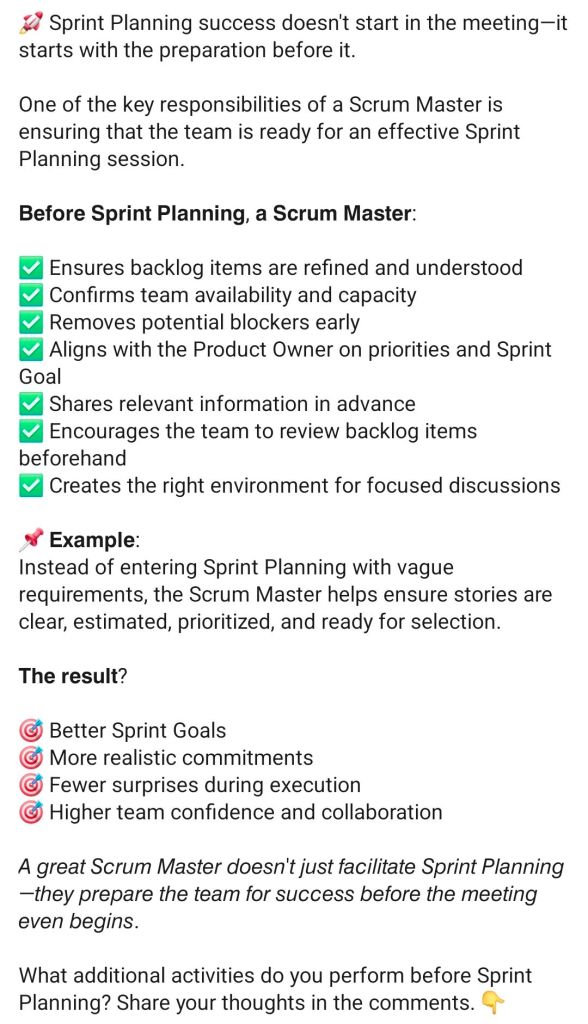
The primary role of a Scrum Master before Sprint Planning is to ensure the Scrum Team is fully prepared so that the actual planning event remains focused, highly efficient, and time-boxed. Rather than managing the tasks themselves, the Scrum Master acts as a coach and facilitator to clear roadblocks beforehand.
The core activities a Scrum Master performs prior to Sprint Planning include:
1. Facilitate Product Backlog Refinement
- Ensure regular grooming: Schedule and guide Product Backlog Refinement sessions to avoid lengthy discussions during the planning meeting.
- Uphold the Definition of Ready (DoR): Coach the team to ensure top backlog items have clear acceptance criteria, dependencies mapped out, and early estimations completed.
- Review Definition of Done (DoD): Verify if changes to the product’s DoD are required, as this directly impacts the team’s capacity and effort forecasting.
2. Support and Coach the Product Owner (PO)
- Clarify strategic intent: Collaborate with the Product Owner to align upcoming work with the broader Product Goal and roadmap.
- Draft a preliminary Sprint Goal: Help the PO articulate a clear, value-driven objective before the meeting.
- Backlog sequencing: Ensure the Product Owner has ordered the backlog by business priority so the team knows exactly where to focus.
3. Calculate Team Capacity and Velocity
- Assess availability: Gather data on planned leaves, holidays, corporate events, or company-wide obligations for the upcoming sprint window.
- Analyze historical data: Review past performance metrics and stable velocity charts via tools like ScrumDesk to establish a realistic baseline.
- Account for overhead: Factor in time for technical debt, unplanned production support, or cross-team collaborations.
4. Remove External Dependencies and Blockers
- Cross-team coordination: Identify and resolve external technical blockers or team dependencies that could halt execution.
- Invite external experts: Coordinate with the Product Owner to invite technical experts, stakeholders, or users from other departments to provide advice during planning.
5. Prepare the Logistics and Workspace
- Set the agenda: Create and distribute a structured time-boxed agenda to set expectations and keep the session on track.
- Set up digital boards: Organize Jira boards, Miro canvases, or Azure DevOps instances to ensure the workspace is ready for smooth item mapping.


